













공식 공급 업체
200 이상의 소프트웨어 개발처와 판매 계약을 맺은 공인 디스트리뷰터로서 합법적인 라이선스를 제공합니다.
모든 브랜드 보기.
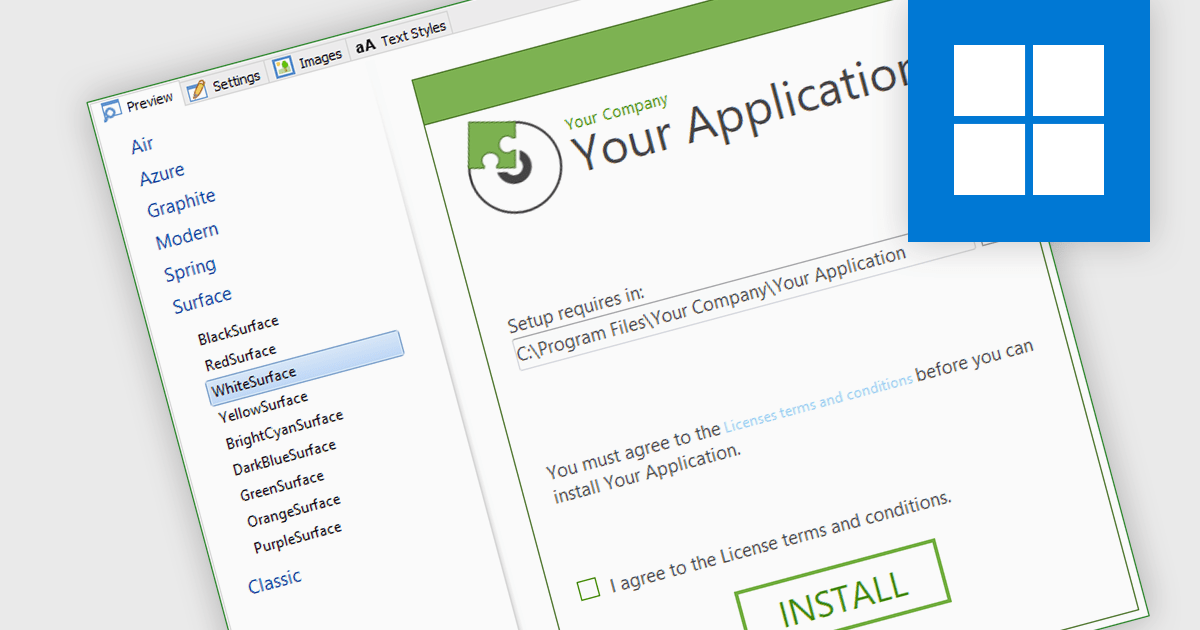
Installation tools often feature a UI designer, providing an easy way to visually design the installation process. This functionality allows you to define the sequence of installation steps, configure file placements, and customize user interactions such as dialog boxes and progress bars. By eliminating the need for manual scripting, these tools save development time and ensure a consistent, user-friendly installation experience across all deployments.
Several installation tools include a installer UI designer including:
For an in-depth analysis of features and price, visit our Installation Tools comparison.
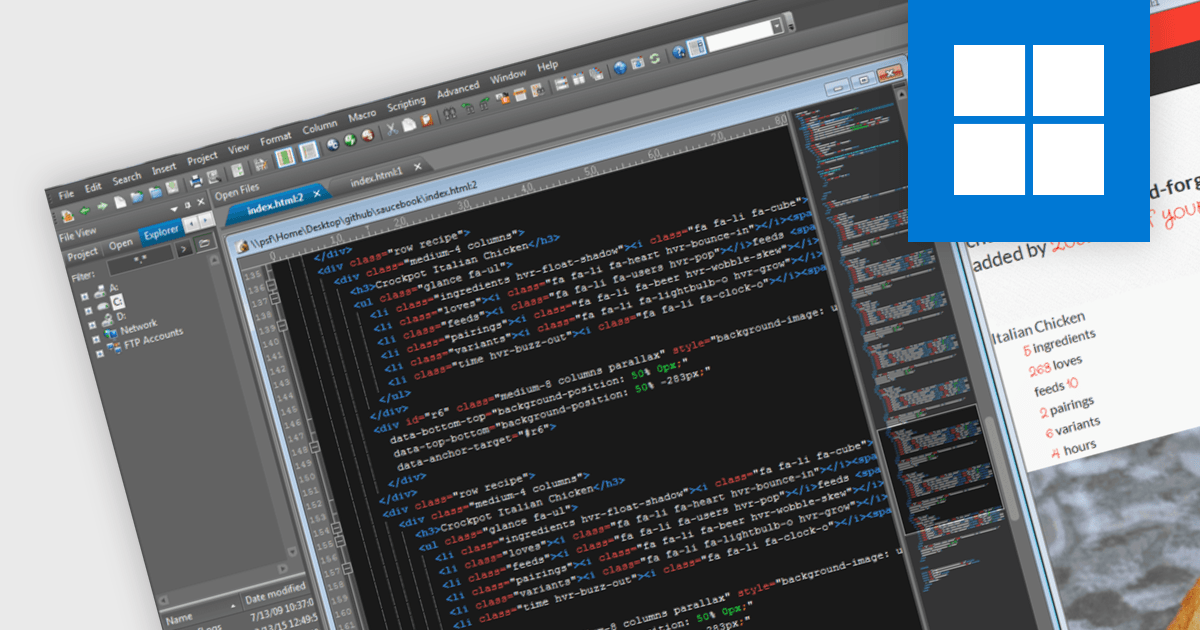
Many IDEs offer the ability to work with HTML (HyperText Markup Language) format - the baseline standard format for web pages. This support is crucial as it allows developers and designers to structure web content effectively, embedding elements such as text, images, and links, and applying styles to create visually appealing and functional websites. The primary benefit of HTML is its universal compatibility across web browsers, ensuring that content can be consistently displayed to users regardless of their device or browser type. Additionally, HTML's straightforward syntax facilitates easier learning and implementation, making it accessible for beginners while robust enough for advanced programming, thereby enhancing the development process and allowing for the efficient maintenance and scalability of web applications.
Several integrated development environments offer HTML support, including:
For an in-depth analysis of features and price, visit our comparison of IDEs.
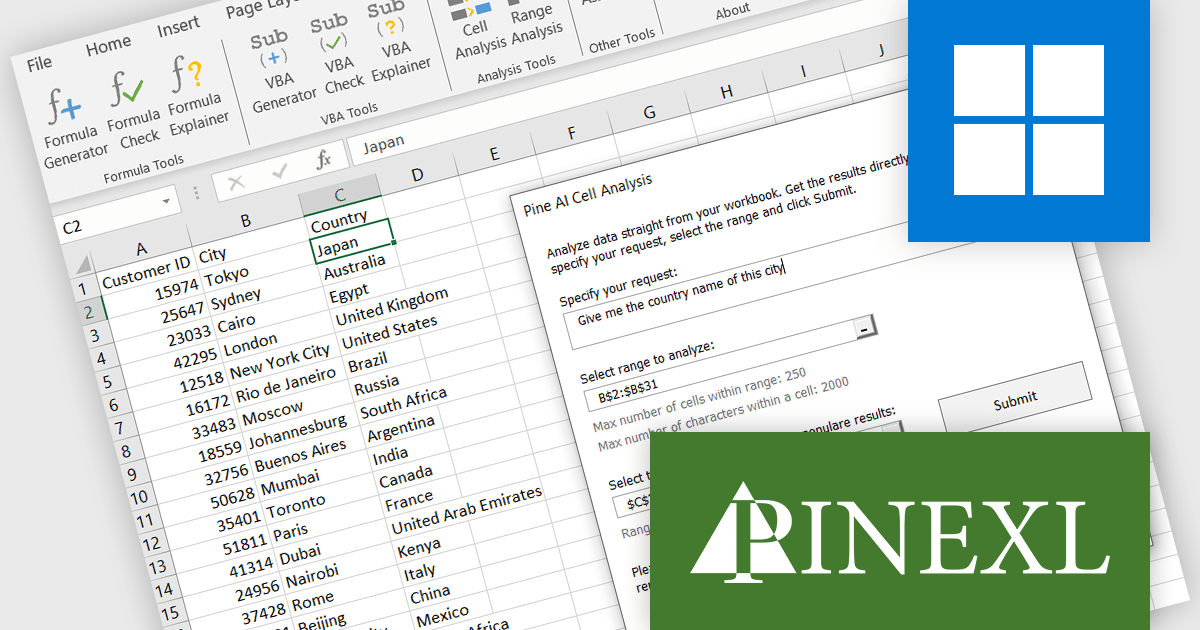
Pine AI Excel Add-In, developed by Pinexl, leverages OpenAI's ChatGPT to provide AI-powered functionalities within Microsoft Excel. This VBA-based add-in caters to both beginner and advanced users by offering formula generation, error correction, and explanation alongside VBA code generation, repair, and description. Pine AI's ability to comprehend user intent and directly analyze data within spreadsheets streamlines data manipulation and automation tasks for Excel users.
The Pine AI v1.4.2 update significantly expands its capabilities for handling complex data and tasks within Excel. The maximum number of characters you can input has been significantly raised for core features, allowing you to tackle more intricate formulas and explanations with the AI Assistant, Formula Explainer, Formula Check, Formula Generator, and VBA Generator. This update expands Pine AI's capabilities, making it an even more powerful tool for developers who want to supercharge their Excel workflow.
To see a full list of what's new in 1.4.2, see our release notes.
Pine AI Excel Add-In is licensed per user on an annual subscription basis. To continue using the software you will need an active subscription. See our Pine AI Excel Add-In licensing page for full details.
Learn more on our Pine AI Excel Add-In product page.

ComponentSource, the world’s largest reseller of software components, is proud to celebrate the 10-year anniversary of its partnership with JointJS, part of client.IO, a company dedicated to developing Low-Code/No-Code tools and empowering innovative thinkers to create amazing products faster.
JointJS is a well-established, community-driven JavaScript diagramming library that empowers developers to build interactive visual UIs and applications. Its user-friendly API and rich feature set enable the creation of diverse diagrams, from flowcharts and network visualizations to UML models and mind maps, making it a versatile tool for a wide range of development needs.
By utilizing ComponentSource's global network and unparalleled expertise in software distribution, JointJS has achieved an expanding customer base. This decade-long collaboration has provided developers with intuitive and efficient diagramming tools to cut development times and improve productivity for developers and businesses across the world.
Learn more about JointJS.
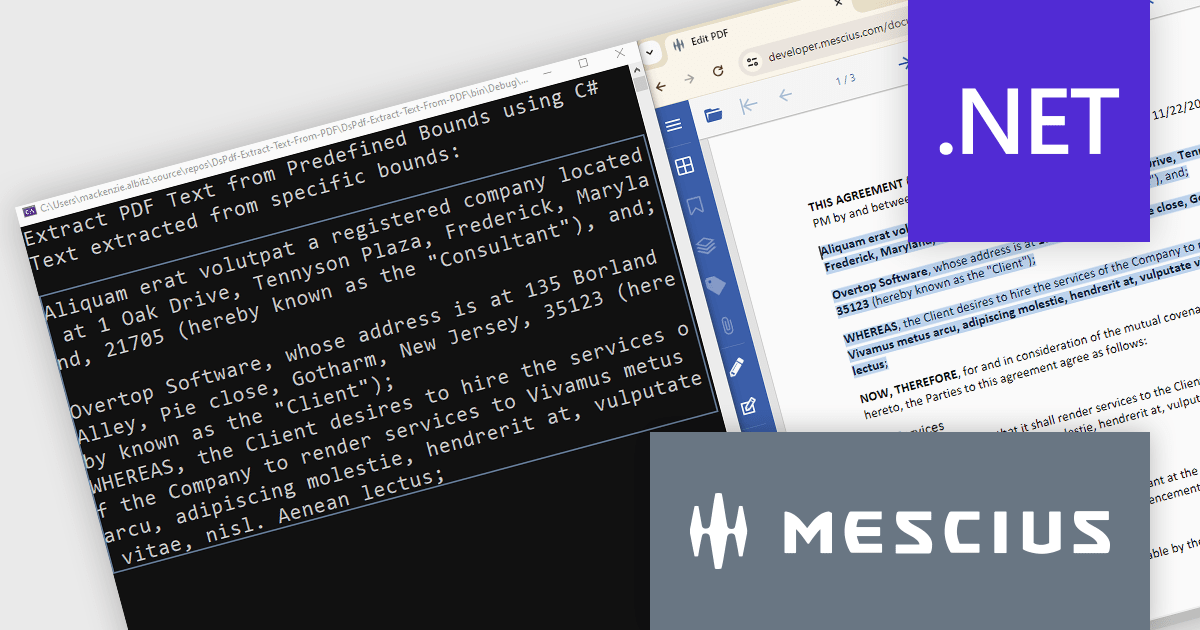
Document Solutions for PDF (DsPdf) is a high-speed, feature-rich, server-side PDF API Library for .NET with no dependencies on Adobe Acrobat. DsPdf allows developers to programmatically create, manipulate, import/export, and deploy PDF documents, including AcroForms, across desktop and web applications at scale. With full .NET support, you can generate, load, modify, and convert PDFs directly within your .NET, Mono, Xamarin.iOS, and Xamarin.Android apps. It also includes a fast JavaScript-based client-side viewer/editor that allows users to view/optionally edit PDF documents in desktop/web applications.
In this blog post, MESCIUS Product Marketing Specialist Mackenzie Albitz demonstrates how to use DsPdf to unlock PDF content seamlessly by parsing and extracting text from PDFs for a variety of scenarios, including:
Sample code is included and there's even a link to a Quick Start Demo and a complete sample application to assist you in getting started.
Read the full blog to learn how to unlock PDF content.
Document Solutions for PDF is licensed per developer and is available in several license options for differing distribution needs. Team licenses are also available for multiple developers within the same organization. See our Document Solutions for PDF licensing page for full details.
Learn more on our Document Solutions for PDF product page.
전화 : 00798 14 800 6332
팩스 : +1 770 250 6199


