













공식 공급 업체
200 이상의 소프트웨어 개발처와 판매 계약을 맺은 공인 디스트리뷰터로서 합법적인 라이선스를 제공합니다.
모든 브랜드 보기.
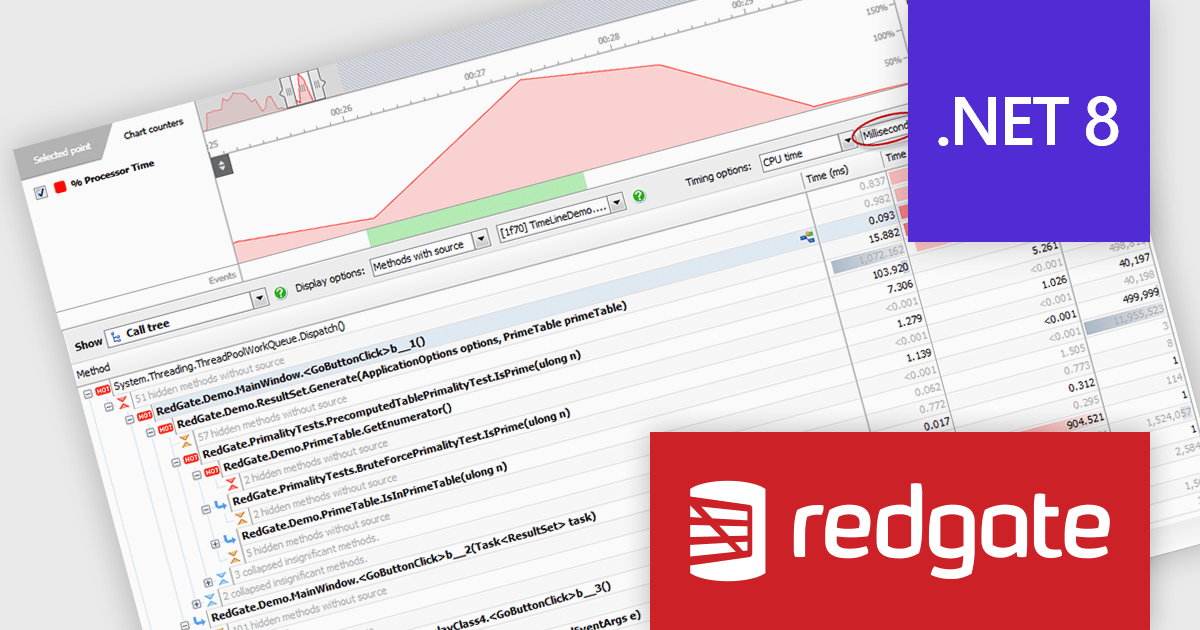
ANTS Performance Profiler by Redgate is a .NET application performance profiling tool that helps developers pinpoint bottlenecks in their code. It offers line-level and method-level timings, pinpoints expensive database queries, and visualizes call trees to identify the most time-consuming execution paths. This comprehensive data allows developers to diagnose performance issues efficiently and optimize their code for smoother application runtime.
The ANTS Performance Profiler 11.3.0 release adds support for profiling Microsoft .NET 8 assemblies and projects. This directly benefits developers working with the latest .NET version and ensures compatibility with potential performance optimizations or regressions introduced in .NET 8. By allowing seamless profiling, developers can maintain their existing performance analysis workflows and gain insights into how their code behaves within the new .NET environment. This ultimately leads to a smoother transition to .NET 8 and helps developers build high-performing applications leveraging the latest features.
ANTS Performance Profiler is licensed per user and is available as a 1 Year, 2 Year or 3 Year timed subscription license. See our licensing pages for ANTS Performance Profiler and ANTS Performance Profiler Pro for full details.
ANTS Performance Profiler is available to buy in the following products:
Aspose.PDF for .NET empowers developers to seamlessly integrate PDF generation, manipulation, and conversion functionalities within their applications. It eliminates the dependency on Adobe Acrobat by providing a programmatic interface for working with PDF documents, allowing for tasks like creating PDFs from scratch, editing existing ones, adding elements like images and watermarks, and managing security features.
Aspose.PDF for .NET V24.5 adds the ability to flatten a layered PDF file, streamlining document sharing and archiving by converting editable layers into a static, unalterable format. This ensures consistent presentation and prevents unintended modifications.
To see a full list of what's new in V24.5, see our release notes.
Aspose.PDF for .NET is offered as Developer Small Business, Developer OEM, Site Small Business, and Site OEM licenses catering to a range of business needs. Licenses are perpetual, and include 1 year of support and maintenance. Subscription renewals are also available. See our Aspose.PDF for .NET licensing page for full details.
Aspose.PDF for .NET is available in the following products:
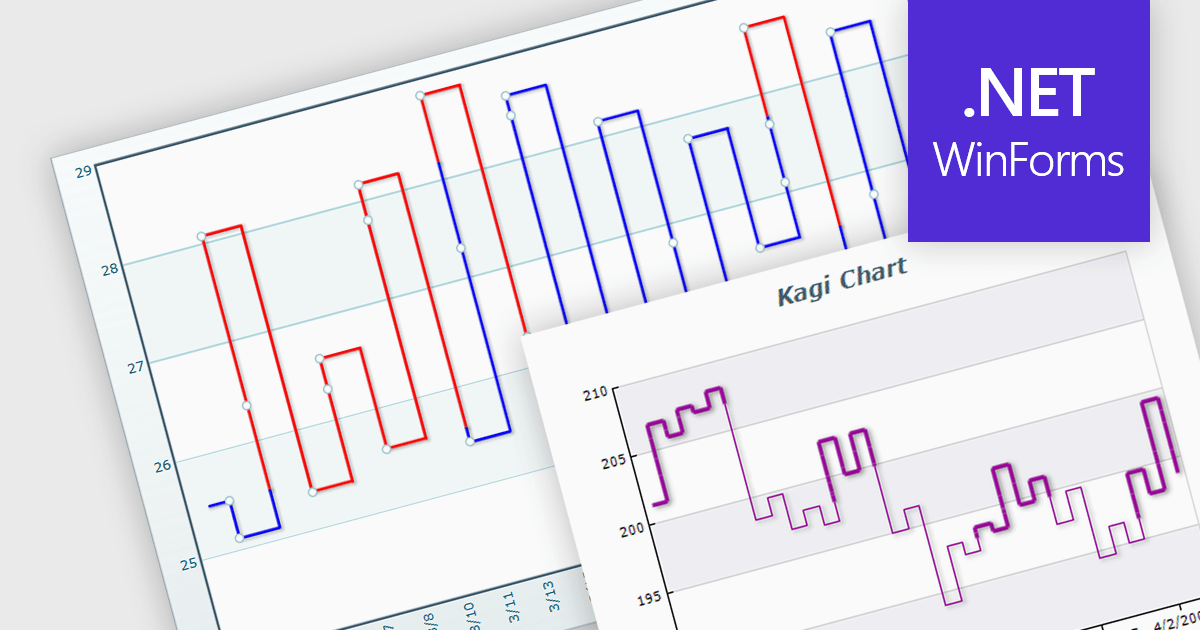
A Kagi chart is a type of financial chart used to track price movements, with a focus on significant trends and reversals rather than minor fluctuations, to inform stock purchasing decisions. It features a series of vertical lines that reflect changes in price. The direction of these lines shifts only when the price moves by a predetermined amount, known as the reversal amount. Thin lines indicate that the price has fallen below the previous low while thick lines indicate that the price has surpassed the previous high. By filtering out minor price fluctuations it emphasises substantial price movements, offering a clearer perspective on market trends.
Several WinForms chart components provide Kagi charts, including:
For an in-depth analysis of features and price, visit our WinForms charts comparison.
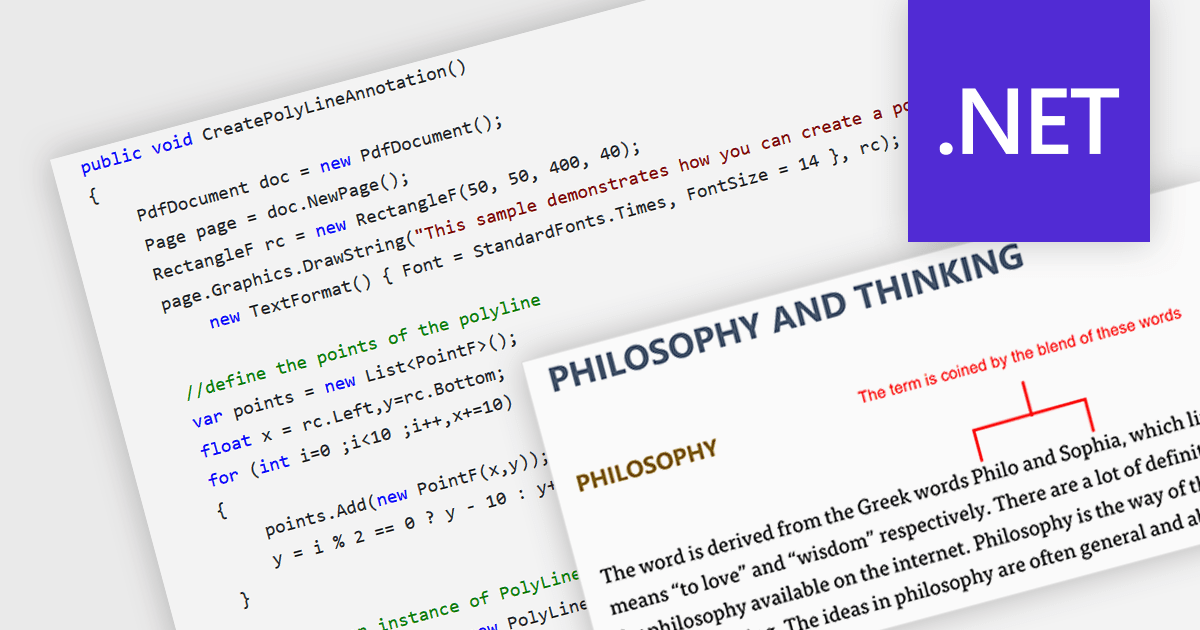
Polyline annotations in PDFs are interactive elements that enable the creation of free-form shapes defined by connected straight line segments. This functionality offers a versatile tool for reviewers or editors to precisely highlight specific areas, connect elements visually, or trace paths within the PDF document, promoting better communication and clarity for readers. They are particularly beneficial for creating dynamic and interactive documents as they help in embedding more complex graphical data, which can improve the usability and readability of PDFs in technical fields such as engineering, architecture, and design.
Several .NET PDF components allow you to move, resize, remove or edit the appearance of polylines in PDF files, including:
For an in-depth analysis of features and price, visit our comparison of .NET PDF components.
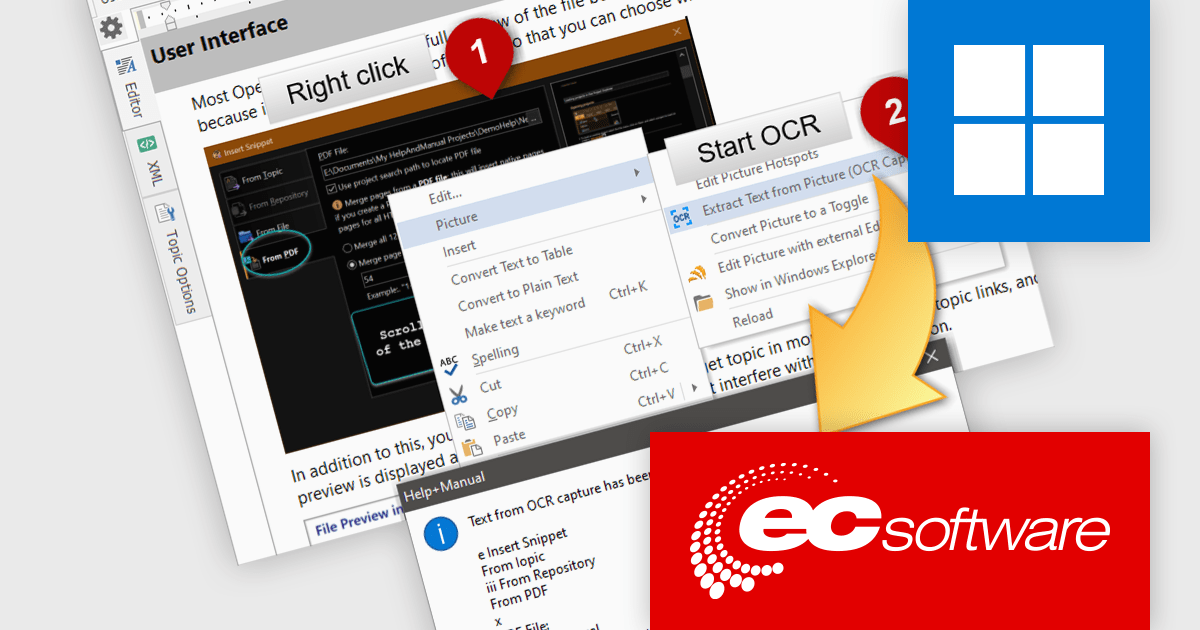
Help & Manual is a software program that simplifies the creation and management of documentation. It functions as a single source for your content, allowing you to edit and update information once and automatically generate it in various formats, including online help files, PDFs, and ebooks. This streamlines the documentation process and ensures consistency across different delivery methods.
The Help & Manual 9.5.0 release adds support for Optical Character Recognition (OCR) in the screen capture and image tools. This enables users to capture text anywhere from the screen or to extract text from an image already inserted into their documentation.
To see a full list of what's new in version 9.5.0 Build 6711, see our release notes.
Help & Manual is licensed per user and is available as a per seat or floating concurrent license. It is available as a Perpetual license and includes 12 months maintenance (free updates and support). See our Help & Manual Basic, Help & Manual Professional and Help & Manual Floating licensing pages for full details.
Help & Manual is available in the following products:
전화 : 00798 14 800 6332
팩스 : +1 770 250 6199


