













공식 공급 업체
200 이상의 소프트웨어 개발처와 판매 계약을 맺은 공인 디스트리뷰터로서 합법적인 라이선스를 제공합니다.
모든 브랜드 보기.
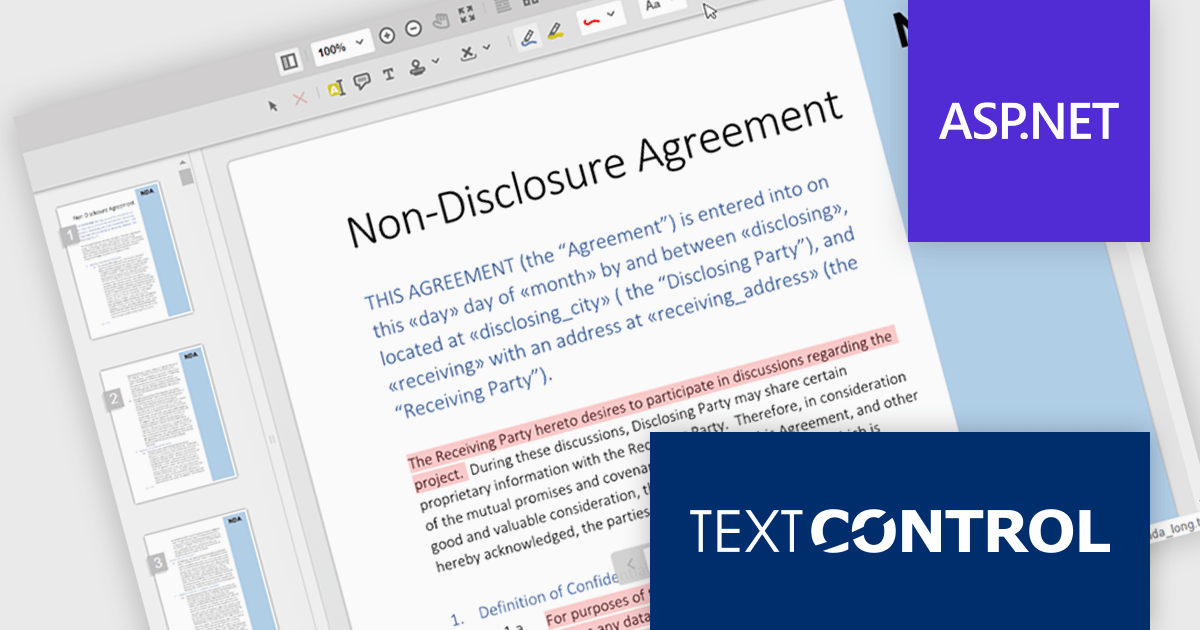
TX Text Control .NET Server for ASP.NET is a server-side component that equips your web applications with a powerful, MS Word-compatible document editor. This allows you to develop applications that generate and edit various document formats (RTF, DOCX, PDF, etc.) on the fly, using data from databases or files. It also boasts features like PDF generation and a browser-based editor with a familiar MS Word-inspired interface, ultimately enhancing the document processing capabilities of your ASP.NET web applications.
TX Text Control .NET Server's Document Viewer now utilizes long polling for asynchronous document loading. Instead of waiting for the entire document to be processed, the server starts sending generated pages as a stream. Using JavaScript, the client continuously consumes this stream, displaying each page as it arrives. Long polling eliminates the wait time typically associated with loading large documents, enhancing overall user satisfaction.
To see a full list of what's new in TX Text Control .NET Server for ASP.NET 32.0 SP3, see our release notes.
TX Text Control .NET Server for ASP.NET is licensed per developer and is available as a Perpetual License with a 12 month support and maintenance subscription. Run time licenses are required for the deployment to production servers. See our TX Text Control .NET Server for ASP.NET licensing page for full details.
For more information, visit our TX Text Control .NET Server for ASP.NET product page.
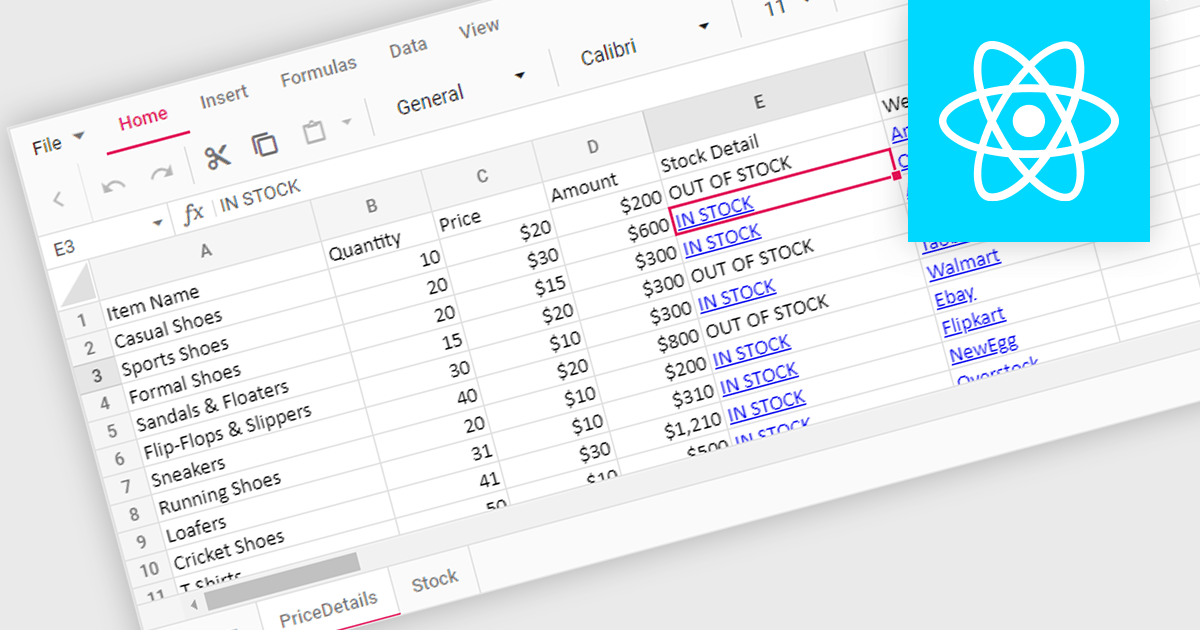
Hyperlink support in a spreadsheet control allows developers to integrate clickable links within cells. This functionality offers several advantages: users can seamlessly navigate to external web pages, reference internal documents within the spreadsheet itself (including across worksheets), and launch email compositions directly from specific cells. Hyperlink support enhances user experience by streamlining information access and promoting efficient data exploration within the spreadsheet.
Several React Spreadsheet controls offer Hyperlink support including:
For an in-depth analysis of features and price, visit our comparison of React Spreadsheet controls.
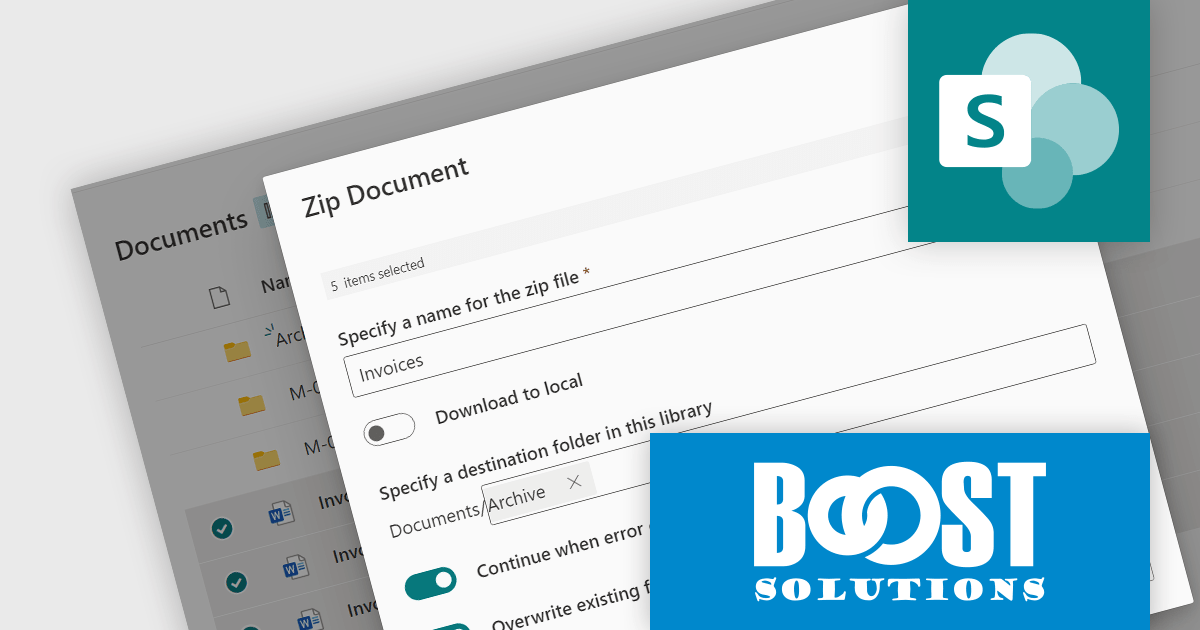
Bulk Zip and Unzip App for SharePoint Online is an add-in by BoostSolutions. It operates within a SharePoint Online document library and is designed to simplify file management by allowing you to zip and unzip files in bulk, upload and extract zip files, and download multiple documents as a zip file. With it users can efficiently compress and decompress files directly in SharePoint Online, facilitating the handling of bulk data with ease.
Common use cases include archiving completed projects, consolidating documents for easier sharing, and managing periodic backups of critical data. Utilizing the Bulk Zip and Unzip App brings significant benefits in terms of improved file management and storage efficiency. Moreover, by enabling bulk operations, this eliminates the tedious task of downloading or uploading files individually and so saves valuable time and effort, allowing teams to shift their focus elsewhere.
Bulk Zip and Unzip App for SharePoint Online is licensed per Tenant or per Site Collection and is available as an annual subscription license with 1 year of basic support. See our Bulk Zip and Unzip App for SharePoint Online licensing page for full details.
For more information, see our Bulk Zip and Unzip App for SharePoint Online product page.
Aspose.Words is a software development library that empowers developers to build document processing functionalities into their applications. It supports a wide range of document formats, including Microsoft Word (DOC, DOCX), OpenOffice (ODT), PDF, and HTML, allowing applications to generate, edit, convert, render, and print documents without relying on external programs like Microsoft Word. This streamlines development and ensures applications can handle various document needs.
The Aspose.Words 24.4 update introduces support for the modern WEBP image format, allowing users to seamlessly integrate WEBP images into their documents. This enhancement provides developers with greater flexibility and file size optimization capabilities when working with documents that contain visual elements. This translates to faster loading times, improved user experience, and potentially lower bandwidth consumption for users on limited connections.
To see a full list of what's new in Aspose.Words version 24.4, see our .NET, Java, and Python via .NET release notes.
Aspose.Words is offered as Developer Small Business, Developer OEM, Site Small Business, and Site OEM licenses catering to a range of business needs. Licenses are perpetual, and include 1 year of support and maintenance. Subscription renewals are also available. See our Aspose.Words licensing pages for .NET, Java, and Python via .NET for full details.
Aspose.Words for .NET is available to buy in the following products: Aspose.Words for .NET, Aspose.Words Product Family, Aspose.Total for .NET, Aspose.Total Product Family, Conholdate.Total for .NET, and Conholdate.Total Product Family.
Aspose.Words for Java is available to buy in the following products: Aspose.Words for Java, Aspose.Words Product Family, Aspose.Total for Java, Aspose.Total Product Family, Conholdate.Total for Java, and Conholdate.Total Product Family.
Aspose.Words for Python via .NET is available to buy in the following products: Aspose.Words for Python via .NET, Aspose.Words Product Family, Aspose.Total for Python via .NET, and Aspose.Total Product Family.
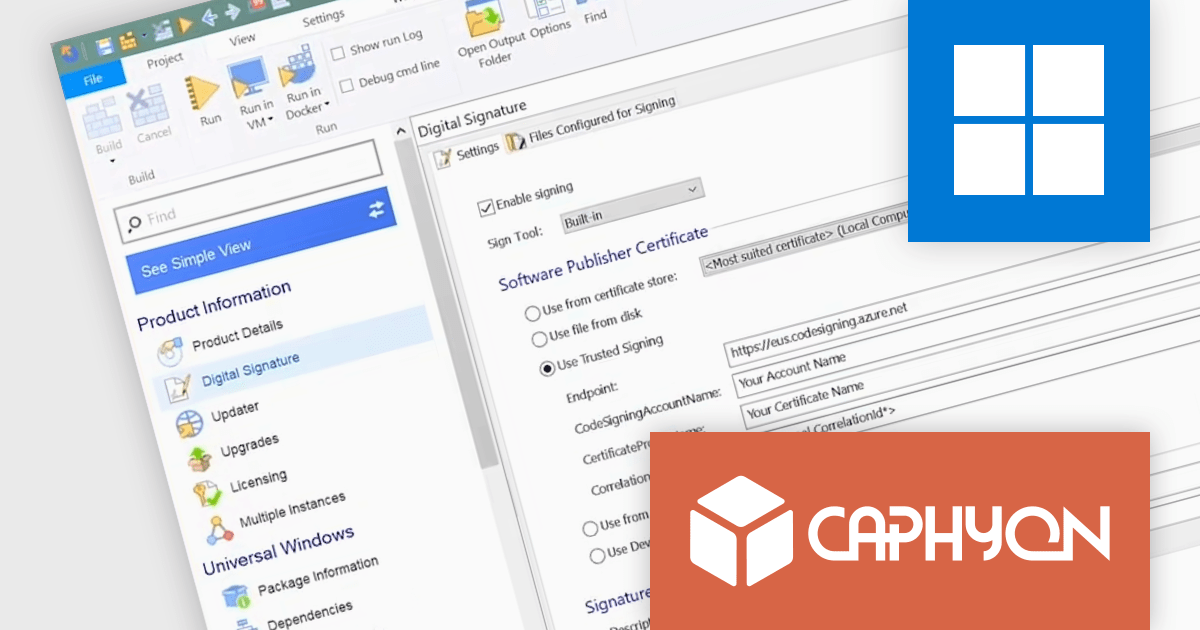
Advanced Installer by Caphyon is a powerful and versatile Windows installer authoring tool that enables developers and IT professionals to create professional-grade installation packages for their software applications. It offers a comprehensive set of features for building installers that are reliable, efficient, and compliant with industry standards.
The Advanced Installer V21.7 release adds Microsoft Azure Trusted Signing support in the Microsoft Visual Studio Extension. This integration simplifies your workflow by enabling you to sign your packages without leaving your development environment.
To see a full list of what's new in version 21.7, see our release notes
Advanced Installer is licensed per user and is available as an annual or perpetual license with 1 year support and maintenance. See our Advanced Installer licensing page for full details.
For more information, visit our Advanced Installer product pages:
전화 : 00798 14 800 6332
팩스 : +1 770 250 6199


