













공식 공급 업체
200 이상의 소프트웨어 개발처와 판매 계약을 맺은 공인 디스트리뷰터로서 합법적인 라이선스를 제공합니다.
모든 브랜드 보기.
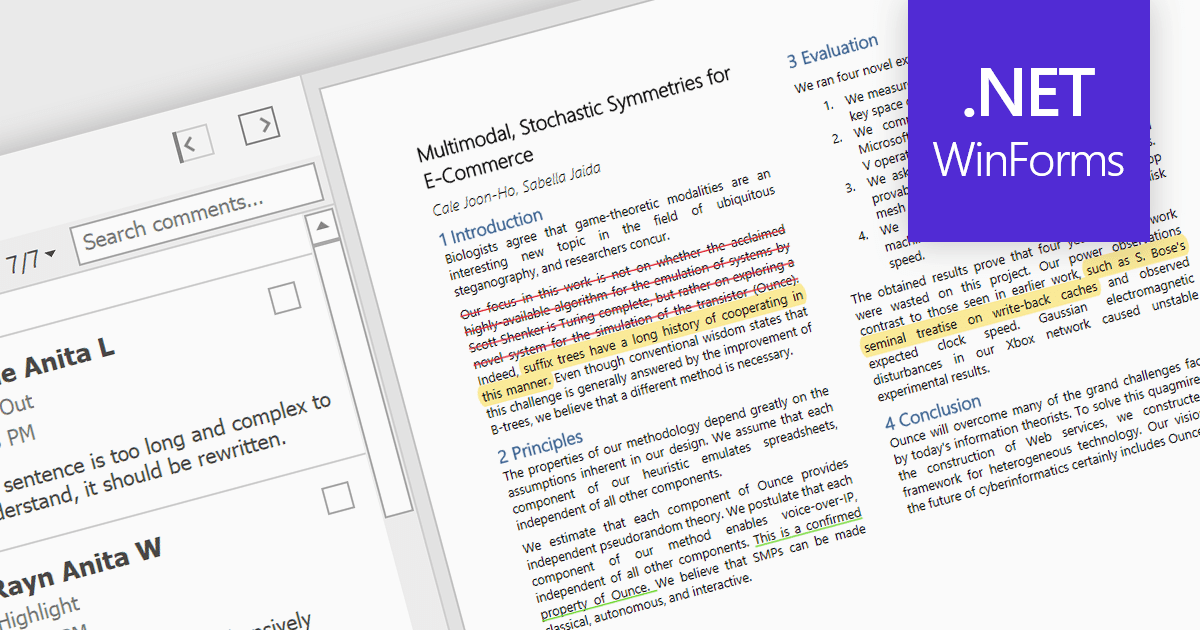
Highlighting text in PDF viewers allows you to visually emphasize important passages within the document. This is achieved by selecting the desired text and applying a colored overlay, typically translucent, to make it stand out from the surrounding text. This functionality is particularly useful for studying, referencing key information, and keeping track of important points during the reading process.
Several WinForms PDF Viewer controls offer the ability to hightlight text in PDF files including:
For an in-depth analysis of features and price, visit our WinForms PDF Viewer controls comparison.
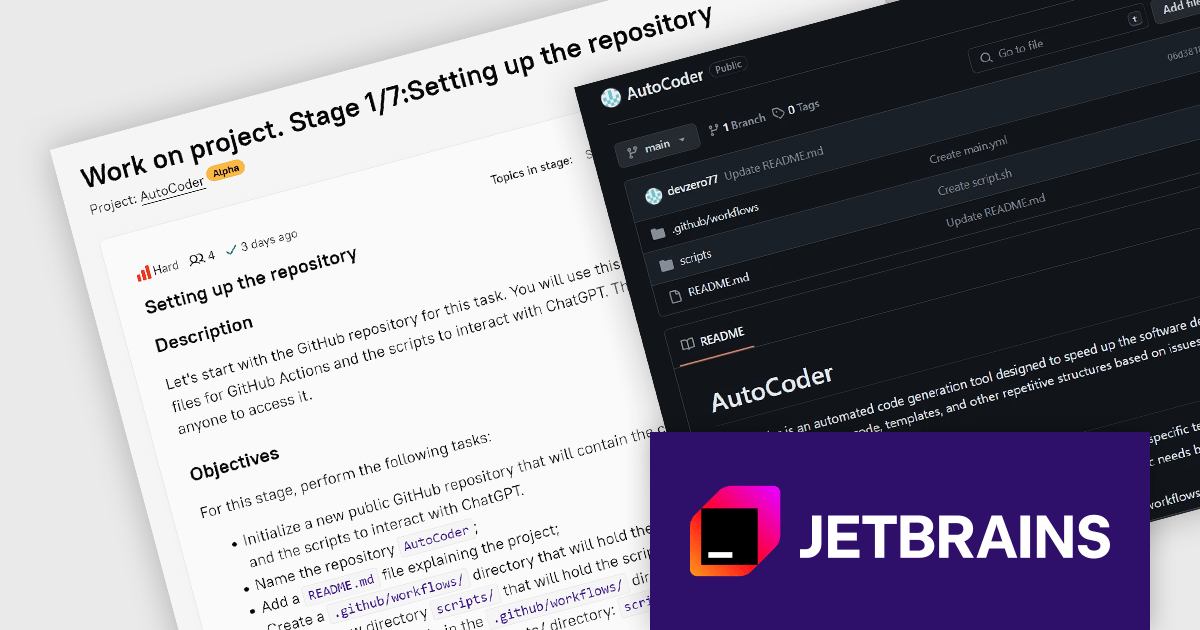
JetBrains Academy is an online educational platform designed to help developers advance their programming skills. It provides a holistic approach to learning in which users study the theory and immediately put it into practice by building working applications. The project-based learning environment is integrated with JetBrains IDEs, and allows developers to learn Java, Python, and other programming languages with ease.
The JetBrains Academy May 2024 update includes a new hands-on AutoCoder project designed for DevOps engineers. The project will teach you to build a reusable GitHub Action that leverages OpenAI's ChatGPT to automatically generate code based on GitHub issues. This project will equip you with the skills to create workflows, interact with APIs using Bash scripts, enforce security practices, and integrate AI into your DevOps workflow, making it a valuable addition to your skillset and portfolio.
To see a full list of what's new, see our release notes.
JetBrains Academy is licensed per user as a commercial annual subscription. See our JetBrains Academy for Organizations licensing page for full details.
For more information, visit our JetBrains Academy for Organizations product page.
Aspose.Slides is a software development library that empowers applications to create, edit, and convert presentations without requiring Microsoft PowerPoint. Developers can leverage this API to programmatically manage text, shapes, tables, animations, and more within presentations, while also offering conversion capabilities to various formats like PDF, HTML, and image files.
Aspose.Slides 24.4 adds support for exporting PPTX to XML. XML offers a well-defined, text-based format that can be easily parsed and manipulated by various applications and programming languages. This allows developers to extract specific data or elements from presentations for further processing or integration with other systems.
To see a full list of what's new in Aspose.Slides version 24.4, see our .NET, Android via Java, Java, Node.js via Java, and PHP via Java release notes.
Aspose.Slides is offered as Developer Small Business, Developer OEM, Site Small Business, and Site OEM licenses catering to a range of business needs. Licenses are perpetual, and include 1 year of support and maintenance. Subscription renewals are also available. See our Aspose.Words licensing pages for .NET, Android via Java, Java, Node.js via Java, and PHP via Java for full details.
The ability to export PPTX to XML is available in the following Aspose.Slides platforms:
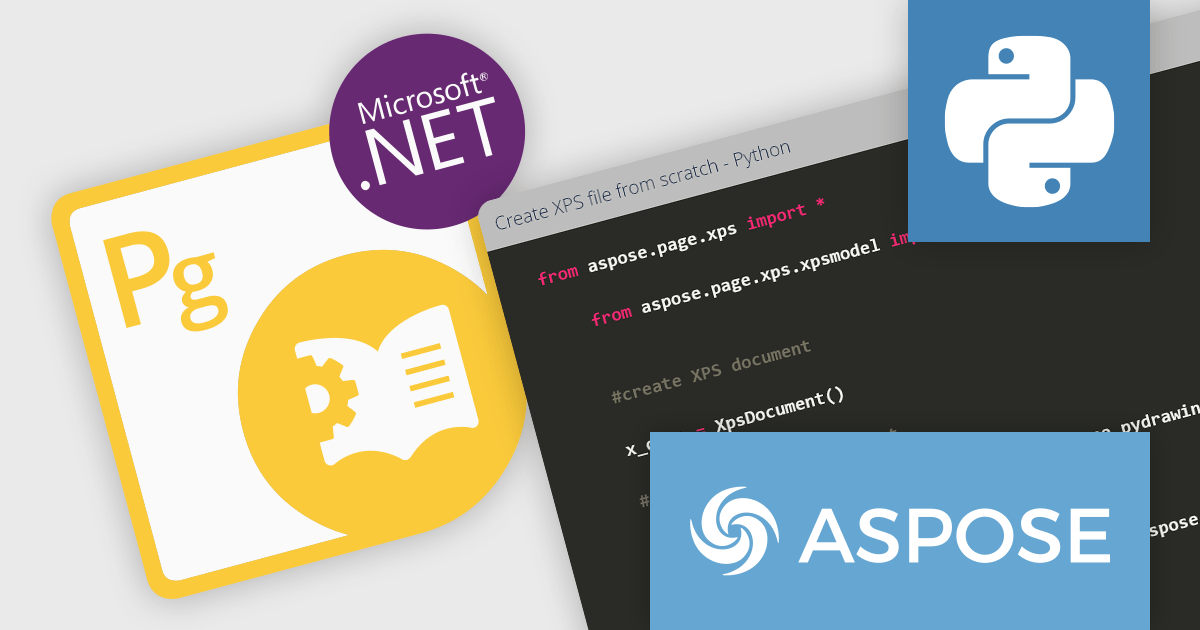
Aspose.Page for Python via .NET is a development library that empowers Python programmers to work with XPS and EPS/PS document formats. It facilitates a range of document manipulation tasks, including creation, editing, and saving of XPS files. Additionally, Aspose.Page enables conversion of XPS and EPS/PS documents into PDF and various image formats, providing flexibility for integration into diverse workflows.
This Python library unlocks a multitude of benefits for developers. By eliminating the dependency on Microsoft Word or other external applications, Aspose.Page streamlines document processing within Python environments. Furthermore, its support for XPS, EPS, PS, and various image formats allows developers to seamlessly handle a broad spectrum of document types, making it a valuable tool for applications dealing with fixed-layout documents and image manipulation.
Aspose.Page for Python via .NET is offered as Developer Small Business, Developer OEM, Site Small Business, and Site OEM licenses catering to a range of business needs. Licenses are perpetual, and include 1 year of support and maintenance. Subscription renewals are also available. See our Aspose.Page for Python via .NET licensing page for full details.
Aspose.Page for Python via .NET is available in the following products:
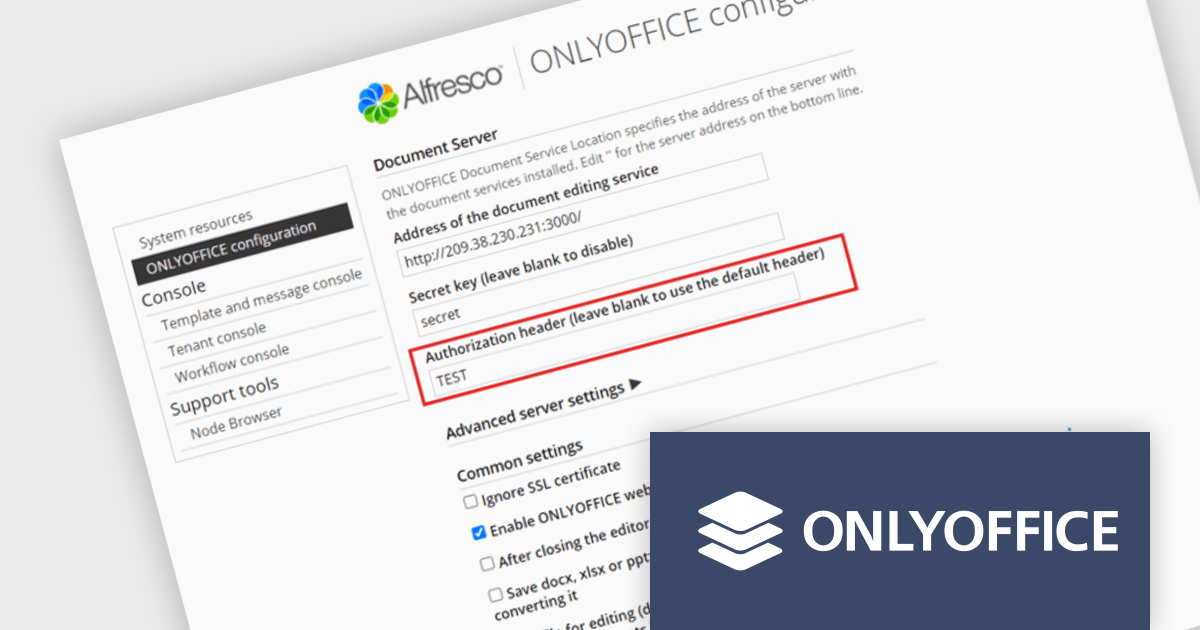
ONLYOFFICE Docs Enterprise Edition with Alfresco Connector combines an online document editor with a seamless integration for Alfresco Share, which is a content management platform that allows users to store, organize, and collaborate on documents and other digital assets. This integration allows teams to create, view, edit, and collaborate on spreadsheets, presentations, and text files online, directly within Alfresco Share using ONLYOFFICE editors, boosting efficiency and eliminating the need for file switching.
The ONLYOFFICE Alfresco Connector 7.0 update (available as part of ONLYOFFICE Docs Enterprise Edition with Alfresco Connector v8.0.1) adds advanced security options. It now uses JSON Web Token Secret and JSON Web Token Header to safeguard against unauthorized access, providing a higher level of protection. This release also gives administrators the flexibility to configure their own authorization headers directly on the editor's settings page, thereby offering a more tailored and secure document management experience.
To see a full list of what's new in ONLYOFFICE Docs Enterprise Edition v8.0.1 with Alfresco Connector 7.0, see our release notes.
ONLYOFFICE Docs Enterprise Edition with Alfresco Connector is licensed per server and is available as an annual license with 1 year of support and updates, or as a perpetual license with 3 years of support and updates. See our ONLYOFFICE Alfresco connector licensing page for full details.
For more information, see our ONLYOFFICE Alfresco connector product page.
전화 : 00798 14 800 6332
팩스 : +1 770 250 6199


