













공식 공급 업체
200 이상의 소프트웨어 개발처와 판매 계약을 맺은 공인 디스트리뷰터로서 합법적인 라이선스를 제공합니다.
모든 브랜드 보기.
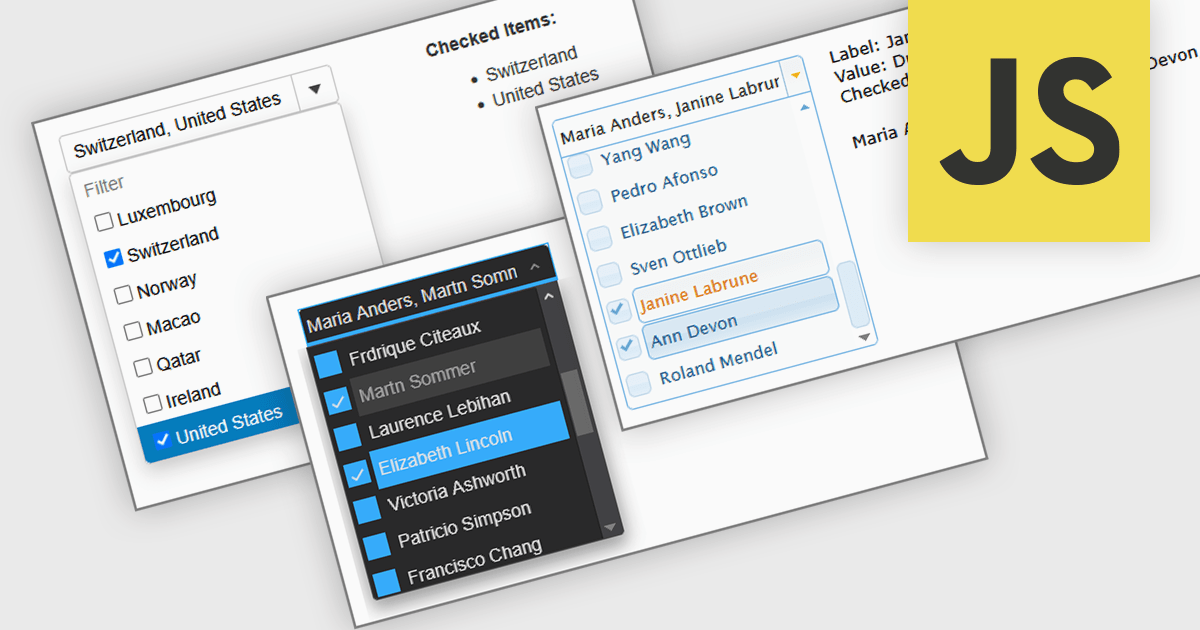
A Checked Combobox in a JavaScript Data Editor is a user interface component that allows users to select multiple options from a dropdown list using checkboxes. It combines the compact form of a combobox with the functionality of a multi-select control, helping to conserve screen space while enabling clear, granular input. This component simplifies data entry and editing workflows, particularly when working with datasets that require multiple discrete values to be associated with a single field. For developers, it offers a way to manage complex form inputs more efficiently, improving both usability and data integrity in cross-platform data management applications.
Several JavaScript data editors offer checked combobox functionality including:
For an in-depth analysis of features and price, visit our comparison of JavaScript data editors.
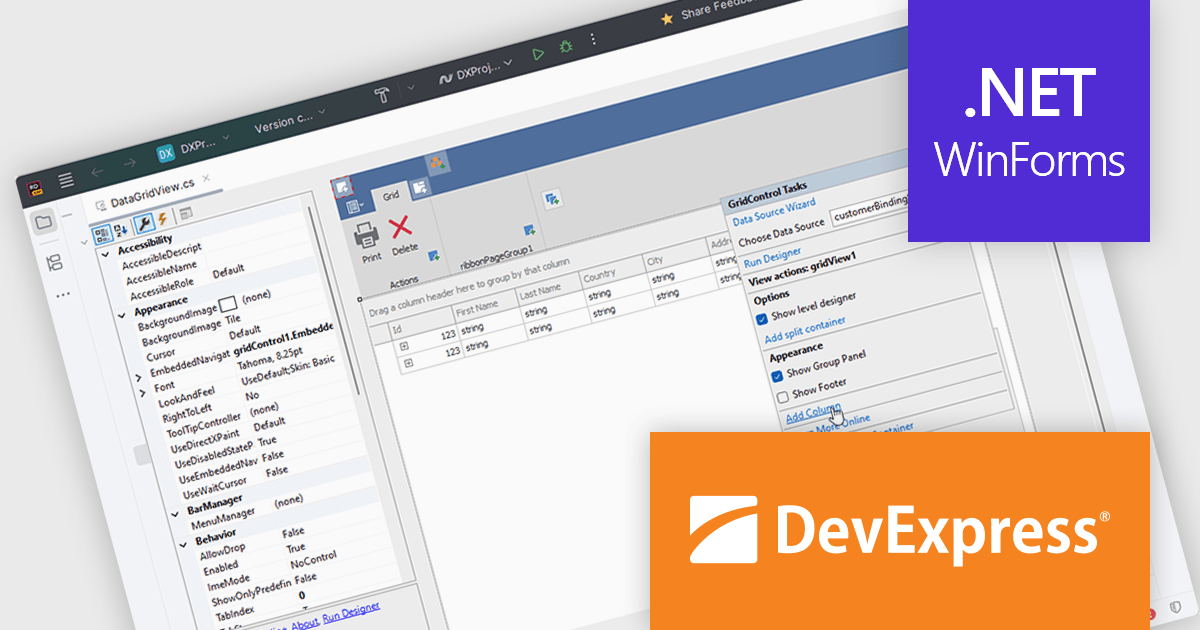
DevExpress DXperience is a comprehensive set of UI controls and developer productivity tools for building data-driven desktop and web applications using technologies such as WinForms, WPF, ASP.NET, Blazor and JavaScript, focusing on consistent user experiences, advanced data visualization, reporting, dashboards, and design-time features that support the development and long-term maintenance of complex business applications.
The DevExpress DXperience 25.2 release introduces JetBrains Rider support, allowing developers to visually configure and customize major DevExpress UI WinForms components directly within Rider’s designer environment. This integration brings familiar design-time experiences to teams using Rider, making it easier to adjust layouts, component properties, and UI behavior without leaving the IDE. By aligning DevExpress visual designers with Rider, the update supports faster iteration, clearer UI intent, and a more consistent development experience across tools.
DevExpress DXperience is licensed per developer and is available as a Perpetual License with a 12 month support and maintenance subscription. See our DevExpress DXperience licensing page for full details.
For more information, visit our DevExpress DXperience product page.
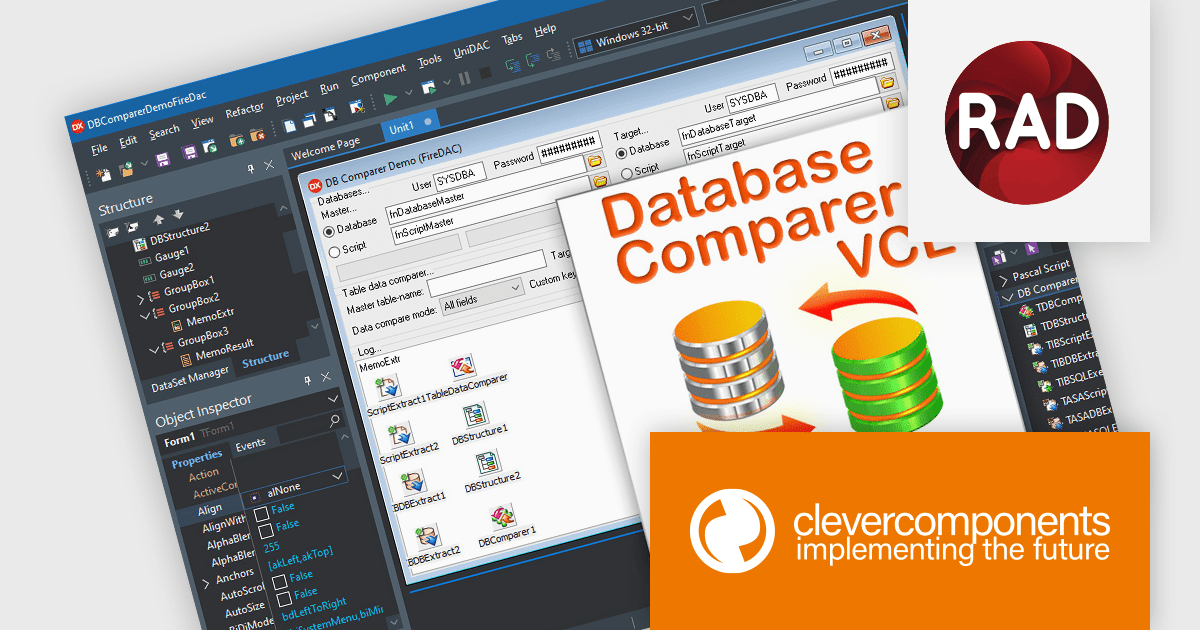
Database Comparer VCL is a library of Delphi and C++Builder components that efficiently compare and synchronize database structures and data across various popular databases like MySQL, SQL Server, and Oracle. It lets you visualize differences, generate synchronization scripts, and update target databases, offering developers a powerful tool for database version control, deployment, and data migration.
The latest release of Database Comparer VCL for Delphi, C++Builder has added support for Embarcadero RAD Studio 13 Florence. This brings developers the advantages of the latest compiler updates, IDE refinements, and platform improvements offered by Embarcadero's newest release. Database Comparer VCL can now take full advantage of better performance, greater stability, and improved compatibility with modern development standards.
Database Comparer VCL for Delphi, C++Builder is licensed per developer and is available as a perpetual license with one year of updates. Update licenses are available to extend the update period for a further year. See our Database Comparer VCL for Delphi, C++Builder licensing page for full details.
Database Comparer VCL for Delphi, C++Builder is available individually or as part of the following products:
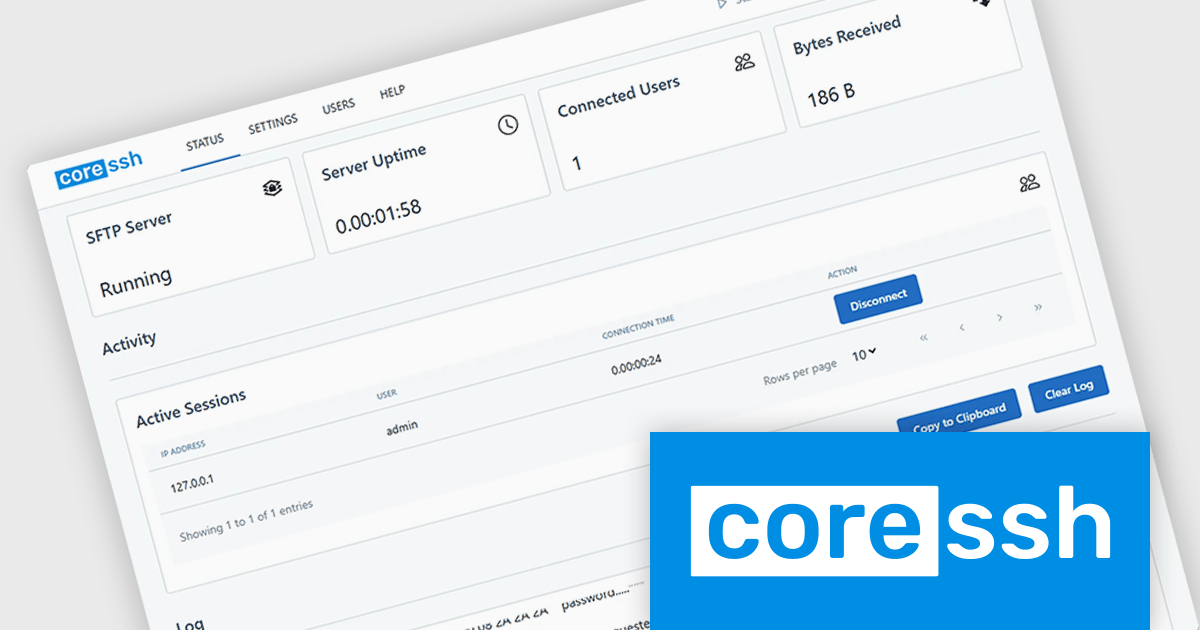
CoreSSH Server is a secure shell (SSH) and file transfer server designed to enable encrypted remote access and data movement without requiring extensive initial setup. It implements secure protocols such as SSH and the SSH File Transfer Protocol (SFTP) to protect data in transit and provides support for common authentication methods like passwords, public keys, and multi‑factor authentication. The server runs on multiple platforms including Windows, macOS, and Linux and includes a browser‑based administration interface for configuring users, monitoring sessions, and managing connections. Its architecture is built in managed code on the .NET framework with modern cryptographic standards to address performance and security needs without relying on external open‑source libraries.
In practical use, CoreSSH Server can function as a central point for secure file exchange in environments where encrypted transfers are a requirement, such as between development, test and production systems or with external partners accessing resources remotely. It also supports interactive SSH shell sessions and remote command execution, which can be useful for administering servers, running scripts, or managing systems over secure connections without a separate remote desktop solution. Organizations can integrate its authentication with existing infrastructure like Active Directory and enforce access controls, or use it as part of automated processes for backups and deployment pipelines that need secure copy (SCP) or SFTP transfers.
CoreSSH Server is licensed per server and is available as both perpetual and annual subscription based licenses. See our CoreSSH Server licensing page for full details.
For more information, see our CoreSSH Server product page.
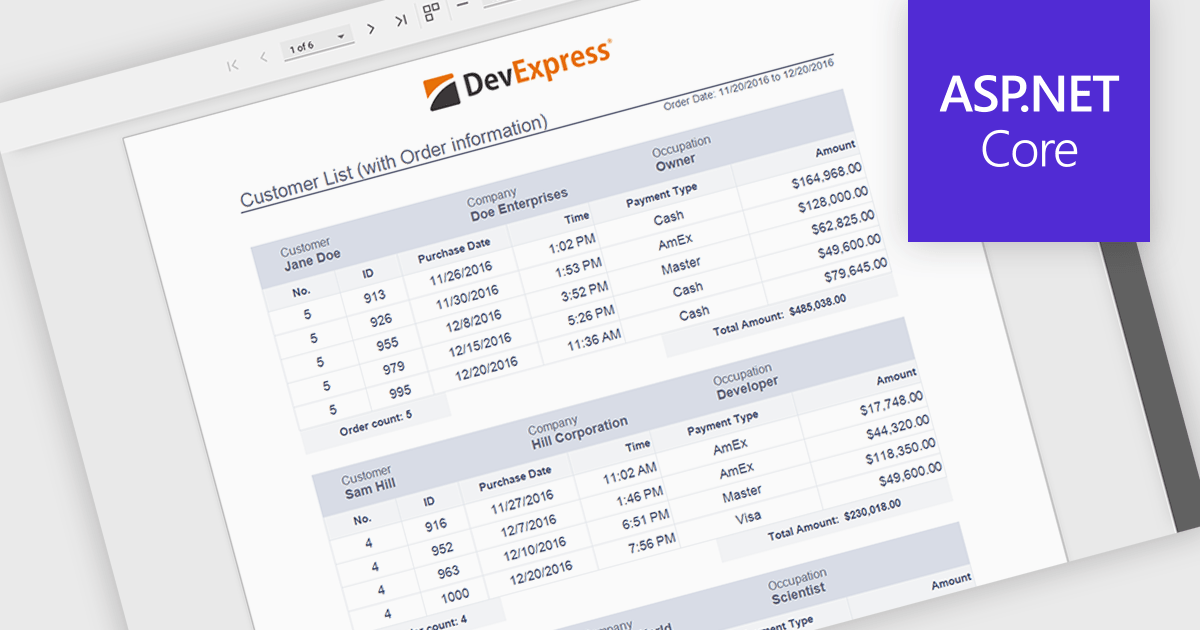
Subreports allow independently maintained reports to be embedded within a master report, enabling a modular and flexible reporting design. Each Subreport can be created, maintained, and reused separately, while connecting to the master report through parameters that dynamically filter its data from a separate data source. This approach simplifies complex reporting scenarios, improves consistency, and reduces maintenance effort by avoiding duplicated logic. Common use cases include displaying detailed line items within summary reports, combining data from multiple databases, or reusing standardized sections such as invoices, audit details, or customer histories across multiple reports.
Several ASP.NET Core reporting controls offer support for subreports including:
For an in-depth analysis of features and price, visit our ASP.NET Core reporting controls comparison.
전화 : 00798 14 800 6332
팩스 : +1 770 250 6199


