













Fornecedor oficial
Como distribuidores oficiais e autorizados, nós fornecemos licenças legítimas diretamente de mais de 200 editores de software.
Ver todas as nossas marcas.
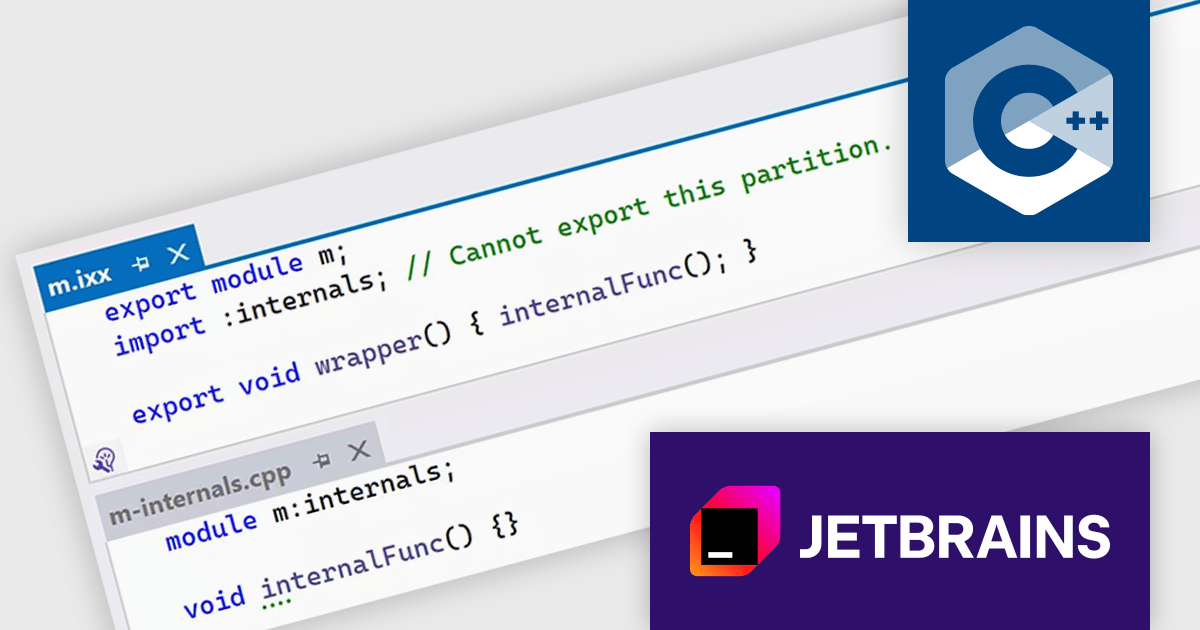
ReSharper is a productivity and code quality plugin for Visual Studio, developed by JetBrains. It helps .NET developers write cleaner, more efficient code. By analyzing code on-the-fly, ReSharper identifies potential errors and suggests fixes. It also automates code refactoring, allowing developers to safely restructure their codebase. These features improve developer productivity and maintainability of the code, making ReSharper a valuable tool for both individual developers and development teams.
The ReSharper 2024.1 release improves support for C++20 modules through a refined module discovery process. This update enables internal partition units, which are essentially module partitions that remain hidden from the external interface. By internally restructuring how exported C++20 modules handle references from other modules, ReSharper C++ avoids the previous need to re-export these references. This translates to noticeably smaller exported modules and improved performance for projects using C++20 modules.
To see a full list of what's new in version 2024.1, see our release notes.
ReSharper is licensed per user, and is available as a commercial annual subscription license. We can supply new subscriptions, subscription renewals (including continuity discounts), lapsed renewals, and additional user licenses. See our ReSharper licensing page for full details.
ReSharper is available to buy in the following products:
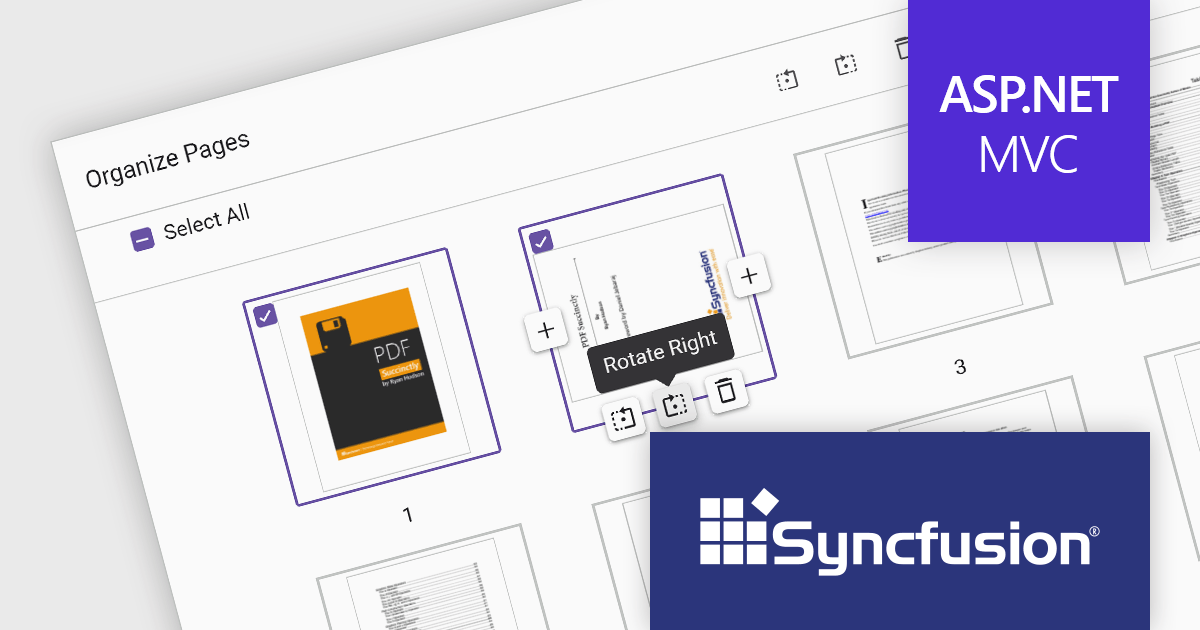
Syncfusion Essential Studio ASP.NET MVC, available as part of Syncfusion Essential Studio Enterprise, is a comprehensive suite of web UI controls that empowers developers to craft rich, interactive ASP.NET MVC applications. Backed by the lightweight and modular Essential JS 2 library, it offers over 80 components ranging from data grids and charts to schedulers and pivot grids, while ensuring a seamless integration with the MVC framework for an efficient development experience.
The Syncfusion Essential Studio ASP.NET MVC 2024 Volume 1 (25.1.35) release introduces the Organize Pages feature for the PDF Viewer component. Users can now rotate pages for proper orientation, seamlessly insert new pages for additional content, and effortlessly delete unwanted pages, all within a few clicks. This enhancement empowers developers to create a more intuitive and efficient PDF editing experience for their applications, with the ability to process multiple pages at a time for even faster editing.
To see a full list of what's new in version 2024 Volume 1 (25.1.35), see our release notes.
Syncfusion Essential Studio ASP.NET MVC is available as part of Syncfusion Essential Studio Enterprise which is licensed per developer starting with a Team License of up to five developers. It is available as a 12 Month Timed Subscription License which includes support and maintenance. See our Syncfusion Essential Studio Enterprise licensing page for full details.
For more information, visit our Syncfusion Essential Studio ASP.NET MVC product page.
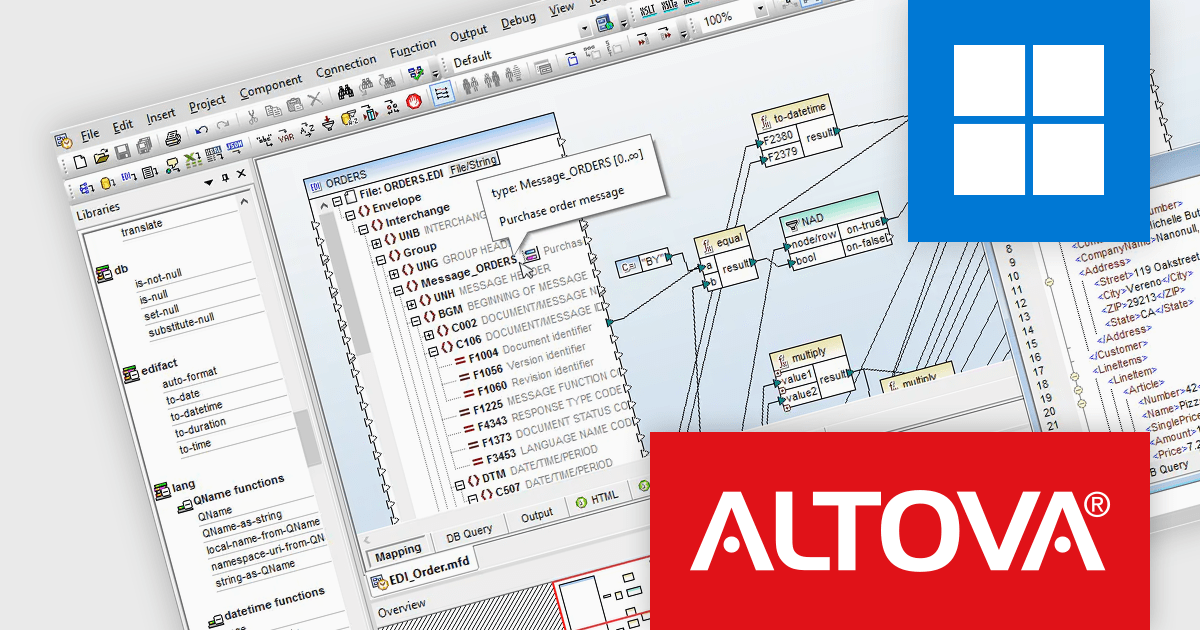
Altova MapForce is a graphical tool designed for seamless data integration and conversion. It empowers users to transform data between various formats, including XML, databases, flat files, PDFs, and web services, using a drag-and-drop interface. This eliminates the need for complex scripting and facilitates efficient data exchange across diverse applications, promoting streamlined workflows and enhanced data accuracy.
The MapFprce 2024 Release 2 update expands its EDI message support to include FORTRAS, a popular format for data exchange in the freight forwarding industry. This addition addresses customer requests for integration with this widely used standard, allowing users to seamlessly transform FORTRAS EDI messages within their data workflows, streamlining communication and data exchange.
To see a full list of what's new in version 2024 Release 2, see our release notes.
Altova MapForce is licensed per Installed, Concurrent or Named user. Licenses are perpetual, and come with or without 1 year Support and Maintenance Package (SMP). See our Altova MapForce licensing page for full details.
Altova MapForce is available to buy in the following products:

Devart's ODBC Drivers provide high-performance connectivity to various databases and cloud services. They ensure broad compatibility with existing tools, offer advanced features like stored procedures and secure data encryption, and optimize data processing efficiency. This empowers developers to seamlessly work with live data across Windows, macOS, and Linux environments without requiring additional software installations or vendor libraries, streamlining data access and integration.
Devart expands its ODBC Driver suite with seamless connectivity to Microsoft Access databases, and the Airtable and ServiceNow Cloud services. Now you can effortlessly integrate these valuable data sources into any ODBC-compliant application or programming language, streamlining data access and analysis for maximized efficiency.
The ODBC Drivers are licensed per developer and is available as an Annual or Perpetual License with a 12 month support and maintenance subscription. See our ODBC Driver licensing pages for Airtable, Microsoft Access, and ServiceNow.
For more information about the ODBC Drivers visit our product pages:
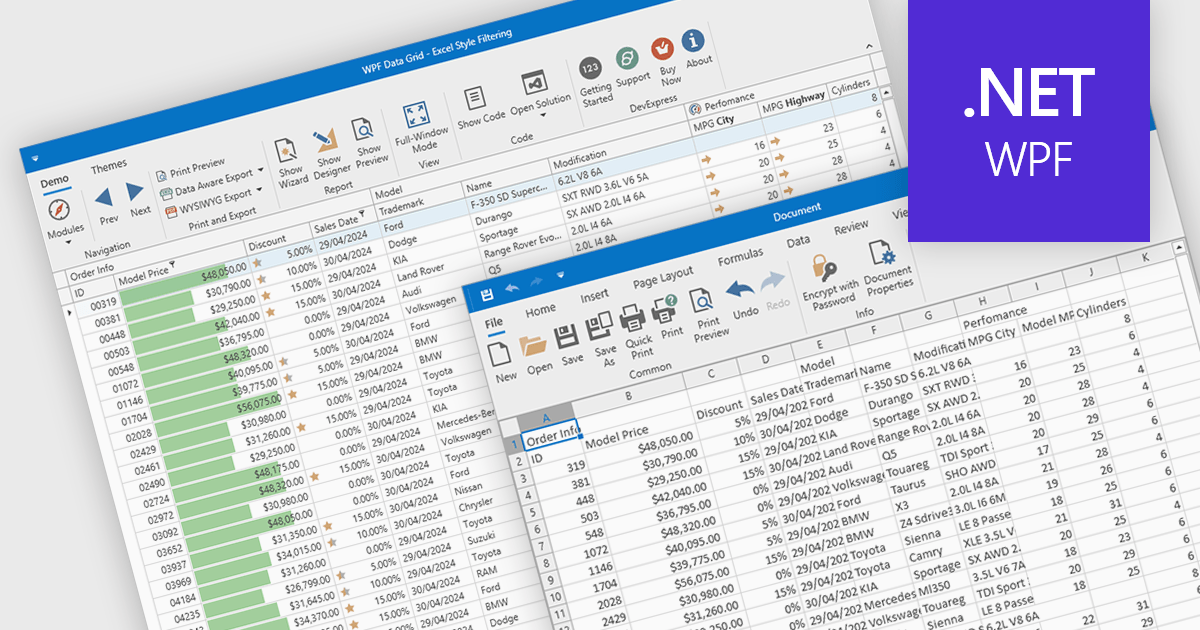
CSV export in grid components refers to the functionality that allows users to download data as a Comma-Separated Values (CSV) file. Exporting data to CSV format offers significant benefits, including compatibility with a wide range of applications, such as Microsoft Excel, Google Sheets, and other data analysis tools, facilitating easy sharing and processing. Use cases for CSV export are diverse, ranging from business analysts exporting reports for further analysis, to IT professionals extracting system data for audit and compliance purposes. Developers can leverage CSV export to provide users with a straightforward method to back up or transfer data between different systems or platforms, enhancing the utility and flexibility of applications that handle large datasets.
Several WPF grid controls offer export to CSV including:
For an in-depth analysis of features and price, visit our WPF Grid controls comparison.
Tel: (888) 850 9911
Fax: +1 770 250 6199


