













Fornecedor oficial
Como distribuidores oficiais e autorizados, nós fornecemos licenças legítimas diretamente de mais de 200 editores de software.
Ver todas as nossas marcas.
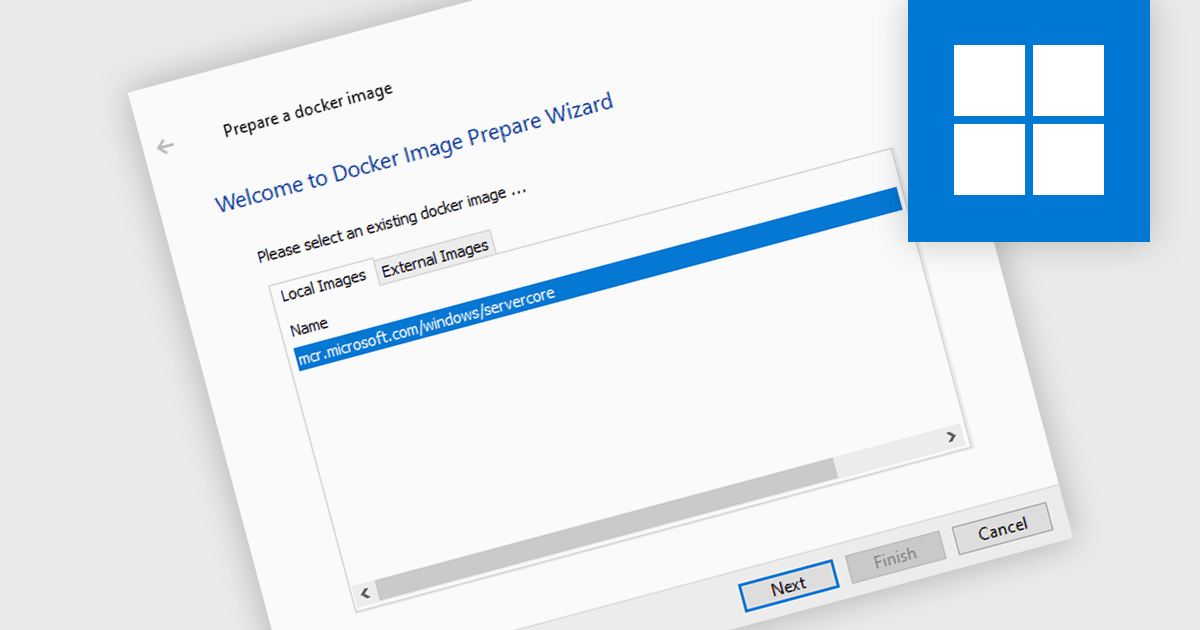
Release automation with Docker involves building workflows that leverage Docker images for development, testing, and deployment stages. These allow applications to be shipped as self-contained units; they are lightweight, standalone, executable packages that include everything needed to run a piece of software, including the code, a runtime, libraries, environment variables, and configuration files. They allow applications to run reliably and securely across different computing environments. This approach enhances development efficiency and resource utilization by enabling easy deployment, consistent operation, and flexible scaling.
Several installation tools support the creation of Docker images, including:
For an in-depth analysis of features and price, visit our comparison of installation tools.
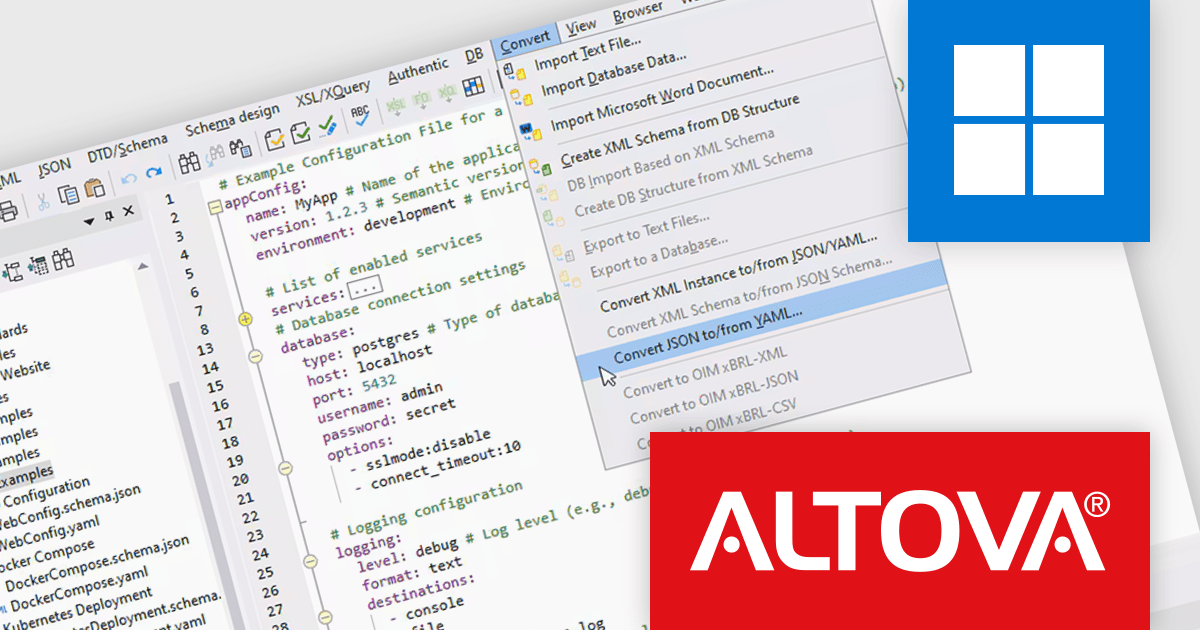
Altova XMLSpy is a leading XML editor and integrated development environment (IDE) designed for creating and manipulating XML-based applications. It offers a comprehensive suite of tools for working with XML, JSON, XBRL, schemas, transformations, web services, and more. XMLSpy empowers developers to visually design schemas, edit and debug code, generate code from schemas, and leverage functionalities like AI-assisted editing and debugging for enhanced productivity.
XMLSpy 2024 Release 2 now allows developers to edit, validate, and convert YAML files directly within the familiar XML and JSON editing environment. This eliminates the need to juggle multiple tools, streamlining the workflow. These YAML capabilities include syntax highlighting and well-formedness checking for clear editing, seamless conversion between YAML, JSON, and XML for smooth data exchange, and robust validation against JSON Schemas for ensuring data integrity.
To see a full list of what's new in version 2024 Release 2, see our release notes.
Altova XMLSpy is licensed per Installed, Concurrent or Named user. Licenses are perpetual, and come with or without 1 year Support and Maintenance Package (SMP). See our Altova XMLSpy licensing page for full details.
Altova XMLSpy XML Editor is available to buy in the following products:
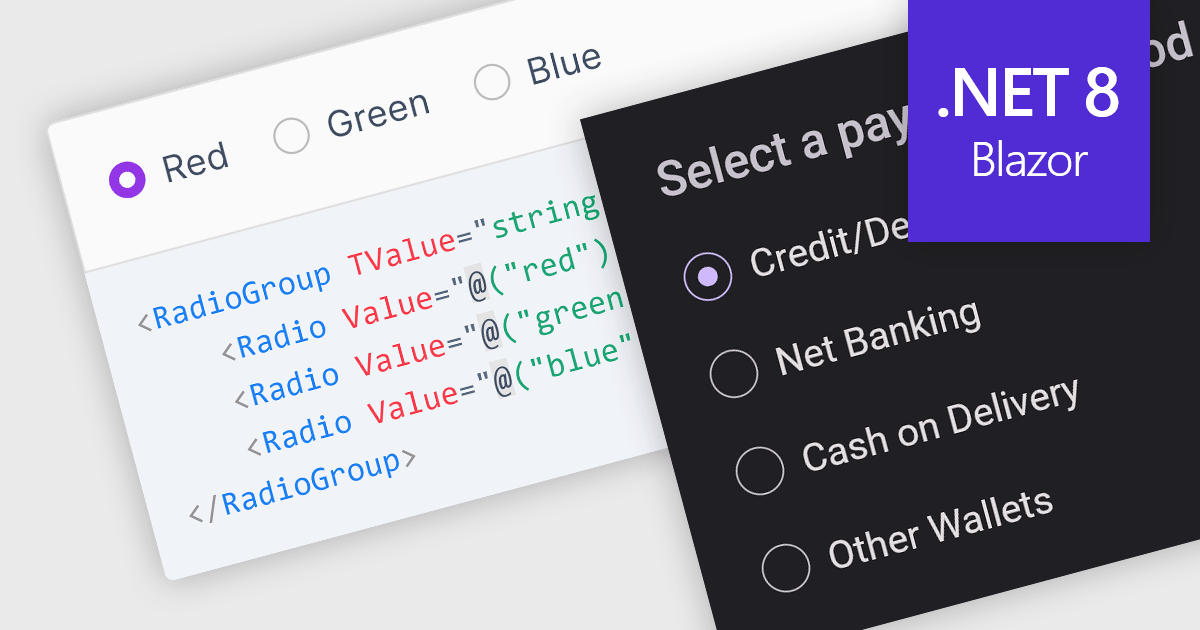
A radio group control is a user interface element that presents a collection of mutually exclusive possibilities within a data field. This control typically appears as a group of circular buttons, each representing a distinct option. Selecting one option automatically deselects any previously selected option within the same group. The primary benefit of a radio group is its ability to simplify the user interface by clearly displaying all available choices without ambiguity, which enhances user experience by making the selection processes straightforward and error-free. This is especially useful in forms or settings where a clear, singular choice must be made from a predefined set of options, ensuring that the user's input is constrained to valid selections and thereby reducing the likelihood of errors and simplifying data validation on the backend.
Several .NET 8 Blazor components offer radio group data editors, including:
For an in-depth analysis of features and price, visit our comparison of .NET 8 Blazor data editors.
Syncfusion Essential Studio JavaScript, available as part of Syncfusion Essential Studio Enterprise, is a comprehensive UI library offering over 80 high-performance, lightweight, and responsive components to transform your web apps. Built from scratch with TypeScript, it boasts modularity and touch-friendliness, letting you pick and choose specific features while ensuring smooth mobile interaction. With rich themes, global accessibility features, and extensive documentation, it powers everything from basic buttons to interactive charts and data grids, simplifying front-end development across JavaScript, Angular, React, and Vue.
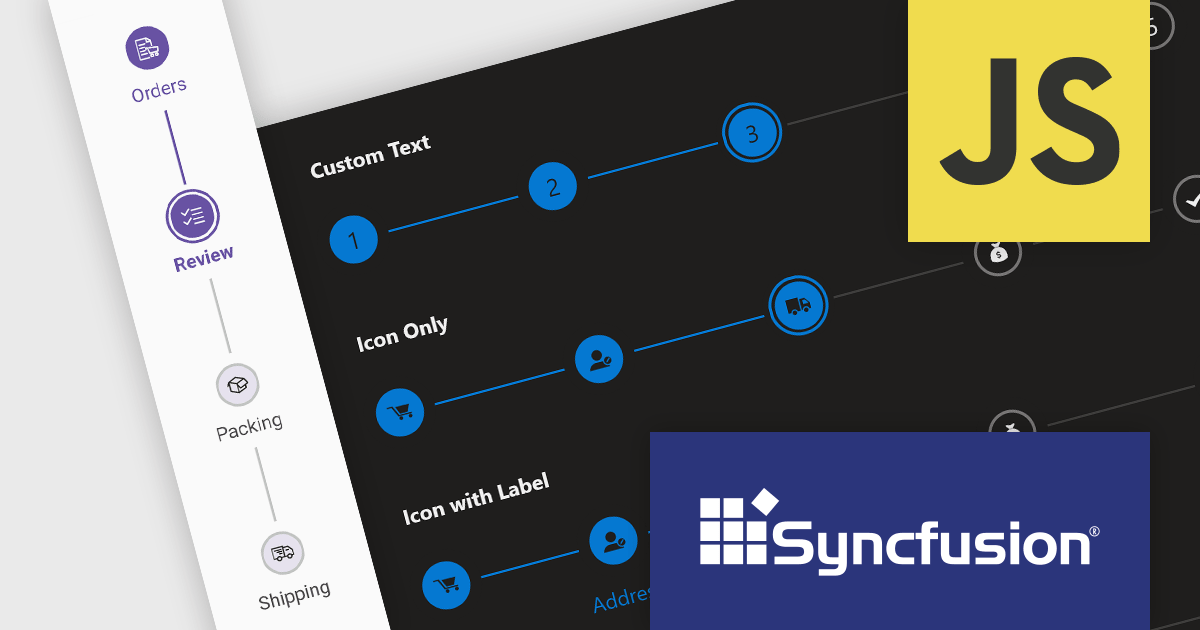
The Syncfusion Essential Studio JavaScript 2024 Volume 1 (25.1.35) release introduces the production-ready Stepper component which simplifies the creation of wizards and walkthroughs within your web applications. It provides a user-friendly interface to guide users through a step-by-step process, enhancing the overall user experience. The component offers a variety of step types, orientations, and customization options to perfectly suit your specific requirements.
To see a full list of what's new in version 2024 Volume 1 (25.1.35), see our release notes.
Syncfusion Essential Studio JavaScript is available as part of Syncfusion Essential Studio Enterprise which is licensed per developer starting with a Team License of up to five developers. It is available as a 12 Month Timed Subscription License which includes support and maintenance. See our Syncfusion Essential Studio Enterprise licensing page for full details.
For more information, visit our Syncfusion Essential Studio JavaScript product page.
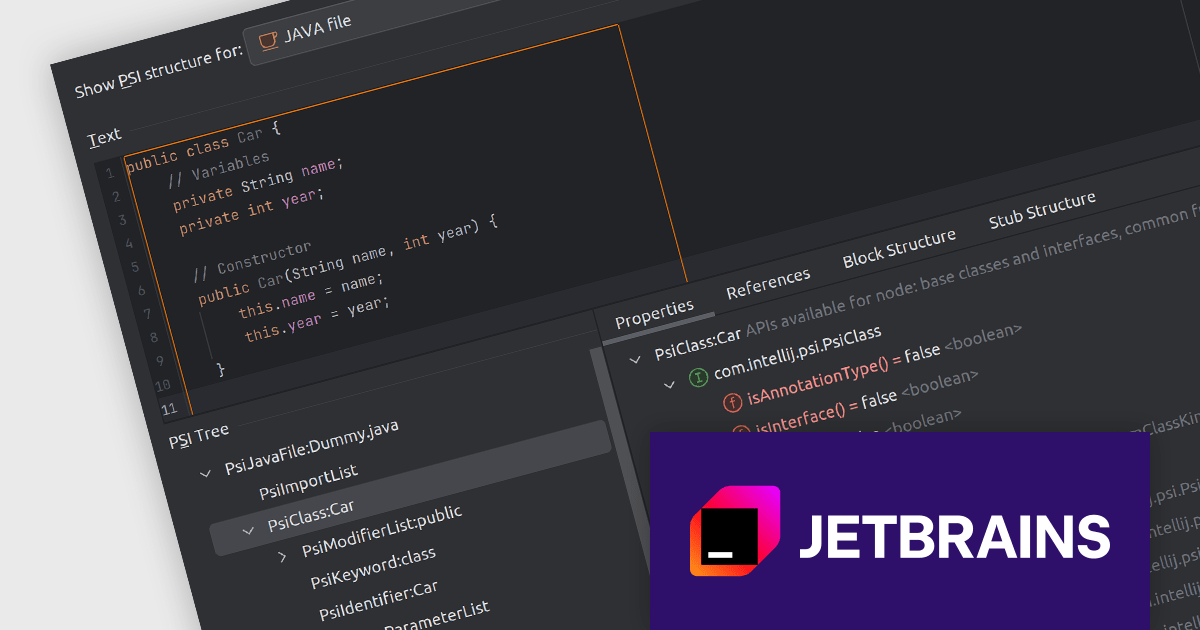
Qodana by JetBrains is a static code analysis tool that seamlessly integrates with your CI/CD pipeline, bringing the powerful inspection capabilities of JetBrains IDEs directly into your workflow. It scans codebases for over 2,500 potential issues, including performance bottlenecks, security vulnerabilities, and bad coding practices, granting developers, QA engineers, and team leads comprehensive insights to improve code quality, maintainability, and overall project health. Qodana can analyze code written in 60+ languages including Java, JavaScript, TypeScript, PHP, Kotlin, Python, Go, and C#.
Qodana 2024.1 introduces FlexInspect, empowering developers to define custom coding standards and enforce code quality within their teams. Leveraging the same powerful engine as IntelliJ IDEA, FlexInspect allows creation of local checks for specific files or global rules across entire projects, all within the familiar Qodana interface. This seamless integration extends to CI/CD pipelines, enabling early detection of potential issues. FlexInspect supports a wide range of coding, scripting, and markup languages, including Java, Python, JavaScript, TypeScript, PHP, CSS, YAML, and JSON.
To see a full list of what's new in 2024.1, see our release notes.
Qodana is licensed per user as a commercial annual subscription. See our Qodana licensing page for full details.
For more information, visit our Qodana product page.
Tel: (888) 850 9911
Fax: +1 770 250 6199


