













官方供应商
我们作为官方授权经销商,直接提供超过200家开发厂家所发行超过1000个的产品授权给您。
查看我们的所有品牌。
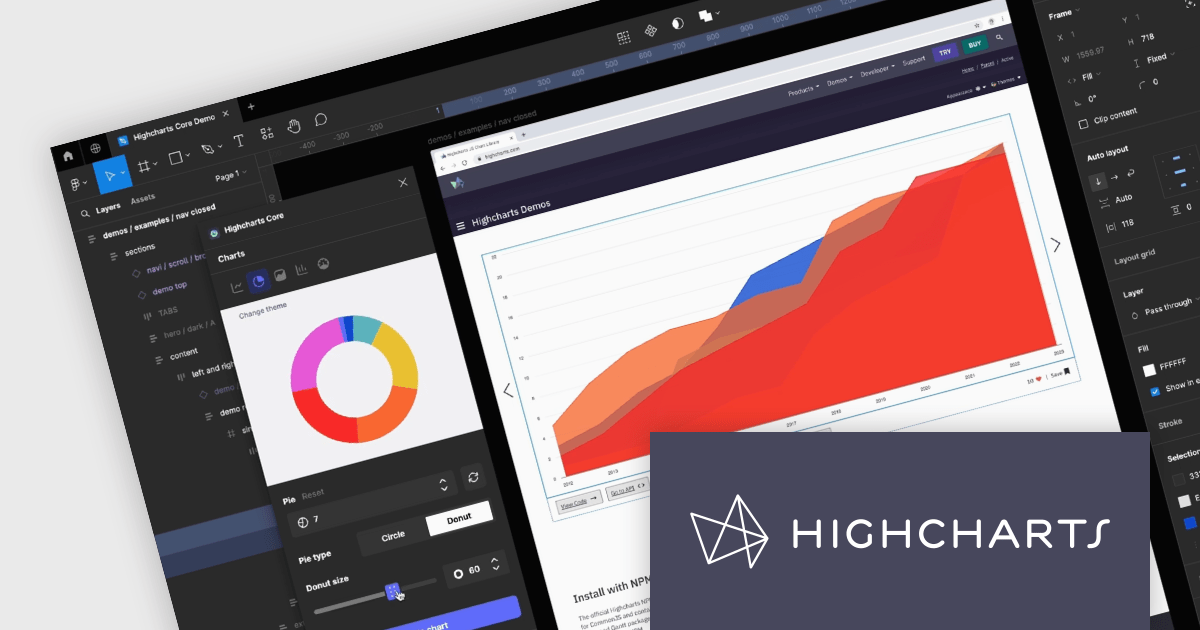
Highcharts Core by Highsoft is a powerful JavaScript charting library that simplifies the creation of interactive and accessible data visualizations for web applications. Featuring a wide variety of chart types, from basic line graphs to complex combinations, and extensive customization options, Highcharts Core (formerly Highcharts JS) allows developers to bring their data to life in a way that is both informative and engaging. This makes it ideal for use cases across various industries, from financial dashboards and scientific reports to marketing campaigns and social media content.
Highsoft has made the Highcharts Core Figma Plug-In available for free on Figma Community. Figma is a web-based design tool that allows you to create user interfaces for websites and apps. Known for its collaborative features, Figma makes it easy for design teams to work together on projects. The new plugin includes:
Read the Highcharts blog for more information about this powerful free plug-in available to licensed users of Highcharts Core.
Highcharts Core is licensed on an annual or perpetual basis, OEM licenses, and Advantage Renewals. It is licensed per Developer and has several license options including Internal, SaaS, SaaS+, and Self Hosted. See our Highsoft Core licensing page for full details.
For more information, visit our Highcharts Core product page.
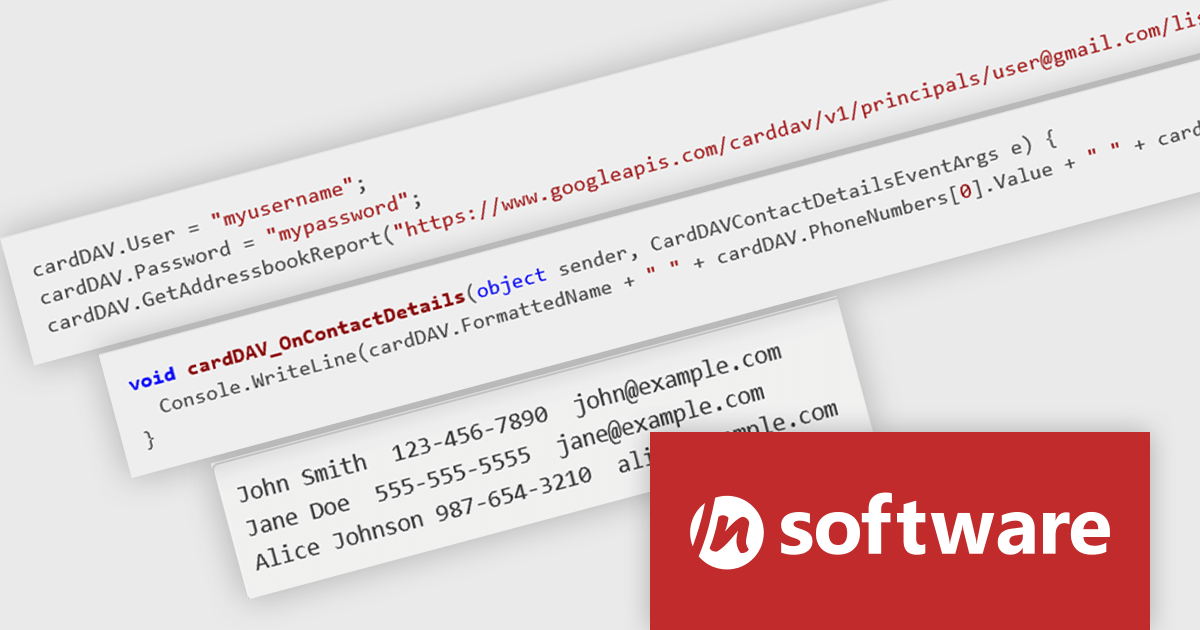
IPWorks by /n software is a comprehensive development library designed to streamline your creation of internet-enabled applications. It offers pre-built, secure components for common functionalities like sending emails, transferring files, and consuming web services. This allows you to focus on your application's core logic while leveraging pre-tested, robust tools for essential internet interactions.
The IPWorks 2024 release streamlines contact management with its all-new CardDAV component. This integration empowers applications to seamlessly create, edit, and synchronize contacts across devices and platforms. Users can effortlessly manage address books, add, delete, copy, or move entries, all while centralizing data on a CardDAV server. This ensures everyone stays in sync and fosters improved collaboration across an organization.
To see a full list of what's new in IPWorks 2024, see our release notes.
IPWorks is licensed per developer and is available as a Perpetual License with a 12 month support and maintenance subscription. See our IPWorks licensing page for full details.
IPWorks is available to buy in the following products:
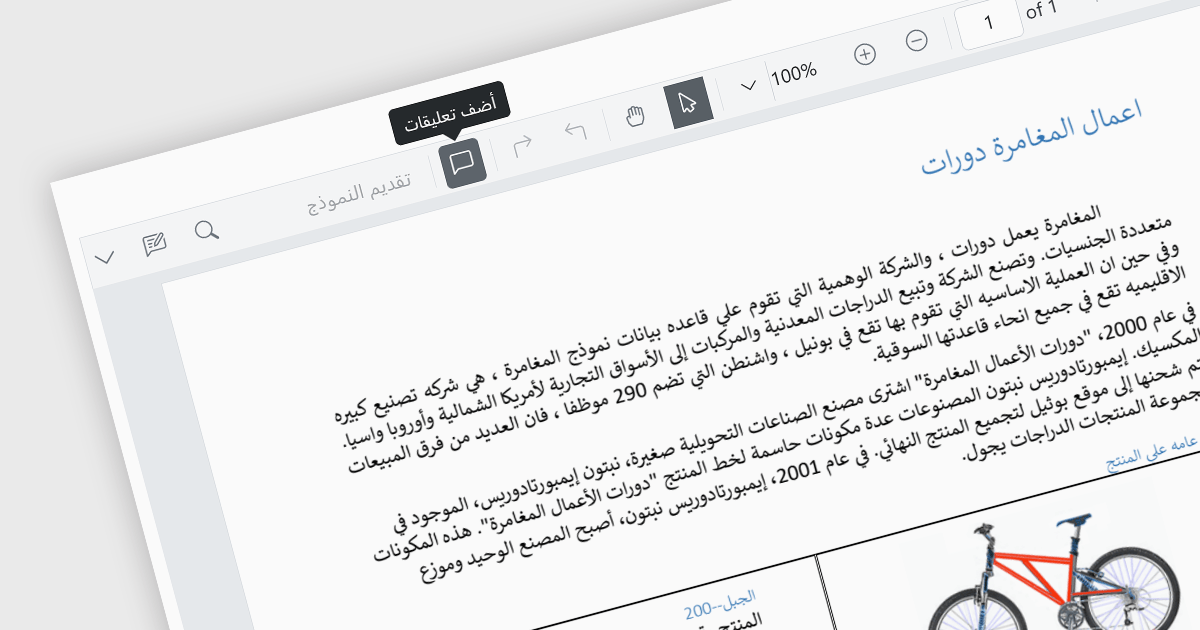
Localization capabilities in PDF viewer components allow for a user-friendly experience across various languages. By providing translated text and right-to-left support for interface elements like menus, buttons, and error messages, viewers can navigate and interact with PDFs in their native language. This improves international accessibility and fosters a wider user base for applications that utilize PDF documents.
Several React PDF Viewer controls offer localization including:
For an in-depth analysis of features and price, visit our React PDF Viewer controls comparison.
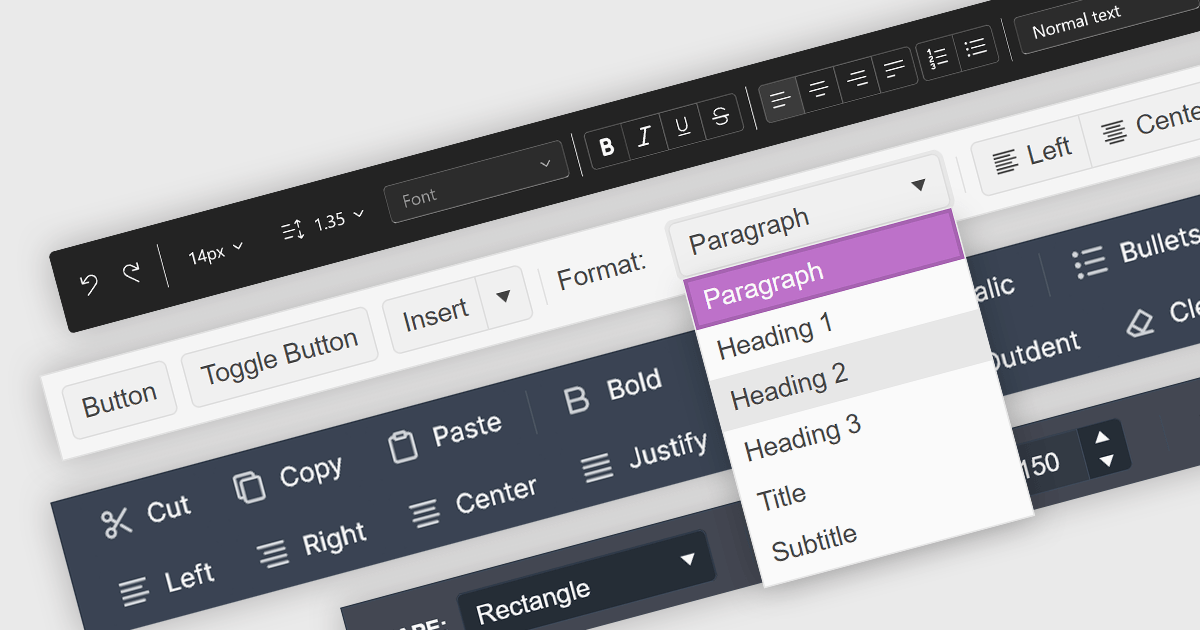
Toolbar controls for jQuery extend the functionality of your web applications by providing customizable toolbars with UI elements like buttons, dropdowns, and menus. These libraries offer features like drag-and-drop customization, theming options, and accessibility compliance, streamlining user interaction for common actions like editing, formatting, and navigation.
Several jQuery UI suites feature a toolbar control including:
For an in-depth analysis of features and price, visit our jQuery UI Suites comparison.
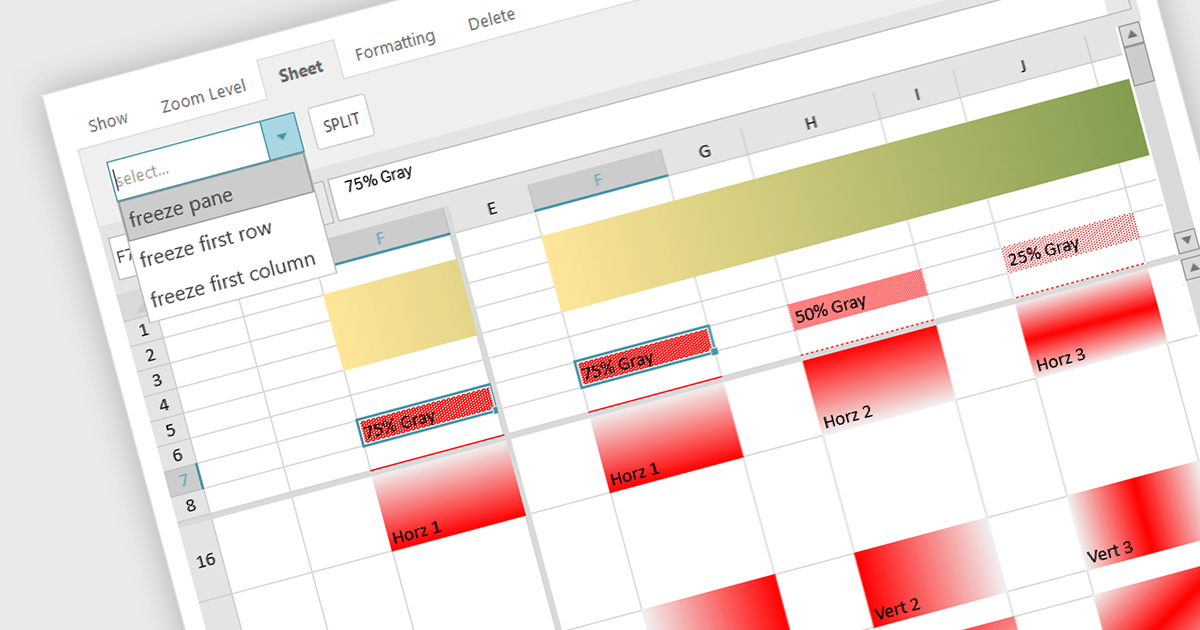
Spreadsheet controls with freeze pane support enable developers to lock specific rows or columns in place while allowing the rest of the data to scroll freely. This feature enhances the user experience by keeping headers or key reference data visible at all times, thus improving navigation and readability in large datasets. It is particularly beneficial for applications where users need to compare data across extensive spreadsheets, ensuring that critical information remains accessible without disrupting the workflow. This functionality contributes to a more efficient and user-friendly interface, reducing the cognitive load on users and facilitating better data analysis.
Several JavaScript spreadsheet controls offer freeze pane support including:
For an in-depth analysis of features and price, visit our comparison of Compare JavaScript Spreadsheet Controls.
联系电话: (888) 850 9911
传真: +1 770 250 6199


