













官方供应商
我们作为官方授权经销商,直接提供超过200家开发厂家所发行超过1000个的产品授权给您。
查看我们的所有品牌。
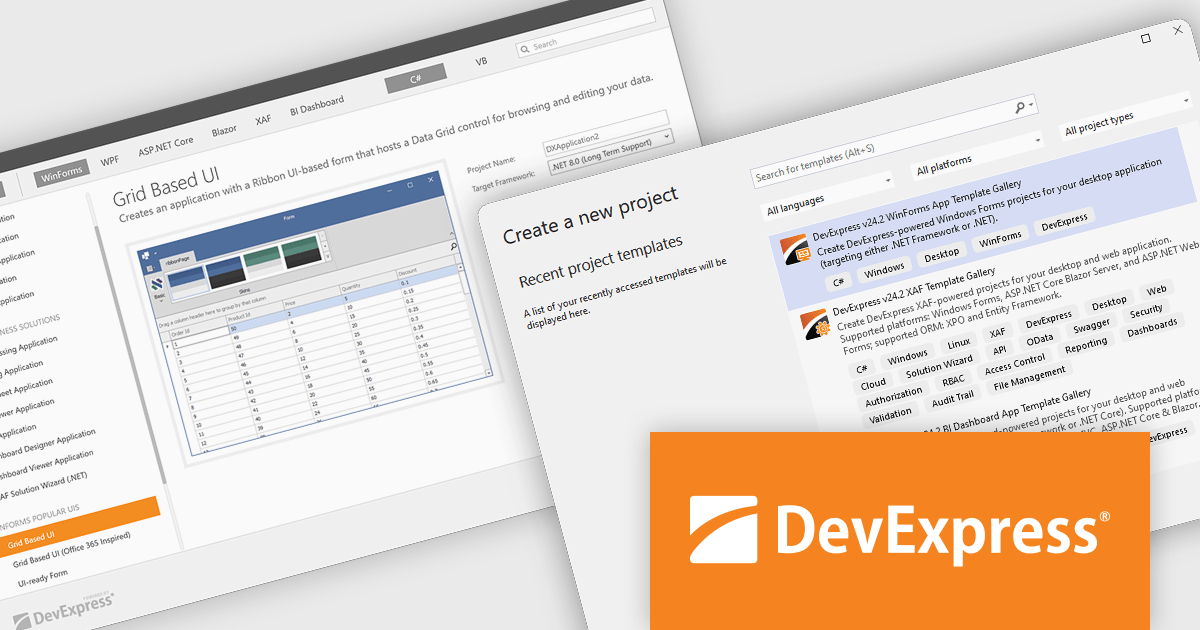
DevExpress WinForms is a comprehensive suite of 190+ UI controls and development tools designed for building high-performance desktop applications. It offers a broad array of customizable controls, from data grids and ribbon interfaces to advanced charts, maps, and diagramming components. This empowers developers to rapidly create functionally rich applications, while adhering to accessibility guidelines and touch-enabled technology for modern Windows environments.
The DevExpress WinForms v24.2 update adds the Project Template Gallery, offering a variety of pre-built project templates tailored for common use cases. It includes layouts such as grid-based, Ribbon, toolbar, and hybrid app designs, enabling developers to quickly set up projects with a solid foundation. The gallery supports .NET Framework and .NET Core, ensuring compatibility with modern development environments like Visual Studio. By reducing setup time and providing ready-to-use project structures, the Template Gallery allows developers to focus on adding functionality and delivering high-quality applications.
To see a full list of what's new in version 24.2, see our release notes.
DevExpress WinForms is licensed per developer and is available as a Perpetual License with a 12 month support and maintenance subscription. See our DevExpress WinForms licensing page for full details.
DevExpress WinForms is available individually or in the following products:
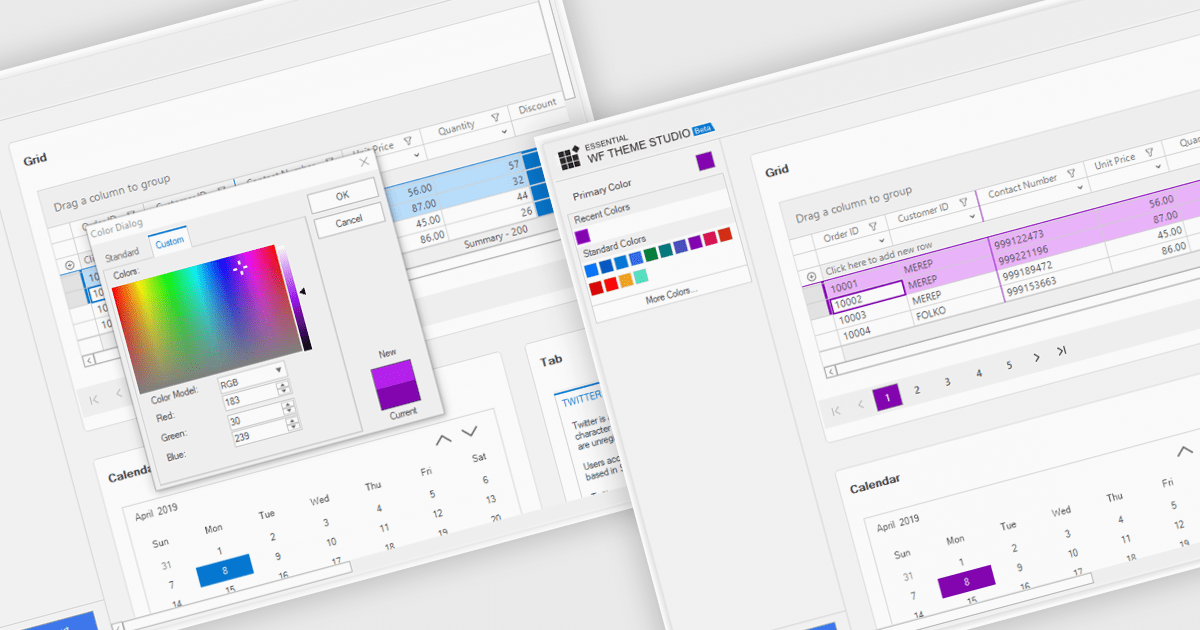
Customizable themes allow developers to define and manage the visual appearance of applications by modifying elements such as colors, typography, spacing, and component styles to align with specific branding or design requirements. These themes ensure a consistent and professional user interface across all components, simplify the process of applying design changes, and enhance scalability for future updates or multiple projects. By centralizing style management, customizable themes improve development efficiency, reduce redundancy, and enable the creation of accessible and responsive designs that deliver a seamless user experience across devices and platforms.
Several Windows Forms grid components offer support for customizable themes including:
For an in-depth analysis of features and price, visit our WinForms grid controls comparison.
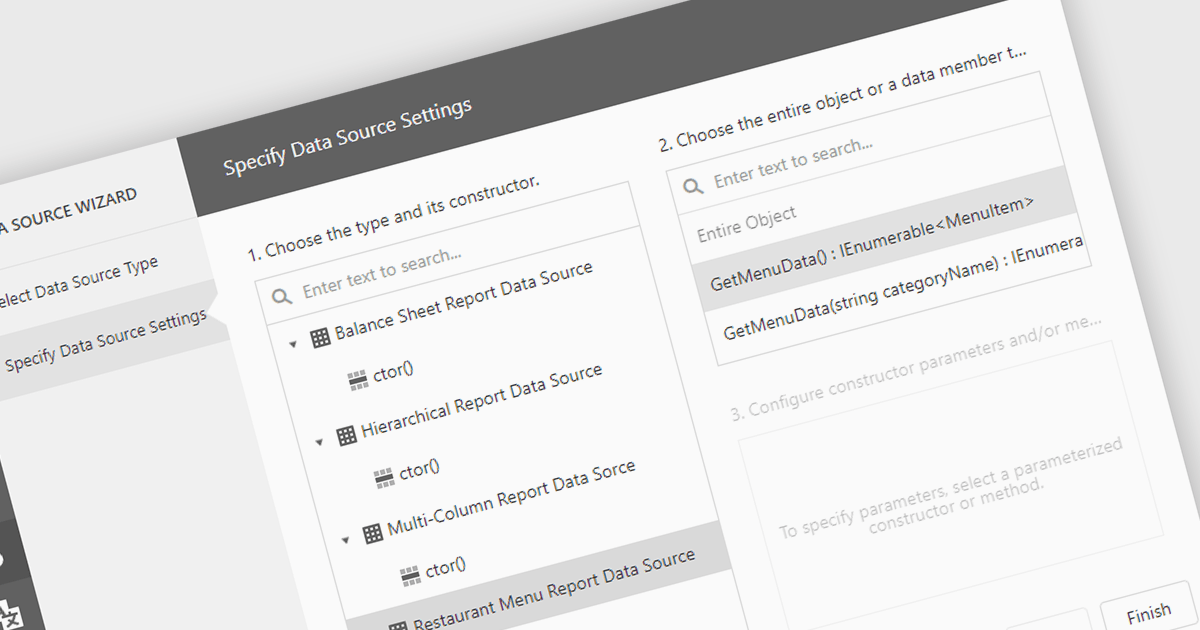
IEnumerable data connectivity allows for easy binding of reports to in-memory collections or objects that implement the IEnumerable interface, such as list
Several .NET reporting components offer IEnumerable data connectivity including:
For an in-depth analysis of features and price, visit our comparison of .NET reporting controls.
Spread.NET by MESCIUS is a versatile spreadsheet component for .NET applications, enabling developers to integrate Excel-compatible functionalities into Windows Forms, WPF and ASP.NET. With features like advanced data visualization, pivot tables, conditional formatting, and customizable formulas, Spread.NET handles large data sets efficiently and allows seamless Excel import/export. This tool is ideal for applications needing robust data analytics and reporting, such as financial software and business intelligence solutions, enhancing user experience with a familiar spreadsheet interface.
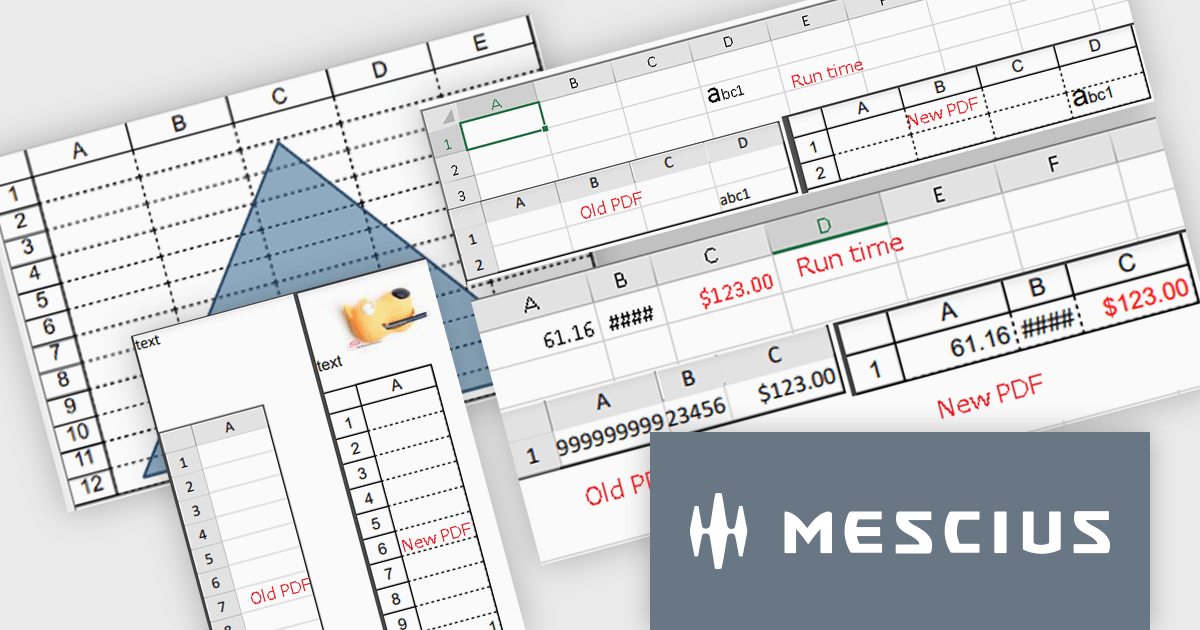
The Spread.NET 18 update enhances PDF export capabilities by delivering high-resolution outputs with improved image quality and rendering precision. This update aligns closely with Excel-compatible printing features, ensuring accurate representation of rich text, flat style modes, transparent shapes and header/footer images in PDF documents. Developers can now save individual sheets, entire workbooks or directly print to PDF, providing greater flexibility and efficiency. With these improvements, the PDF export functionality meets professional-grade standards, making it a reliable tool for creating polished, high-quality outputs directly from .NET spreadsheets.
To see a full list of what's new in version 18, see our release notes.
Spread.NET is licensed per developer and is available as a Perpetual License with a 12 month support and maintenance subscription. We can supply any Spread.NET license including new licenses, maintenance renewals, and upgrade licenses. See our Spread.NET licensing page for full details.
For more information, visit our Spread.NET product page.
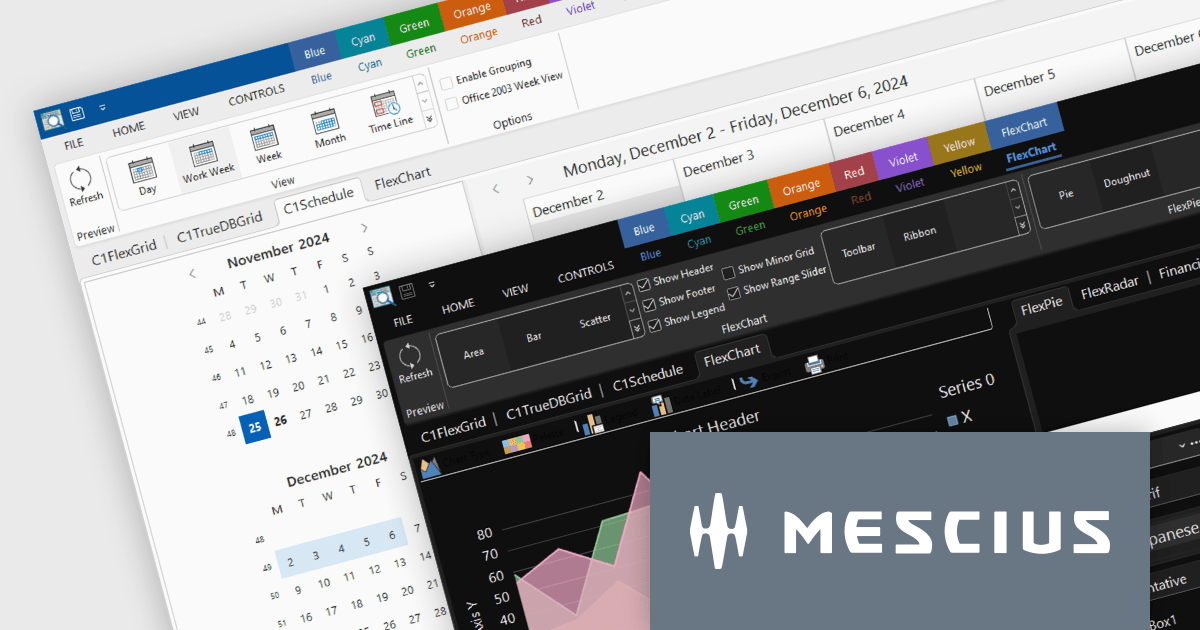
ComponentOne Studio Enterprise by MESCIUS is a robust toolkit for .NET developers, offering an extensive suite of UI controls and tools tailored for building powerful desktop applications using WinForms, WPF, and other technologies. With its rich set of pre-built components, including advanced data grids, charts, and reporting tools, it enables developers to create visually appealing and highly functional applications with ease. By streamlining development and minimizing the need for custom coding, ComponentOne Studio Enterprise accelerates project timelines and enhances productivity, empowering developers to focus on delivering feature-rich and polished desktop solutions efficiently.
The ComponentOne Studio Enterprise 2024 v2 update introduces production-ready Microsoft Office 365 themes for Windows Forms and WPF controls, enabling developers to deliver desktop applications with modern, professional aesthetics that align with the latest Windows software styles. These themes include multiple variations such as white, gray, dark, green, and colorful, offering developers the flexibility to customize their applications to suit different user preferences and branding requirements. This enhancement streamlines the process of creating visually cohesive and up-to-date user interfaces for desktop applications.
To see a full list of what's new in 2024 v2, see our release notes.
ComponentOne Studio products are licensed per developer on a perpetual basis and include a 12 month subscription. Priority Support is also available. See our licensing pages below for full details:
For more information see the following product pages:
联系电话: (888) 850 9911
传真: +1 770 250 6199


