













官方供应商
我们作为官方授权经销商,直接提供超过200家开发厂家所发行超过1000个的产品授权给您。
查看我们的所有品牌。
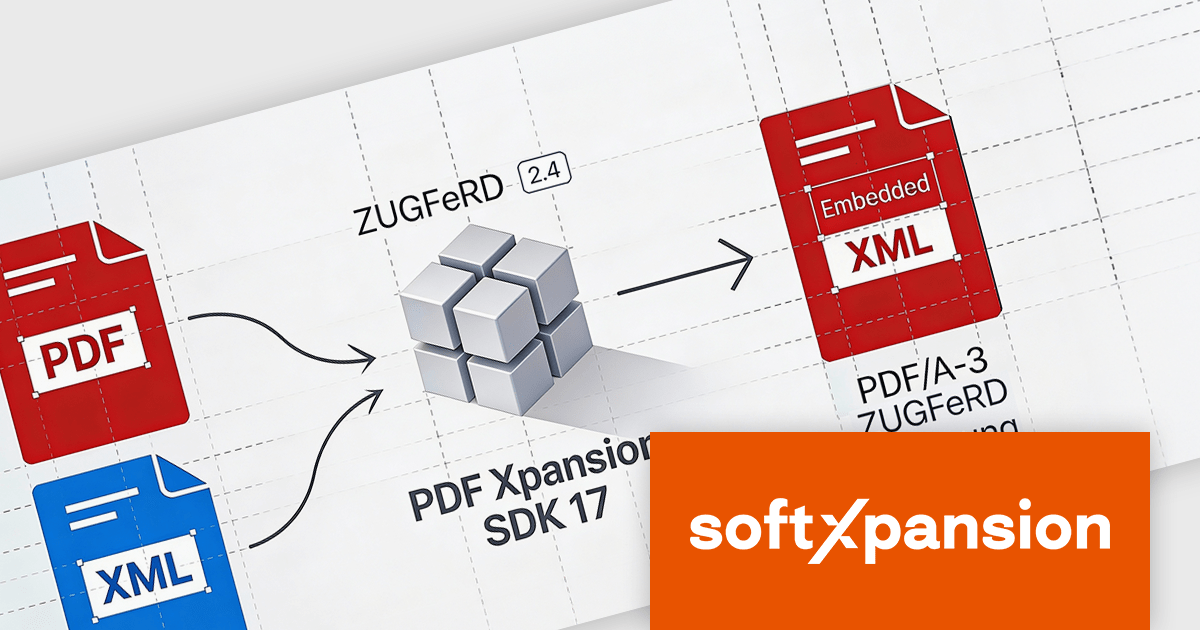
PDF Xpansion SDK E-Invoicing by soft Xpansion is a comprehensive software development kit for creating, processing, and managing electronic invoices in compliance with international standards. It simplifies integration into existing applications and supports structured invoice data in XML as well as hybrid PDF/A formats, including common standards such as ZUGFeRD, Factur-X, and XRechnung. The SDK enables developers to create, edit, display, and extract data from compliant invoices, supporting automated digital invoicing workflows, legal conformity, and straightforward connection with accounting or enterprise resource planning (ERP) systems.
The PDF Xpansion SDK v17.2.7 update adds support for ZUGFeRD 2.4, allowing applications to generate and process e-invoicing documents that align with the latest version of the German and European e-invoicing standard based on EN 16931 (European Norm 16931). For software developers, this support ensures continued compatibility with evolving regulatory requirements, improves interoperability with trading partners and public sector systems, and reduces the risk of invoice rejection caused by outdated schemas or validation rules. By targeting ZUGFeRD 2.4, applications built on the SDK can handle current e-invoicing profiles with greater reliability while remaining suitable for long-term maintenance in compliance-focused environments.
To see a full list of what's new in v17.2.7, see our release notes for PDF Xpansion SDK E-Invoicing Creation, Receipt or Receipt Plus.
PDF Xpansion SDK E-Invoicing is available in 3 variations, licensed per company location where developers use the SDKs. Optional Add-Ons are available which require ownership of SDK site licenses. Maintenance Subscription is available providing product updates (error corrections) and 12 man hours of support service for 1 year. See the product license pages for full details:
Learn more about PDF Xpansion SDK E-Invoicing on our product pages:
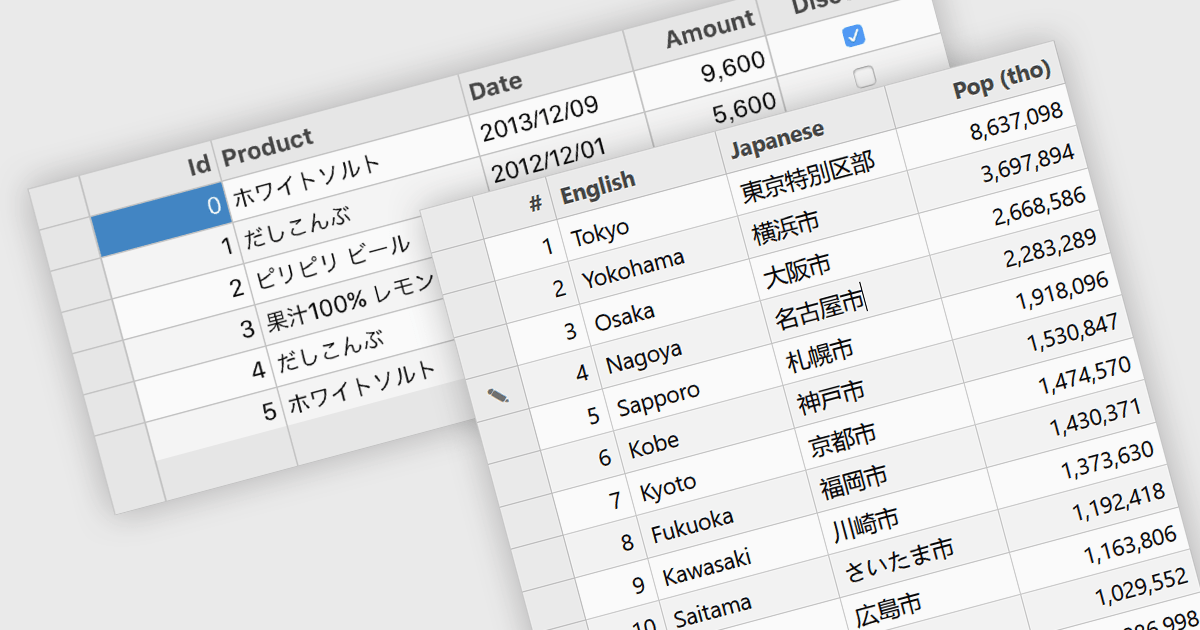
Input Method Editor (IME) support refers to the capability of an application or control to correctly handle complex text input, particularly for languages that require composition, such as Chinese, Japanese, and Korean. IME enables users to enter characters that are not directly available on a physical keyboard by converting sequences of keystrokes into the correct script, improving accessibility and usability for multilingual input. When applied to a data grid within an application, this capability ensures that users can reliably enter and edit multilingual text directly within grid cells without input loss or formatting issues. IME support in a data grid is especially valuable for applications that manage structured data across regions, as it allows accurate entry of names, descriptions, and other localized content while preserving normal grid behaviors such as editing, validation, and navigation.
Several WPF grid components include Input Method Editor support, including:
For an in-depth analysis of features and price, visit our comparison of WPF grid components.
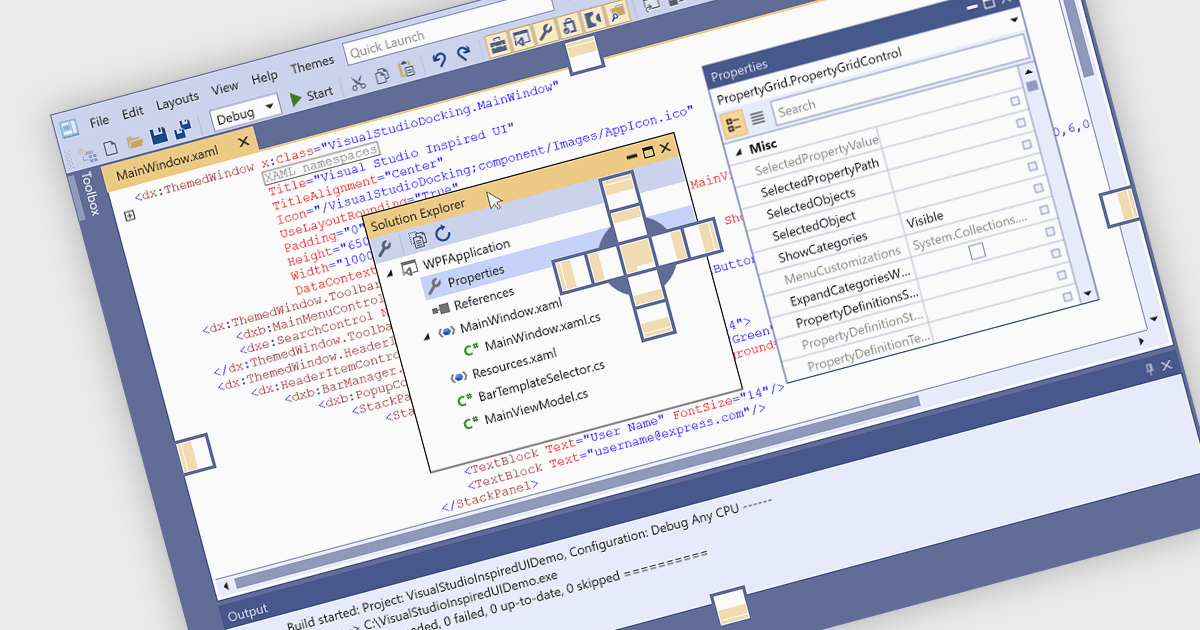
Docking controls are a key element of user interface design that enhance the usability of complex applications. They allow users to rearrange windows or panels within the main application window, making it easier to create personalized, efficient layouts. These controls typically support drag-and-drop interactions and automatic alignment, which help users maintain a tidy and organized workspace while working with multiple tools or data views. Docking frameworks often include features like tabbed documents, floating windows, and layout persistence, all of which contribute to a more flexible and user-driven application environment. This makes docking especially useful in professional software environments that involve large volumes of information or tool-based workflows.
Several WPF UI suites provide you with docking support, including:
For an in-depth analysis of features and price, visit our comparison of WPF UI suites.
DevExpress Universal is a comprehensive suite of UI components and developer tools that supports the creation of feature-rich applications across web, desktop, and mobile platforms, including .NET, JavaScript, Blazor, ASP.NET, WinForms, WPF, and MAUI. It focuses on delivering consistent user interfaces, advanced data visualization, reporting, dashboards, and productivity features that help teams design, build, and maintain complex applications using a unified set of technologies and patterns.
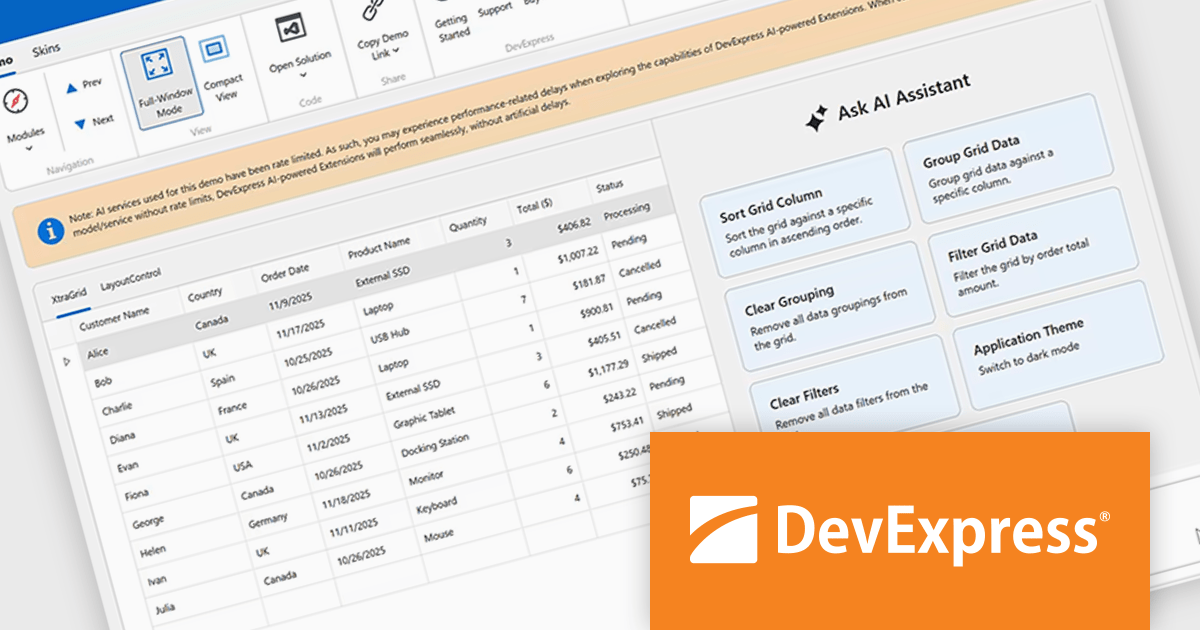
DevExpress Universal v25.2 introduces AI Tool Calling (Natural Language Control for UI Components), a cross-platform feature that extends Microsoft.Extensions.AI tool-calling to enable natural-language interaction with application UI and logic. Developers can expose UI components, ViewModels, and business services as AI-invokable tools, grouped into dynamic toolsets that adapt to the application’s current context. When users interact through the DevExpress AI Chat Control, the language model interprets their request, selects the appropriate tool, resolves the target instance, and executes the action in real time, making applications easier to use while giving developers full control over what the AI can see and do.
DevExpress Universal is licensed per developer and is available as a Perpetual License with a 12 month support and maintenance subscription. See our DevExpress Universal licensing page for full details.
For more information, visit our DevExpress Universal product page.
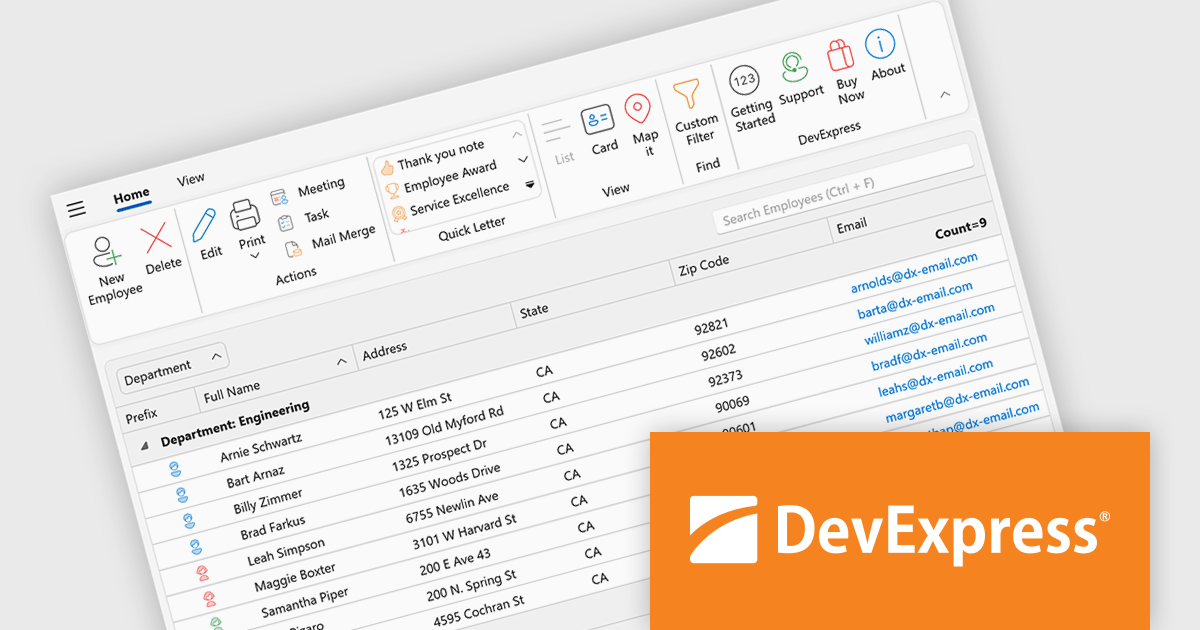
DevExpress WPF is a powerful suite of controls that enhances your WPF development toolkit. It offers data grids, ribbon menus, rich text editors, spreadsheets, charts, and more, all with beautiful themes and touch-friendly interfaces. DevExpress WPF helps you to build professional-looking, responsive applications that meet modern user expectations, saving you time and effort while adding polish and functionality.
The DevExpress WPF 25.2 update introduces support for a Page Header Button positioned directly in the ribbon’s page header area. This new UI element allows developers to replicate the toggle behavior seen in recent versions of Microsoft Outlook, where users can expand or collapse navigation panes with a single click. It is a simple yet effective way to enhance usability in complex applications, particularly those that rely on dynamic side panels or menus. This new functionality brings a modern and intuitive interaction model to WPF-based interfaces, aligning with common user expectations.
To see a full list of what's new in version 25.2, see our release notes.
DevExpress WPF is licensed per developer and is available as a Perpetual License with a 12 month support and maintenance subscription. We can supply new subscriptions, subscription renewals, and additional licenses. See our DevExpress WPF licensing page for full details.
DevExpress WPF is available to buy in the following products:
联系电话: (888) 850 9911
传真: +1 770 250 6199


