













官方供应商
我们作为官方授权经销商,直接提供超过200家开发厂家所发行超过1000个的产品授权给您。
查看我们的所有品牌。
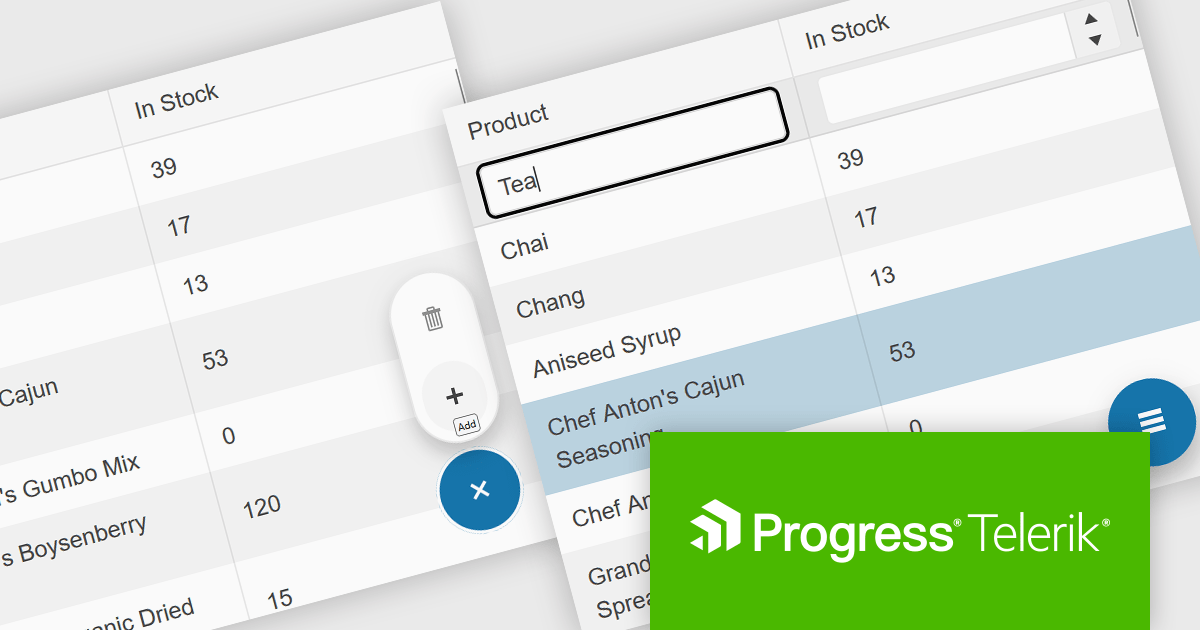
Telerik UI for Blazor is a comprehensive UI library that provides over 110 native and customizable Blazor components for building modern and feature-rich web applications. This professional-grade solution offers a complete set of components to satisfy all user interface requirements, saving time and effort in UI design.
The Telerik UI for Blazor 2025 Q1 update introduces the Floating Action Button (FAB), a configurable UI component designed to enhance user interactions by providing quick access to primary actions. It remains visible above page content, ensuring that essential functionality is always within reach, even while scrolling. Developers can customize its position, appearance, and behavior to align with application requirements, including support for icons and event handling. By integrating this component, applications can improve usability, streamline workflows, and deliver a modern, efficient user experience.
To see a full list of what's new in 2025 Q1 (v8.0.0), see our release notes.
Telerik UI for Blazor is licensed per developer and has two licensing models: an annual Subscription License and a Perpetual License. The Subscription license provides access to the latest product updates, technical support, and exclusive benefits for a flat annual fee, and must be renewed to continue using the software. The Perpetual license is a one-time purchase granting access to the current released version and includes a one-year subscription for product updates and technical support. After this initial period, users can choose to renew the subscription element to continue receiving updates and support; otherwise, they may continue using the installed version available during their active subscription term but will forgo future updates and support. See our Telerik UI for Blazor licensing page for full details.
Telerik UI for Blazor is available individually or as part of the following products:

/n software is a leading provider of enterprise-class components and tools for secure internet communications, cloud integration, and data encryption. For over 30 years, it has been trusted by developers across Fortune 500 and Global 2000 companies to build reliable, high-performance applications. Its product portfolio includes the widely used IPWorks suite and the Red Carpet Subscription, offering comprehensive solutions for networking, security, and messaging across various platforms and frameworks.
The following /n software products now support .NET 9, allowing developers to take advantage of the latest performance improvements, security enhancements, and modern development features in Microsoft's newest framework. These updates ensure integration with cutting-edge .NET technologies, helping developers build robust and scalable Internet applications.
/n software Red Carpet Subscription is licensed per developer and is available as a Perpetual License with a 12 month support and maintenance subscription. See our Red Carpet Subscription licensing page for full details.
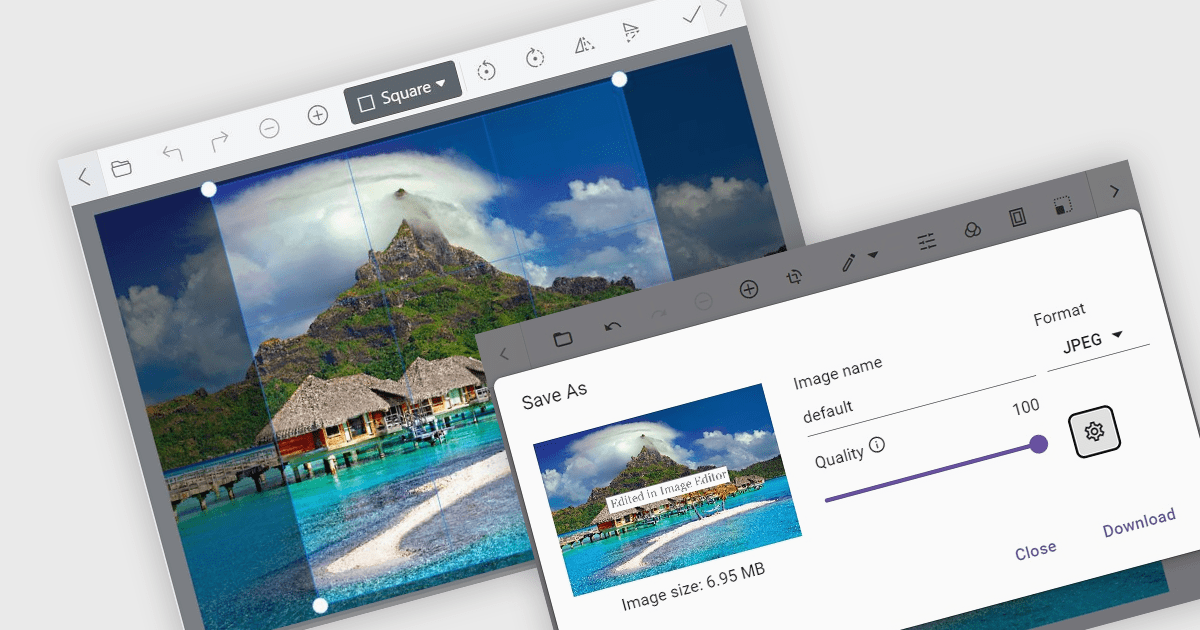
Image editors are user interface (UI) controls that can be embedded in applications, enabling users to load, edit, and save images seamlessly. They typically support a range of operations, including cropping, zooming, resizing, rotating, filtering, and exporting. Ideal for applications that require built-in image manipulation, such as content management systems or design tools, image editors allow users to modify images without relying on external software. By integrating these capabilities, developers can enhance their application's functionality and provide a more versatile user experience.
Several .NET data editor collections provide an image editor, including:
For an in-depth analysis of features and price, visit our .NET data editors comparison.
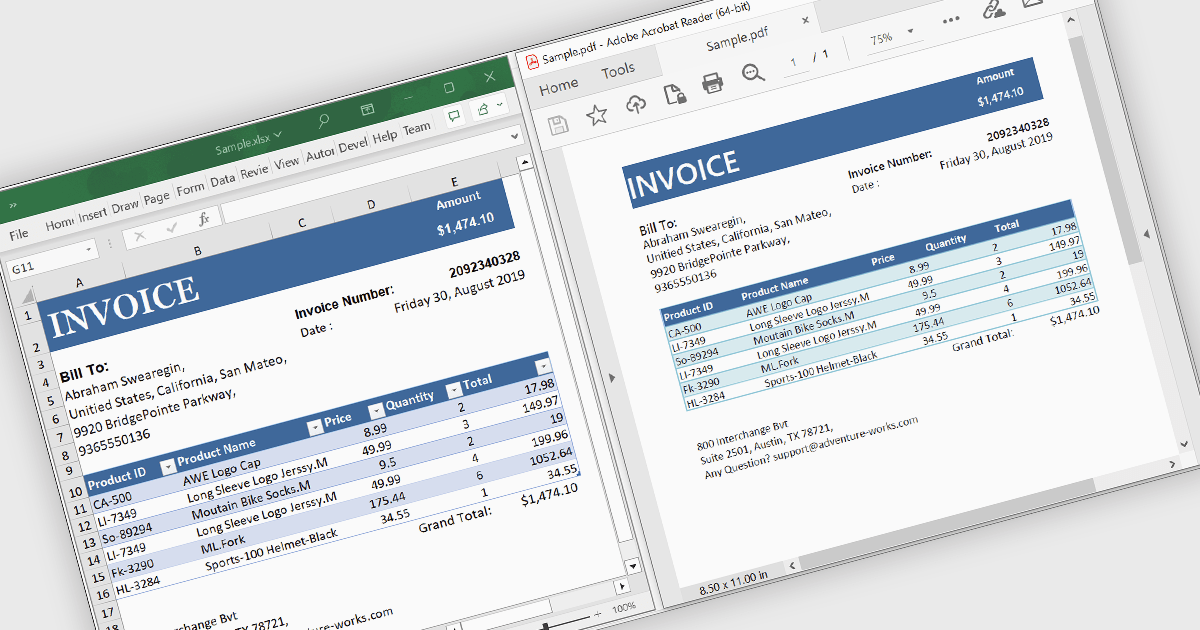
Converting Excel files to PDF ensures that spreadsheets maintain their formatting, structure, and data integrity while becoming universally accessible across devices without requiring specialized software. This process enhances security by preventing unintended edits, supports password protection, and enables controlled access to sensitive data. It also optimizes file size for easier sharing and ensures consistent printing without layout distortions. Ideal for financial reports, invoices, data summaries, and official documents, Excel to PDF conversion provides a professional, fixed-format output suitable for archiving, collaboration, and compliance with industry standards.
Several .NET WinForms PDF controls offer support for Excel to PDF conversion, including:
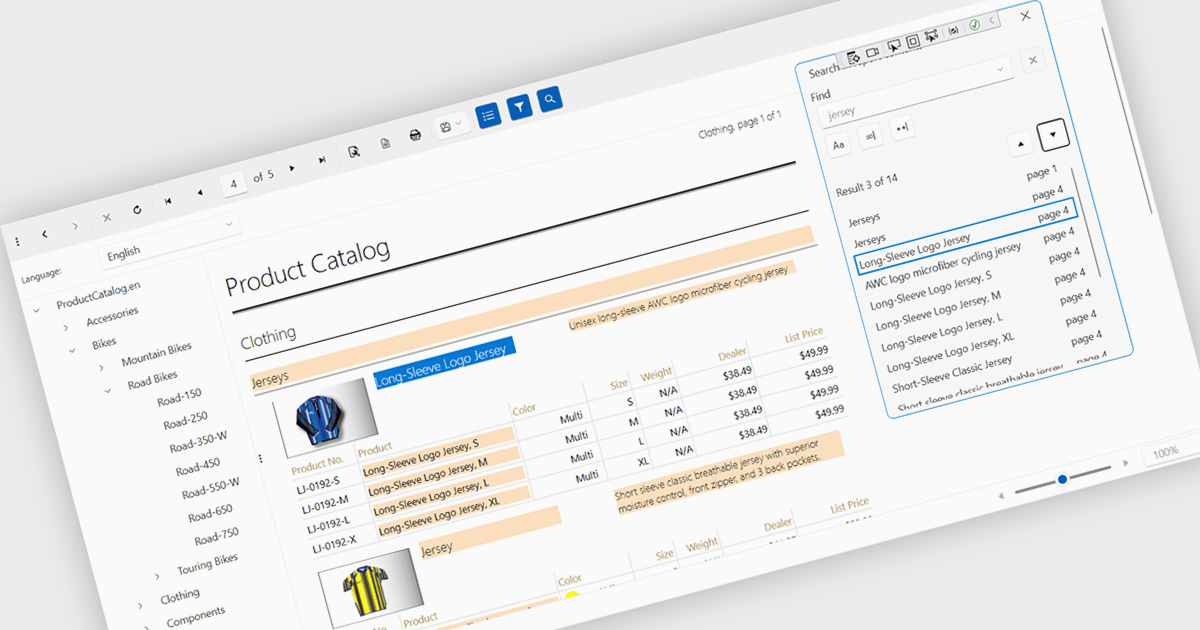
A report viewer is a control that displays rendered reports to the user. It handles the presentation of report data, enabling functionalities like zooming, pagination, searching and exporting to various formats. Essentially, it abstracts the complexity of report rendering and interaction, providing developers with a ready-to-use interface for presenting reports within their applications, thus streamlining development and ensuring a consistent user experience for report consumption.
Several reporting controls feature a WPF report viewer including:
For an in-depth analysis of features and price, visit our WPF Reporting Controls comparison.
联系电话: (888) 850 9911
传真: +1 770 250 6199


