













官方供应商
我们作为官方授权经销商,直接提供超过200家开发厂家所发行超过1000个的产品授权给您。
查看我们的所有品牌。
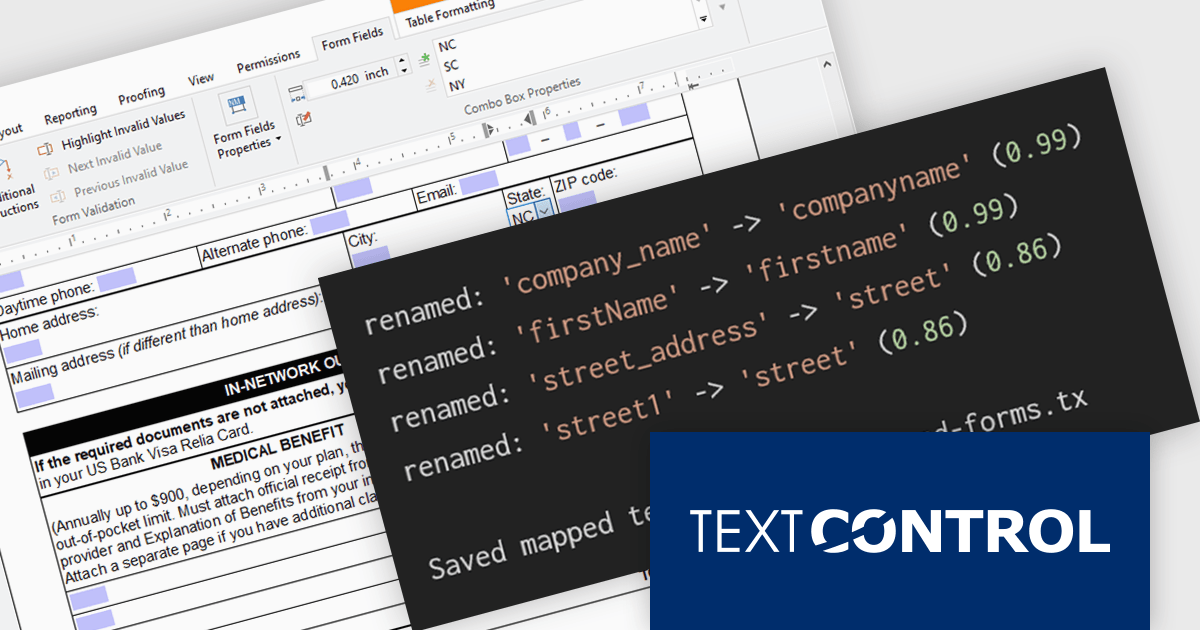
TX Text Control .NET Server for ASP.NET is a server side component for Web applications, or services. It is a fully programmable ASP.NET word processor engine that offers an extensive palette of word processing features. Using TX Text Control .NET Server, programmers can develop server side, end user applications that generate documents on-the-fly, using data from databases, binary files (Microsoft Word DOC and DOCX), ASCII files (XML, RTF, HTML) and image data (JPG, PNG, BMP, TIF, GIF, WMF). Documents can be created, modified and edited in a browser or printed in batch processes.
In this blog post from Text Control, Bjoern Meyer demonstrates how to automatically map TX Text Control form fields to JSON data in a .NET C# application, even when the names are not an exact match. It uses fuzzy matching and is especially useful in cases where templates and data sources evolve independently. The included sample project takes you through the following steps:
Read the complete blog and learn how to automatically prepare templates for JSOPN-based document workflows.
TX Text Control .NET Server for ASP.NET is licensed per developer and is available as a Perpetual License with a 12 month support and maintenance subscription. Run time licenses are required for the deployment to production servers. See our TX Text Control .NET Server for ASP.NET licensing page for full details.
For more information, visit our TX Text Control .NET Server for ASP.NET product page.
Aspose.Words for .NET is a software development library that empowers developers to build document processing functionalities into their applications. It supports a wide range of document formats, including Microsoft Word (DOC, DOCX), OpenOffice (ODT), PDF, and HTML, allowing applications to generate, edit, convert, render, and print documents without relying on external programs like Microsoft Word. This streamlines development and ensures applications can handle various document needs.
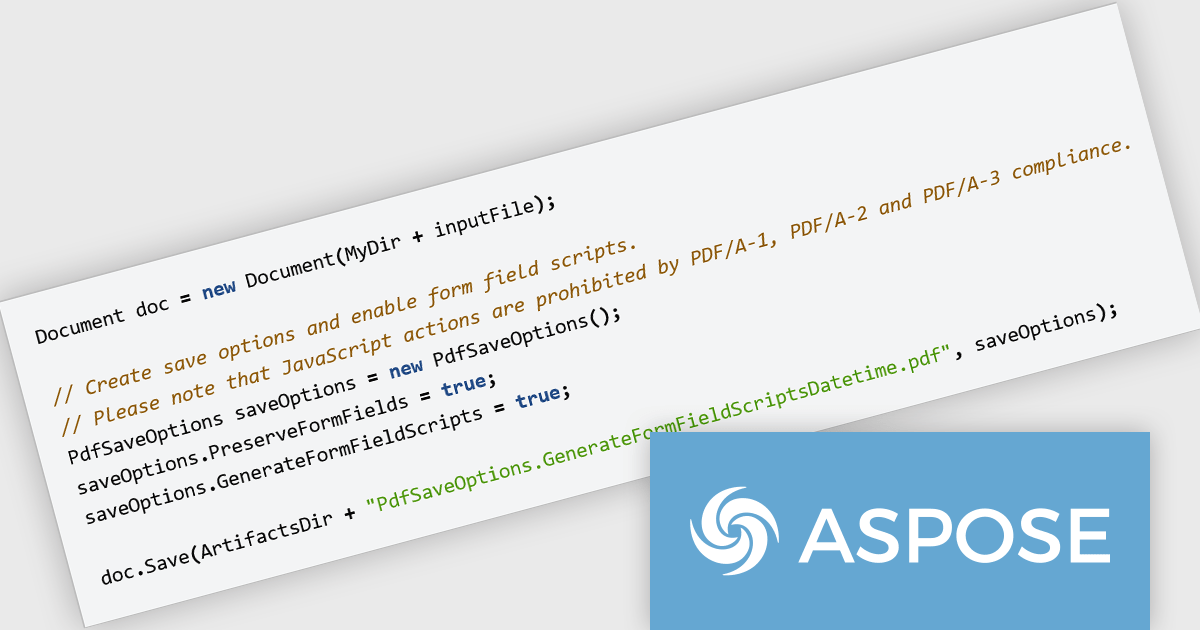
The Aspose.Words for .NET V26.6 release introduces JavaScript trigger support for date and time fields in PDF AcroForms helping developers create more interactive and responsive forms when exporting documents to PDF. By enabling JavaScript actions to be associated with date and time fields, forms can automatically validate user input, apply formatting rules, and respond dynamically to user interactions. This improves the overall user experience by reducing input errors and providing immediate feedback, while also helping organizations build smarter digital forms that require less manual correction and processing after submission.
To see a full list of what's new in V26.6, see our release notes.
Aspose.Words for .NET is offered as Developer Small Business, Developer OEM, Developer SDK, Site Small Business, Site OEM and Site SDK licenses catering to a range of business needs. Licenses are perpetual, and include 1 year of support and maintenance. Subscription renewals are also available. See our Aspose.Words for .NET licensing page for full details.
Aspose.Words for .NET is available individually or as part of the following products:
Telerik Reporting and Telerik Report Server deliver a complete solution for creating, managing, and distributing reports across .NET applications. Telerik Reporting is a lightweight, embedded reporting tool for .NET web and desktop apps. It lets developers and users easily design, customize, and export interactive, reusable reports. It supports multiple platforms, including ASP.NET Core, Blazor, MVC, AJAX, HTML5/JS, Angular, WPF, WinForms, and WinUI. Telerik Report Server is a web-based, server-side solution for centralized report management. Built on Telerik Reporting, it offers scheduling, delivery, user management, and web-based access. It can be used standalone or integrated into apps built with Blazor, Angular, or Windows Forms.
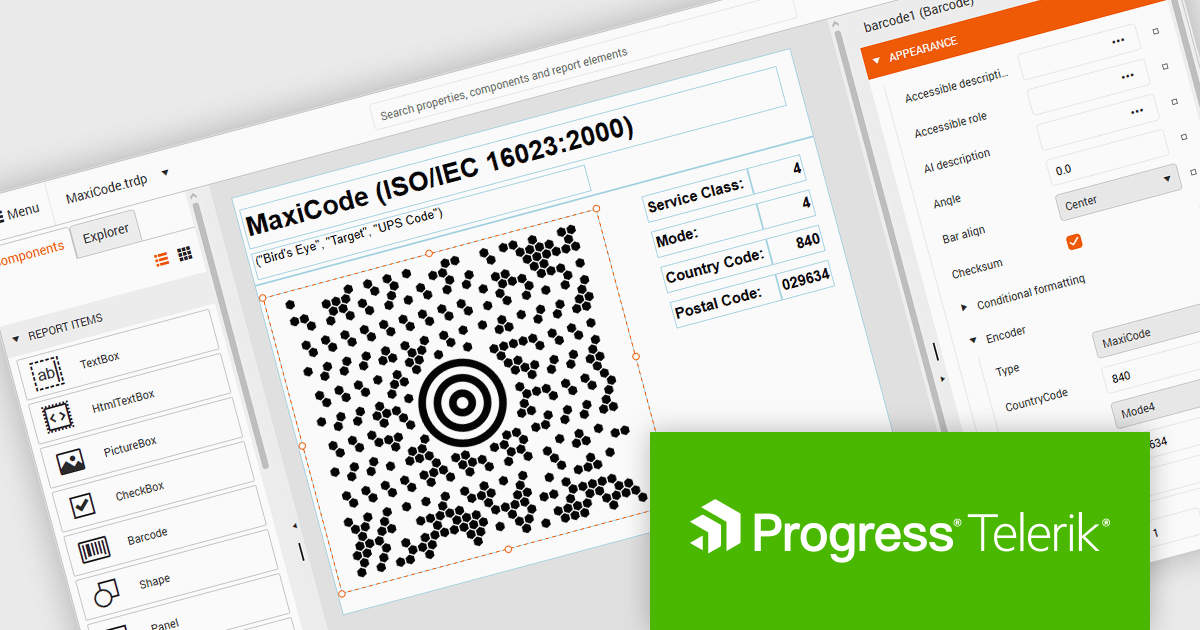
The Telerik Reporting and Report Server 2026 Q2 update adds MaxiCode barcode support, enabling developers to generate UPS-compatible shipping labels directly within Telerik reporting workflows without relying on separate labeling tools. The enhancement ensures accurate MaxiCode rendering across export formats including PDF, HTML, DOCX, XAML, Image, and RTF, while allowing barcode generation, scheduling, distribution, and reporting to be managed from a single platform. This helps organizations streamline shipping and fulfillment processes, automate high-volume delivery workflows through scheduled reports and data alerts, and reduce operational complexity.
To see a full list of what's new, see our release notes for Telerik Reporting and Telerik Report Server 2026 Q2.
Telerik Reporting is licensed per developer and is available as an Annual Subscription License, which includes product updates, technical support, AI Productivity Tools, and other benefits for 12 months. Telerik Report Server is licensed per domain, with each license including 15 Client Access Licenses (CALs) and 12 months of support and maintenance. See our licensing pages for full details. See our licensing pages for Telerik Reporting and Telerik Report Server for full details.
Telerik Reporting and Telerik Report Server are available individually or as part of Telerik DevCraft Ultimate.
Microsoft has announced the release of .NET 11 Preview 4. This Microsoft blog post highlights what's new in this release and includes links to download .NET 11 Preview 4. This .NET update contains improvements across the .NET Runtime, including:
Read the official Microsoft Release blog for a detailed list of all planned improvements in .NET 11.
PDF Xpansion SDK by soft Xpansion is a modular software development kit for Windows applications that provides a broad set of APIs and components for creating, editing, viewing, converting, validating, and processing PDF, PDF/A, and XPS documents, alongside support for modern electronic invoicing standards such as XRechnung, ZUGFeRD, Factur-X, and EN 16931. The SDK includes specialized modules for PDF viewing, document combination and splitting, PDF/A compliance, and e-invoicing creation and receipt workflows, enabling developers to integrate document management, archiving, compliance, and business process functionality directly into desktop and enterprise applications. It also supports advanced capabilities such as PDF/UA accessibility, embedded XML data, document conversion, structured invoice validation, and customizable viewing interfaces, allowing developers to build solutions for document-centric workflows, digital archiving, regulatory compliance, document viewing, and automated invoice processing using a common set of PDF and e-invoicing development components.
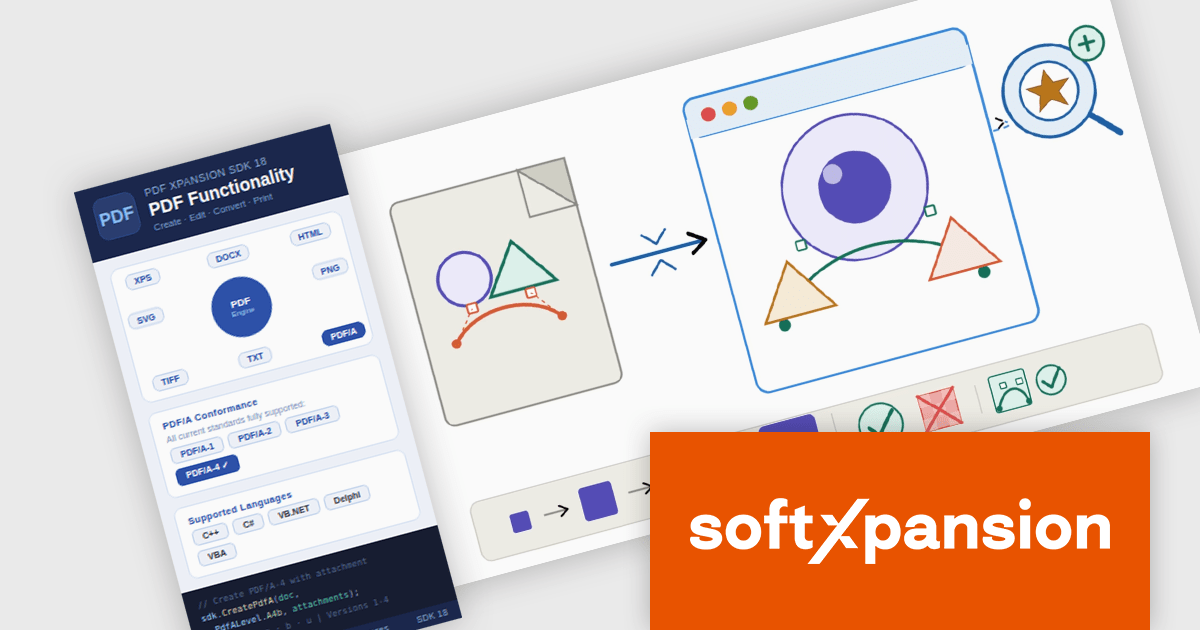
The PDF Xpansion SDK 18.0.2 update introduces full SVG import capability, allowing developers to embed complete SVG files directly into PDF documents rather than being limited to basic SVG elements. This enhancement improves fidelity when working with vector graphics by preserving complex shapes, gradients, paths, and other advanced SVG features during PDF generation. As a result, applications can produce more accurate and visually consistent PDF output from modern SVG-based assets, reducing the need for graphic simplification, conversion workarounds, or manual adjustments while supporting a broader range of design and reporting scenarios. Note: This feature is not included in the license and requires an additional purchase - details and pricing available upon request.
To see a full list of what's new in 18.0.2, see our release notes.
PDF Xpansion SDK products are licensed on a per-location basis, with a separate license required for each company location where developers use the SDKs. An annual maintenance subscription is also available, providing product updates and 12 man-hours of support for one year. Optional add-ons are available, and certain features not included in the standard license may be licensed separately for an additional fee.
See the product license pages for full details:
Learn more about PDF Xpansion SDK on our product pages:
联系电话: (888) 850 9911
传真: +1 770 250 6199


