













官方供应商
我们作为官方授权经销商,直接提供超过200家开发厂家所发行超过1000个的产品授权给您。
查看我们的所有品牌。
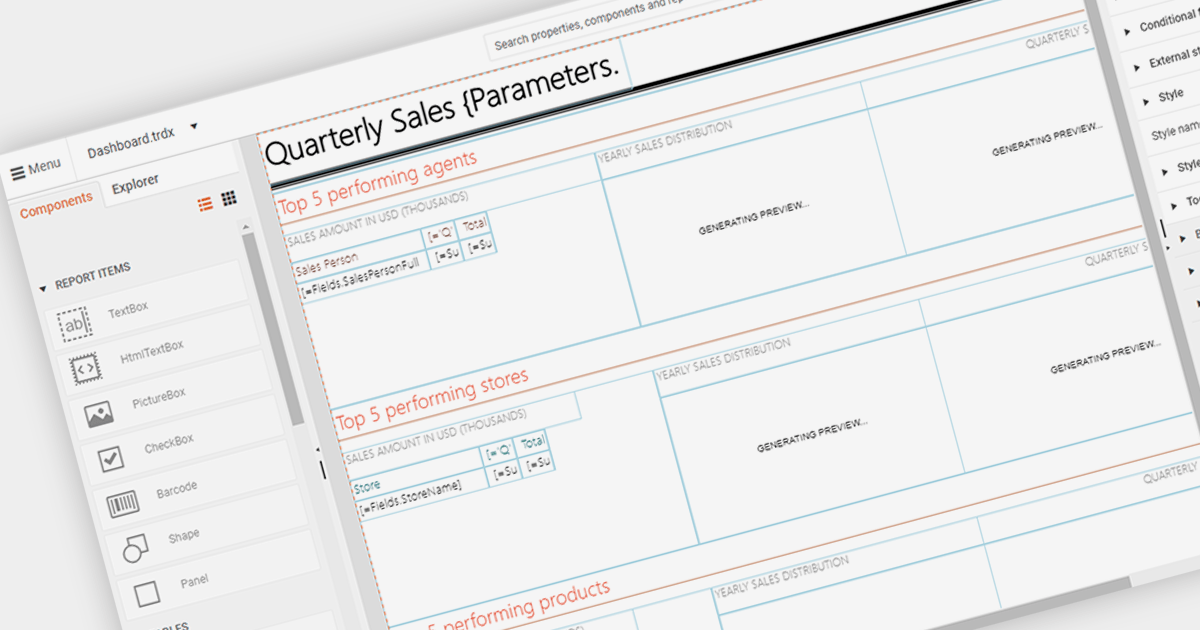
An end user report designer allows non-technical users to create and modify reports directly within an application. This tool often provides a drag-and-drop interface, enabling users to design custom report layouts, define data sources, and set up data bindings without needing to write code. It empowers users to generate personalized reports based on their specific needs and preferences, enhancing the flexibility and usability of the reporting software.
Several Blazor reporting components provide an end user report designer including:
For an in-depth analysis of features and price, visit our comparison of Blazor Reporting components.
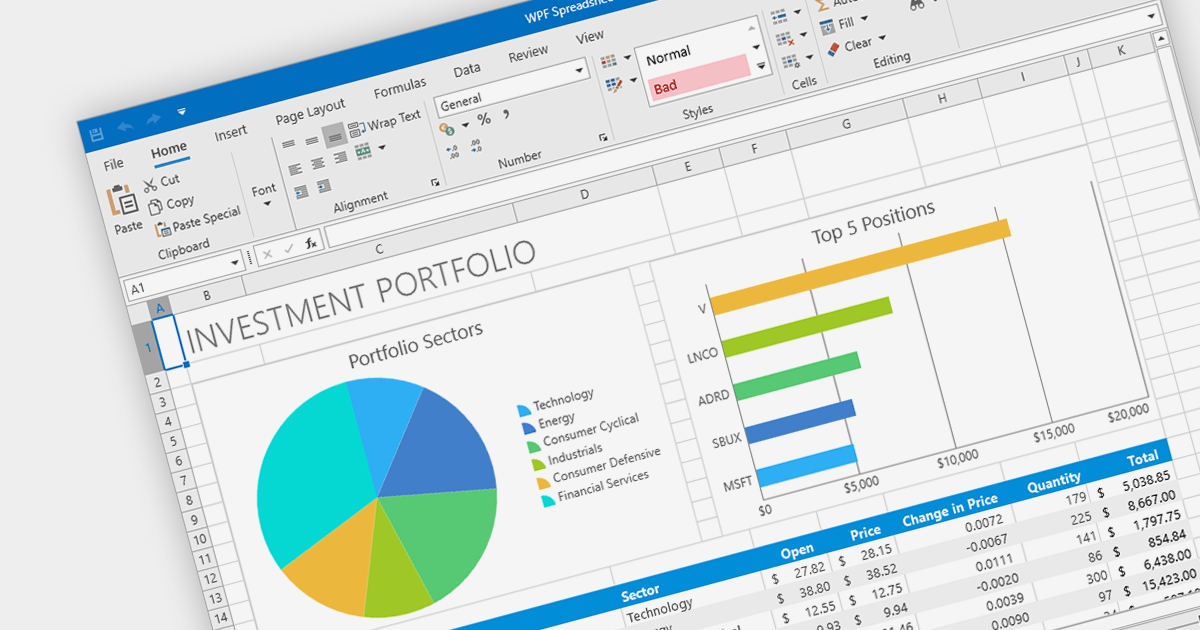
Charts are integral to spreadsheets, enabling users to transform data into visually compelling representations. These graphical formats, such as pie, line, bar, and area charts, effectively convey complex information by highlighting trends, patterns, and anomalies. Spreadsheet software with advanced charting capabilities empowers users to create dynamic charts that adapt seamlessly to data updates, making them invaluable tools for reporting, presentations, and data analysis.
Several .NET WPF spreadsheet components provide chart support including:
For an in-depth analysis of features and price, visit our comparison of .NET Spreadsheet components.
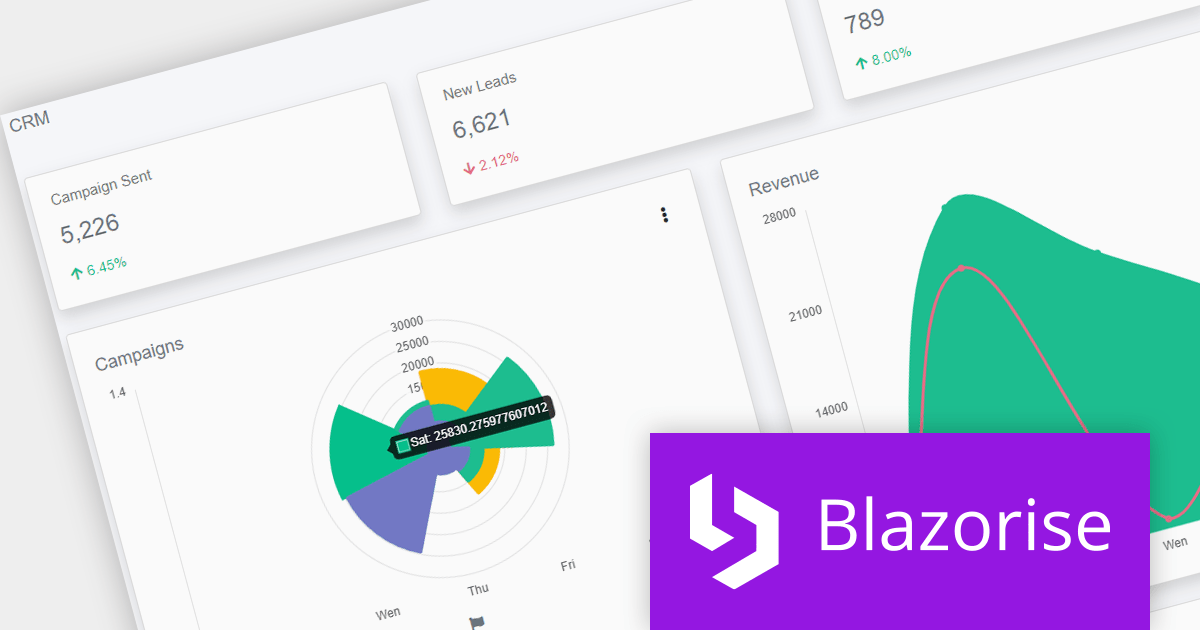
Blazorise is a versatile component library that empowers developers to build modern and feature-rich web applications using Blazor, a client-side web development framework from Microsoft. It offers a comprehensive collection of user interface components, including buttons, forms, tables, charts, and navigation elements, all built with accessibility and responsiveness in mind.
Blazorise 1.3.3 is now fully compatible with .NET 8, providing developers with access to enhanced performance, security, and the latest features of the .NET framework.
To see a full list of what’s new in version 1.3.3, see our release notes.
For more information, visit our Blazorise product page.
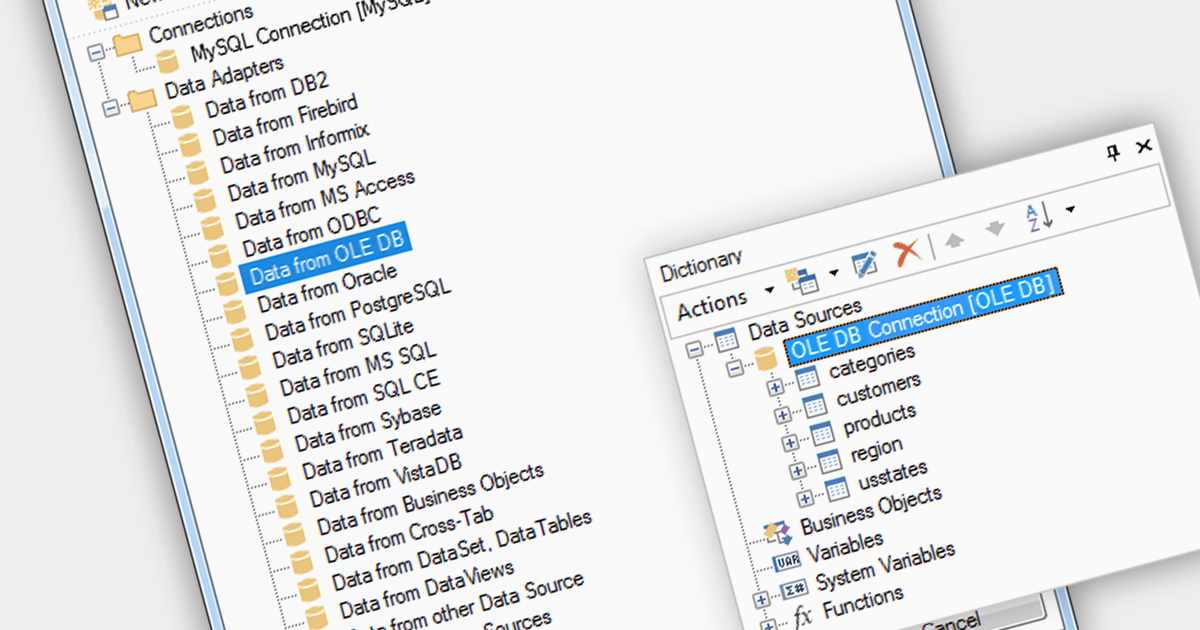
OLEDB data connectivity allows reporting software to connect to various databases and data sources through the Object Linking and Embedding Database (OLEDB) framework. This provides a wide range of data access capabilities within reports, essential for extracting data from relational databases, spreadsheets, and other OLEDB-compatible sources.
Multiple Blazor reporting components are compatible with OLEDB, including:
For an in-depth analysis of features and price, visit our comparison of Blazor reporting components.
/n software is a leading provider of components for secure Internet communications. For over 30 years, software developers in nearly every Fortune 500 and Global 2000 company worldwide have used /n software products to build powerful connected applications. Popular products include the IPWorks range and the Red Carpet Subscription.
The following /n software products have been updated with support for .NET 8, allowing developers to build communications applications in the latest version of Microsoft's popular framework:
联系电话: (888) 850 9911
传真: +1 770 250 6199


