













官方供应商
我们作为官方授权经销商,直接提供超过200家开发厂家所发行超过1000个的产品授权给您。
查看我们的所有品牌。
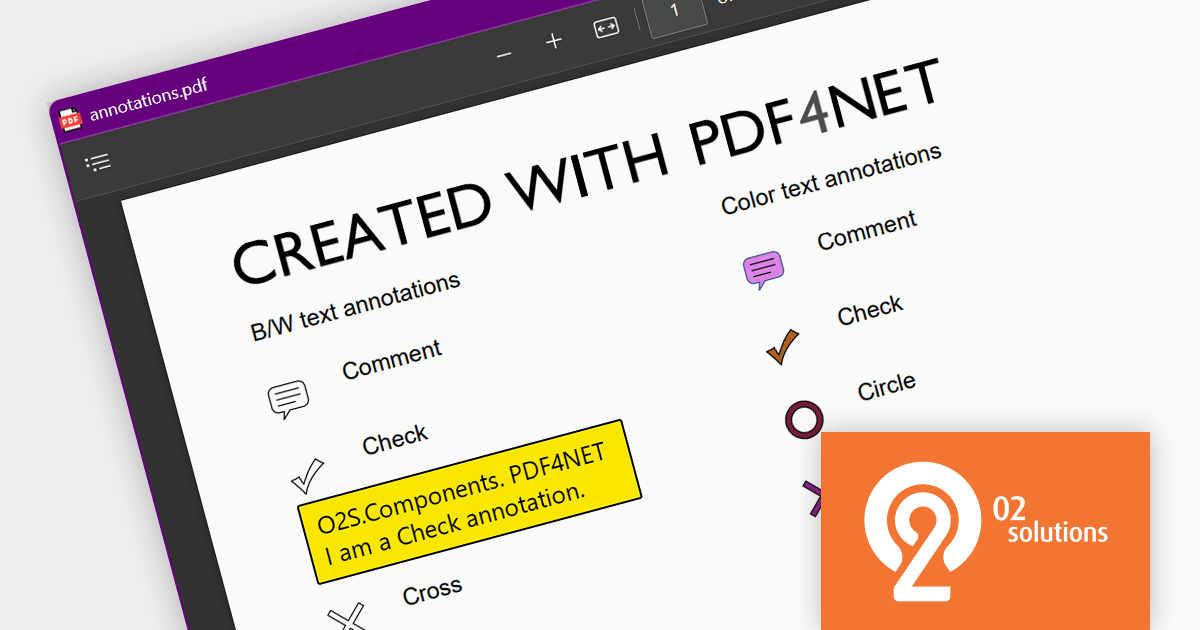
PDF4NET is a .NET library for generating, importing, and manipulating PDF documents on the fly from any .NET application. It does not rely on any Adobe products for creating or importing PDF files. PDF4NET hides the complex structure of PDF files behind a simple object model that allows creation of complex PDF files with a few lines of code.
PDF4NET 13.2.0 adds the ability to export and import annotations in both FDF and XFDF format, making it easier for developers to create collaborative and data-portable PDF documents. These file formats are specifically designed for storing and exchanging PDF annotations, and are XML-based, which makes them easy to programmatically read and write.
To see a full list of what's new in version 13.2.0, see our release notes.
For more information, visit our PDF4NET product page.
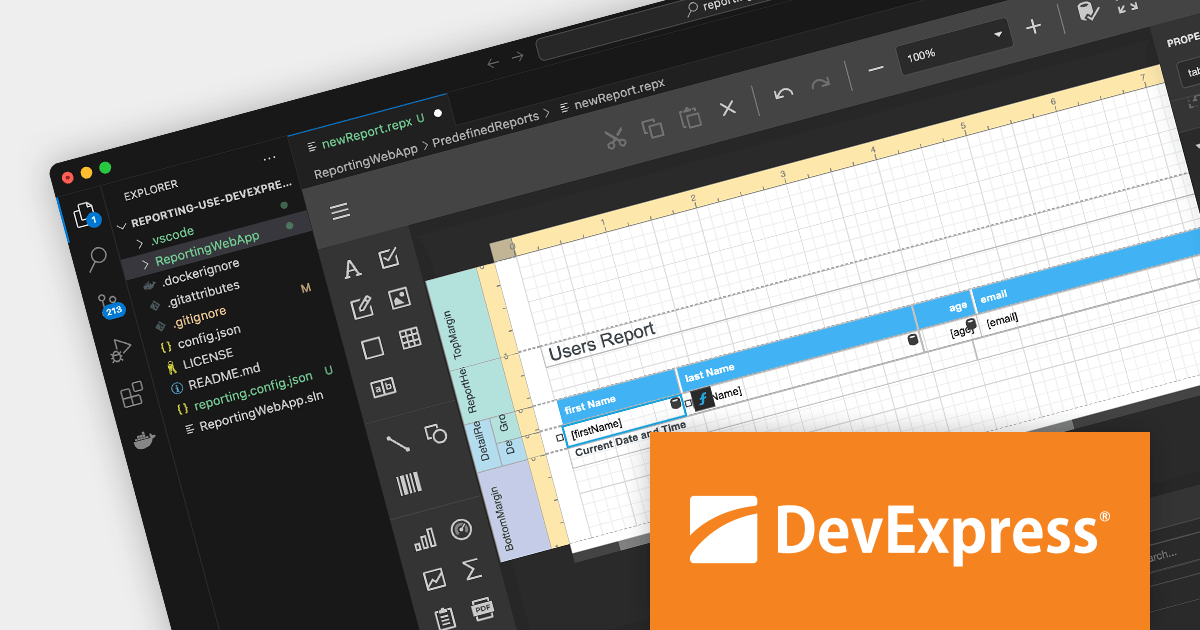
DevExpress Reporting is a powerful and flexible reporting solution for .NET developers. It allows you to create reports of any complexity, from simple data tables to complex dashboards and interactive visualizations. DevExpress Reporting supports a wide range of data sources, including SQL databases, Entity Framework, and custom objects. It also offers a variety of export options, including PDF, XLSX, HTML, and RTF.
DevExpress Reporting is also available as part DevExpress DXperience and DevExpress Universal, a suite of over 600 UI controls and libraries for building high-impact business solutions for Windows Forms, WPF, ASP.NET, Blazor and more.
Create and Modify DevExpress Reports in Visual Studio Code (VS Code) on macOS and Linux (CTP).
The DevExpress Visual Studio Code Report Designer Extension allows you to create and edit DevExpress Report documents within the Visual Studio Code IDE.
A recent blog post by the DevExpress Reporting Team guides you through the setup process on macOS and illustrates how you can leverage the extension's capabilities to develop and modify existing reports.
Read the full blog now to learn more about this powerful capability.

ComPDFKit PDF SDK allows you to integrate PDF functions into your applications on desktop, web or server frameworks. Developers can implement PDF annotation, smart forms, OCR, format conversion, redaction, and other capabilities in their applications on the Windows, Android or iOS platforms, as well as on the web.
The 1.10.0 release of ComPDFKit PDF SDK provides enhanced security with ability to add digital signatures. Digital signatures can accurately identify the creator and signer of a document, ensuring that the document remains unchanged after signing. ComPDFKit supports widely used digital signature standards and allows users to customize the appearance of their digital signatures.
To see a full list of what's new in v1.10.0, see our release notes.
ComPDFKit PDF SDK is available to buy in the following products:

ONLYOFFICE Docs is a comprehensive online editor, allowing users to create text documents, spreadsheets, presentations, and forms. It enables your users to edit, share, and collaborate on documents online in their preferred browser, within your own application. It's fully compatible with OOXML (Office Open XML) formats and supports popular Microsoft Office and other document formats such as CSV, DOC, DOCX, EPUB, HTML, ODP, ODS, ODT, PDF, PPT, PPTX, RTF, TXT, XLS, and XLSX.
Version 7.5 of ONLYOFFICE Docs expands its scope with the addition of a PDF editor. This new tool allows users to perform operations on PDF files such as text annotation (including highlighting, underlining and strikethrough), filling in forms, commenting and freehand drawing. The editor provides ONLYOFFICE users with a convenient and powerful way to edit files in the popular PDF format.
To see a full list of what's new in v7.5.0, see our release notes.
For more information, see our ONLYOFFICE Docs product page.
Telerik UI for .NET MAUI is a comprehensive UI library of .NET MAUI controls used to build cross-platform mobile and desktop applications from a single shared code-base.
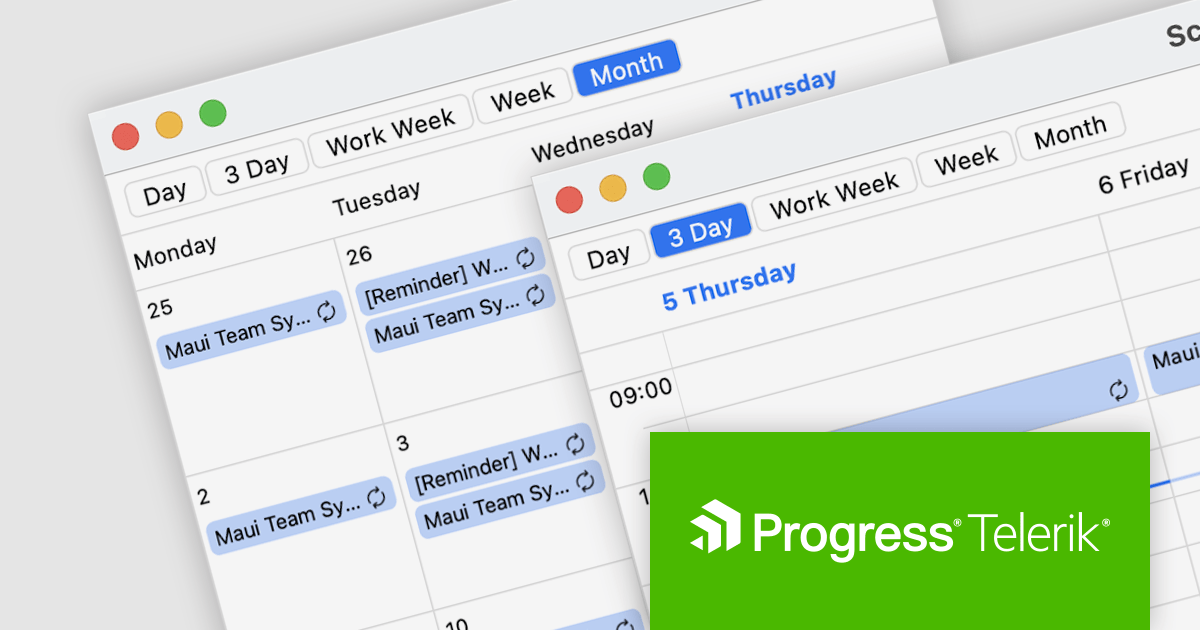
The R3 2023 (v6.3) release includes a new scheduler component that lets you add a variety of scheduling features to your apps. It provides a flexible styling API to change the appearance of the scheduler and its elements, support for globalization and localization to deploy your apps around the world, and provides customizable, pre-designed views which enable you to adjust the current time, and determine visible hours and dates.
The scheduler offers programmatic scrolling and an in-app calendar experience similar to Microsoft Outlook or Google Calendar. It supports customizable indicators and allows you to set recurring scheduling patterns. The MAUI scheduler gives you full control over how appointments are displayed and can be populated easily with a single property.
To see a full list of what's new in R3 2023 (v6.3.0), see our release notes.
Telerik UI for .NET MAUI is available to buy in the following products:
联系电话: (888) 850 9911
传真: +1 770 250 6199


