.NET 新闻

使用折线对象轻松绘制曲线

9月 27, 2023
ImageKit.NET3 v3.0.10704 增强了注释和编辑功能,以支持平滑曲线。

ImageKit.NET3 is a powerful image processing component that can be used to add a wide range of image processing functionality to .NET applications. It includes features for scanning, loading and saving images, applying filters and transformations to images, and displaying images. ImageKit.NET 3 is easy to use and includes a comprehensive set of documentation and examples.

ImageKit.NET3 v3.0.10704 adds the ability to draw curves using Polyline objects. Polylines can be used to create smooth curves of any shape, by using a series of connected line segments. This can be useful for creating a variety of different objects, such as roads, rivers, and other natural features. The ability to easily change the shape and size of Polyline Objects also makes them ideal for creating curves that need to be adjusted frequently, such as in design elements or animation paths.

To see a full list of what’s new in version 3.0.10704, see our release notes.

For more information, visit our ImageKit.NET3 product page.
用工具栏加强 ASP.NET 应用程序

8月 17, 2023
用功能丰富的自定义工具栏使您的应用程序导航更容易。

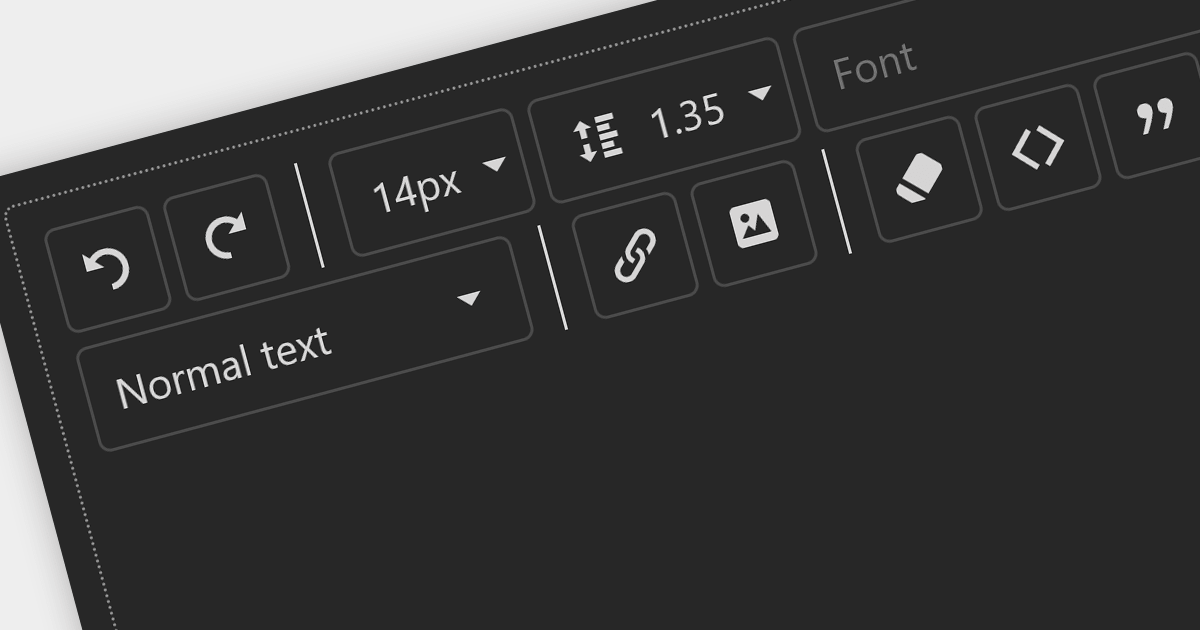
Toolbars are graphical user interface (GUI) elements that feature a curated selection of tools and functions that users commonly use. Adding a toolbar to your application allows users to speed up their workflow by providing all the tools they need in an easily accessible position within your application.

Here is a selection of ASP.NET UI suites that include toolbars:

  • DevExpress ASP.NET allows you to create intuitive and efficient ASP.NET user interfaces using a diverse range of customizable toolbar options.
  • Telerik DevCraft Ultimate lets you seamlessly integrate a variety of customizable toolbar elements, enhancing user experience.
  • Syncfusion Essential Studio Enterprise offers a range of dynamic ASP.NET toolbar controls. Quickly incorporate essential actions and functionalities into your Web applications.
  • WebUI Studio for ASP.NET (by Intersoft Solutions Corporation) includes interactive toolbar elements allowing you to tailor the appearance and behavior to meet your application's needs.

For an in-depth analysis of features and price, visit our comparison of ASP.NET user interface suites.
Compare ASP.NET UI Suites

利用 ASP.NET Core 中的细胞类型

8月 10, 2023
将动态细胞类型集成到您的 ASP.NET Core 应用程序中进行多功能数据处理。

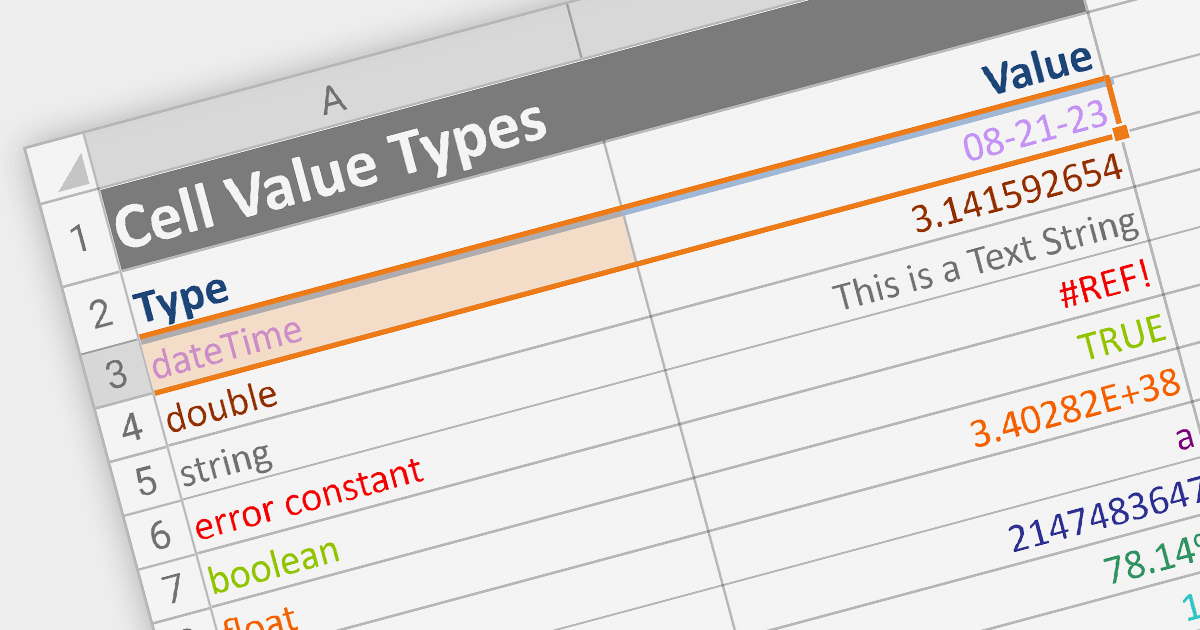
Cell types allow different data formats to be added to cells or ranges within a spreadsheet. Examples include text, number, date, formula, and sparkline. Cell types determine how data is displayed, validated, and interacted with in the spreadsheet. By using specific cell types, developers can customize the behavior and appearance of cells, allowing users to input and manipulate data accurately and efficiently in their applications.

Here are some ASP.NET Core spreadsheet controls that allow you to use multiple cell types:

  • DevExpress ASP.NET Core Spreadsheet (part of DevExpress ASP.NET and Blazor) allows you to effortlessly design dynamic spreadsheets enriched with diverse cell types. From  simple text to complex formulas, DevExpress offers a comprehensive toolkit for crafting interactive and data-rich sheets.
  • Telerik ASP.NET Core Spreadsheet (part of Telerik UI for ASP.NET Core) equips you with the tools to build interactive Web-based spreadsheets that support various cell types. Seamlessly integrate text, numbers, dates, and formulas, creating versatile solutions for data presentation and manipulation.
  • Syncfusion ASP.NET Core Spreadsheet (part of Syncfusion Essential Studio Enterprise) provides a broad range of varied cell types. From basic content to advanced functions, Syncfusion provides the flexibility to tailor your sheets to specific data needs.

For an in-depth analysis of features and price, visit our comparison of ASP.NET Core spreadsheets.
Compare ASP.NET Core Spreadsheets

利用 Blazor 中的报表参数

8月 9, 2023
通过为用户自定义和交互添加动态参数来增强 Blazor 报表。

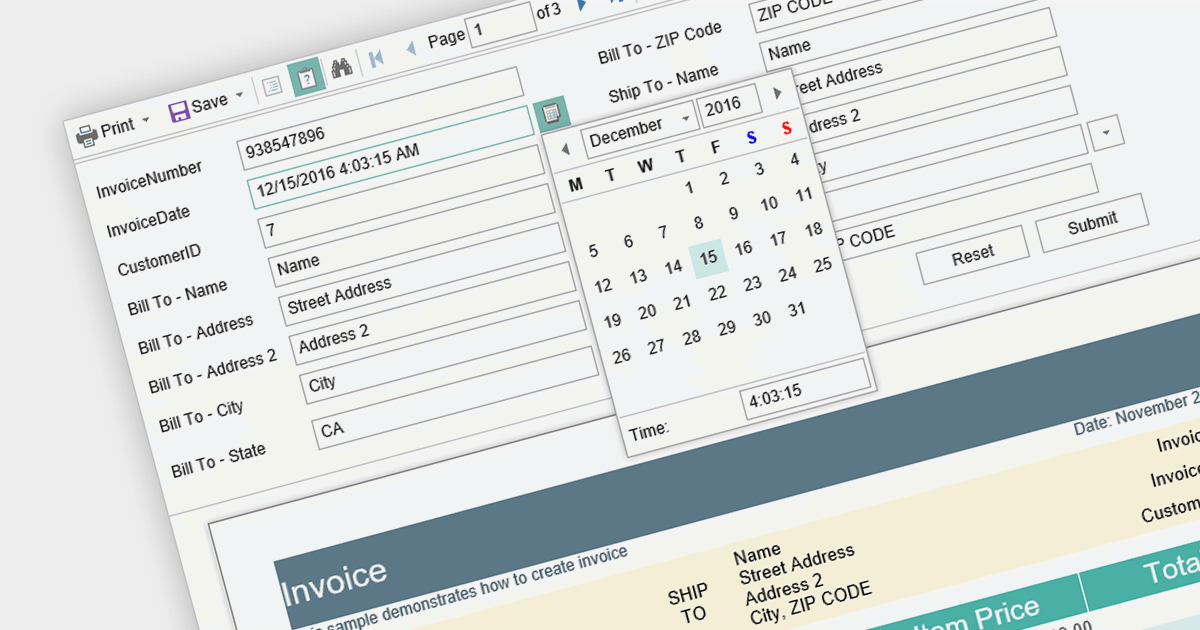
Report parameters are dynamic values that users can input or select when requesting a report. These parameters allow users to customize the report's content, appearance, and data filtering according to their specific needs. This helps to make reports more versatile, catering to various scenarios without requiring developers to create separate report templates.

Here is a selection of Blazor reporting controls that include support for parameters:

  • DevExpress Reports (Multi-Platform) (part of DevExpress Reporting) provides seamless integration with Blazor applications, allowing developers to create reports with customizable parameters. Users can interactively input or select values like date ranges or product categories, enabling reports to display data specific to their needs.
  • Stimulsoft Reports.Web offers a set of powerful tools for building reports in Blazor applications. The platform enables developers to incorporate parameterized reports, letting users set parameters like regions, time periods, or product types.
  • FastReport .NET makes it easy to integrate interactive reports into Blazor projects. With parameter support, users can manipulate report outcomes by inputting parameters like start and end dates, filtering data to obtain relevant results.

For an in-depth analysis of features and price, visit our comparison of Blazor reporting controls.
Compare Blazor Report Controls

.NET 7 WinForms 电子表格中的数据绑定

7月 28, 2023
通过利用数据绑定自动更新电子表格数据。

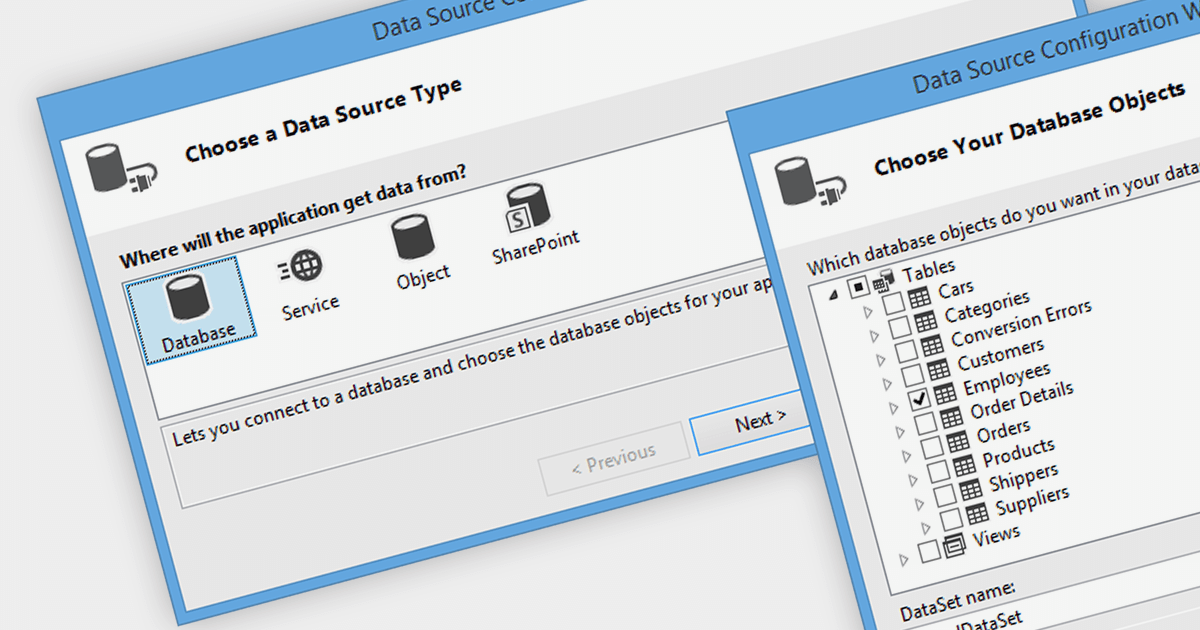
Data binding is a mechanism that connects data from a data source, such as a database or collection, to controls in a user interface such as a spreadsheet. It enables automatic synchronization of data between the source and the UI controls, allowing changes in one to be reflected in the other.

The following .NET 7 Windows Forms spreadsheet controls include support for data binding:

  • Aspose.Cells for .NET lets you bind data from various sources to worksheets, ranges, and individual cells. It supports two-way data binding, enabling easy synchronization between the UI and the data source.
  • DevExpress WinForms Spreadsheet (part of DevExpress WinForms) allows users to bind data from databases, collections, or other sources to spreadsheet cells and ranges. It supports automatic data synchronization, enabling real-time updates between the UI and the underlying data.
  • Spread.NET WinForms (part of Spread.NET by GrapeCity) enables data binding from various sources to cells, ranges, and tables. It supports both one-way and two-way data binding, providing flexibility in data manipulation.

For an in-depth analysis of features and price, visit our comparison of .NET 7 spreadsheets.

Compare .NET 7 Winforms Spreadsheets