













官方供应商
我们作为官方授权经销商,直接提供超过200家开发厂家所发行超过1000个的产品授权给您。
查看我们的所有品牌。
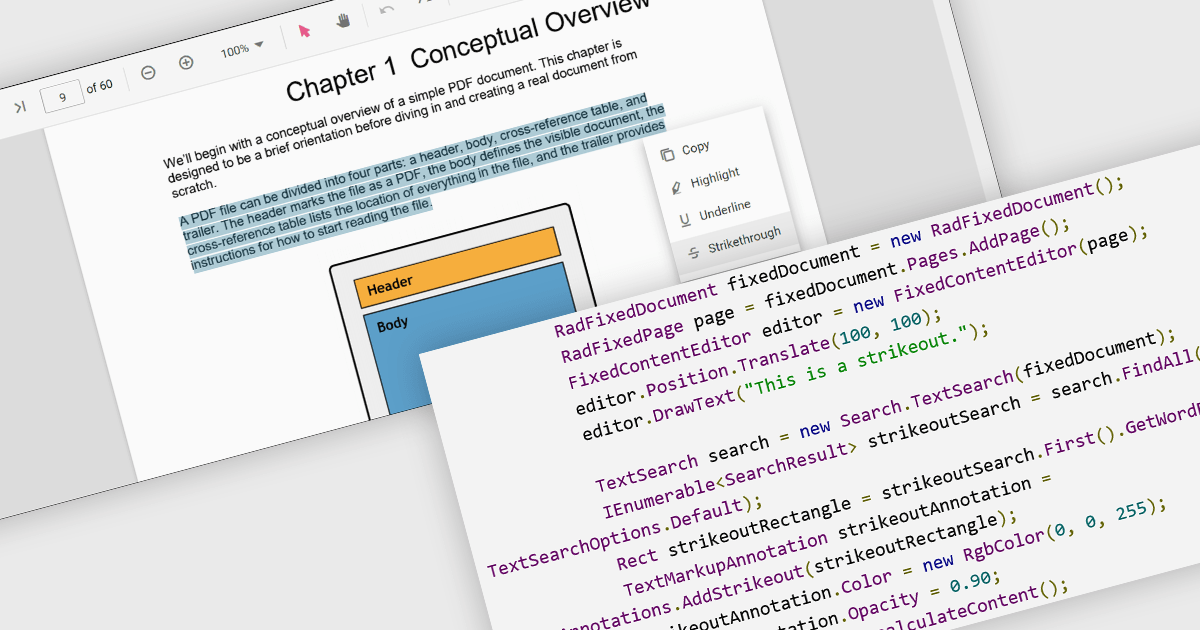
At a high level, strikethrough annotations, also known as strikeout or line-through markups, enable reviewers to visually indicate deletions or corrections within PDF text while preserving the underlying content. This annotation type belongs to the broader category of text markup annotations, which also includes highlighting, underlining, and squiggly underlines. Developers can customize properties like color, opacity, and associated notes or author metadata. Strikethrough annotations support interactive use cases, such as insert/edit/delete, event handling, and rendering consistency across different rendering engines.
Several WinForms PDF controls offer support for strikethrough annotations including:
For an in-depth analysis of features and price, visit our WinForms PDF controls comparison.
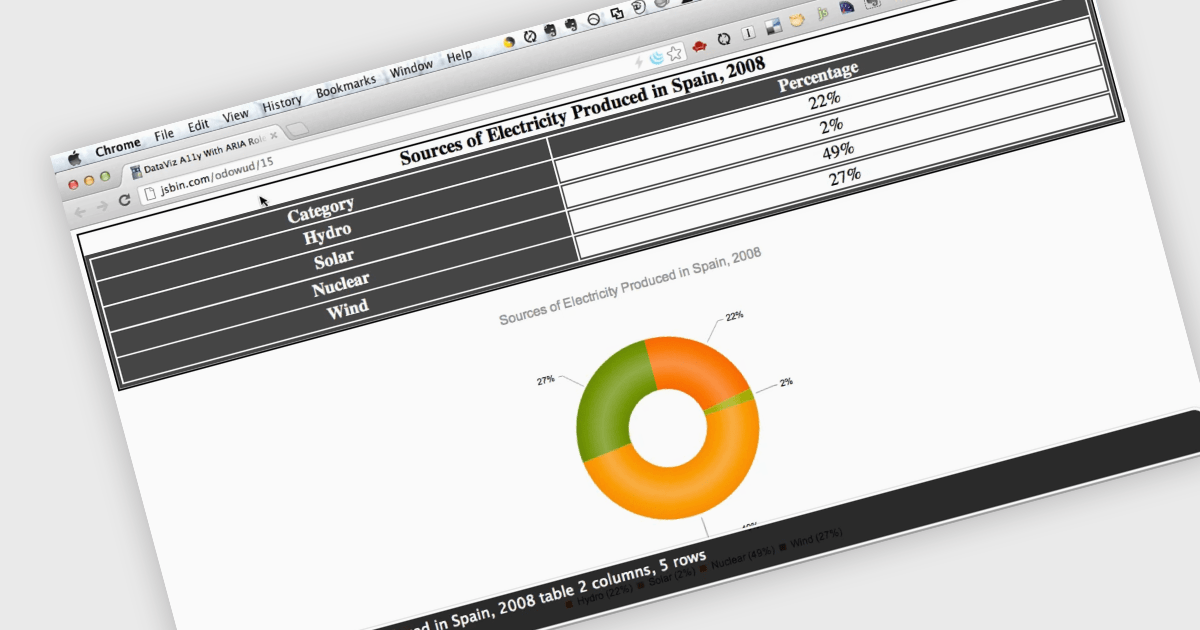
Screen readers, in the context of charts, are assistive technologies that convert digital text and interface elements into speech or braille, allowing users with visual impairments to navigate and understand graphical data on the screen. This involves adding semantic structure, descriptive labels, and metadata so the chart's content can be understood through auditory feedback, enabling users with visual impairments to understand trends, values, and relationships within the chart without needing to see the visual representation. Proper implementation not only improves usability, particularly in data driven environments, but also supports compliance with established accessibility standards such as WCAG (Web Content Accessibility Guidelines).
Several ASP.NET Core charting components support the use of screen readers, such as:
For an in-depth analysis of features and price, visit our comparison of ASP.NET Core chart components.
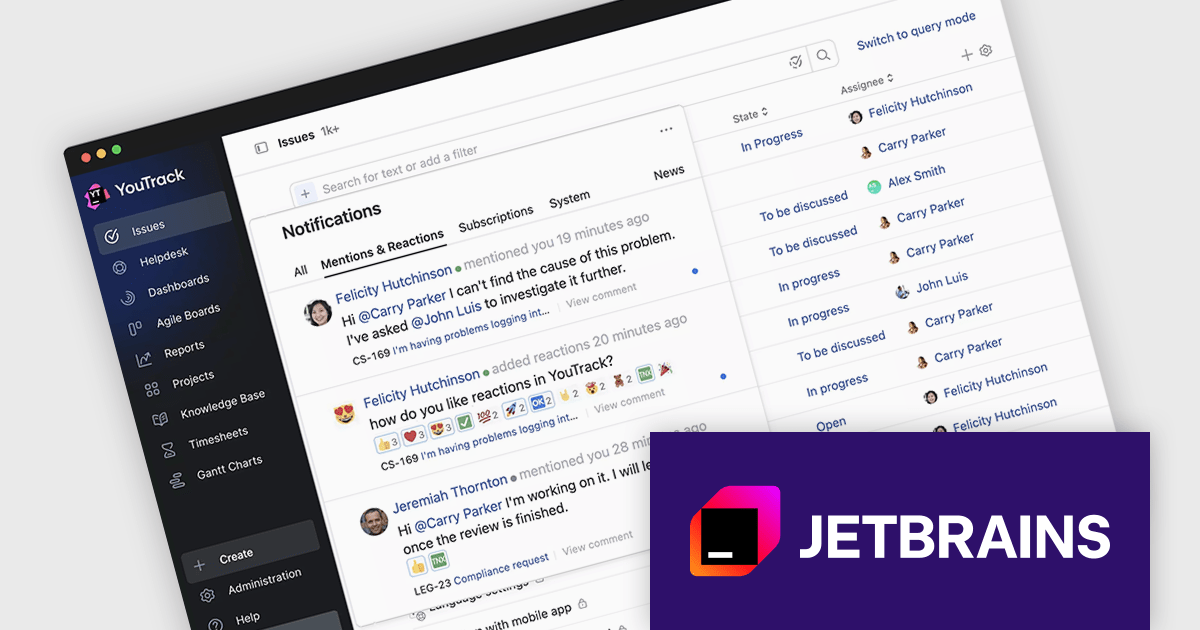
JetBrains has announced upcoming pricing adjustments for YouTrack, their issue tracking and project management tool, starting October 1, 2025. Existing Cloud and Server customers can continue using their subscriptions at the current rate until their expiration date. To lock in the current pricing one last time, license administrators can renew before the deadline. After October 1, 2025 all new renewals and additions of users or agents will reflect the updated pricing.
The new pricing is shown below:
| Product | Current SRP | New SRP |
|---|---|---|
| YouTrack Server (15 User License) | $600/€600 | $900/€900 |
| YouTrack Server (25 User License) | $1,100/€1,100 | $1,500/€1,500 |
| YouTrack Server (50 User License) | $2,000/€2,000 | $3,000/€3,000 |
| YouTrack Cloud (15 User License) | $660/€660 | $810/€810 |
| YouTrack Cloud (25 User License) | $1,100/€1,100 | $1,350/€1,350 |
| YouTrack Cloud (50 User License) | $2,200/€2,200 | $2,700/€2,700 |
SRP = Suggested Retail Price as at August 1st, 2025.
Act Now: To get your new or renewal licenses at the current price, before the price increase!
Click your product in the table above and use the 'Get Quote' form to receive your renewal price, or contact us to discuss new or renewal subscription licensing.
SpreadJS is a high-performance JavaScript spreadsheet and data presentation component designed for enterprise web applications. It enables developers to deliver Excel-like functionality directly within their web solutions, providing advanced features such as data binding, complex calculations, pivot tables, charts, and extensive formatting options. Fully compatible with modern JavaScript frameworks like React, Angular, and Vue, SpreadJS allows seamless integration and customization, empowering development teams to create interactive, data-driven user experiences without relying on external spreadsheet applications.
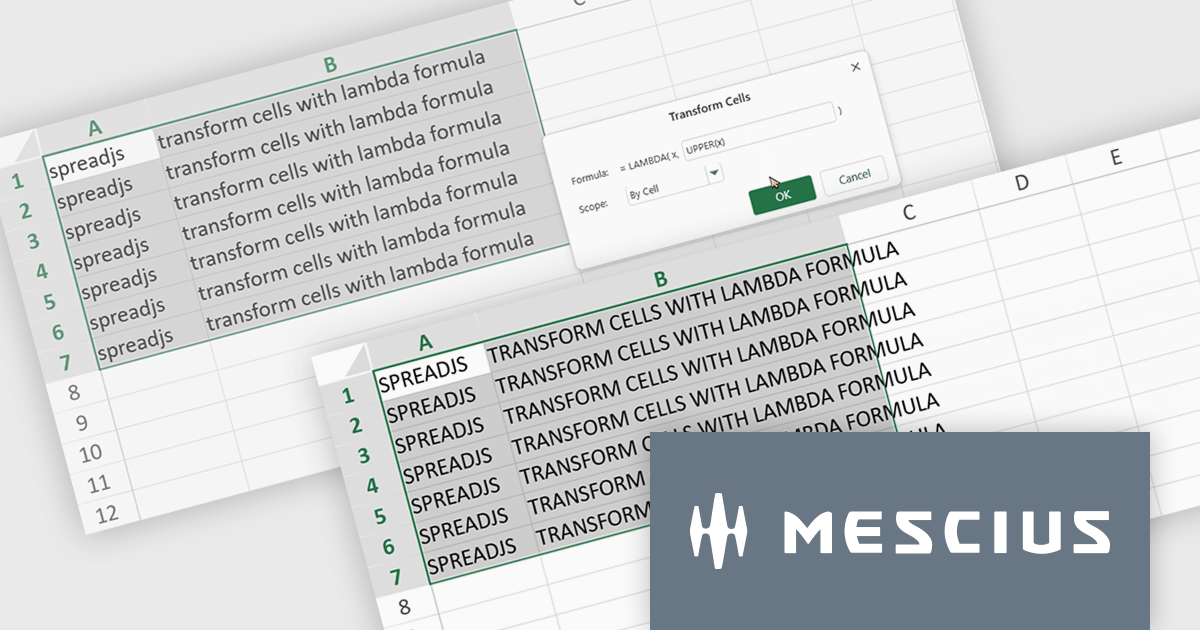
The SpreadJS 18.2 adds a new Transform command which enables you to apply LAMBDA functions directly to a selected range of cells and replace the original content with calculated results. This simplifies data transformations - whether mapping, filtering, or reshaping - into a clean, single-step process. With this feature, you can select any range and apply a custom LAMBDA formula - for example, converting units, adjusting values, or formatting entries - and have SpreadJS overwrite the selection with the computed results immediately. This removes manual steps like inserting formulas in separate cells, copying values, or pasting back as values. This feature integrates with SpreadJS’s existing LAMBDA capabilities to offer more interactive and efficient spreadsheet manipulation.
To see a full list of what's new in 18.2, see our release notes.
SpreadJS is licensed per developer and includes 1 Year Maintenance (major and minor version releases and unlimited support phone calls). SpreadJS requires an Annual or Perpetual Deployment License. The optional Add-ons are available at an additional cost, and require a SpreadJS license. See our SpreadJS licensing page for full details.
For more information, visit our SpreadJS product page.
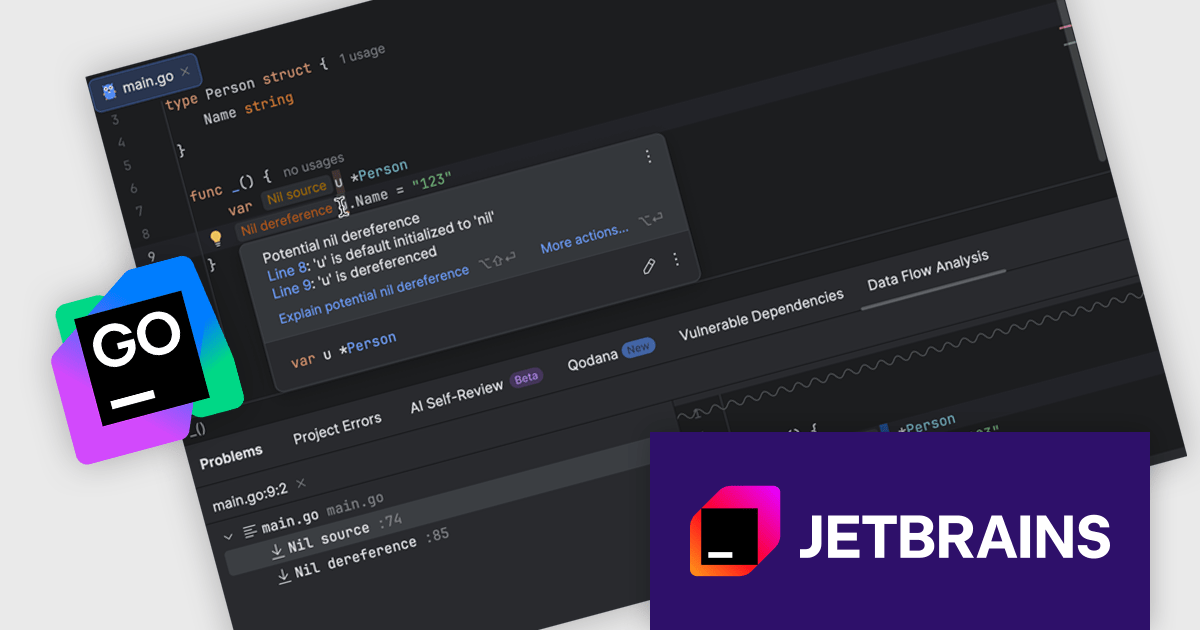
JetBrains GoLand is a dedicated integrated development environment (IDE) designed for Go programmers. It offers comprehensive features like intelligent code completion, advanced debugging tools, built-in testing frameworks, and code navigation aids for both individual and collaborative development. GoLand's focus on efficiency and productivity, along with its seamless integration with other JetBrains tools, makes it a powerful choice for professional Golang development.
The GoLand 2025.2 update enhances code safety and maintainability by introducing interprocedural 'nil' dereference analysis that detects potential nil-related issues during development. This capability tracks the flow of nil values across functions, files, and packages, providing real-time warnings, nullability hints in quick documentation, and clear explanations in the Problems tool window. By identifying unsafe pointer operations early and presenting precise information on how nil values propagate, the feature streamlines debugging, reduces the likelihood of runtime errors, and supports the creation of more robust Go applications.
To see a full list of what's new in version 2025.2, see our release notes.
GoLand is licensed per user, and is available as a commercial annual subscription license. We can supply new subscriptions, subscription renewals (including continuity discounts), lapsed renewals, and additional user licenses. See our GoLand licensing page for full details.
GoLand is available to buy in the following products:
联系电话: (888) 850 9911
传真: +1 770 250 6199


