













官方供应商
我们作为官方授权经销商,直接提供超过200家开发厂家所发行超过1000个的产品授权给您。
查看我们的所有品牌。
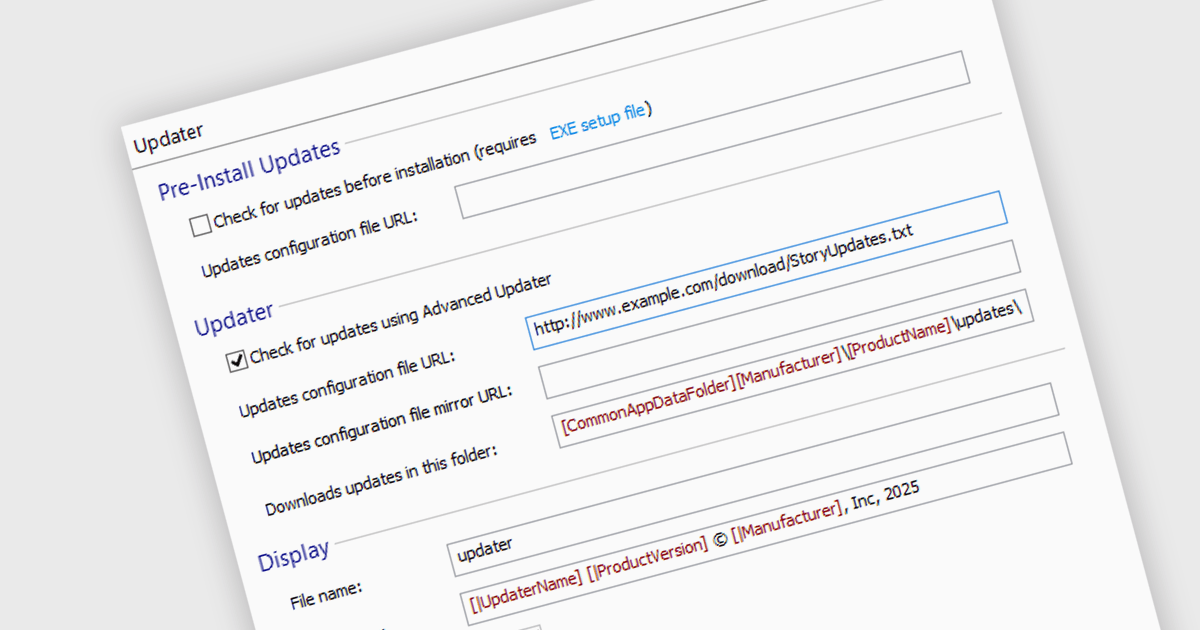
Automatic update / patching functionality allows software to download and apply updates without user intervention. This keeps applications secure, stable, and up to date by quickly addressing vulnerabilities, improving performance, and adding new features. For developers, it simplifies maintenance by reducing manual patching, minimizing downtime, and ensuring consistency across deployments. By automating updates, software stays aligned with evolving security requirements and compatibility standards, improving reliability and user experience while lowering operational overhead.
Several installation tools offer the ability to automatically install updates or patches including:
For an in-depth analysis of features and price, visit our comparison of installation tools.
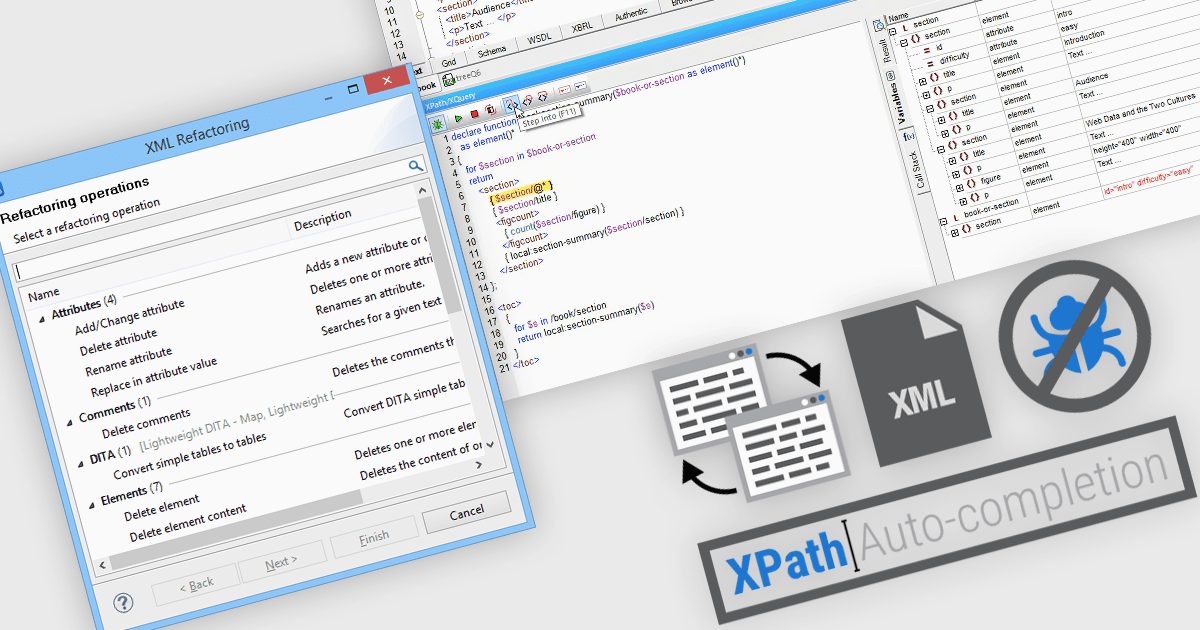
Structured document tools play a crucial role in managing data-intensive applications, web services, and enterprise systems. For developers, data analysts, and database administrators, efficient XML (Extensible Markup Language) handling is essential. These tools streamline document management by enabling users to open, view, and refactor XML files while also providing intelligent features like auto-completion for XPath expression debugging. With this functionality, users can seamlessly navigate XML structures and extract relevant data using XPath, a powerful query language designed for XML document processing.
Common features include:
For an in-depth analysis of features and price, visit our structured document tools comparison.
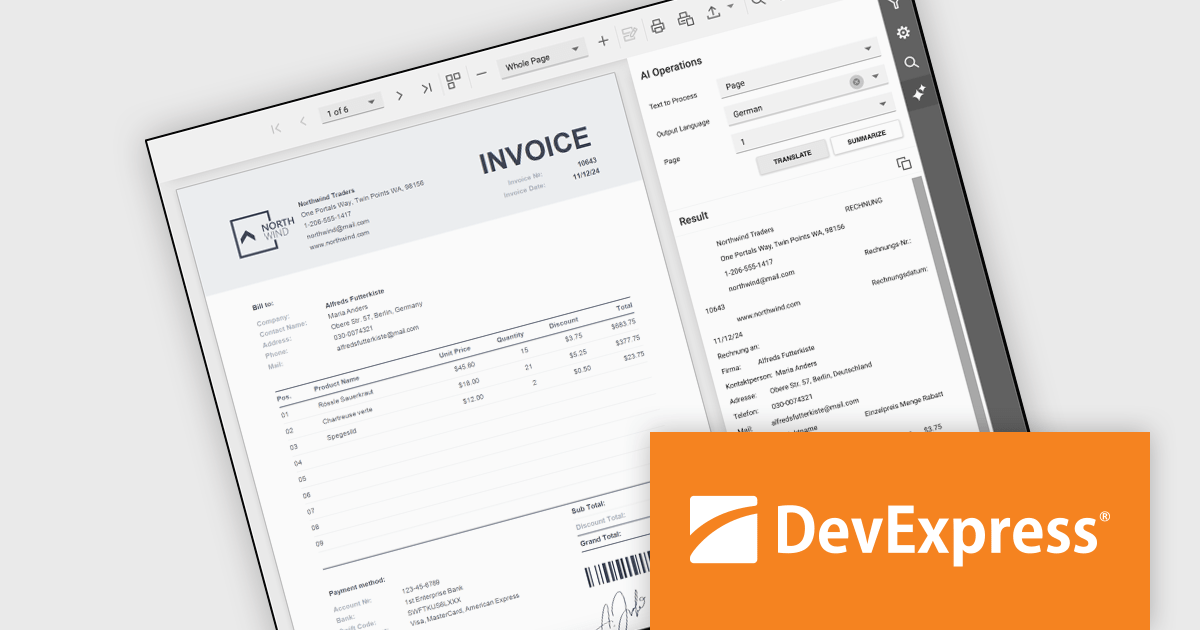
DevExpress Reporting is a comprehensive suite of reporting tools that empowers developers to create visually stunning and highly customizable reports for various applications. With its rich feature set, including data binding, layout design, printing, and exporting capabilities, DevExpress Reporting enables the efficient creation of reports that meet the most demanding business requirements.
The DevExpress .NET Reporting v24.2 update introduces AI-powered Summarize and Translate features designed to enhance report usability and accessibility. These features allow developers to integrate functionality that enables users to quickly extract key insights from reports using generative AI summaries and translate report content, pages, or selected sections into multiple languages with ease. By streamlining the process of understanding complex data and eliminating language barriers, this update helps developers deliver more user-friendly, globally accessible reporting solutions across all supported platforms.
To see a full list of what's new in version 24.2, see our release notes.
DevExpress Reporting is licensed per developer and is available as a Perpetual License with a 12 month support and maintenance subscription. See our DevExpress Reporting licensing page for full details.
DevExpress Reporting is available to buy in the following products:
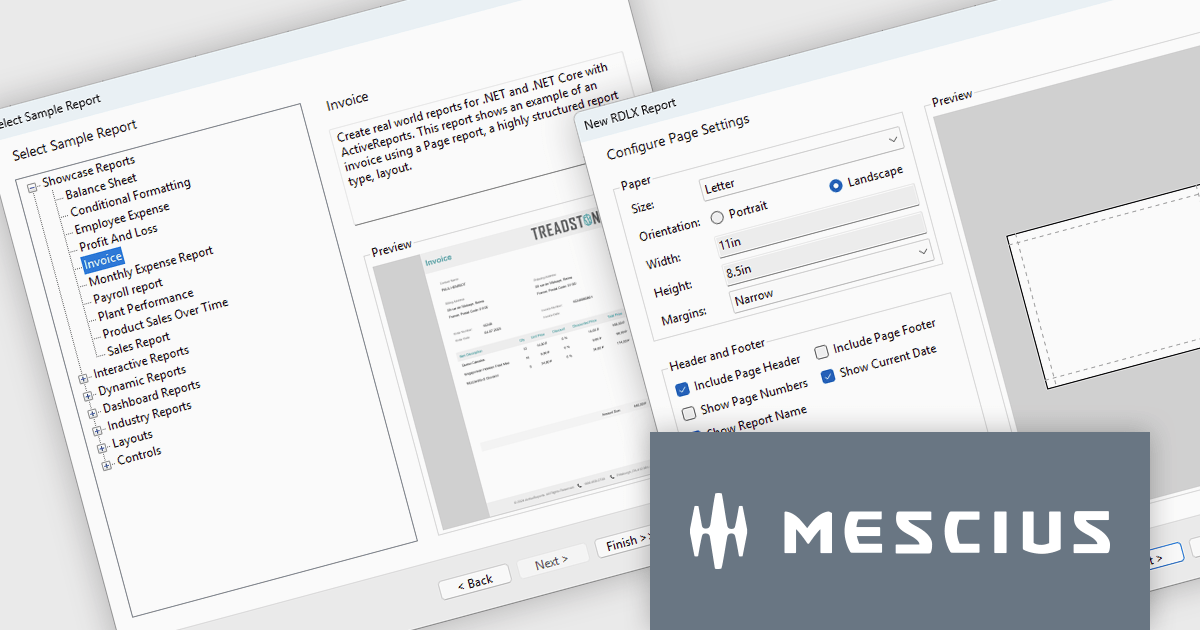
ActiveReports.NET from MESCIUS, is a comprehensive reporting solution for developers building applications in .NET. It empowers you to design and deliver visually appealing reports through user-friendly designers and a wide range of controls. ActiveReports simplifies report creation and distribution with a versatile API, rich data source connectivity, and support for multiple export formats. This translates to increased developer productivity and improved end-user experience with powerful reporting functionalities within your .NET applications.
The ActiveReports.NET v19 release introduces .NET 9 support, providing improved performance and compatibility with modern development environments, as well as numerous enhancements to the Report Wizard. Developers can now accelerate report creation using built-in sample templates, streamline layout configuration with advanced page setup options, and integrate data visualizations more efficiently by directly configuring tables, tablixes, and charts within the wizard. Additionally, customizable color schemes ensure consistency across reports, allowing for a more polished and professional presentation. These improvements simplify the reporting workflow, reduce development time, and provide greater flexibility for building dynamic, data-driven reports.
To see a full list of what's new in version 19, see our release notes.
ActiveReports.NET is licensed per developer and is available in Standard and Professional Editions, with or without a 12 month support and maintenance subscription. See our ActiveReports.NET licensing page for full details.
Learn more on our ActiveReports.NET product page.

Aspose.Words for Node.js via .NET is a powerful document processing library that enables developers to create, edit, convert, and manipulate Word documents within Node.js applications. Built on the .NET framework, it offers comprehensive support for various document formats, including DOCX, DOC, RTF, HTML, and PDF. By integrating with Node.js, it allows server-side applications to handle complex document automation tasks without requiring Microsoft Word or any other external dependencies. The library provides an extensive API for working with text, images, tables, and styles, making it a versatile solution for document generation and processing in web-based and cloud environments.
With its high-performance document rendering and conversion capabilities, Aspose.Words for Node.js via .NET is ideal for businesses that require automated report generation, large-scale document conversion, or real-time content modification. Developers can leverage its advanced features to extract and manipulate document data, apply formatting, and integrate document processing workflows into their applications. The ability to generate high-fidelity PDFs and maintain document structure across different formats ensures consistency and accuracy in document-heavy applications. Whether used for generating business reports, processing legal documents, or automating document workflows, the library provides a reliable and efficient solution for managing Word documents in a Node.js environment.
Aspose.Words for Node.js via .NET is offered as Developer Small Business, Developer OEM, Developer SDK, Site Small Business, Site OEM and Site SDK licenses catering to a range of business needs. Licenses are perpetual, and include 1 year of support and maintenance. Subscription renewals are also available. See our Aspose.Words for Node.js via .NET licensing page for full details.
Aspose.Words for Node.js via .NET is available individually or as part of the following products:
联系电话: (888) 850 9911
传真: +1 770 250 6199


