













官方供应商
我们作为官方授权经销商,直接提供超过200家开发厂家所发行超过1000个的产品授权给您。
查看我们的所有品牌。
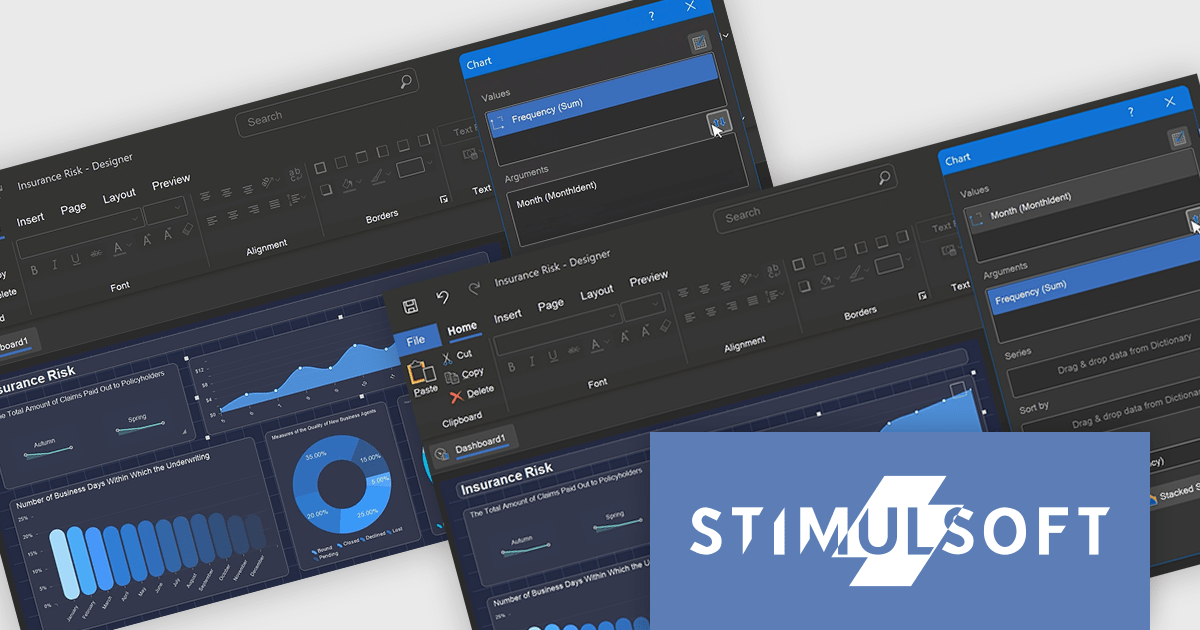
Stimulsoft Reports.PHP is a reporting tool designed to be embedded within PHP applications. It offers a client-server architecture for generating, viewing, printing, and exporting reports online. The solution includes a JavaScript report engine for fast execution, a native JavaScript report designer for building reports with various data sources and visualizations, and a PHP server-side component for data processing. This integration allows developers to seamlessly add robust reporting functionality to their PHP applications.
The Stimulsoft Reports.PHP 2025.1.1 update introduces a Swap control in the Chart editor, providing developers with a quick and efficient way to switch columns between Arguments and Values. This addition simplifies the process of customizing charts, allowing for faster experimentation and more flexible data visualization. By minimizing manual adjustments, the Swap control enhances productivity and helps developers focus on creating meaningful insights. Furthermore, the feature is designed with precision in mind, automatically disabling the Swap option for chart types with multiple value fields to ensure consistent configurations.
To see a full list of what's new in 2025.1.1, see our release notes.
Stimulsoft Reports.PHP is licensed per developer and is available as a Perpetual license with 1 year support and maintenance. See our Stimulsoft Reports.PHP licensing page for full details.
Stimulsoft Reports.PHP is available individually or as part of Stimulsoft Ultimate.
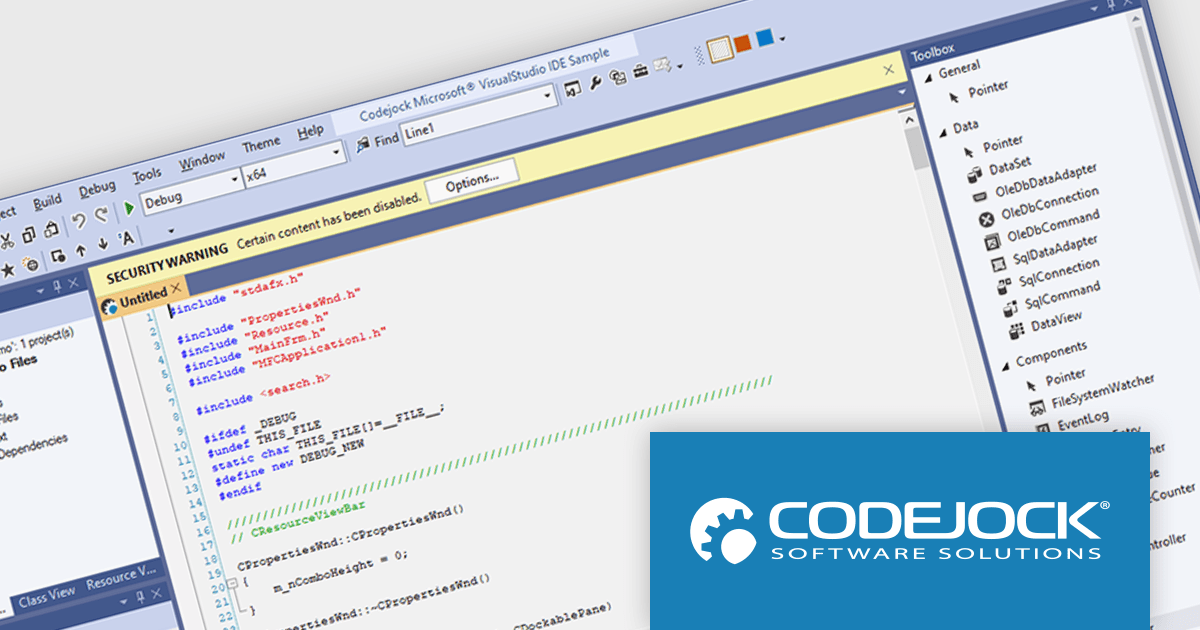
Codejock Suite Pro is a comprehensive collection of UI components and libraries designed to enhance the development process and create visually stunning applications. With a rich array of features including grids, charts, editors, docking windows and more, the suite empowers developers to rapidly build robust and user-friendly interfaces. Whether you're building enterprise applications, data visualization tools or custom user interfaces, Codejock Suite Pro provides the essential tools to elevate your projects and deliver exceptional user experiences.
The Codejock Suite Pro 24.0.0 introduces the ability for developers to embed interactive controls and menus directly onto the title bar of their application windows. This provides a more integrated and streamlined user experience, as frequently used functions can be readily available without requiring users to navigate through traditional menus or toolbars. It also opens up possibilities for more compact and efficient UI designs, especially for applications with limited screen real estate.
To see a full list of what's new in the 24.0.0 release, see our release notes.
Codejock Suite Pro is licensed per developer and is available as a perpetual license with 30 days or 1 year subscription (product updates and phone/email technical support). See our Codejock Suite Pro licensing page for full details.
For more information, visit our Codejock Suite Pro product page.
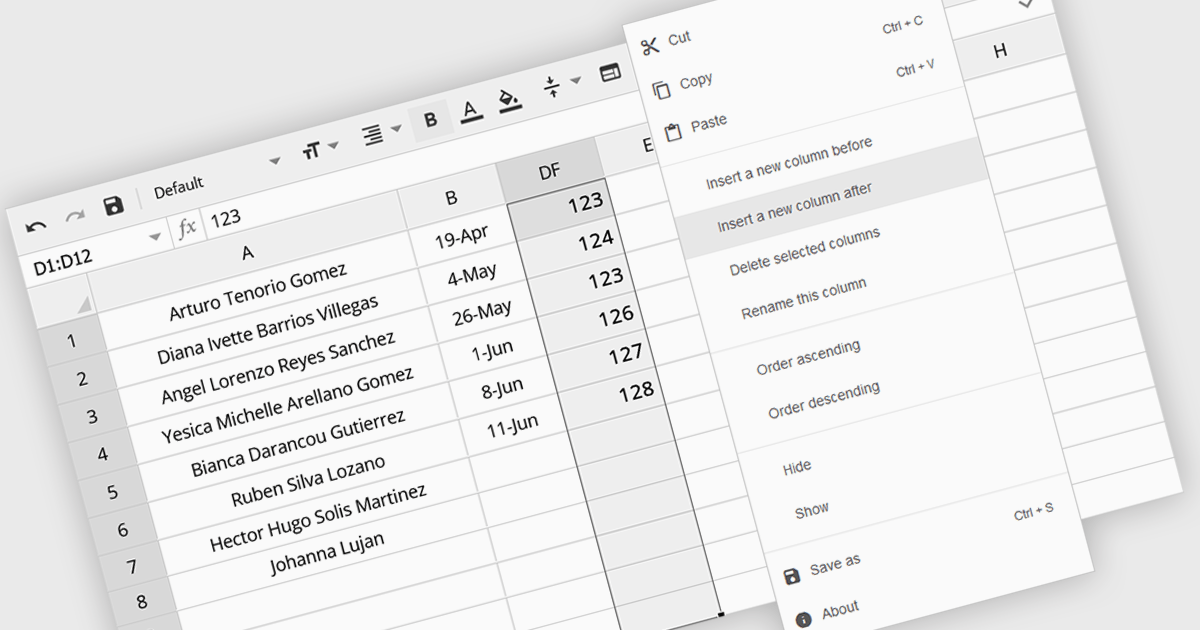
The option to insert columns in a spreadsheet gives users the flexibility to expand or reorganize their data as needed. This functionality allows for seamless adjustments, making it easier to add new data fields or restructure existing information. By enabling column insertion, users can customize their data views for more effective analysis and manipulation. This not only enhances productivity but also delivers a more responsive and adaptable interface that evolves with their data requirements, improving the overall user experience.
Several Angular spreadsheet controls offer the ability to insert columns including:
For an in-depth analysis of features and price, visit our Angular spreadsheet controls comparison.
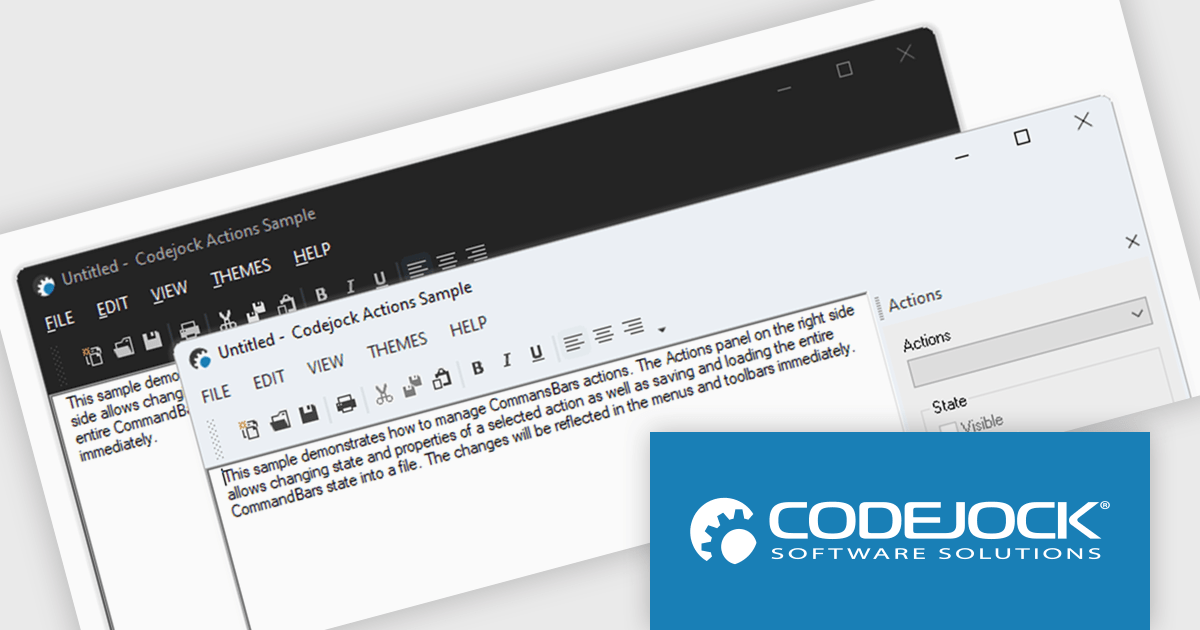
Codejock Toolkit Pro is a comprehensive suite of UI components designed to enhance the development process and create visually appealing, feature-rich applications. The toolkit offers a wide range of controls, including calendars, charts, docking windows and more, each meticulously crafted to provide exceptional performance and customization options. With features like data binding, theming and localization, developers can easily integrate the toolkit into their projects and tailor the interface to meet specific requirements. The toolkit's versatility makes it suitable for various applications, from desktop software to web-based solutions, empowering developers to deliver professional-grade user experiences.
Codejock Toolkit Pro 24.0.0 adds support for Windows 11 themes, allowing developers to give their applications a modern and up-to-date look and feel. This new feature enables developers to seamlessly integrate the latest Windows 11 visual styles into their applications, ensuring a consistent and polished user experience for their customers. With this enhancement, developers can create applications that not only function flawlessly but also align with the contemporary design language of the Windows 11 operating system.
Codejock Toolkit Pro is licensed per developer and is available as a perpetual license with 30 days or 1 year subscription (product updates and phone/email technical support). See our Codejock Toolkit Pro licensing page for full details.
For more information, visit our Codejock Toolkit Pro product page.

ComponentSource and EPPlus Software have enjoyed a successful three-year partnership, dedicated to providing high-quality tools to developers around the world. This collaboration reflects their shared mission to empower developers with innovative solutions that boost productivity and support the creation of reliable, high-performance applications.
EPPlus Software is the creator of EPPlus, a widely used .NET library for managing Office Open XML spreadsheets. Offering advanced features such as styling, charts, formulas, and pivot tables, it simplifies data processing and reporting. By adopting EPPlus, organizations can streamline spreadsheet-driven workflows, improve accuracy, and reduce costs.
As a leading distributor of software components and development tools, ComponentSource has helped to expand EPPlus Software’s global reach. This collaboration has brought tangible benefits to the developer community, making cutting-edge spreadsheet tools readily available. As we celebrate this three-year milestone, we look forward to strengthening our partnership and continuing to deliver innovative solutions that drive developer success on a global scale.
Learn more about EPPlus Software.
联系电话: (888) 850 9911
传真: +1 770 250 6199


