













官方供应商
我们作为官方授权经销商,直接提供超过200家开发厂家所发行超过1000个的产品授权给您。
查看我们的所有品牌。
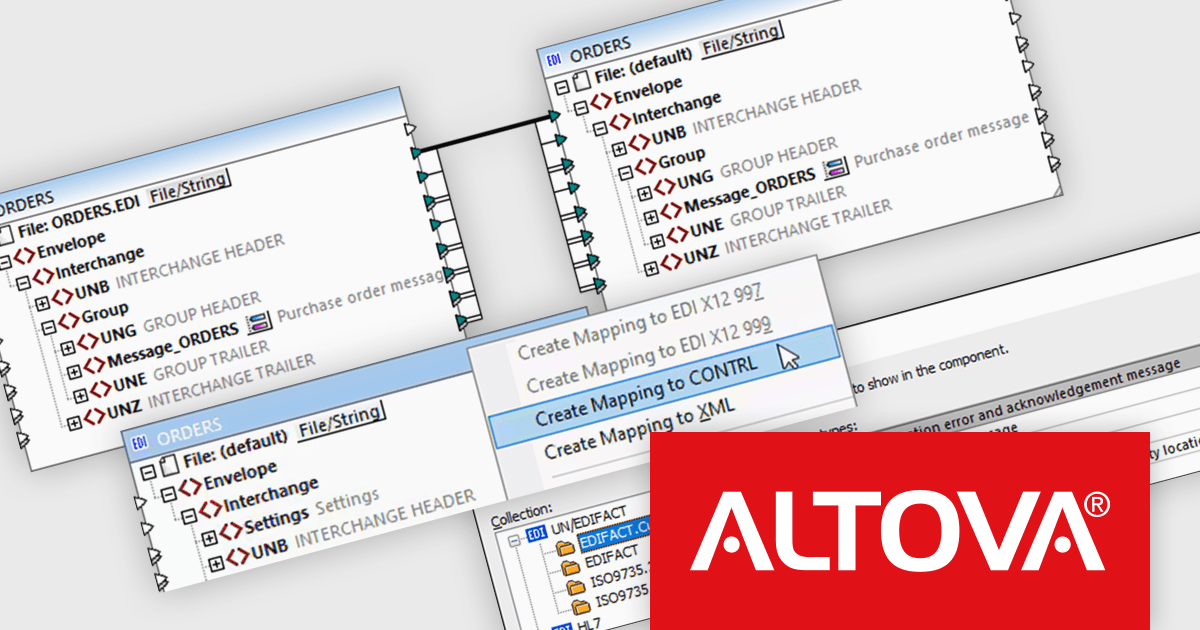
Altova MapForce Server automates data transformation processes designed in Altova MapForce. It enables seamless data exchange between various formats, including XML, JSON, databases, EDI, XBRL, flat files, Excel, and web services. This server-side solution offers benefits like parallel processing, bulk data handling, and cross-platform compatibility. By automating data mapping tasks, MapForce Server streamlines data integration workflows for enterprises, improving efficiency and reducing errors.
The MapForce Server 2025 release includes a powerful new feature that automates the generation of EDIFACT CONTRL messages. This significantly streamlines the process of creating and managing these critical control messages, which are essential for ensuring the correct transmission and processing of electronic data interchange (EDI) documents. By automating the generation of CONTRL messages, MapForce Server eliminates manual errors and saves time, allowing users to focus on core business processes. This feature is a valuable addition for organizations that rely heavily on EDI for their data exchange needs, providing a more efficient and reliable way to manage their EDI communications.
To see a full list of what's new in version 2025, see our release notes.
Altova MapForce Server is licensed per year, per server, based on the number of cores available on the machine. See our Altova MapForce Server licensing page for full details.
For more information, visit our Altova MapForce Server product page.

A time picker (time editor) component allows users to select a specific time from a predefined range. It often presents a visual representation of time, such as a clock face or a digital display, and provides intuitive controls for adjusting hours, minutes, and sometimes seconds. This component simplifies time input and selection processes, enhancing user experience and reducing potential errors in applications that require precise time specification, such as scheduling tools, appointment booking systems, and time-based data entry forms.
Several WPF data editor collections feature a time editor, including:
For an in-depth analysis of features and price, visit our WPF data editors comparison.
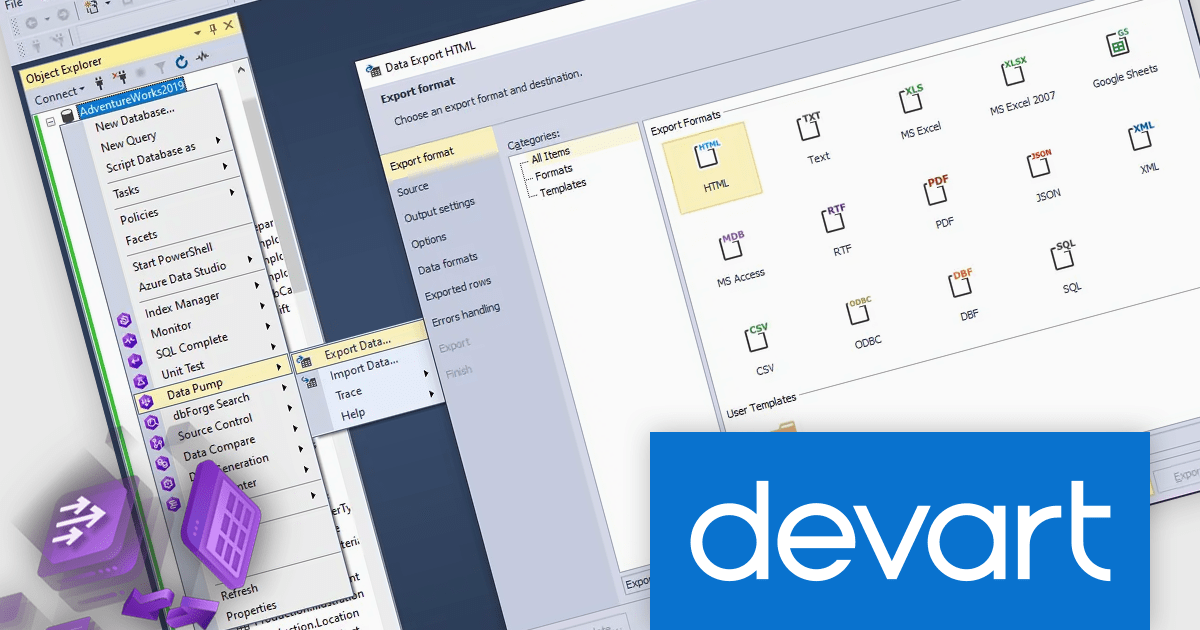
dbForge Data Pump and dbForge Unit Test are essential tools for SQL Server database management. Data Pump streamlines the process of exporting and importing data between databases, allowing for efficient data migration and backup. Unit Test facilitates the creation and execution of automated tests on database objects, ensuring data integrity and preventing errors during development and maintenance. These tools provide a comprehensive solution for database management tasks, enhancing productivity and reliability.
The dbForge Data Pump and dbForge Unit Test V7.0.158 updates enhance connectivity, particularly with the integration of ApsaraDB support. This expanded connectivity empowers users to manage data flows between on-premises, hybrid, and cloud environments, especially within Alibaba Cloud ecosystem. Increased connectivity opens doors to more flexible data migrations and integrations, making it easier for database professionals to manage multi-cloud strategies, optimize workflows, and maintain synchronized data across diverse platforms. This update allows developers and DBAs to manage, test, and deploy data in a connected, cloud-ready environment, maximizing productivity and adaptability in dynamic infrastructures.
To see a full list of what's new in V7.0.158, see our release notes for dbForge Data Pump and dbForge Unit Test.
dbForge Data Pump and dbForge Unit Test are licensed per developer and are available as an Annual or Perpetual License with a 12 month support and maintenance subscription. See our licensing pages for dbForge Data Pump and dbForge Unit Test for full details.
dbForge Data Pump and dbForge Unit Test are available in the following products:
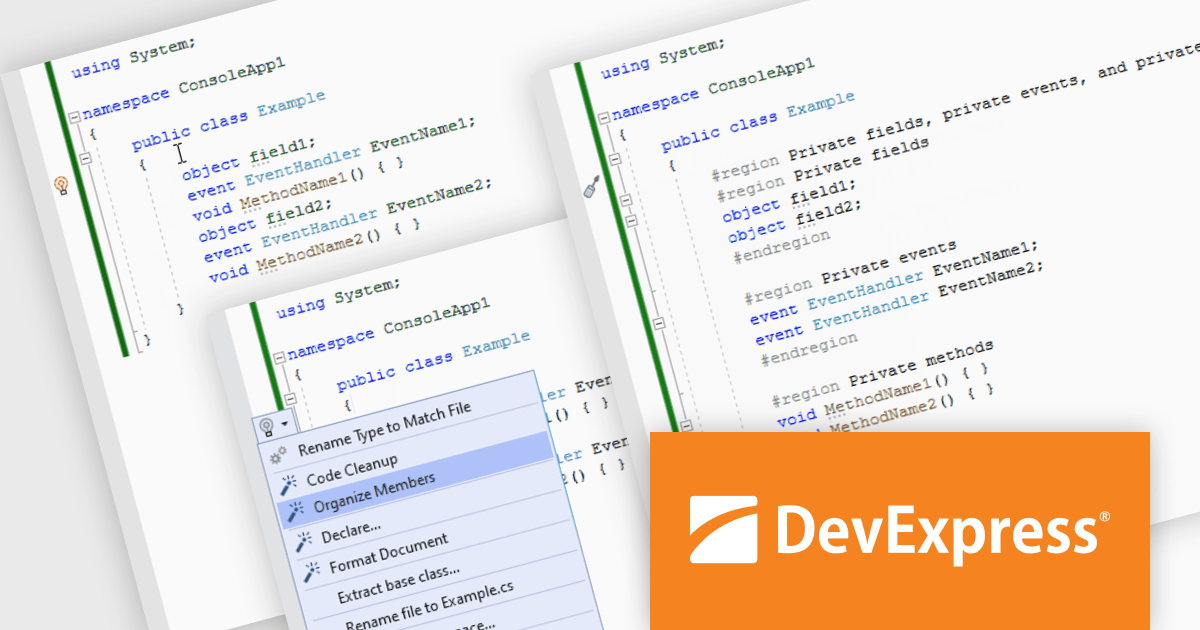
CodeRush Ultimate is a Visual Studio extension designed to improve developer productivity and creativity. It empowers you to generate sophisticated code, automate tedious tasks, and navigate your codebase effortlessly, all while boosting code quality and readability. By eliminating repetitive coding and providing intelligent assistance, CodeRush Ultimate frees you to focus on the big picture, helping you deliver more features faster and with higher quality.
With extensive code style settings, CodeRush automatically formats your code to match your desired standards, allowing you to concentrate on writing clean, functional code. It streamlines code maintenance by automating style and formatting tasks. Customizable settings let you enforce specific coding standards across individual developers, projects, or entire teams. CodeRush can automatically format code, remove unused code and organize members, ensuring consistency and readability. This powerful tool saves time and effort, allowing developers to focus on core functionality while maintaining high-quality code.
CodeRush Ultimate is licensed per developer and is available as a Perpetual License with a 12 month support and maintenance subscription. See our CodeRush Ultimate licensing page for full details.
CodeRush Ultimate is available to buy in the following products:

ONLYOFFICE Docs is a comprehensive online editor, allowing users to create text documents, spreadsheets, presentations, and forms. It enables your users to edit, share, and collaborate on documents online in their preferred browser, within your own application. It is fully compatible with OOXML (Office Open XML) formats and supports popular Microsoft Office and other document formats such as CSV, DOC, DOCX, EPUB, HTML, ODP, ODS, ODT, PDF, PPT, PPTX, RTF, TXT, XLS, and XLSX.
The ONLYOFFICE Docs v8.2 update adds support for performing iterative calculations. This enables formulas to be repeatedly recalculated until a specific, stable result is reached or a set number of attempts is made. By setting iteration limits and defining acceptable precision levels, iterative calculations enable users to control the number of recalculations, allowing the formula to reach an approximation or convergence point that serves as the final value. This process is particularly useful when dealing with circular references, where a formula refers to its own cell either directly or through a sequence of references involving other cells. Without iterative calculations, such formulas would produce errors, as they would require an infinite loop of recalculations. This is widely used in scenarios requiring complex dependencies, such as financial projections, engineering simulations, and scientific modeling.
To see a full list of what's new in v8.2.0, see our release notes.
ONLYOFFICE Docs is licensed by the number of simultaneous document connections and is available as an annual license with 1 year support and upgrades. See our ONLYOFFICE Docs licensing page for full details.
For more information, see our ONLYOFFICE Docs product page.
联系电话: (888) 850 9911
传真: +1 770 250 6199


