













官方供应商
我们作为官方授权经销商,直接提供超过200家开发厂家所发行超过1000个的产品授权给您。
查看我们的所有品牌。
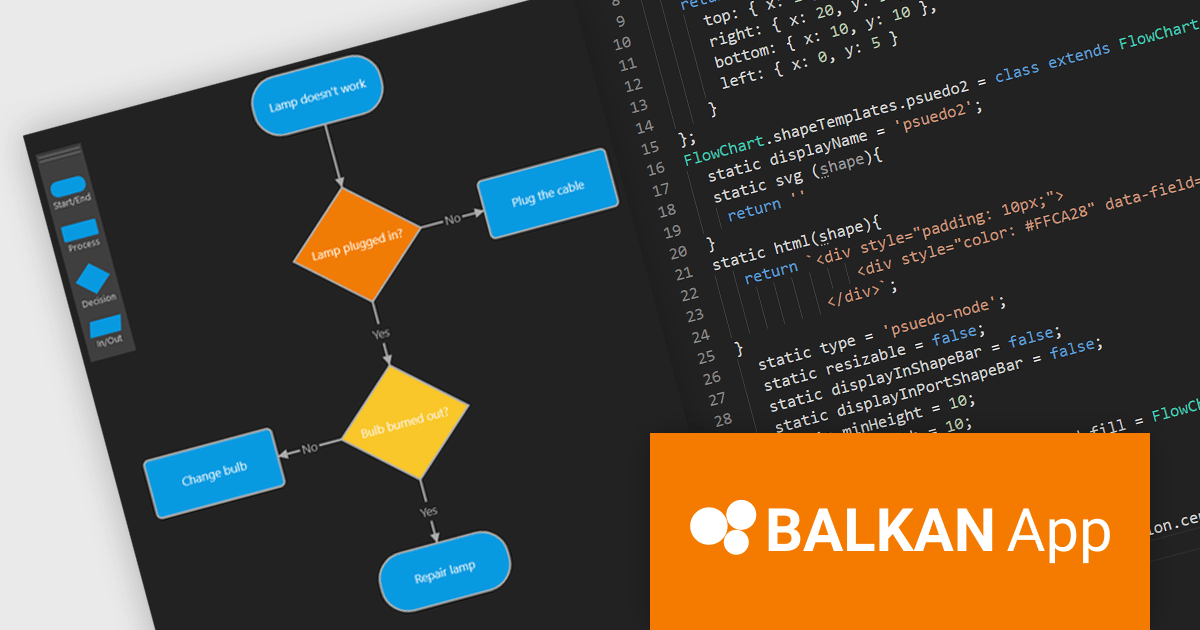
FlowChart JS, a powerful new JavaScript library from BALKAN App, the creators of OrgChart JS, is designed to streamline the creation of interactive and customizable flowcharts. It seamlessly integrates with React, Angular, and Vue.js, offering an intuitive drag-and-drop interface and real-time visual editing, making it easy to visualize complex processes and systems. The library provides a rich set of pre-built shapes and nodes, with the flexibility to create custom shapes, advanced connection and routing options, and a robust API. Its seamless integration into existing applications simplifies the development of clear, structured visualizations.
This new product streamlines the flowchart creation process and enhances visual communication, enabling users to quickly assemble intricate diagrams without extensive coding knowledge. The library's flexibility makes it suitable for a wide range of use cases including business process modeling, software development, educational materials, and technical documentation. By transforming complex information into visually appealing and understandable diagrams, FlowChart JS improves collaboration, decision-making, and problem-solving, providing JavaScript applications with powerful data visualization capabilities.
FlowChart JS is licensed on a perpetual basis with 1 year support and maintenance. Single website, unlimited websites or SaaS, and OEM licenses are available. See our FlowChart JS licensing page for full details.
For more information, see our FlowChart JS product page.

ComponentSource, the world’s largest reseller of software components and developer tools, is proud to celebrate the three year anniversary of its partnership with Big Ideas Computing, a software development company specializing in data management and visualization solutions.
Big Ideas Computing, founded in 2015, focuses on rapid application development (RAD) solutions for Database Administrators and Analysts. Its flagship product, dbFront, empowers users to swiftly create dynamic web applications directly from their existing SQL databases without writing code. This powerful platform leverages responsive design principles to deliver user-friendly interfaces across various devices. By automating routine tasks and providing real-time data access, dbFront enhances productivity, streamlines workflows, and facilitates data-driven decision-making across diverse industries and departments. Through the partnership, ComponentSource has distributed dbFront to a global audience of software developers.
ComponentSource is a leading global distributor of software components and development tools, providing a comprehensive marketplace for developers to find, evaluate, and purchase reusable software components. Since 1995 ComponentSource has been serving developers, IT professionals, and enterprises by offering an extensive catalog of high-quality, pre-built software components, along with expert support and resources.
ComponentSource's global reach and licensing expertise has enabled Big Ideas Computing to attract a wider audience for its innovative database front-end development solution.
Learn more about Big Ideas Computing

ComponentSource, the world’s largest reseller of software components and developer tools, is proud to mark its 10 year partnership with Raynet, a leader in the field of software packaging and application lifecycle management.
Raynet GmbH is a leading provider of software packaging, application lifecycle management, and IT management solutions. Founded in Germany, Raynet has established itself as a trusted partner for organizations worldwide, offering innovative tools and services that streamline the deployment, management, and maintenance of software across enterprise environments. Its comprehensive product portfolio includes RayPack Studio for Enterprise software packaging, RayFlow for workflow management, and RayVentory for software and hardware inventory. Raynet products help businesses in a diverse range of sectors optimize their IT operations, reduce costs, and ensure compliance.
ComponentSource, founded in 1995, is a global leader in distributing software components and developer tools. It offers a trusted marketplace with a comprehensive catalog of over 1,000 products from top vendors. Specializing in high-quality tools for software development, from UI components to lifecycle management solutions, ComponentSource helps developers and organizations worldwide streamline projects and achieve technical goals efficiently.
By leveraging ComponentSource's vast global network and unparalleled expertise in software distribution, Raynet has achieved an expanding customer base worldwide. As ComponentSource and Raynet enter their second decade of collaboration, both companies continue to provide the software development industry with the high quality products required by today's demanding developer community.
Learn more about Raynet
This year marks the 20th anniversary of the partnership between ComponentSource and Blueberry Software. Over the past two decades, these two companies have worked together to provide reliable screen capture and recording solutions to the global developer community.
Blueberry Software is a leading developer of innovative software solutions, specializing in screen recording and video editing tools. Its flagship product, FlashBack Pro, is a powerful screen recorder that allows users to capture high-quality video, add annotations, and edit footage with ease. Designed for professionals across various industries, FlashBack Pro is known for its user-friendly interface and advanced features, making it ideal for creating tutorials, presentations, and demos. Blueberry Software is committed to delivering robust, reliable, and user-centric software that meets the needs of both individual users and organizations.
ComponentSource is a leading global distributor of software components and development tools. Established in 1995, the company provides developers with a comprehensive marketplace featuring a wide range of high-quality software components, libraries, and development tools designed to enhance productivity and streamline the development process.
Working together, Blueberry Software and ComponentSource have successfully expanded the reach of FlashBack Pro. ComponentSource, as a well-established provider of software components and development tools, has helped distribute Blueberry Software's products to a wider global market. Celebrating two decades in partnership, ComponentSource looks forward to continuing this collaboration and supporting the developer community with reliable and effective software solutions.
Learn more about Blueberry Software.
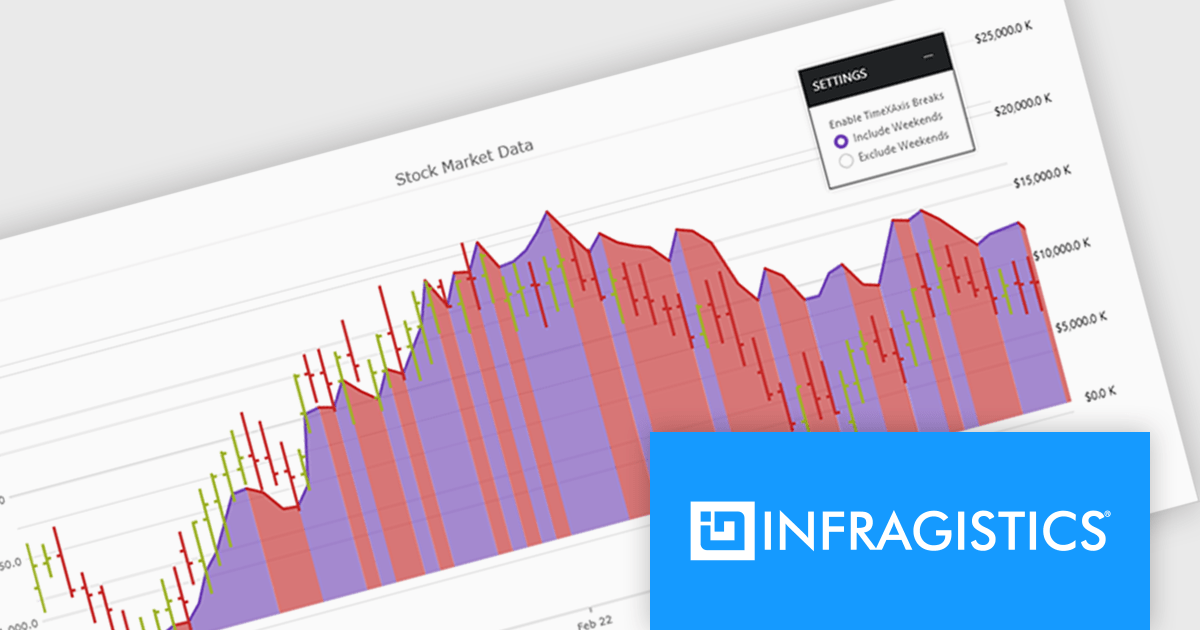
Infragistics Ultimate UI for WPF is a comprehensive suite of UI controls designed to streamline development and enhance the user experience of desktop applications. Boasting over 100 components, it offers a rich set of functionalities, including data visualization tools, high-performance grids, and modern UI elements that mimic the look and feel of Microsoft Office. These feature-packed libraries empower developers to craft powerful, visually appealing applications with a consistent user experience.
The Infragistics Ultimate UI for WPF 24.1 release offers enhanced chart interactivity with the new series selection feature. Applicable to category, financial, and radial charts, this feature allows users to select individual series and visually differentiate them using color changes or adding focus outlines. Developers have granular control over selection behavior, choosing to affect entire series or specific data items, and can manage multiple selections simultaneously. This functionality proves invaluable for highlighting data patterns and trends, facilitating comparisons between data points.
To see a full list of what's new in 24.1, see our release notes for Infragistics Ultimate UI for WPF.
Infragistics Ultimate UI for WPF is licensed per developer and is available as a Perpetual License with 1, 2 or 3 year support and maintenance subscription. See our Infragistics Ultimate UI for WPF licensing page for full details.
Infragistics Ultimate UI for WPF is available to buy in the following products:
联系电话: (888) 850 9911
传真: +1 770 250 6199


