













官方供应商
我们作为官方授权经销商,直接提供超过200家开发厂家所发行超过1000个的产品授权给您。
查看我们的所有品牌。
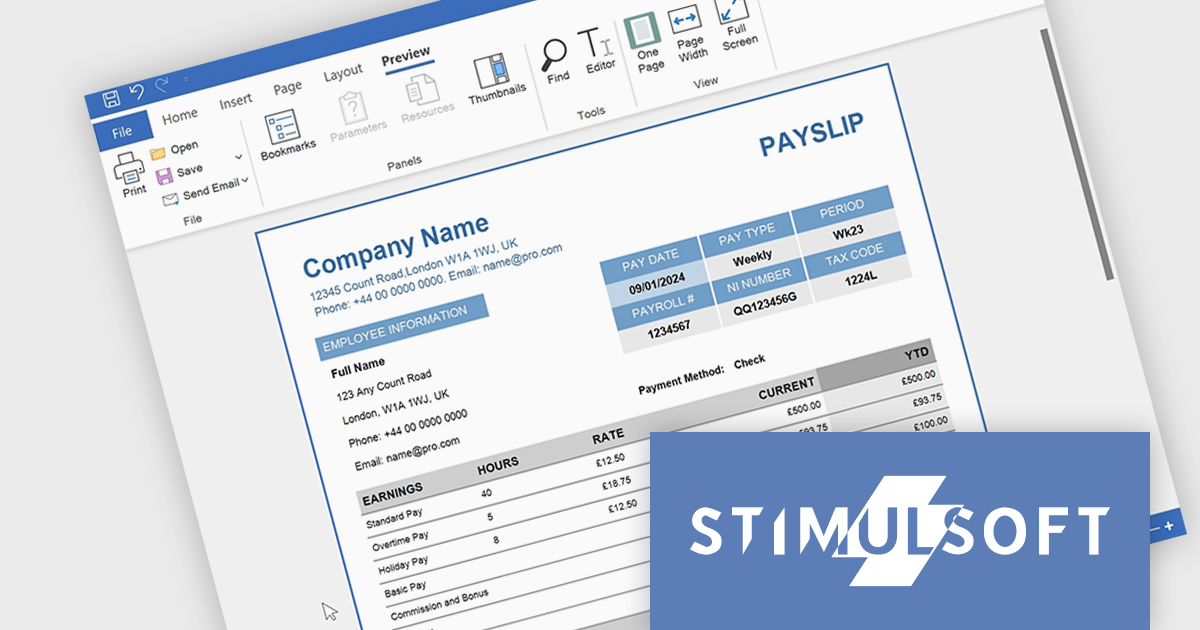
Stimulsoft Reports.PYTHON offers a robust reporting solution for Python developers. It integrates seamlessly into various development environments and boasts cross-platform compatibility. This empowers you to design visually stunning reports featuring charts, gauges, and other interactive elements. By leveraging Stimulsoft Reports, you can efficiently generate informative summaries of your Python application's data, enhancing decision-making capabilities.
Stimulsoft Reports.PYTHON offers a number of benefits for developers. Its versatile data source connectivity allows for effortless report generation from various sources. Additionally, the client-server architecture ensures efficient report processing and a smooth user experience. This makes Stimulsoft Reports.PYTHON an ideal solution for creating informative reports across diverse use cases, from generating financial statements and sales invoices to compiling customer data and project summaries.
Stimulsoft Reports.PYTHON is licensed per developer and is available as a Perpetual license with 1 year support and maintenance. See our Stimulsoft Reports.PYTHON licensing page for full details.
Stimulsoft Reports.PYTHON is available in the following products:
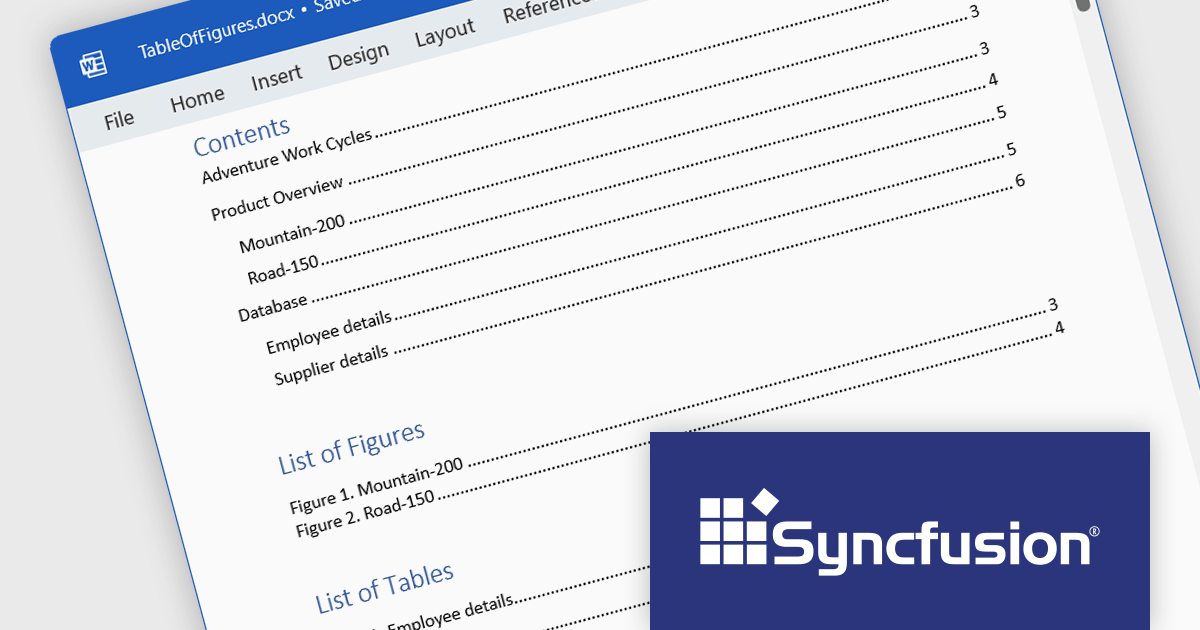
Syncfusion Essential Studio Windows Forms is a powerful UI component suite designed to enhance your WinForms development. It boasts over 100 high-performance controls, ranging from essential grids and charts to advanced schedulers and diagrams, enabling you to craft visually appealing and feature-rich applications with ease. Its extensive customization options and built-in themes allow for tailored user experiences, while touch-friendly design ensures seamless interaction across devices.
Syncfusion Essential Studio Windows Forms 2024 Volume 1 (25.1.35) enhances Word document table of contents (TOC) generation by introducing support for the \c and \a switches. The \c switch integrates captions of figures, tables, charts, and other SEQ field-numbered items into TOC entries, while the \a switch constructs a separate table of captions excluding labels and numbers. This empowers you to customize your TOC to effectively cater to the specific requirements of your document and target audience.
To see a full list of what's new in version 2024 Volume 1 (25.1.35), see our release notes.
Syncfusion Essential Studio Windows Forms is available as part of Syncfusion Essential Studio Enterprise which is licensed per developer starting with a Team License of up to five developers. It is available as a 12 Month Timed Subscription License which includes support and maintenance. See our Syncfusion Essential Studio Enterprise licensing page for full details.
For more information, visit our Syncfusion Essential Studio Windows Forms product page.

Trackbar controls, also known as sliders, are user interface (UI) elements that allow users to adjust a numerical value within a defined range by moving a slider along a bar. These controls are highly valuable for settings that require a visual representation of adjustment, such as volume, brightness, or other application-specific parameters. Trackbars enhance the user experience by providing a simple and effective method to input values, which can be particularly useful for fine-tuning settings without the need for direct numerical input. Their intuitive design promotes ease of use and quick interaction, making them an excellent choice for graphical user interfaces where space is limited and precision is necessary.
Several React components offer Trackbar Data Editors including:
For an in-depth analysis of features and price, visit our comparison of React Data Editors.
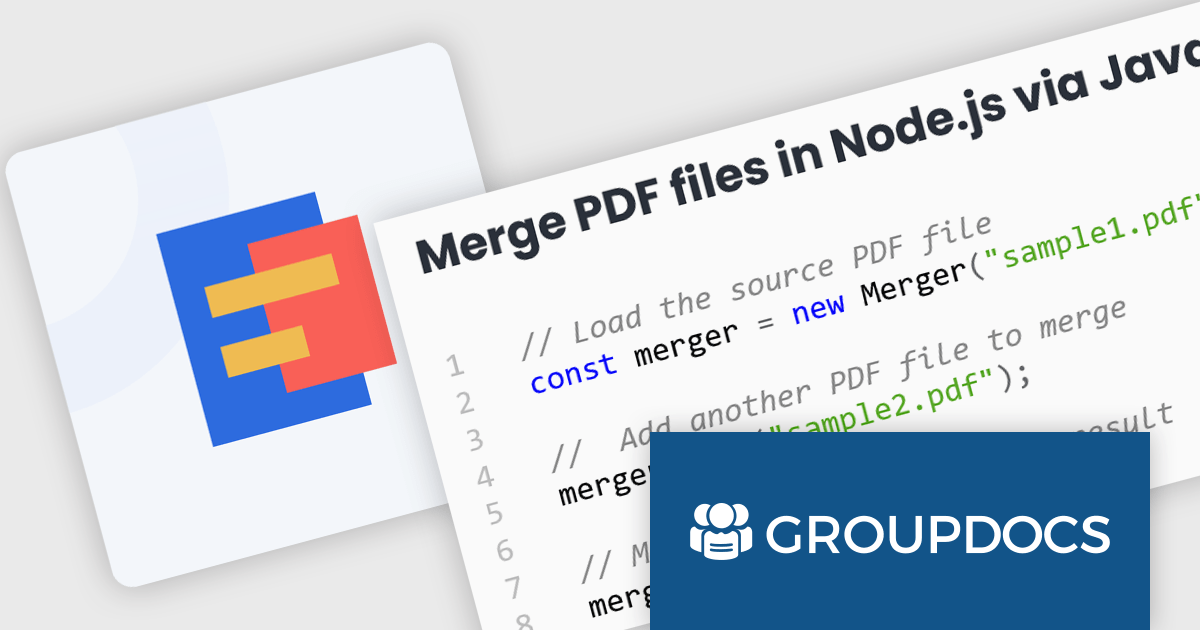
GroupDocs.Merger for Node.js via Java empowers developers to seamlessly integrate document merging and splitting capabilities into their Node.js applications. It enables Node.js applications to leverage the robust document processing features of the GroupDocs.Merger Java library, eliminating the need for developers to rewrite merging, saving development time and resources.
This library offers a powerful solution for enhancing document management in Node.js applications. Users can benefit from its broad format support for effortless integration and merging of diverse document types including Word, Excel, PowerPoint, Visio, PDF, OpenDocument, image, and archive formats. It empowers developers to split large documents, reorder or replace pages, manage document protection, and even render documents as images. These functionalities streamline document organization, improve collaboration processes, and provide greater flexibility in handling various document needs within Node.js applications.
GroupDocs.Merger for Node.js via Java is offered as Developer Small Business, Developer OEM, Site Small Business, and Site OEM licenses catering to a range of business needs. Licenses are perpetual, and include 1 year of support and maintenance. Subscription renewals are also available. See our GroupDocs.Merger for Node.js via Java licensing page for full details.
GroupDocs.Merger for Node.js via Java is available in the following products:
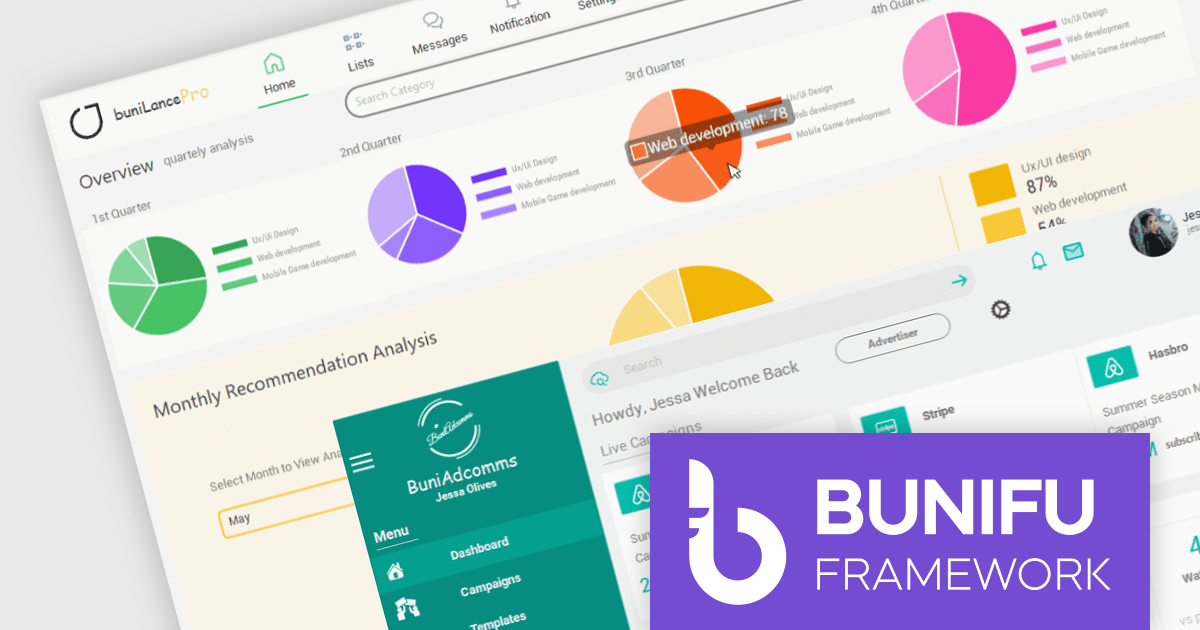
Bunifu UI WinForms is a user interface (UI) framework designed to streamline the development of modern and visually appealing desktop applications using Microsoft's WinForms platform. It provides a wide array of pre-built, customizable UI components, such as charts, a data grid, gradient panel, and slider, that emphasize a minimalist aesthetic while maintaining performance efficiency. With it developers can significantly streamline the UI development process, allowing them to drag-and-drop elements and leverage extensive design properties to create professional-looking applications in less time.
Bunifu UI WinForms v7.0 embraces the future of .NET development by adding support for Microsoft .NET 8. This unlocks a range of productivity and performance enhancements for developers, alongside an improved overall experience. By seamlessly integrating with modern software architectures and .NET components, Bunifu UI WinForms empowers you to craft responsive and visually stunning applications with greater ease.
To see a full list of what's new in v7.0.0, see our release notes.
Bunifu UI WinForms is licensed per developer and is available in four plans; three plans are an annual license while the other is a perpetual license. Annual licenses come with free updates and Premium support for the active license period. See our Bunifu UI WinForms licensing page for full details.
Bunifu UI WinForms is available in the following products:
联系电话: (888) 850 9911
传真: +1 770 250 6199


