













官方供应商
我们作为官方授权经销商,直接提供超过200家开发厂家所发行超过1000个的产品授权给您。
查看我们的所有品牌。
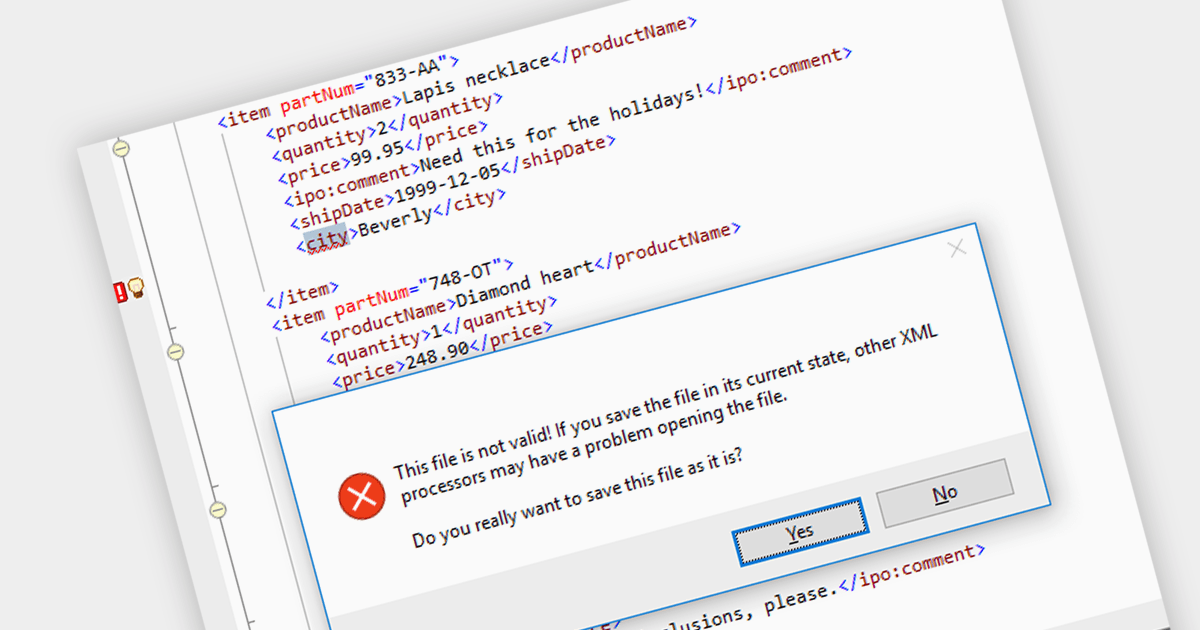
XML validation is the process of verifying an XML document's adherence to specific structural and data rules. While a well-formed document adheres to basic grammatical rules, a valid document additionally conforms to a predefined schema like DTD or XML Schema. This schema dictates element types, allowed values, and their relationships, ensuring consistency and data integrity. Validation, although optional, is crucial for data exchange and processing accuracy, particularly in mission-critical applications.
Several structured document tools support XML Validation including:
For an in-depth analysis of features and price, visit our Structured Document Tools comparison.
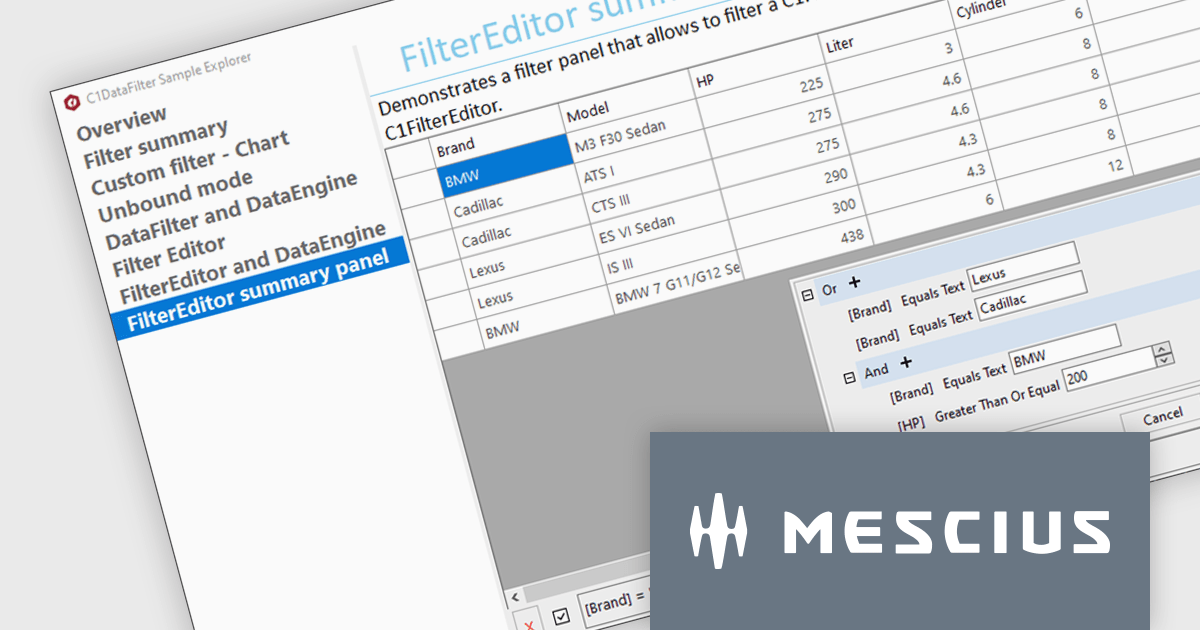
ComponentOne Studio Enterprise is a comprehensive toolkit designed to streamline and accelerate .NET development across mobile, web, and desktop applications. It offers a vast library of performant and customizable UI controls, including data grids, charts, reporting tools, and input components, compatible with various platforms like WinForms, WPF, Blazor, ASP.NET MVC, and Xamarin. By leveraging pre-built components and functionalities, developers can save time and resources, focusing on core business logic and delivering high-quality applications faster. ComponentOne Studio Enterprise includes the FlexGrid for WinForms grid component.
In this blog post, MESCIUS Technical Engagement Engineer Hunter Haaf demonstrates how to integrate the FilterEditor with FlexGrid. Steps include:
Source code examples are included with each step.
Read the full blog post and add powerful runtime filtering to your FlexGrid data.
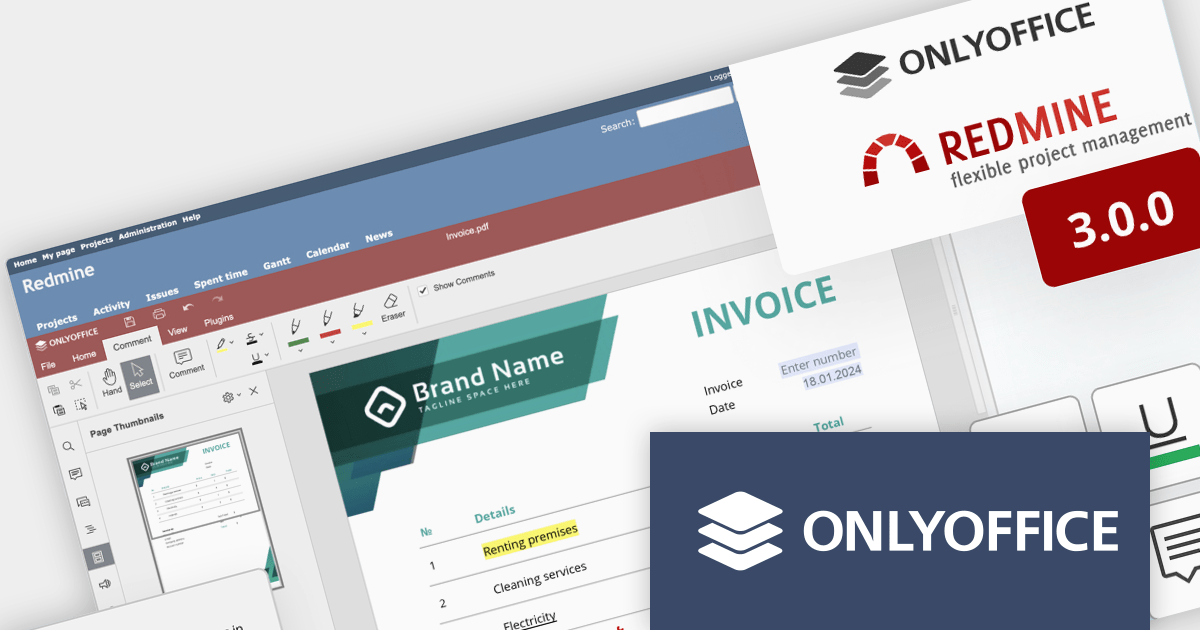
ONLYOFFICE Docs Enterprise Edition with Redmine Connector combines an online document editor with a seamless integration for Redmine, the Ruby on Rails-based project management hub. This allows teams to create, view, edit, and collaborate on spreadsheets, presentations, and text files online, directly within Redmine, boosting efficiency and eliminating the need for file switching.
ONLYOFFICE Redmine connector v3.0.0 expands the list of file formats that are available for editing. Previous releases supported DOCX, XLSX, PPTX, DOCXF and OFORM, but the latest update allows you to use ONLYOFFICE Docs directly within Redmine, to edit DOCM, DOTM, DOTX, XLSM, and XLTM files. The following formats may also be opened for editing by checking them in the format settings, though please note that data loss may occur due to format restrictions: EPUB, FB2, HTML, ODT, OTT, RTF, TXT, CSV, OTS, ODS, and ODP.
To see a full list of what's new in v7.5.1 (3.0.0), see our release notes.
ONLYOFFICE Docs Enterprise Edition with Redmine Connector is licensed per server and is available as an annual license with 1 year of support and updates, or as a perpetual license with 3 years of support and updates. See our ONLYOFFICE Redmine connector licensing page for full details.
For more information, see our ONLYOFFICE Redmine connector product page.
PDFlib is a sophisticated software development library that allows you to dynamically create, alter, and personalize PDF documents within your applications. PDFlib provides a full set of capabilities for optimizing document workflows across web servers, desktop apps, and mobile environments, including the ability to create highly structured PDFs with text, graphics, and interactive components, as well as import existing pages and add overlays.
PDFlib version 10.0.2 adds support for Microsoft's .NET 8, allowing developers to leverage the framework's latest enhancements, such as improved performance, streamlined development processes, and stronger security features to generate and manipulate PDFs in their applications.
To see a full list of what's new in 10.0.2, see our release notes.
PDFlib is licensed per machine and is available as a perpetual license with or without 1 year of support. Annual support renewals are also available, as well as upgrades from the previous major version. See our PDFlib licensing page for full details.
PDFlib is available to buy in the following products:
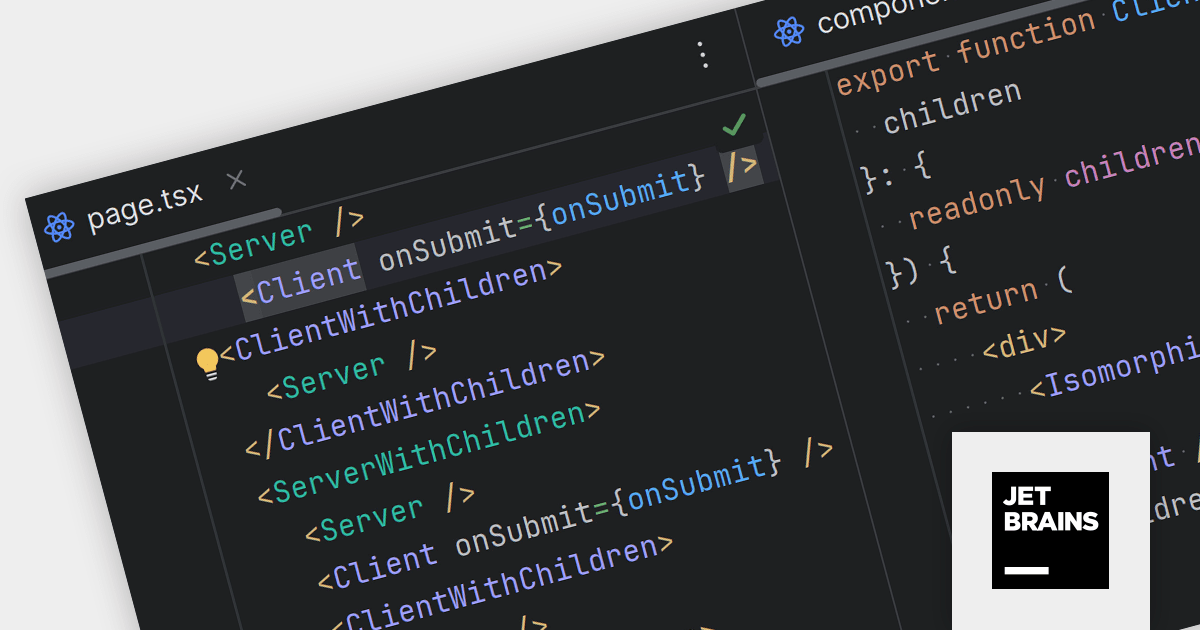
JetBrains WebStorm is a powerful and modern Integrated Development Environment (IDE) specifically designed for web development. It offers a feature-rich environment that supports popular web technologies like JavaScript, HTML, CSS, and Node.js. WebStorm helps you write cleaner, more efficient code with features like syntax highlighting, autocompletion, code refactoring, and built-in testing tools. It integrates seamlessly with various web frameworks and libraries, making it a versatile choice for both front-end and back-end development.
WebStorm 2023.3.3 streamlines React development with dedicated syntax highlighting. Client and Server components are now instantly distinguishable by their distinct colors, enhancing code clarity and efficiency. Customizable highlighting colors allow you to further personalize the development experience.
To see a full list of what's new in version 2023.3.3, see our release notes.
WebStorm is licensed per user, and is available as a commercial annual subscription license. We can supply new subscriptions, subscription renewals (including continuity discounts), lapsed renewals, and additional user licenses. See our WebStorm licensing page for full details.
For more information, visit our WebStorm product page.
联系电话: (888) 850 9911
传真: +1 770 250 6199


