













官方供应商
我们作为官方授权经销商,直接提供超过200家开发厂家所发行超过1000个的产品授权给您。
查看我们的所有品牌。
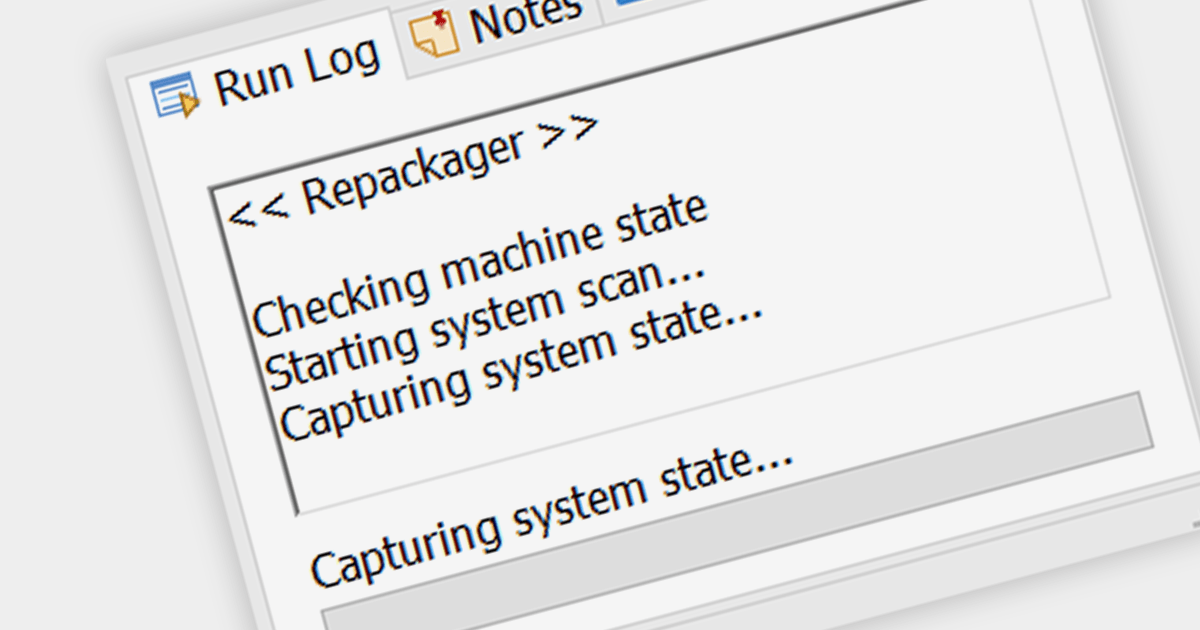
In the context of installation tools, capturing snapshots refers to the capability to record the state of a system before and after software installation. This is crucial for developers and system administrators to understand the changes an installation makes, allowing for a clean uninstallation process and aiding in troubleshooting any issues that arise due to changes in system files or registry settings.
Several Installation Tools support capturing snapshots including:
For an in-depth analysis of features and price, visit our Installation Tools comparison.
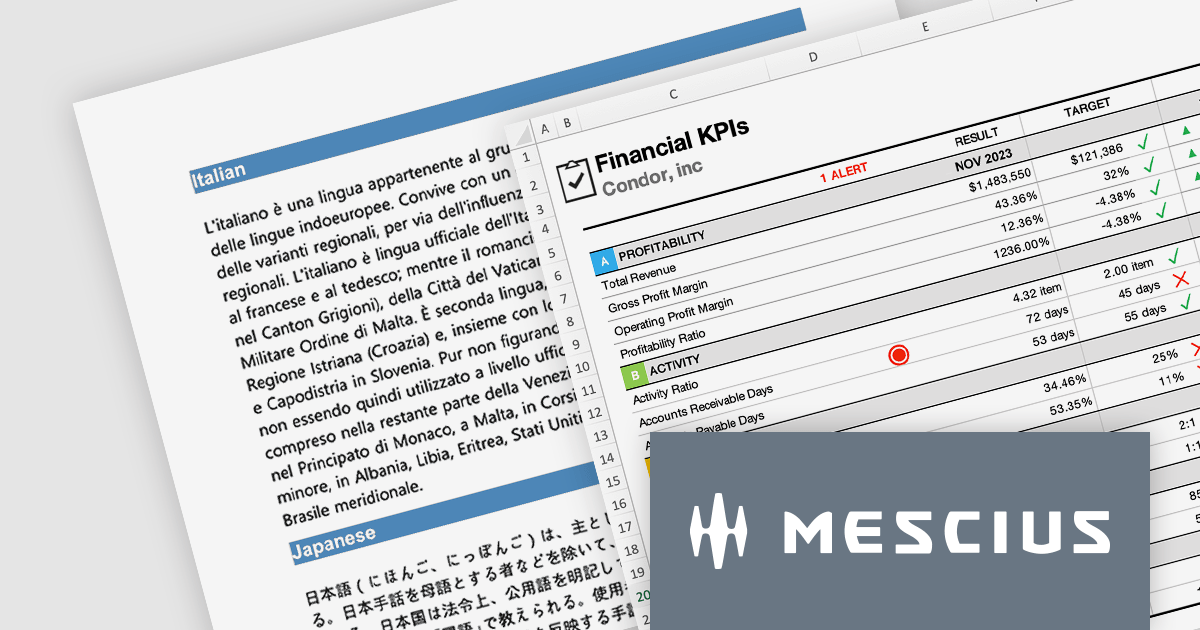
The Document Solutions product line from MESCIUS gives developers the ability to generate, load, edit, and save spreadsheets, PDFs, Images, and DOCX files in any .NET, C#, ASP.NET, and VB.NET applications without any dependency on Microsoft Office or Adobe Acrobat. It even includes Document Solutions for Excel, Java Edition - giving Java developers the same capability with Excel spreadsheets.
In this blog post, MESCIUS Product Manager Shilpa Sharma shows you how document automation can be a powerful tool to accelerate workflows and enhance collaboration within organizations. By leveraging the power of Document APIs, businesses can automate repetitive tasks, reduce errors, and enhance efficiency. Key benefits include:
The Document Solutions product line includes:
Read the complete blog to learn these powerful techniques.
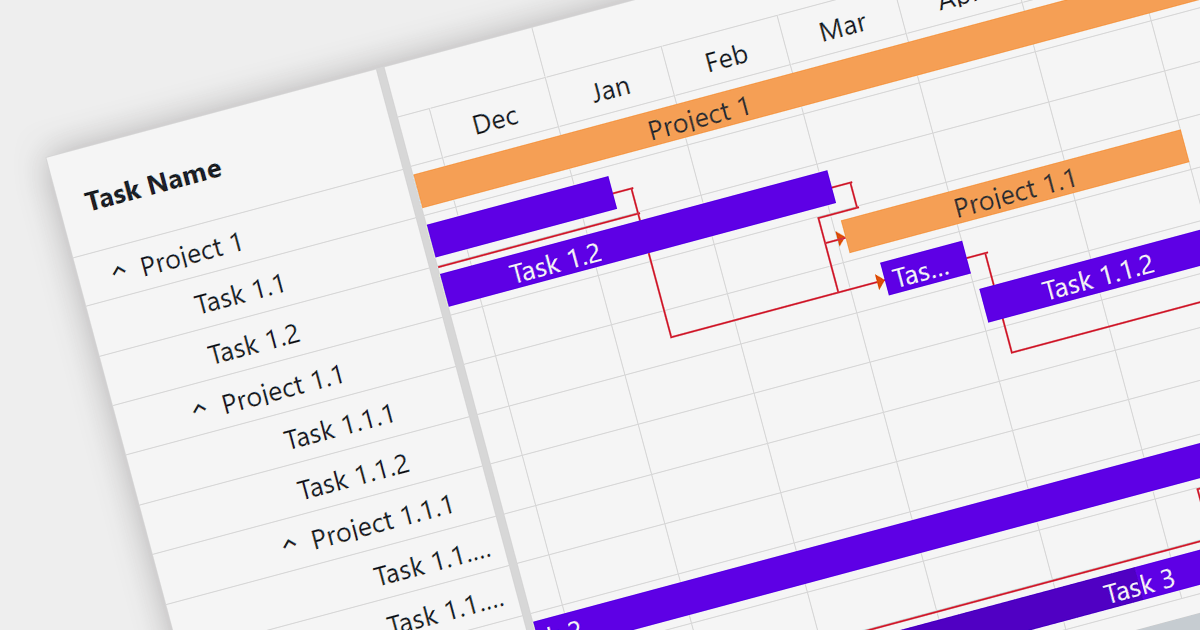
Gantt charts are a type of bar chart designed to illustrate project schedules. They display the start and end dates of different elements of a project and are essential for project management. These charts are useful for tracking project progress and for planning by showing how project tasks overlap and relate to each other.
Several Blazor chart components provide Gantt charts including:
For an in-depth analysis of features and price, visit our Blazor Charts comparison.
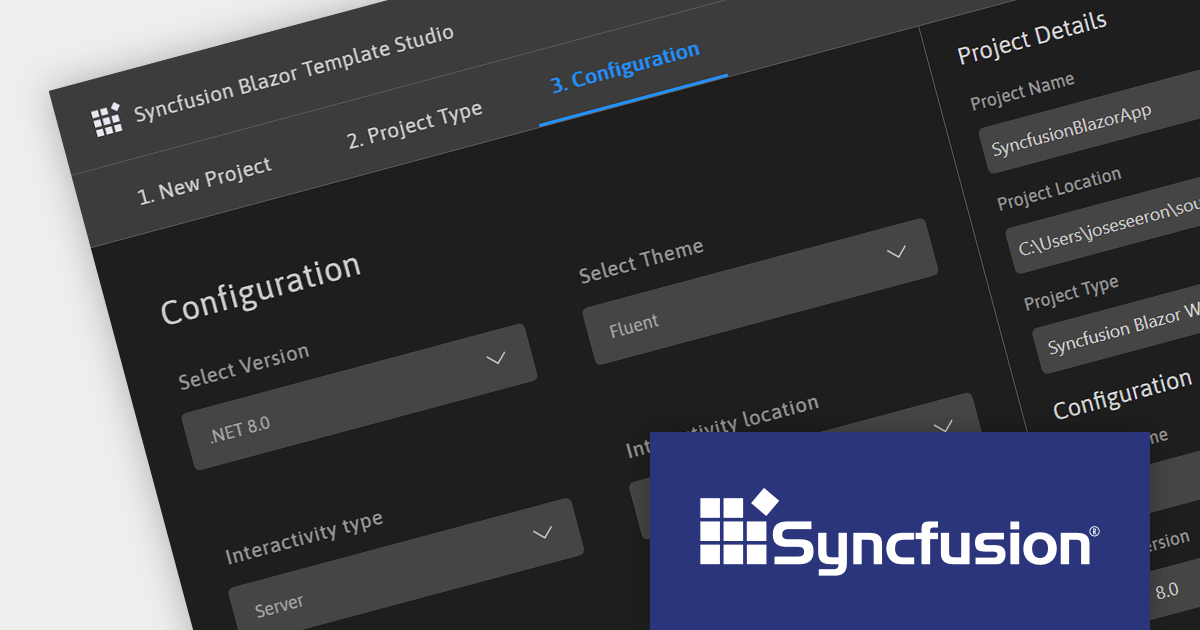
Syncfusion Essential Studio Enterprise provides a comprehensive collection of UI components and frameworks for building modern cross-platform applications. It offers over 1,800 components compatible with .NET WinForms, WPF, ASP.NET Core & MVC, WinUI, MAUI, JavaScript, Xamarin, Blazor, and more, enabling seamless application development across diverse devices and operating systems.
Version 2023 Volume 3 SP1 (23.2.5) adds support for .NET 8, allowing developers to build WinForms, WPF, ASP.NET Core, Blazor and .NET MAUI applications in the new release version of Microsoft's popular .NET ecosystem.
To see a full list of what's new in version 2023 Volume 3 SP1 (23.2.5), see our release notes.
For more information, visit our Syncfusion Essential Studio Enterprise product page.
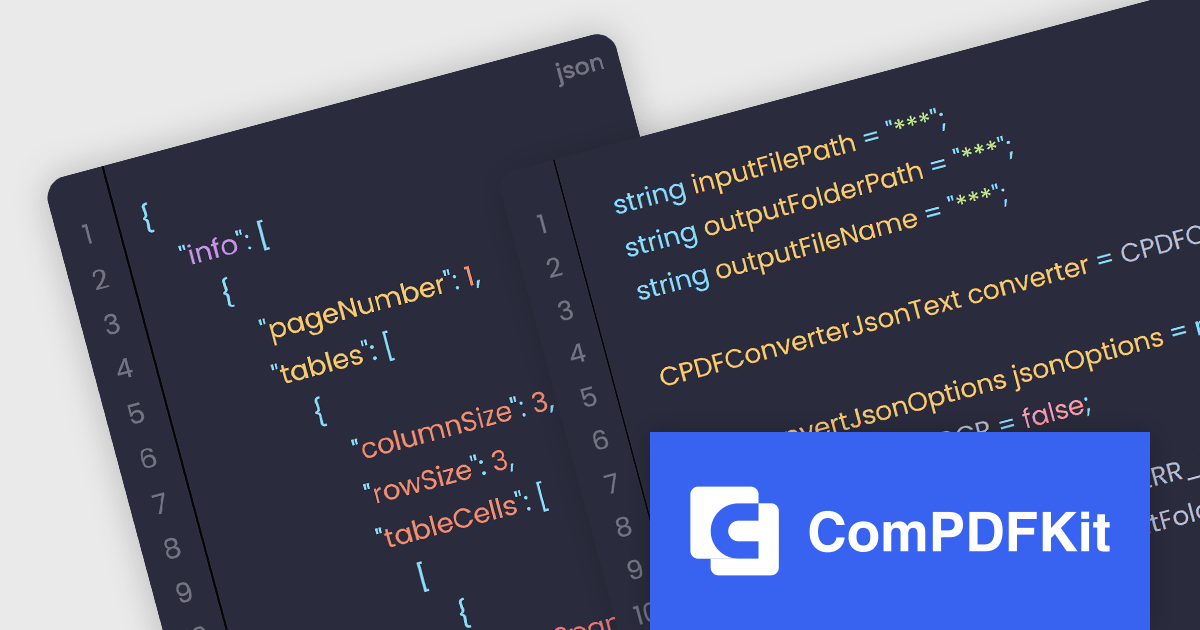
The ComPDFKit Conversion SDK is used to convert PDF files to a variety of other formats such as Microsoft Word, Excel, PowerPoint, HTML, TXT, CSV, RTF, and JSON. Instead of having server-side dependencies, it uses its own built-in conversion engine so it doesn't rely on external apps. This is more secure than other, traditional converters as it doesn't need to transmit sensitive data to external servers. It has advanced PDF parsing capabilities, can analyze a PDF's logical structure to accurately recreate the original document, and can handle complex and irregular tables.
ComPDFKit Conversion SDK v1.9.0 adds an API (for the Windows, Mac, iOS and Android SDKs) which enables you to extract data from PDF files and put that content into JSON format. With this, the SDK can now recognize and extract tables, text and text coordinates and then output structured data as JSON files. The ability to automatically extract from PDFs and utilize the JSON format greatly improves the efficiency and accuracy of conversion whilst at the same time uses a format that is lightweight, versatile, easy to read and easy for machines to parse and generate.
To see a full list of what's new in v1.9.0, see our release notes.
ComPDFKit Conversion SDK is available to buy in the following products:
联系电话: (888) 850 9911
传真: +1 770 250 6199


