













官方供应商
我们作为官方授权经销商,直接提供超过200家开发厂家所发行超过1000个的产品授权给您。
查看我们的所有品牌。
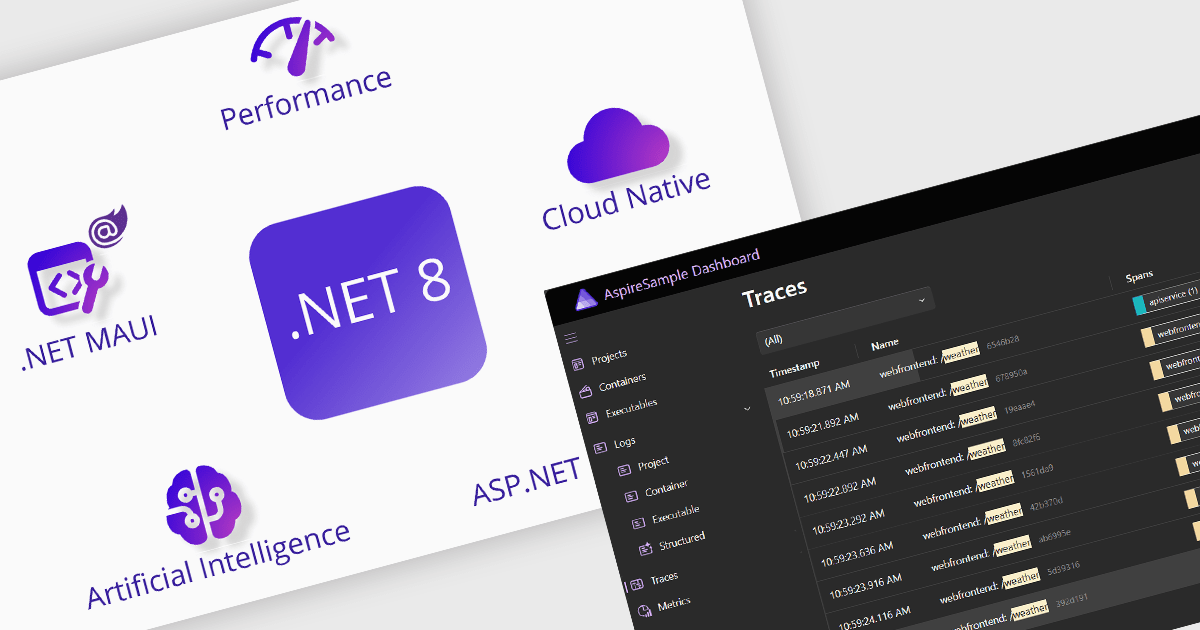
Microsoft has released .NET 8, the latest version of its popular development platform. This new Long Term Support (LTS) release will be supported by Microsoft for three years after the initial release. .NET 8 delivers significant performance, stability, and security improvements, as well as platform and tooling enhancements that help increase developer productivity and speed of innovation.
Key highlights of .NET 8 include:
Learn more about .NET 8 in this blog post by Microsoft's Gaurav Seth, or see Microsoft's article What's New in .NET 8.
Many ComponentSource Partners are updating their products with support for .NET 8:
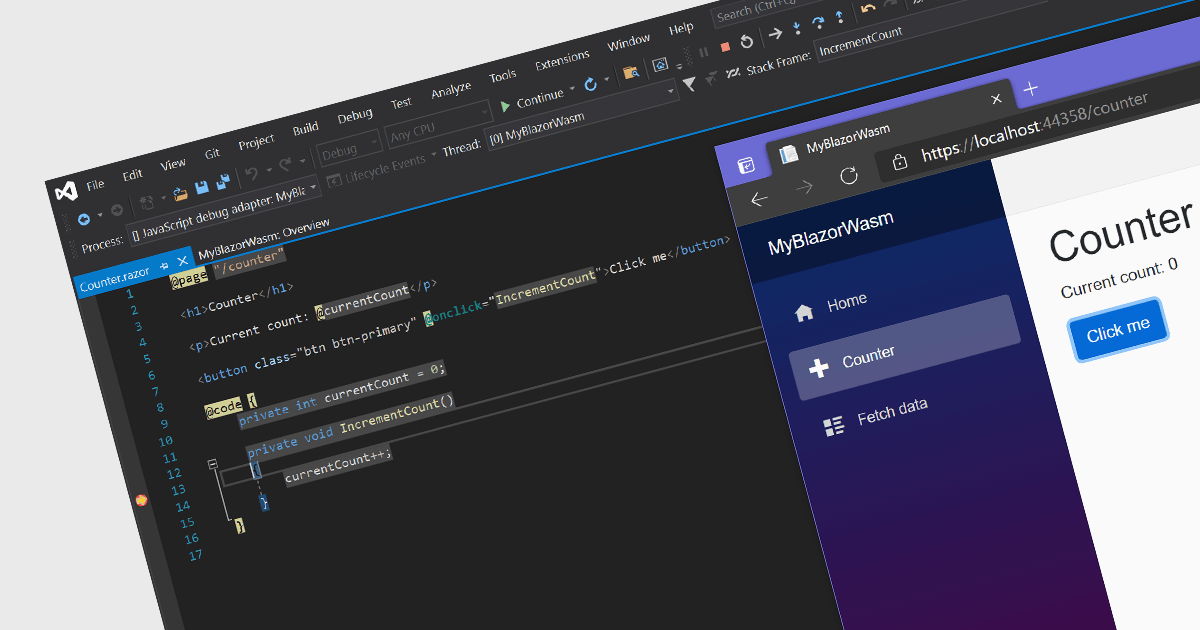
Microsoft Visual Studio is an industry-leading IDE used to develop apps for desktop, mobile and the web. Visual Studio provides a complete set of tools for developing code, including a code editor, compiler, debugger, and tester. It also includes a variety of other features, such as a source code control system, a deployment tool, and a profiler.
On November 14, 2023, Microsoft released the latest version of this powerful development environment: Visual Studio 2022 version 17.8. This release includes numerous new features including:
Learn more about the new release in this blog by Microsoft's Adrian Murphy or see the full Visual Studio 2022 v17.8 Release Notes.

ComponentOne Studio ActiveX, a widely used collection of UI components for legacy desktop applications, is reaching the end of its support cycle. After two decades of supporting this platform, MESCIUS (formerly GrapeCity) has decided to discontinue full support for its ActiveX products.
MESCIUS adheres to Microsoft's "It Just Works" compatibility guidelines for its ActiveX controls on Microsoft Windows 7, 8.1, and 10, as well as Windows Server 2008, 2012, 2016, and 2019. However, due to changes in Windows operating systems and Microsoft's end-of-support policies, MESCIUS is no longer able to provide maintenance updates for any of its ActiveX controls.
ComponentOne Studio ActiveX Edition's full support will cease on December 31, 2023. The C1ControlPanel application will continue to offer the final version of the ActiveX Edition for download and licensing.
Starting January 1, 2024, licenses will still be available for purchase, but only licensing support will be provided. The MESCIUS ActiveX forum will remain active indefinitely, and the knowledge base will continue to be enriched with existing solutions.
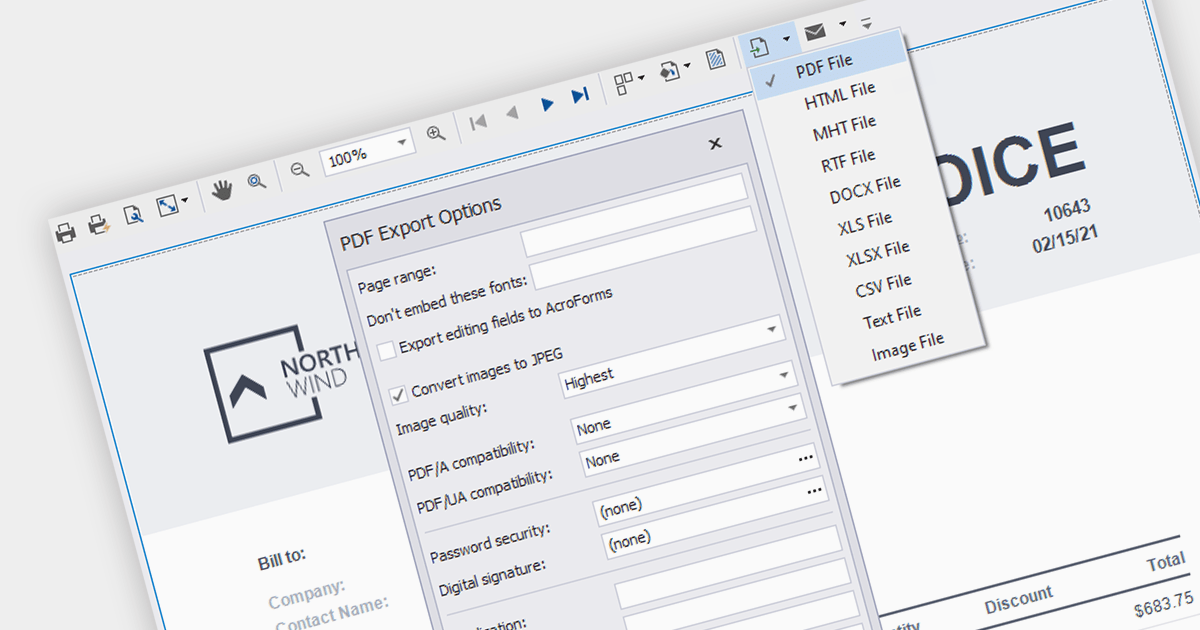
PDF export functionality in a reporting component allows users can effortlessly convert reports into PDF format, preserving the original layout and facilitating seamless sharing and printing. The widespread adoption and cross-platform compatibility of PDF make it an indispensable choice for distributing reports effectively.
Several WinForms reporting components support PDF export including:
For an in-depth analysis of features and price, visit our comparison of WinForms Reporting components.
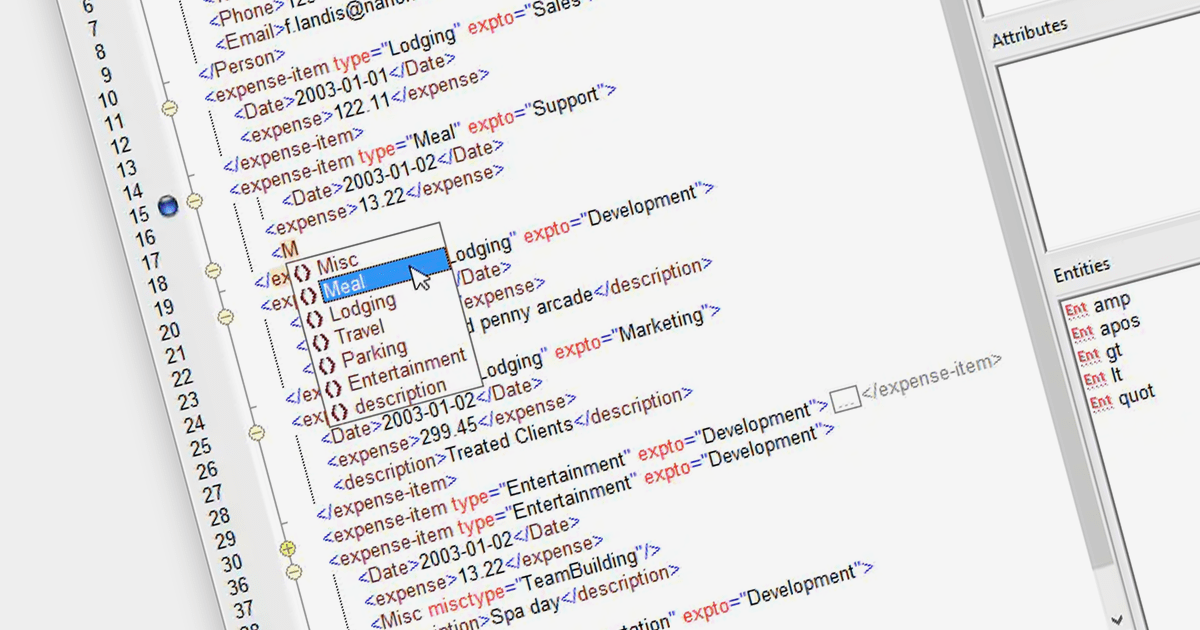
XML Authoring tools enable the creation and editing of XML documents. These tools are designed to support the specific syntax of XML, ensuring well-formed and valid documents. They often include features like tag completion, attribute insertion, and validation against schemas. This is crucial for technical writers, developers, and data specialists who manage structured data for applications such as web services, configuration files, and data interchange.
There are a number of XML authoring tools available including:
For an in-depth analysis of features and price, visit our comparison of Structured Document Tools.
联系电话: (888) 850 9911
传真: +1 770 250 6199


