













官方供应商
我们作为官方授权经销商,直接提供超过200家开发厂家所发行超过1000个的产品授权给您。
查看我们的所有品牌。
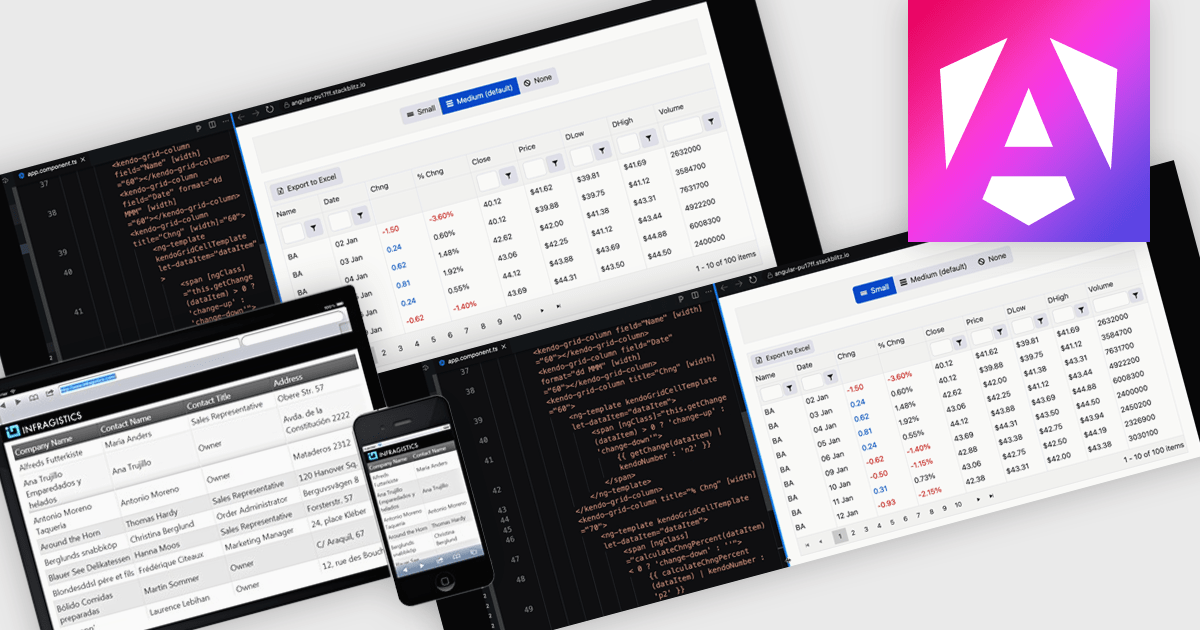
A responsive layout is a design approach that enables web and application interfaces to automatically adjust and optimize their structure, content, and elements for different screen sizes and devices. By using flexible grids, scalable images, and adaptable components, responsive layouts ensure a consistent and user-friendly experience across desktops, tablets, and mobile devices. For software developers, this approach simplifies the creation of cross-platform applications, improves accessibility, and enhances user satisfaction by delivering interfaces that perform seamlessly in diverse environments.
Several Angular grid components support responsive layouts including:
For an in-depth analysis of features and price, visit our comparison of Angular grid controls.
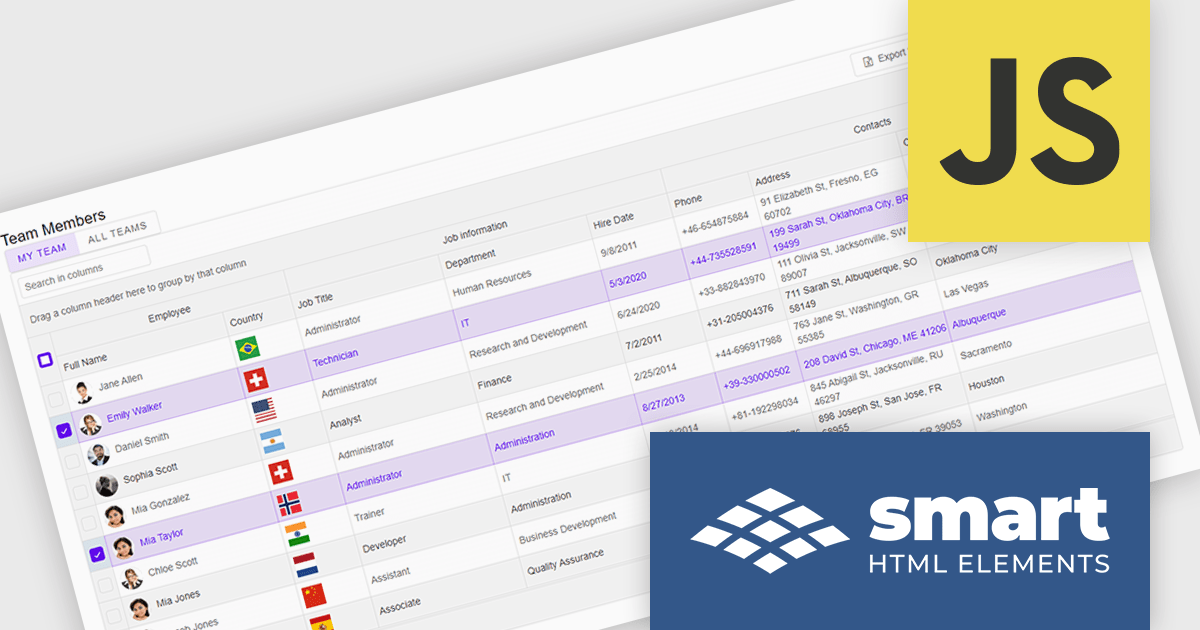
Smart UI by Smart HTML Elements is an enterprise-grade UI library offering pre-built web components for developers in Angular, React, Vue, Blazor, and JavaScript. It boasts over 60 ready-to-use components like grids, charts, schedulers, and editors, all featuring two-way data binding, responsiveness, accessibility, and theming capabilities. This library helps developers rapidly build dynamic and modern web applications with consistent look-and-feel and rich functionalities, accelerating development time and ensuring professional quality.
The Smart UI v21.0.0 release introduces significant enhancements to grid Excel export functionality. Users can now export one or more images from grids or components directly into Excel files and limit exports to selected rows or cells. These features provide greater flexibility, enabling users to include precisely the data they need while adding visual context to enhance understanding. The ability to tailor exports in this way ensures clearer communication of the underlying meaning and significance of the data.
To see a full list of what's new in v21.0.0, see our release notes.
Smart UI (Smart HTML Elements) is licensed per developer and is available as a perpetual license with 1 year support and maintenance. It includes distribution to unlimited Web applications, SaaS projects, Intranets and Websites. Team, OEM and Enterprise licensing options are also available. See our Smart UI licensing page for full details.
Learn more on our Smart UI product page.
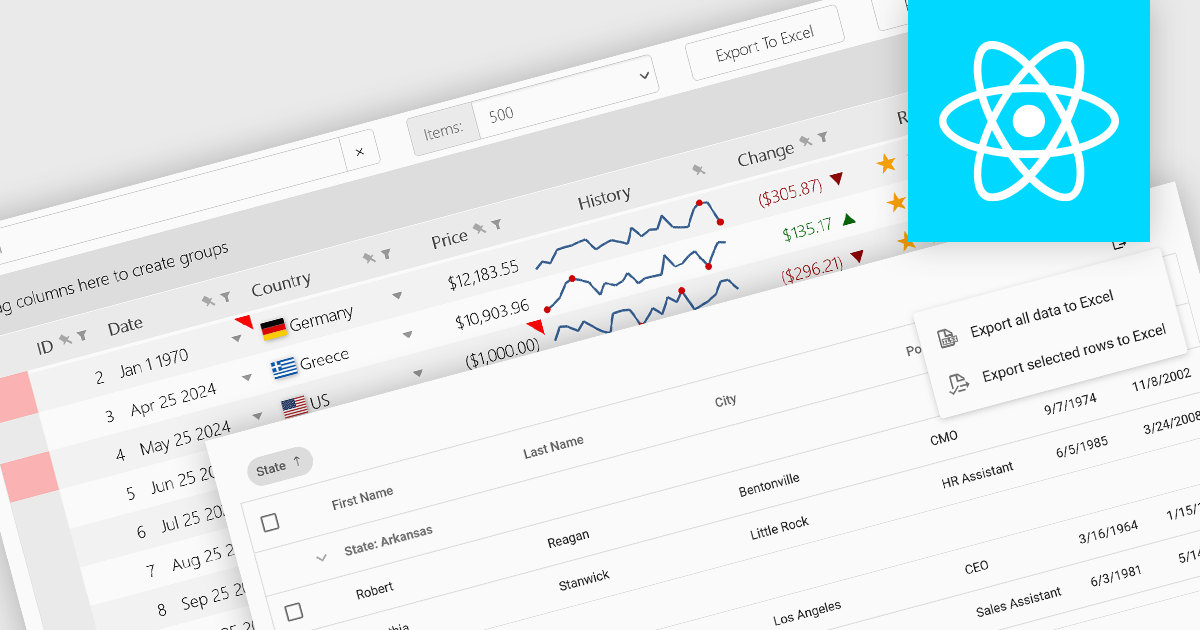
Grid controls with support for exporting to Excel offer users a portable and widely compatible format ideal for offline access, advanced analysis, and custom reporting. Excel’s powerful capabilities, including pivot tables, formulas, and charting tools, allow users to perform sophisticated tasks that go beyond the grid’s native functionality. Additionally, this feature facilitates seamless integration with other workflows and systems, supporting record-keeping, collaboration, and compliance requirements. By enabling greater flexibility and productivity, Excel export functionality significantly enhances the value and usability of grid applications.
Several React grid controls offer the ability to export grids to Excel including:
For an in-depth analysis of features and price, visit our React grid controls comparison.
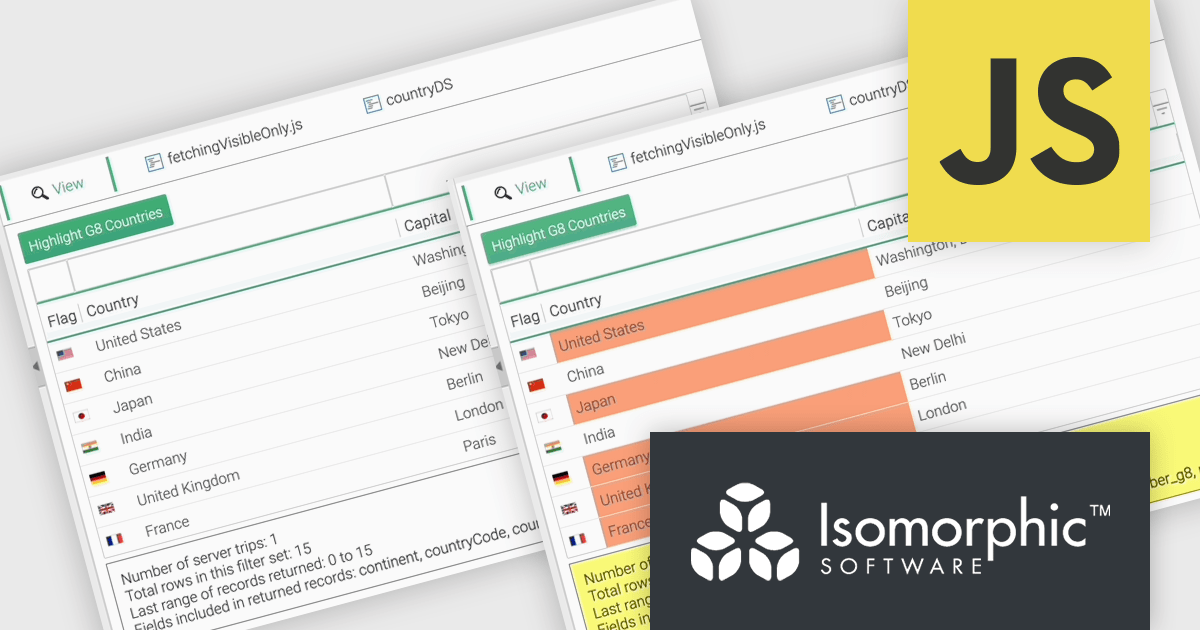
SmartClient is a comprehensive JavaScript component suite compatible with React, Vue, Angular, and more, that empowers you to craft large-scale, high-productivity Enterprise web applications. It provides a comprehensive set of tools for developers, including advanced UI components, robust data management capabilities, and seamless integration with modern backend technologies. Key features include dynamic data fetching, customizable grids, and a responsive interface for a wide range of devices. SmartClient enables developers to create applications with optimized performance, scalability, and a superior user experience. Ideal for enterprise-grade use cases, such as financial analytics, inventory management, and real-time reporting, SmartClient empowers organizations to deliver feature-rich applications that handle complex data requirements with ease.
The SmartClient 13.1 update introduces the Fetch Only Needed Data feature, enabling developers to optimize performance in data-intensive applications by dynamically retrieving only the fields required at a given moment. This targeted data retrieval reduces unnecessary data transfers, minimizes backend load, and enhances responsiveness. Developers can configure grids to fetch additional fields on demand, ensuring efficient resource usage while maintaining flexibility to adapt to dynamic application requirements. By integrating this feature, applications can scale effectively, provide a smoother user experience, and meet the demands of high-performance environments.
To see a full list of what’s new in version 13.1, see our release notes.
SmartClient is licensed per developer and is available as both perpetual and subscription licenses. Product updates and technical support is also available. See our SmartClient licensing page for full details.
For more information, visit our SmartClient product page.
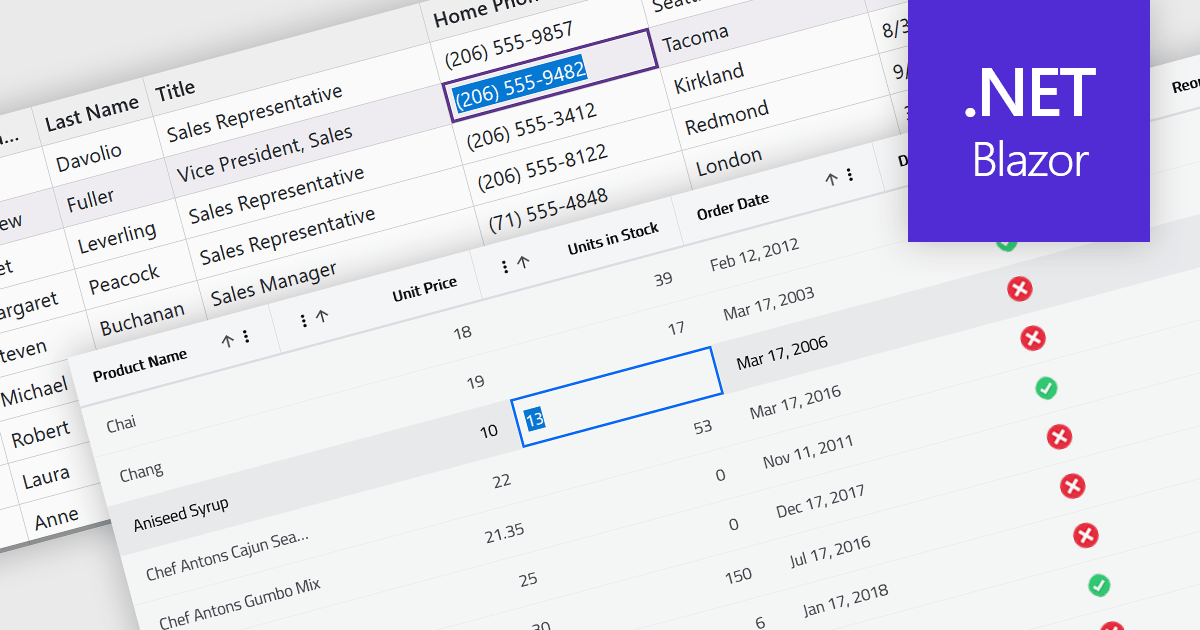
Inline editing in a grid is a user-friendly feature that allows users to edit data directly within the grid interface, without needing to open separate forms or dialogs. This means that data can be modified in place, streamlining workflows by reducing the steps required to make updates. Inline editing is particularly beneficial in scenarios where users need to quickly edit multiple records, such as updating inventory quantities, modifying project statuses, or correcting data errors in real time. By providing immediate visual feedback and maintaining the context of the data set, inline editing enhances productivity and minimizes the risk of disruptions. It is commonly used in applications like content management systems, project management tools, and enterprise resource planning (ERP) systems where efficiency and ease of use are critical.
Several Blazor grid controls offer support for inline editing including:
For an in-depth analysis of features and price, visit our Blazor grid controls comparison.
联系电话: (888) 850 9911
传真: +1 770 250 6199


