













官方供应商
我们作为官方授权经销商,直接提供超过200家开发厂家所发行超过1000个的产品授权给您。
查看我们的所有品牌。

PyCharm by JetBrains is a comprehensive Integrated Development Environment (IDE) specifically designed for Python programming. It offers a range of features to enhance productivity, including code analysis for error detection, a visual debugger for troubleshooting, integrated unit testing for code verification, and support for version control systems to manage code changes. PyCharm also caters to web development using frameworks like Django, making it a powerful tool for both experienced developers and beginners in the Python world.
The PyCharm 2024.1 release streamlines code review for GitHub and GitLab users by enabling direct interaction within the editor. This integrated review mode lets you see both original code and comments alongside changes in pull/merge requests, fostering clear communication and ensuring all developers are on the same page.
To see a full list of what's new in version 2024.1, see our release notes.
PyCharm is licensed per user, and is available as a commercial annual subscription license. We can supply new subscriptions, subscription renewals (including continuity discounts), lapsed renewals, and additional user licenses. See our PyCharm licensing page for full details.
For more information, visit our PyCharm product page.
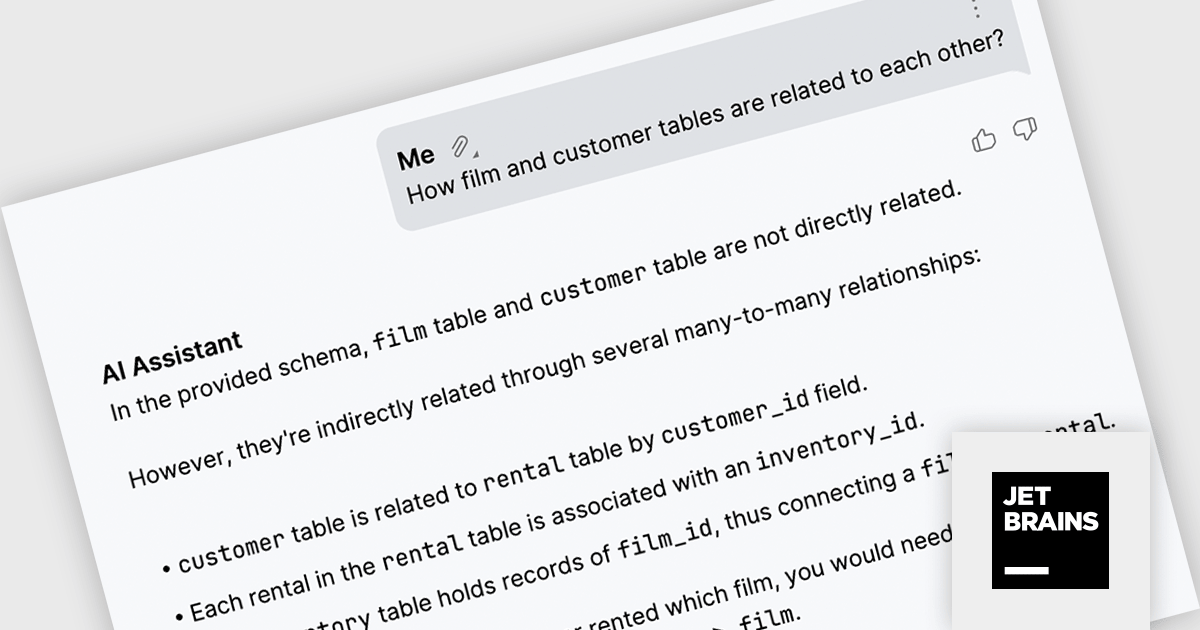
DataGrip is a multi-engine database environment that supports MySQL, PostgreSQL, Microsoft SQL Server, Oracle, Sybase, DB2, SQLite, HyperSQL, Apache Derby and H2. It includes an editor that provides intelligent coding assistance such as auto-completion, analysis and navigation. It also features a query console for running and profiling queries.
In DataGrip 2024.1, the AI Assistant can now leverage database schema information to significantly enhance the accuracy and effectiveness of SQL queries generated from your natural language requests. This empowers you to create more precise queries and gain deeper insights from your data.
To see a full list of what's new in version 2024.1, see our release notes.
DataGrip is licensed per user, and is available as a commercial annual subscription license. We can supply new subscriptions, subscription renewals (including continuity discounts), lapsed renewals, and additional user licenses. See our DataGrip licensing page for full details.
For more information, visit our DataGrip product page.
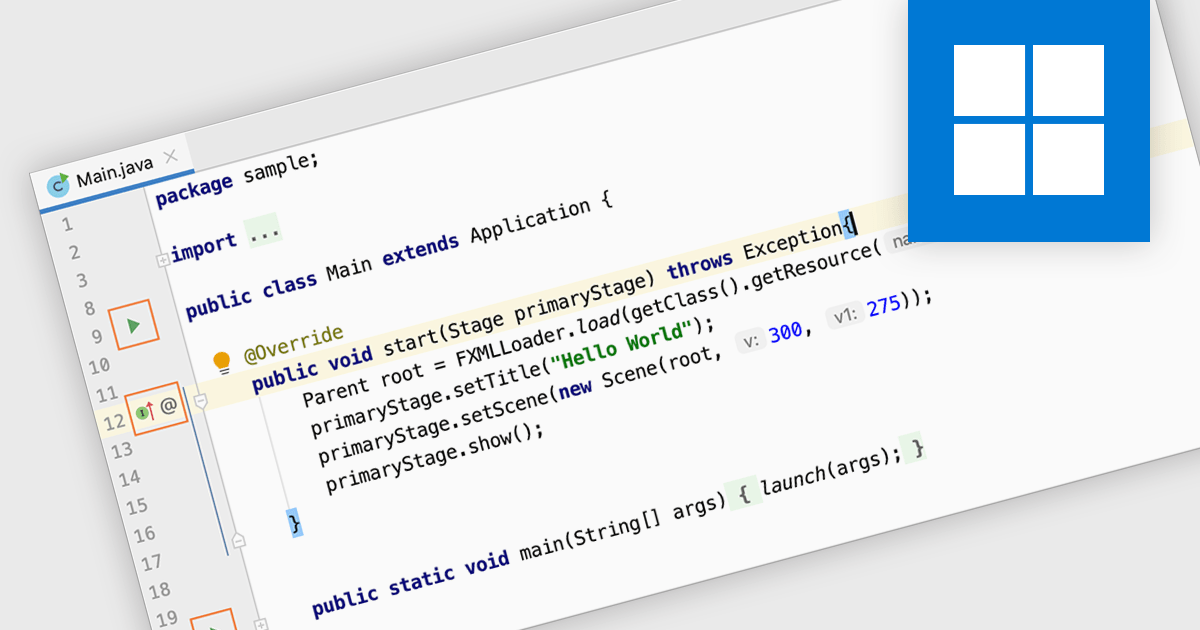
Code editing in an IDE goes beyond basic text editing by offering intelligent features specifically tailored to programmers. Syntax highlighting, autocompletion, and code navigation tools streamline the writing process, while debugging and build automation functionalities within the IDE help you identify and fix errors efficiently, all within a single, consolidated environment. This integrated approach significantly improves development workflow and productivity.
Several IDEs provide code editing including:
For an in-depth analysis of features and price, visit our IDEs comparison.
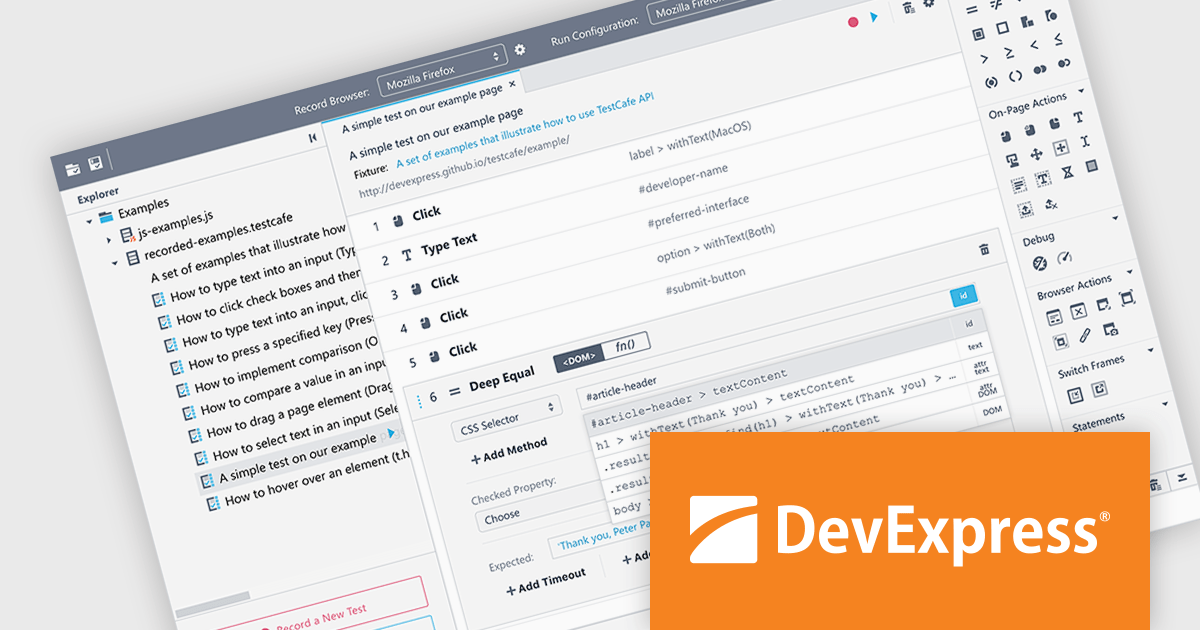
TestCafé Studio is a cross-platform Integrated Development Environment (IDE) specifically designed for automating end-to-end web testing. It offers a user-friendly approach by allowing you to visually record your interactions with a web application through its built-in recorder. This eliminates the need for manual coding, making it accessible to testers with varying levels of programming experience.
The TestCafé Studio 2.0.0 release introduces a built-in, native automation engine that directly controls Chromium browsers, such as Google Chrome and Microsoft Edge, through the Chrome DevTools Protocol. This native approach boosts test speed and stability for popular browsers, eliminating the need for external tools.
To see a full list of what's new in version TestCafé Studio 2.0.0, see our release notes.
TestCafé Studio is licensed per user and is available as a Perpetual License with a 12 month support and maintenance subscription. See our TestCafé Studio licensing page for full details.
TestCafé Studio is available to buy in the following products:
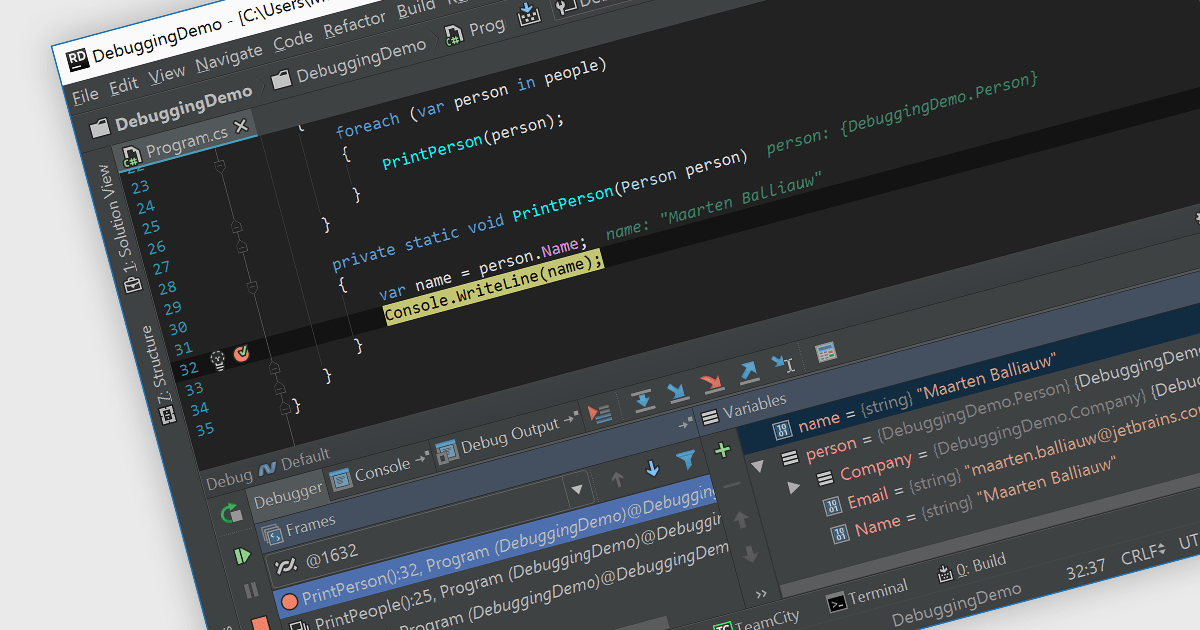
Debugging is the methodical process of identifying and rectifying errors or bugs within code. Many Integrated Development Environments (IDEs) provide a platform for debugging by allowing programmers to step through code execution line by line, examine variable values at specific points, and set breakpoints to pause execution at designated sections. This controlled environment empowers developers to easily pinpoint the cause of issues and implement fixes.
Several IDEs provide debugging including:
For an in-depth analysis of features and price, visit our IDEs comparison.
联系电话: (888) 850 9911
传真: +1 770 250 6199


