













官方供应商
我们作为官方授权经销商,直接提供超过200家开发厂家所发行超过1000个的产品授权给您。
查看我们的所有品牌。
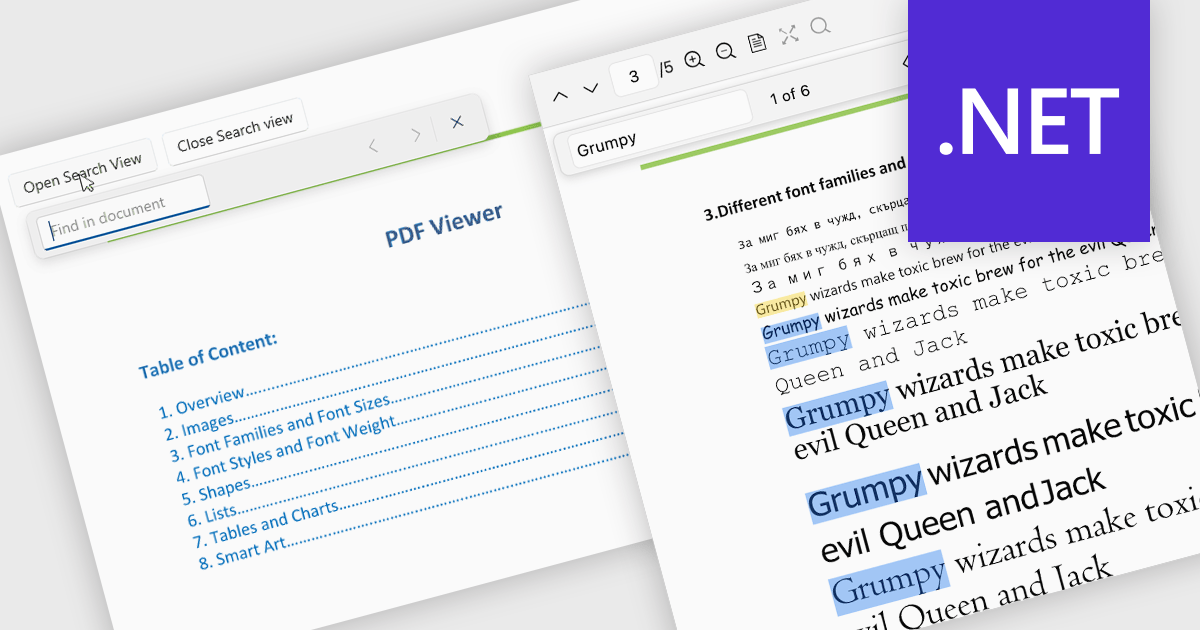
Search in a PDF viewer allows users to quickly locate specific words, phrases, or data within a document without manually scanning each page. By instantly highlighting and navigating between results, search makes it easier to work with large or complex PDFs such as reports, manuals, contracts, or research papers. This functionality improves productivity by helping users find relevant information faster, understand content in context, and move directly to important sections.
Several .NET PDF Viewer controls allow you to search for text in PDF files including:
For an in-depth analysis of features and price, visit our .NET PDF Viewer controls comparison.
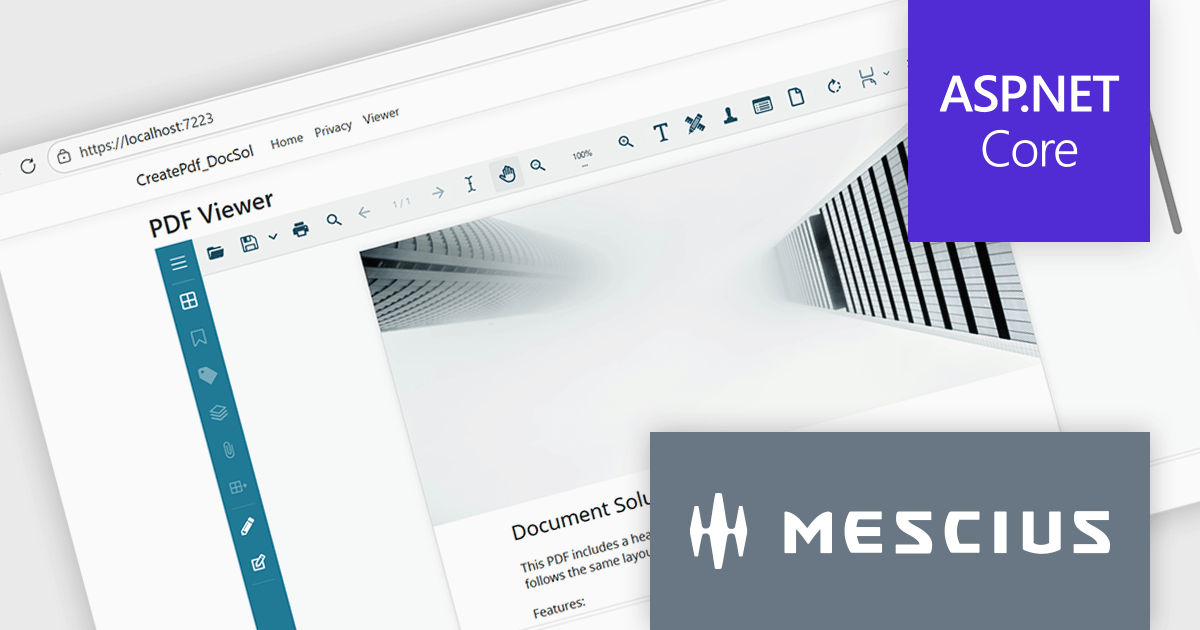
Document Solutions for PDF (DsPdf, formerly GcPdf) is a high-speed, feature-rich, server-side PDF API Library for .NET with no dependencies on Adobe Acrobat. DsPdf allows developers to programmatically create, manipulate, import/export, and deploy PDF documents, including AcroForms, across desktop and web applications at scale. With full .NET support, you can generate, load, modify, and convert PDFs in your app for .NET, Mono, Xamarin.iOS, and Xamarin.Android.
In this blog post, MESCIUS Product Specialist Kristina Ismail demonstrates how to integrate the DsPdf API library on the server side, along with the included JavaScript PDF Viewer to load, generate, and display PDF files in the browser inside an ASP.NET Core application. Steps include:
Read the complete blog to learn how to implement an end-to-end PDF workflow inside any ASP.NET Core application.
Document Solutions for PDF is licensed per developer and is available in several license options for differing distribution needs. Team licenses are also available for multiple developers within the same organization. See our Document Solutions for PDF licensing page for full details.
Document Solutions for PDF is available to buy individually or as part of Document Solutions .NET Bundle.
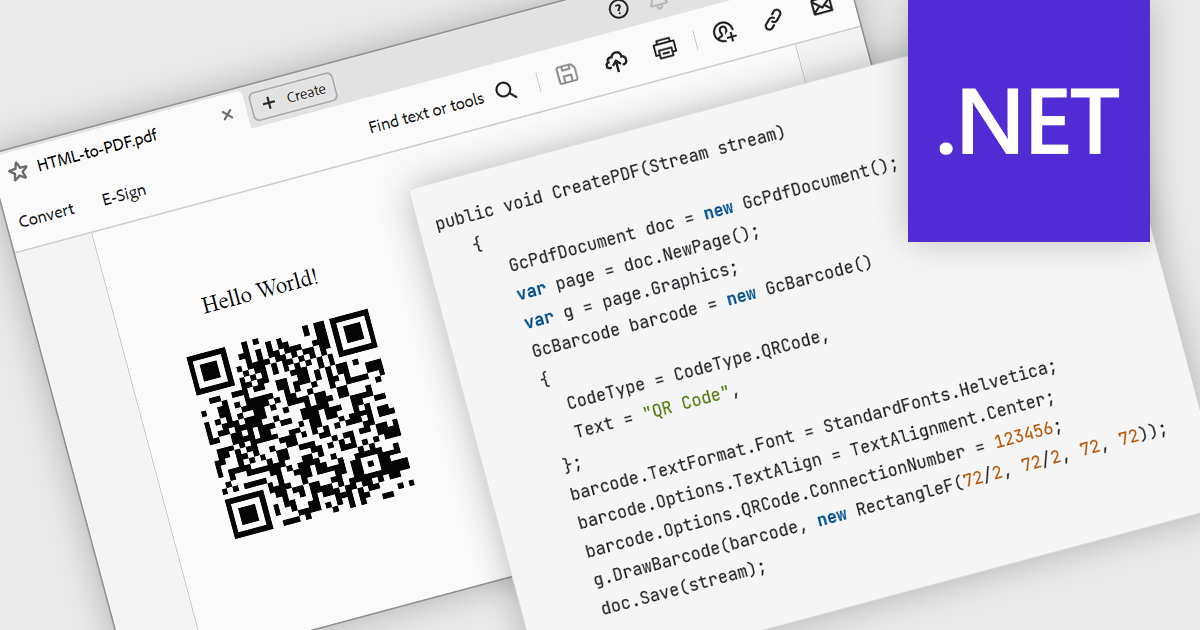
The ability to render 2D barcodes using a PDF component refers to the capability to generate and embed two-dimensional barcodes, such as QR codes, Data Matrix, or PDF417, directly within PDF documents at creation time. This functionality allows developers to programmatically encode structured data, URLs, identifiers, or transactional information into machine-readable symbols that are accurately rendered as vector graphics or high-resolution images within the PDF. This supports use cases such as document tracking, authentication, inventory management, ticketing, and automated data capture in enterprise systems.
Several .NET PDF components allow you to create 2D barcodes, including:
For an in-depth analysis of features and price, visit our comparison of .NET PDF components.
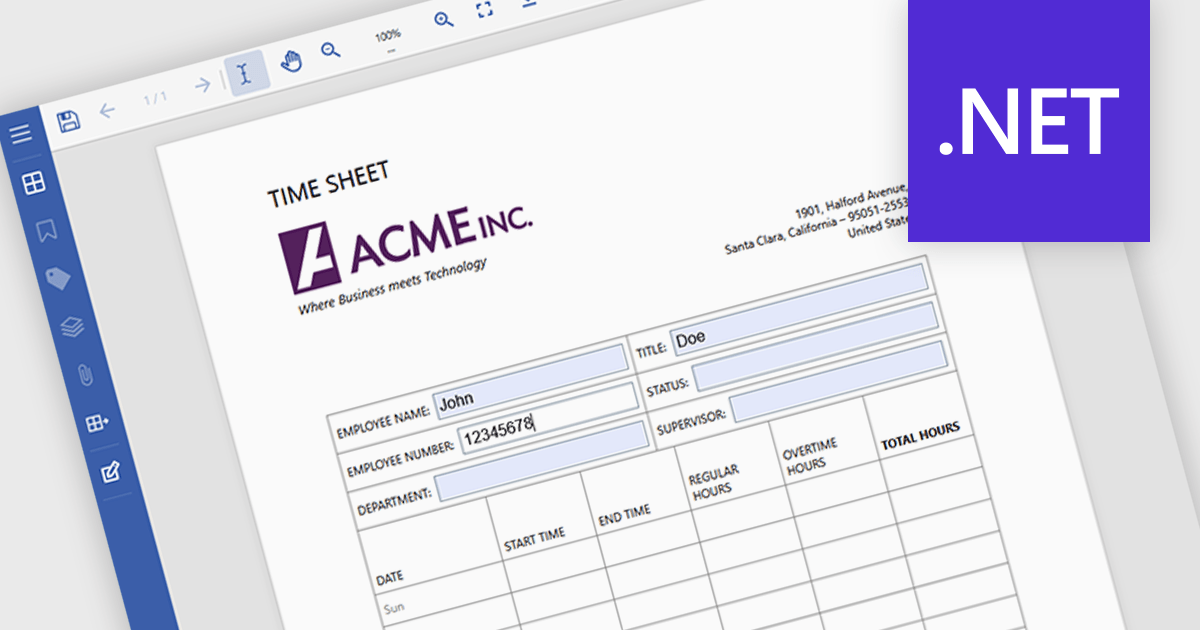
Filling forms in a PDF viewer lets users complete interactive fields such as text boxes, checkboxes, radio buttons, and dropdowns directly in the document, without needing additional software. The viewer captures data in a structured format, which can help reduce entry errors and eliminate the need to print and scan forms. As a result, documents can be completed and returned more quickly, supporting paperless processes and simplifying day-to-day operations for both organizations and end users. Common use cases include contracts and agreements, job applications and onboarding forms, customer intake documents, compliance paperwork, and internal approval processes.
Several .NET PDF Viewers feature support for form filling, including:
For an in-depth analysis of features and price, visit our comparison of .NET PDF viewers.
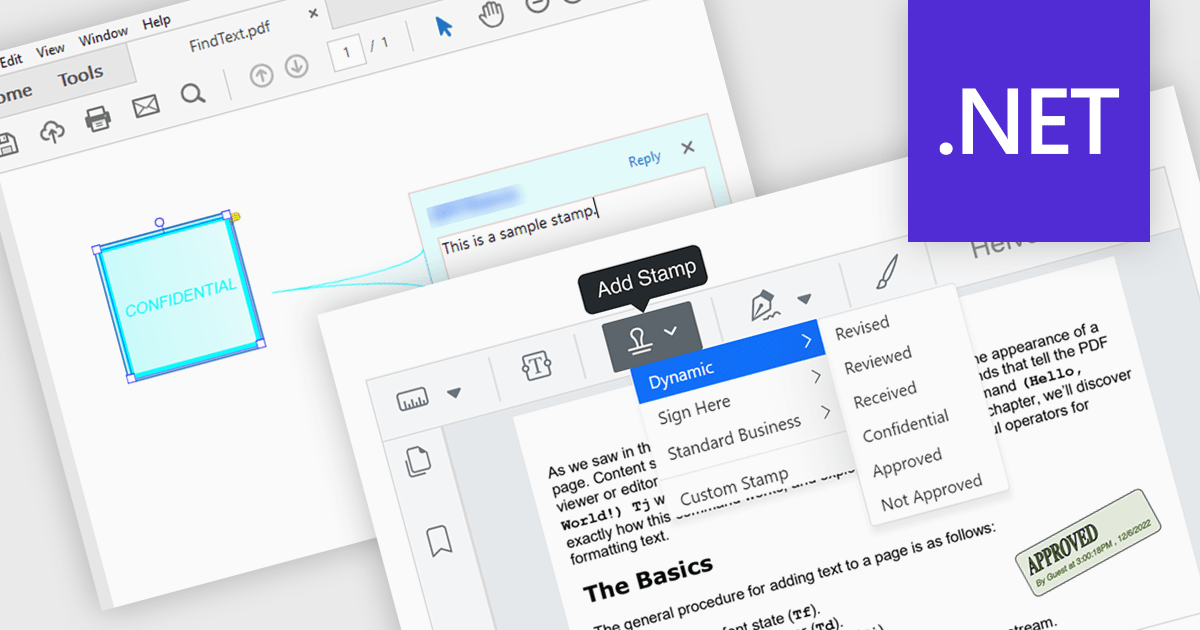
Stamp annotation support in a PDF Viewer component allows applications to place predefined or custom visual marks, such as “Approved,” “Draft,” or date-based stamps, directly onto PDF pages as non-destructive annotations. For software developers, this capability simplifies the implementation of document review and approval processes by enabling users to apply consistent, repeatable markings without altering the underlying content. It improves traceability and collaboration by making document status and actions immediately visible, supports automation through programmatic stamp placement, and helps maintain document integrity while meeting common business and compliance requirements.
Several .NET PDF viewer components support stamp annotations, including:
For an in-depth analysis of features and price, visit our comparison of .NET PDF viewer components.
联系电话: (888) 850 9911
传真: +1 770 250 6199


