













官方供应商
我们作为官方授权经销商,直接提供超过200家开发厂家所发行超过1000个的产品授权给您。
查看我们的所有品牌。
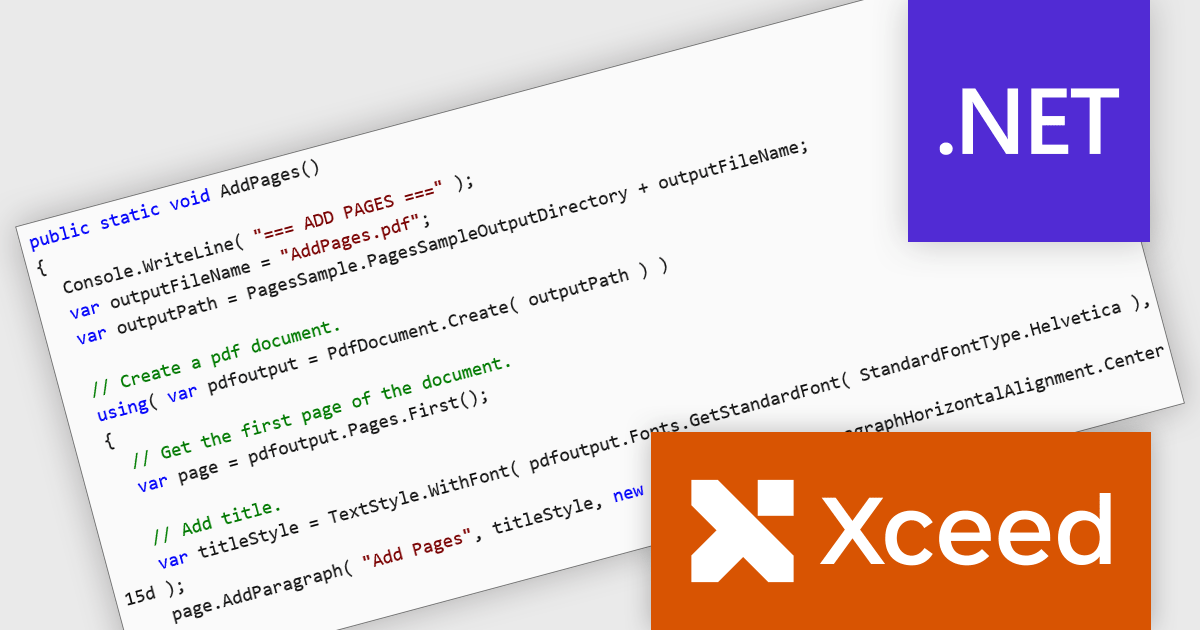
Xceed PDF Library for .NET by Xceed Software is a developer-focused component that enables interaction with PDF documents directly within .NET applications. It provides a clean, intuitive API for creating, editing, and processing PDFs, allowing users to add, modify, or extract content such as text and images without relying on external tools or dependencies.
Designed for reliability and ease of integration, the library supports key features including digital signatures, document encryption, and permission controls to help secure sensitive information. These capabilities make it well suited for a wide range of use cases, from automating document generation and updating existing PDFs to applying security policies and extracting data for reporting or archiving. Ideal for both desktop and server-side applications, Xceed PDF Library for .NET helps teams improve PDF processes while maintaining control and consistency.
Xceed PDF Library for .NET is licensed per developer and is available as a perpetual license with 1 year of updates and support. See our Xceed PDF Library for .NET licensing page for full details.
For more information, visit our Xceed PDF Library for .NET product page.
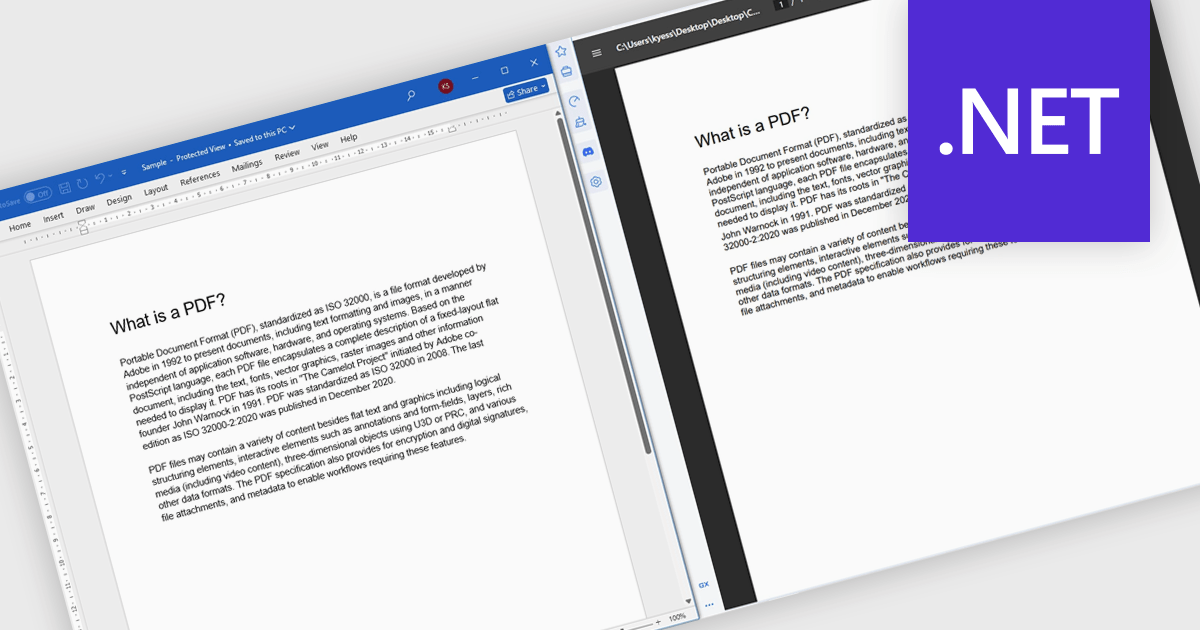
Converting Word to PDF involves transforming DOC or DOCX documents into a fixed, universally supported format that preserves formatting, layout, fonts, and images. This process ensures documents display consistently across different devices, operating systems, and applications, regardless of whether the recipient has Microsoft Word installed. By reducing the risk of unintended edits and layout changes, PDF output provides a more secure and professional way to share finalized content. Typical use cases include distributing reports, proposals, and contracts, preparing documents for printing, sharing files with external stakeholders, and archiving important records for long-term storage or compliance purposes.
Several .NET components offer Word to PDF conversion including:
For an in-depth analysis of features and price, visit our comparison of .NET PDF components.
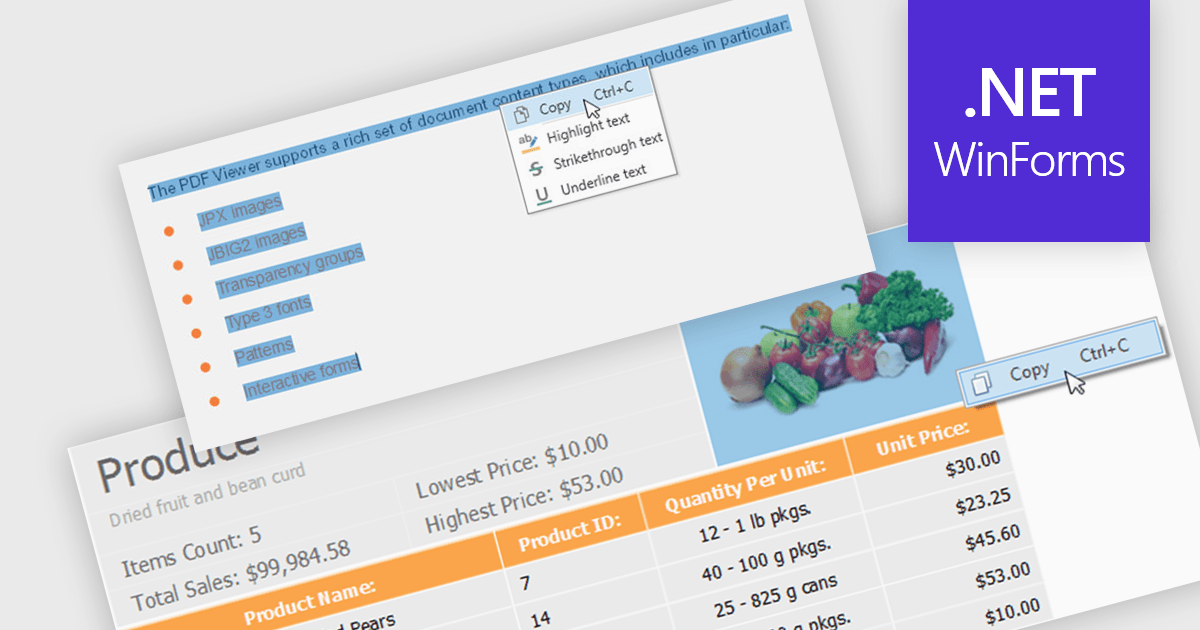
Extracting content using a PDF Viewer refers to enabling end users or applications to select and retrieve content directly through the viewer’s user interface, based on interactive actions such as text selection, area selection, or page-level capture. For software developers, this means the viewer acts not only as a rendering surface but also as a controlled extraction layer that exposes selected text, images, or regions. This approach is valuable in review, approval, and data capture scenarios because it reflects explicit user intent, aligns extracted data with what is visibly selected on screen, and avoids reliance on background parsing alone, resulting in more predictable and user-driven content retrieval within applications.
Several WinForms PDF Viewer components allow content extraction, including:
For an in-depth analysis of features and price, visit our comparison of WinForms PDF Viewer components.
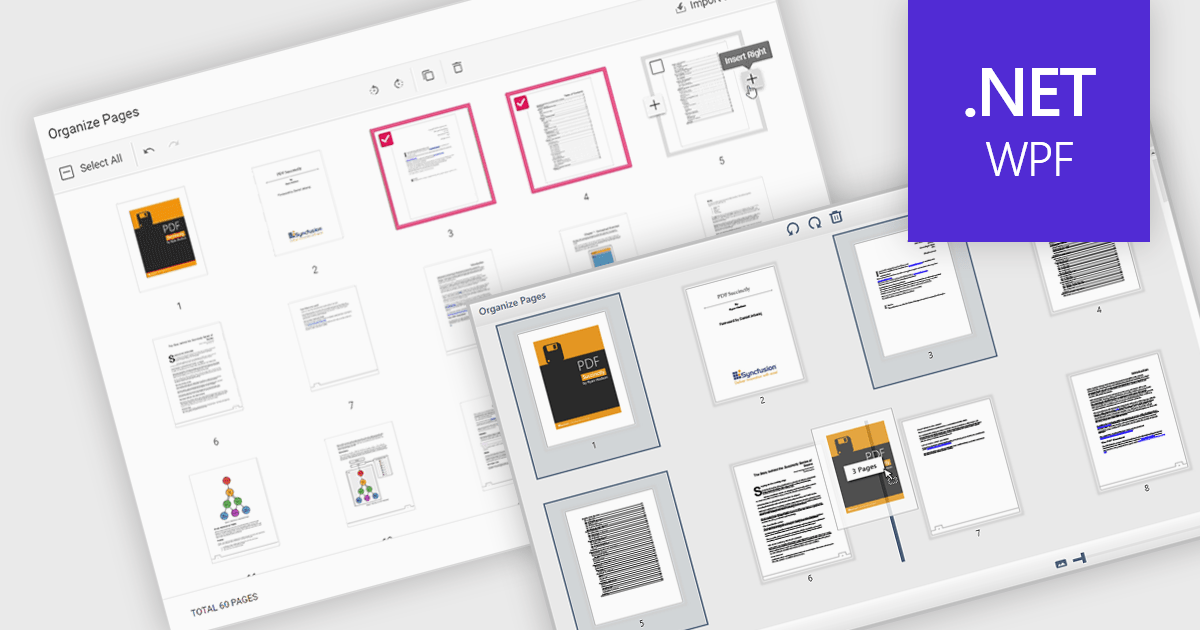
Moving pages in a PDF file refers to the ability to change the order of individual pages within the document. This is typically done by dragging and dropping pages into a new sequence or by specifying where a page should be relocated. The main benefit of this feature is improved document organization, especially in cases where content needs to be restructured for clarity, relevance, or compliance with formatting requirements. It also simplifies tasks such as compiling reports, merging multiple sources, or preparing documents for printing and distribution, making it easier to manage large or complex PDF files efficiently.
Several WPF PDF components allow you to move pages in a PDF, including:
For an in-depth analysis of features and price, visit our comparison of WPF PDF components.
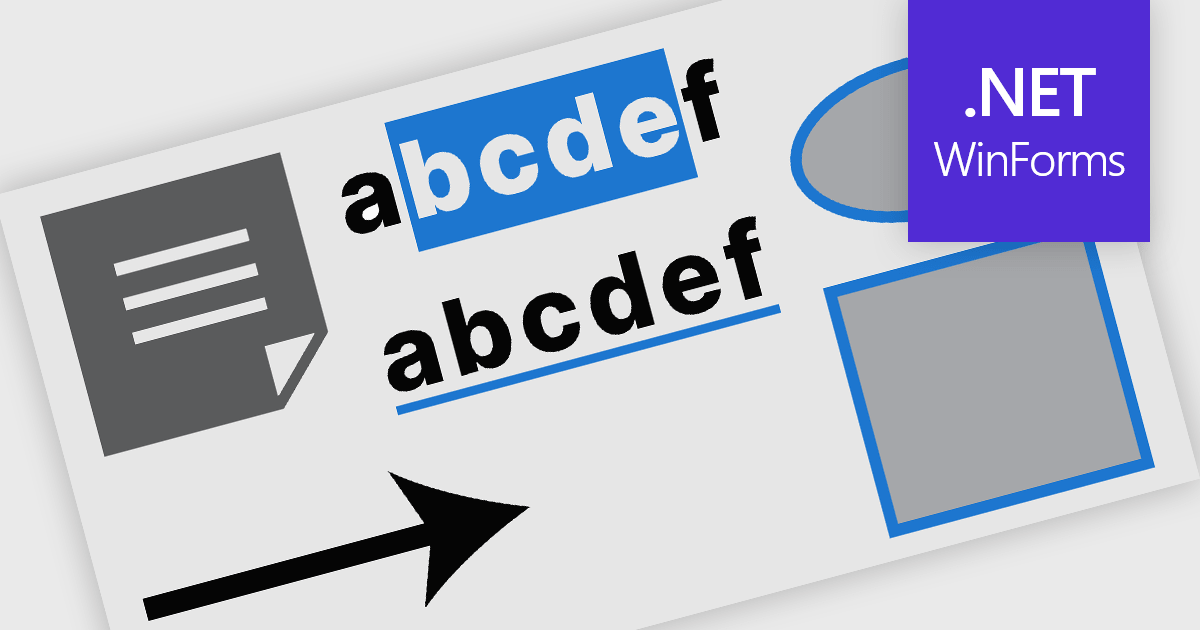
PDF annotation in .NET WinForms PDF viewer components refers to the ability to add visual and textual markup directly onto PDF documents without altering the original content. These tools allow users to draw shapes, highlight text, insert comments, and place notes within the viewing interface, supporting workflows such as document review, feedback, and approval. This functionality improves collaboration and clarity in document handling, making it well-suited for document processing tasks in WinForms applications.
Common features include:
For an in-depth analysis of features and price, visit our WinForms PDF viewer components comparison.
联系电话: (888) 850 9911
传真: +1 770 250 6199


