













官方供应商
我们作为官方授权经销商,直接提供超过200家开发厂家所发行超过1000个的产品授权给您。
查看我们的所有品牌。
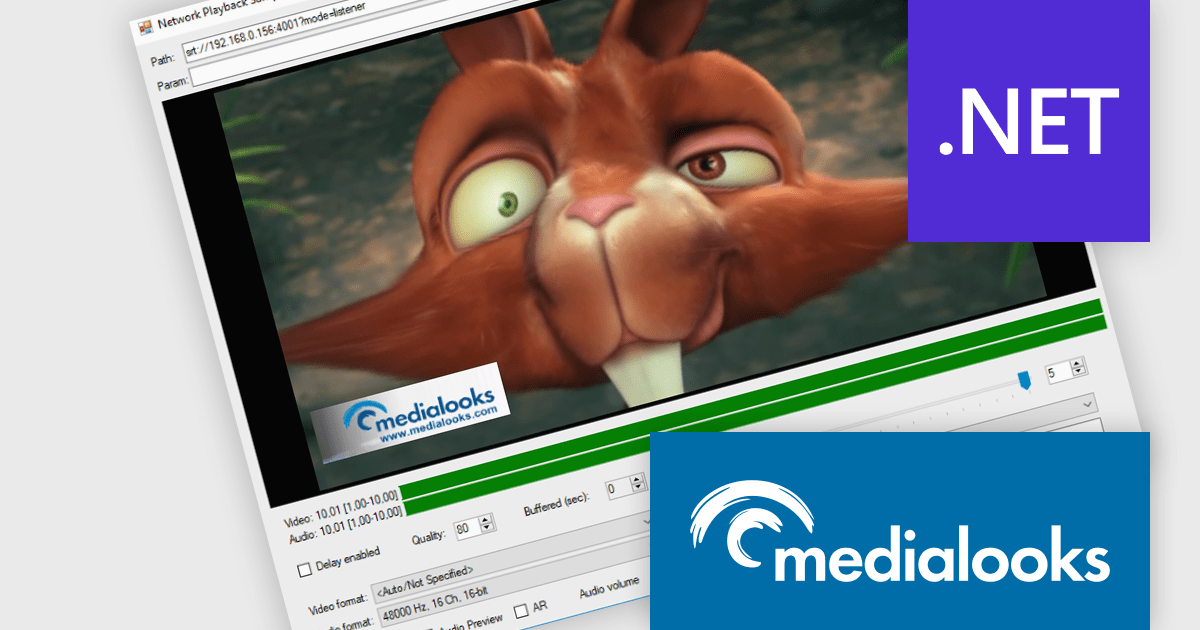
MPlatform SDK by Medialooks is a Windows-based software development kit designed for building real-time video applications with professional-grade capabilities. It provides a modular architecture that supports live video ingest, playout, processing, mixing, and streaming, all within a single framework. The SDK handles a wide range of formats and devices, including SDI, NDI, RTMP, and SRT, making it suitable for broadcast automation, live production, and surveillance solutions. With native support for GPU acceleration, timecode handling, and seamless integration into C++, C#, and .NET environments, MPlatform SDK enables developers to create complex video workflows with reduced development overhead.
The MPlatform SDK v2.10 update adds support for WebRTC 2.0, enabling developers to leverage a modern, more efficient real-time communication layer with backward compatibility to existing API code. It integrates a new signaling infrastructure—including a Docker-based server and web client optimized for platforms like iOS and macOS—and updates the WebRTC core to the latest version, improving connection stability, reducing reliance on TURN servers, and unlocking features such as multi‑peer mixing, mix‑minus configurations, and duplex video/audio streams. This results in more robust browser-native and native app integrations with minimal integration effort and enhanced flexibility.
MPlatform SDK is licensed per developer and is available as a perpetual license with 1 year support and maintenance. See our MPlatform SDK licensing page for full details.
Learn more on our MPlatform SDK product page.
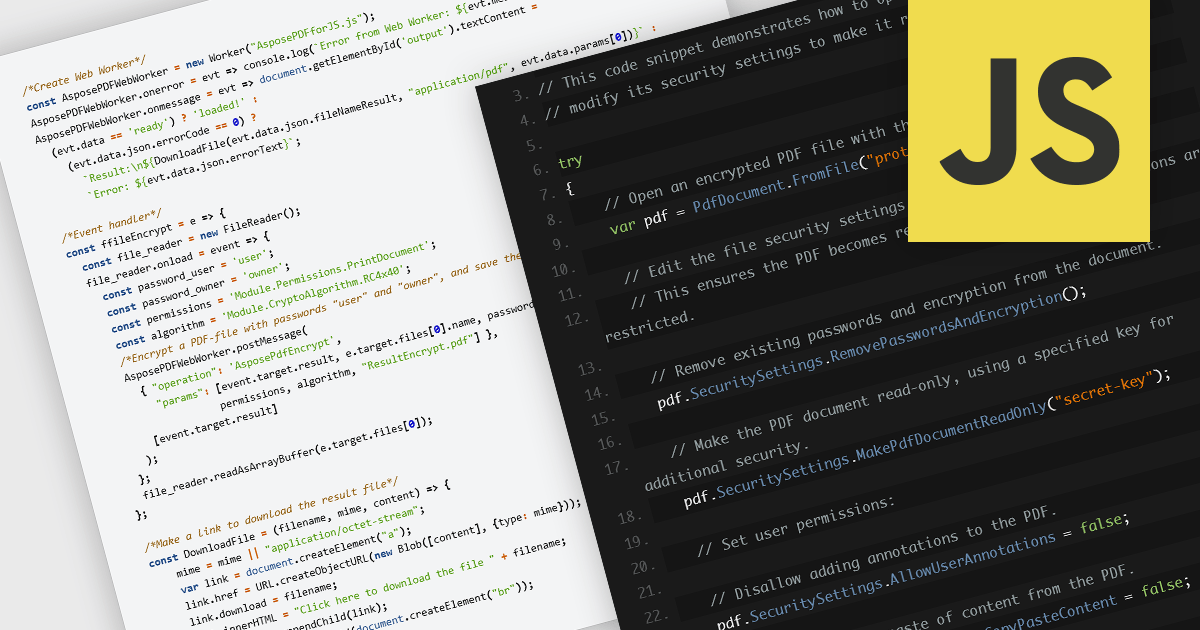
Encrypting and decrypting PDF files is a key feature in many modern PDF components, allowing developers to protect sensitive information and control access to documents. Encryption applies a security layer to the PDF, typically requiring a password to open or modify the file, while decryption reverses the process for authorized users. These capabilities are essential for applications that handle confidential business data, legal documents, or personal records, ensuring compliance with security policies and data protection regulations.
Several JavaScript PDF controls offer the ability to encrypt or decrypt PDF files including:
For an in-depth analysis of features and price, visit our JavaScript PDF controls comparison.
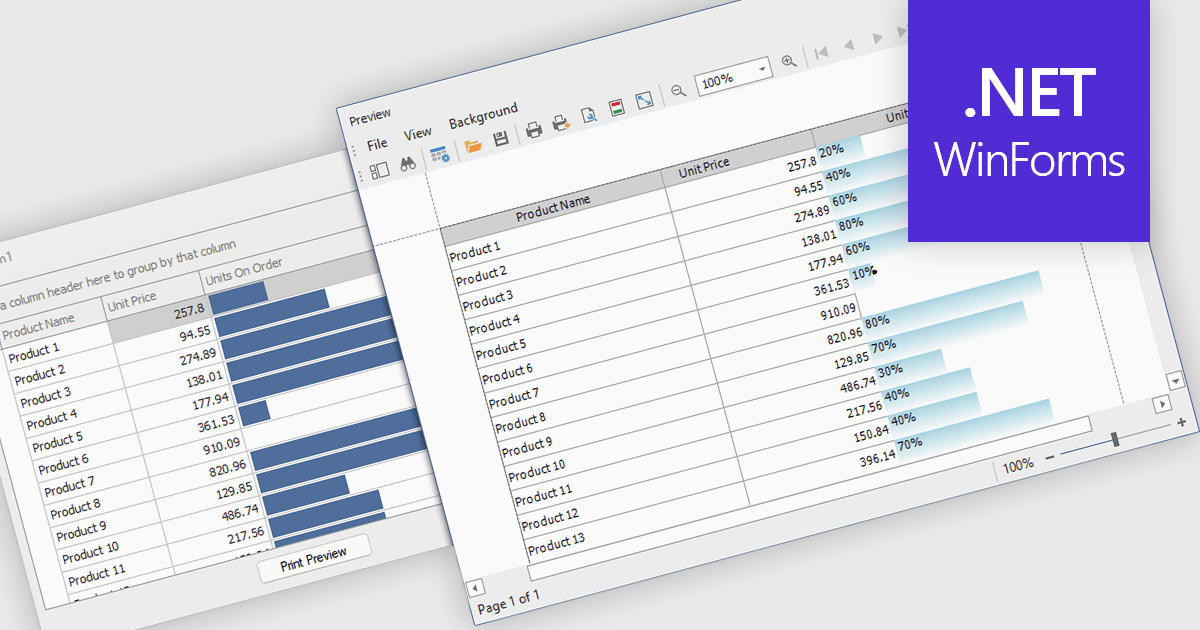
ProgressBar cell types in a .NET WinForms grid control are specialized cells that visually represent progress or completion levels within a grid layout, using horizontal progress bars. These cells are particularly useful for tracking status indicators, such as task completion or data processing percentages, directly within tabular views. They provide a clear, immediate representation of numeric progress values, enhancing readability without requiring users to interpret raw numbers. For developers, integrating ProgressBar cells simplifies the task of conveying progress-related information in data-driven interfaces, offering a familiar and consistent user experience aligned with standard Windows Forms controls.
Several .NET WinForms grid controls offer ProgressBar cell type controls, including:
For an in-depth analysis of features and price, visit our .NET WinForms grid controls comparison.
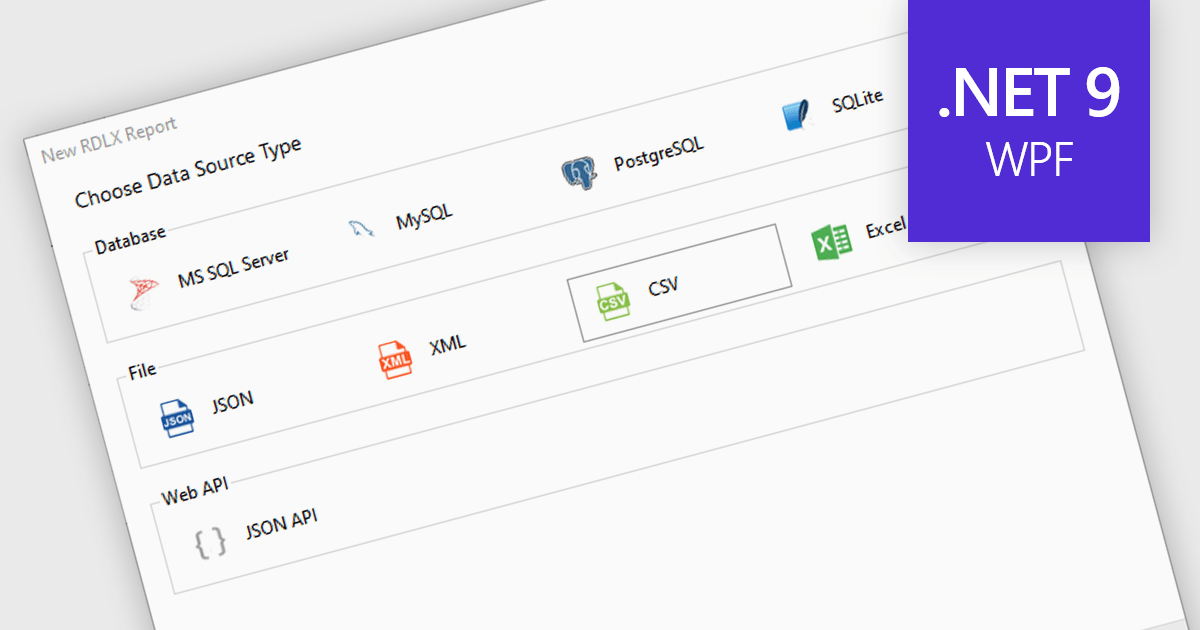
Excel / CSV data connectivity in a .NET 9 WPF reporting controls refers to the built-in capability to directly import and use data from Microsoft Excel spreadsheets or comma-separated value files as data sources for generating reports. This allows developers to integrate reporting functionality into their desktop applications without needing intermediate data transformations or external database connections. It simplifies the development workflow by supporting widely used formats, ensures compatibility with existing business data, and reduces the need for additional parsing or data handling logic. The result is faster report generation and easier access to commonly used data formats.
Several .NET 9 WPF reporting controls offer Excel / CSV data connectivity including:
For an in-depth analysis of features and price, visit our comparison of .NET 9 WPF reporting controls.
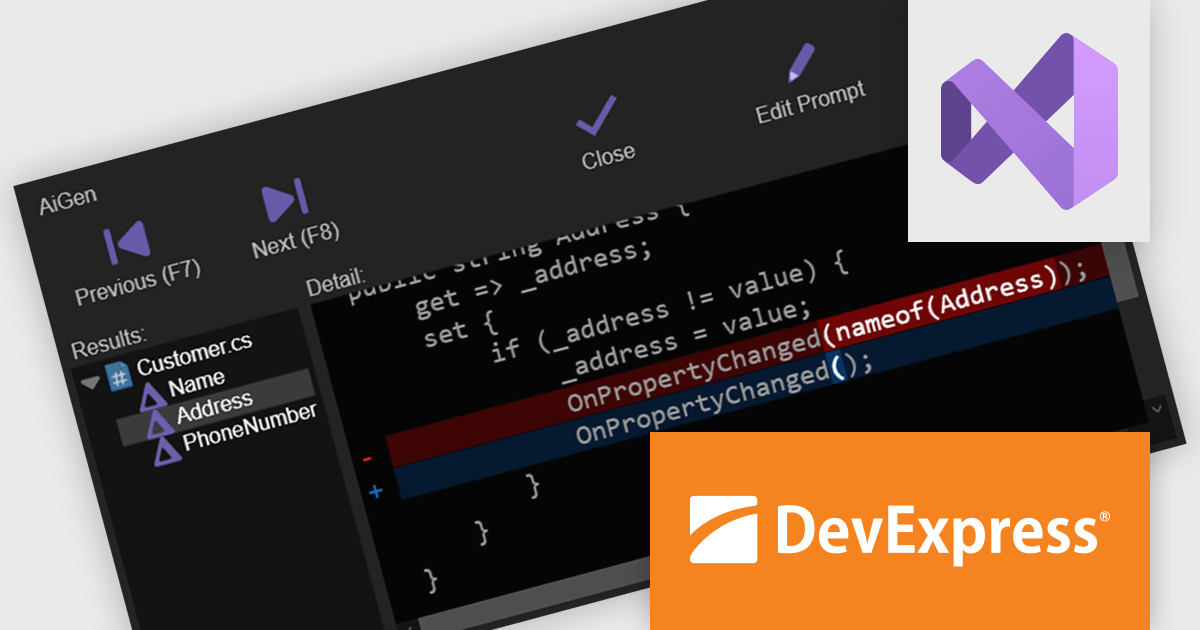
CodeRush Ultimate is a Visual Studio extension designed to improve developer productivity and creativity. It empowers you to generate sophisticated code, automate tedious tasks, and navigate your codebase effortlessly, all while boosting code quality and readability. By eliminating repetitive coding and providing intelligent assistance, CodeRush Ultimate frees you to focus on the big picture, helping you deliver more features faster and with higher quality.
The CodeRush Ultimate 25.1 update adds AiGen - an integrated AI tool that allows developers to generate, refactor, and update code using everyday language. By embedding this functionality directly within CodeRush and Visual Studio, AiGen offers immediate, context-aware code suggestions without the need for external tools or services. This update is designed to improve productivity and reduce development time, while keeping everything inside the familiar confines of your existing development environment.
To see a full list of what's new in version CodeRush Ultimate 25.1, see our release notes.
CodeRush Ultimate is licensed per developer and is available as a Perpetual License with a 12 month support and maintenance subscription. See our CodeRush Ultimate licensing page for full details.
CodeRush Ultimate is available to buy in the following products:
联系电话: (888) 850 9911
传真: +1 770 250 6199


