













官方供应商
我们作为官方授权经销商,直接提供超过200家开发厂家所发行超过1000个的产品授权给您。
查看我们的所有品牌。
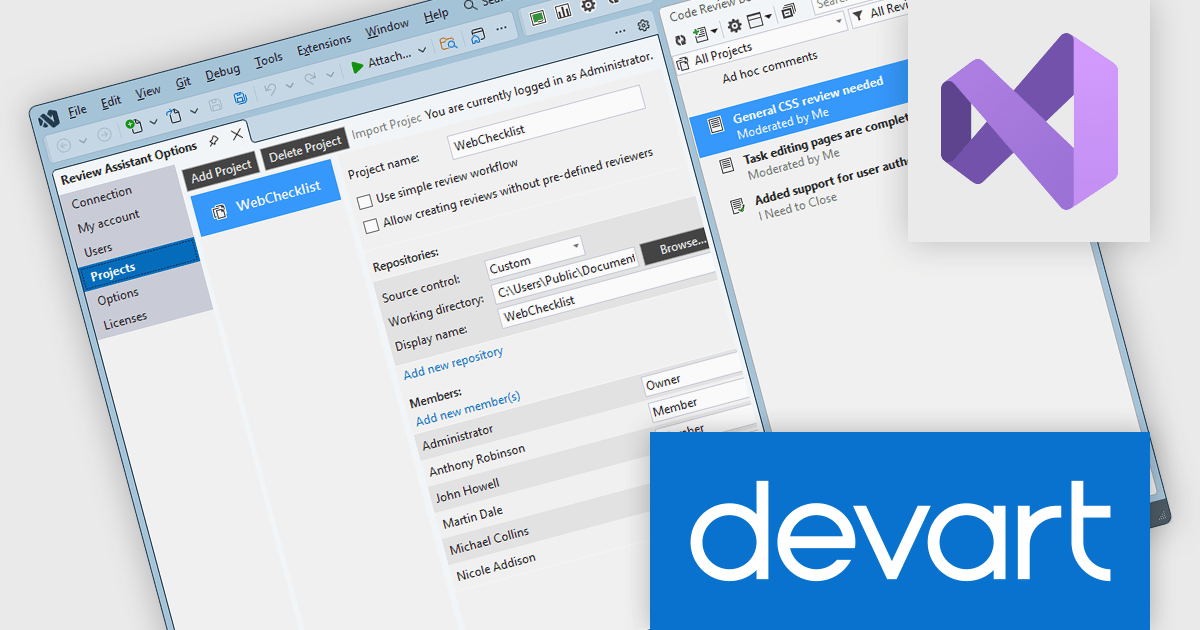
Review Assistant is a code review tool designed to integrate directly into development workflows, enabling teams to collaborate on code quality without leaving their familiar environment. It provides a structured approach to peer review, supporting comments, discussions, and iterative revisions within a centralized system. By maintaining a clear audit trail of changes and feedback, it helps development teams improve code consistency, catch defects earlier, and maintain higher overall standards across projects.
The Review Assistant V4.3.11 release adds support for Microsoft Visual Studio 2026. This allows organizations to upgrade their IDE without disrupting established code review processes, ensuring that review processes continue to run directly inside Visual Studio. This continuity is particularly valuable for teams that rely on in-editor collaboration, as it avoids the need to switch tools or delay upgrades due to missing integrations.
To see a full list of what's new in V4.3.11, see our release notes.
Review Assistant is licensed per user and is available as a Perpetual license 1 year support and maintenance. See our Review Assistant licensing page for full details.
Review Assistant is available individually or as part of Code Review Bundle.
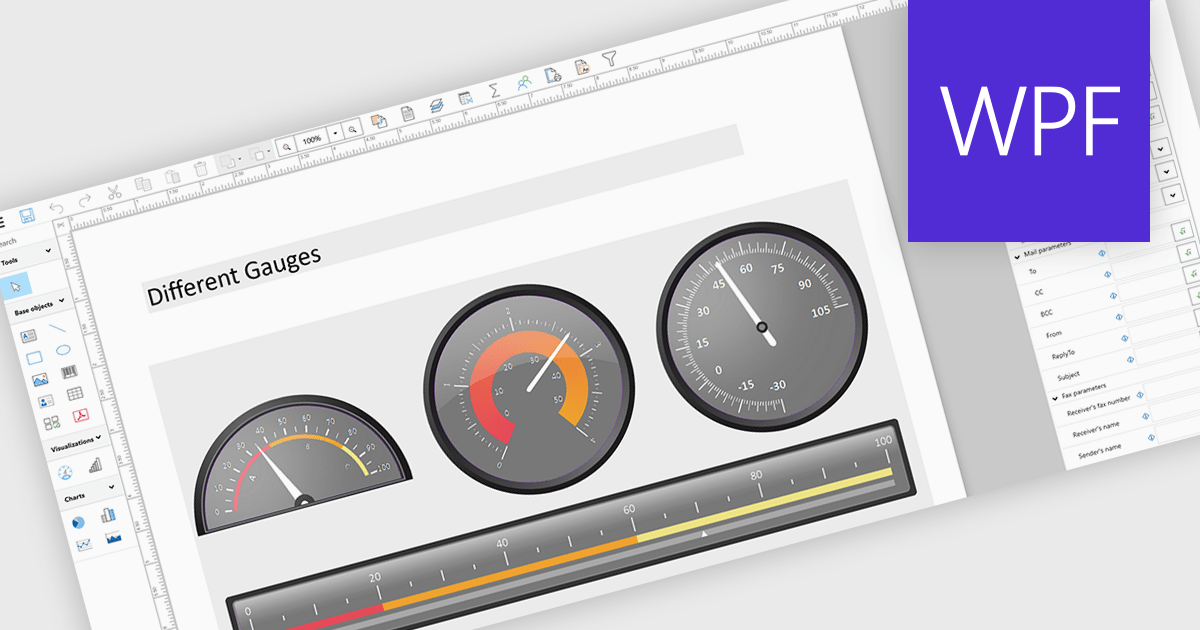
Adding gauges to reports means incorporating visual indicators such as dial or meter style graphics that display key metrics against defined ranges or targets, making performance instantly understandable at a glance. This approach enhances report clarity by transforming complex or dense data into intuitive visuals, helping users quickly assess whether values fall within acceptable, warning, or critical thresholds. As a result, gauges support faster, more informed decision making, improve stakeholder communication, and create more engaging, user friendly reports. Common use cases include tracking sales performance against quotas, monitoring system health or uptime, visualizing budget utilization, and displaying KPI progress in executive dashboards where quick insights are essential.
Several .NET WPF Reporting controls include Gauges including:
For an in-depth analysis of features and price, visit our comparison of .NET WPF Reporting Controls.
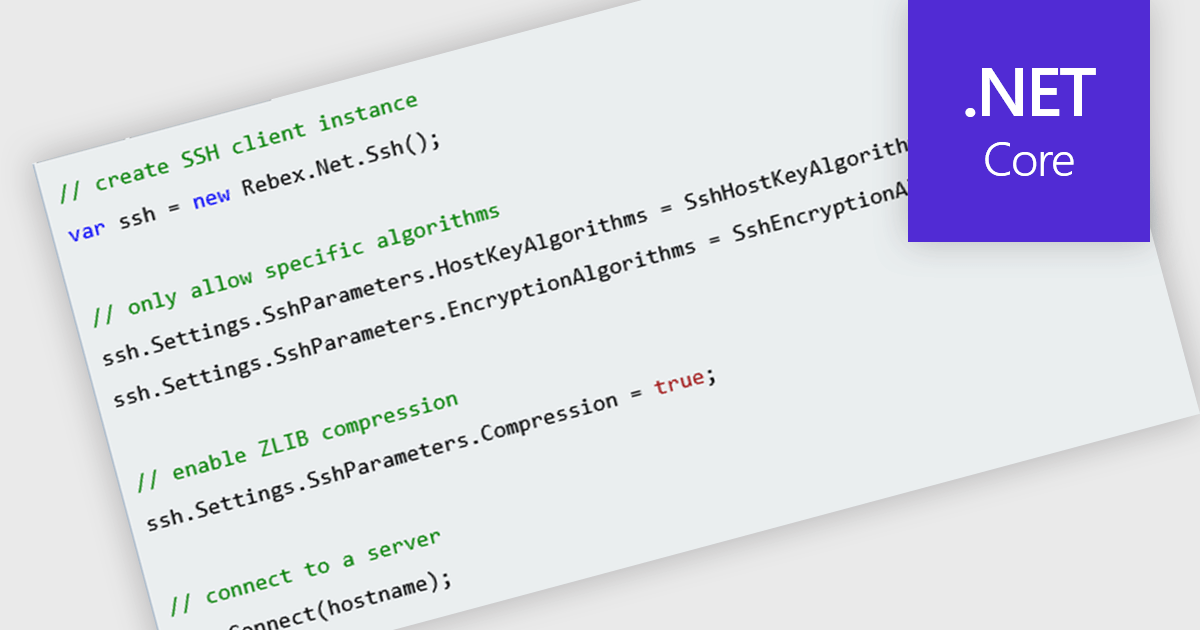
SSH (Secure Shell) support in a .NET communication component refers to the ability to establish and manage encrypted, authenticated connections using the SSH protocol. This can enable capabilities such as remote command execution, shell access, port forwarding, and, where supported, secure file transfer through protocols such as SFTP or SCP. For software developers, it reduces the need to implement low-level cryptographic and networking functions directly, while relying on established SSH mechanisms for confidentiality, integrity, and authentication. It is particularly useful for scenarios such as remote server administration, secure transfers, and tunneling, helping applications protect sensitive data over untrusted networks.
Several .NET Core communications and messaging components offer SSH support including:
For an in-depth analysis of features and price, visit our comparison of .NET Core comms & messaging components.
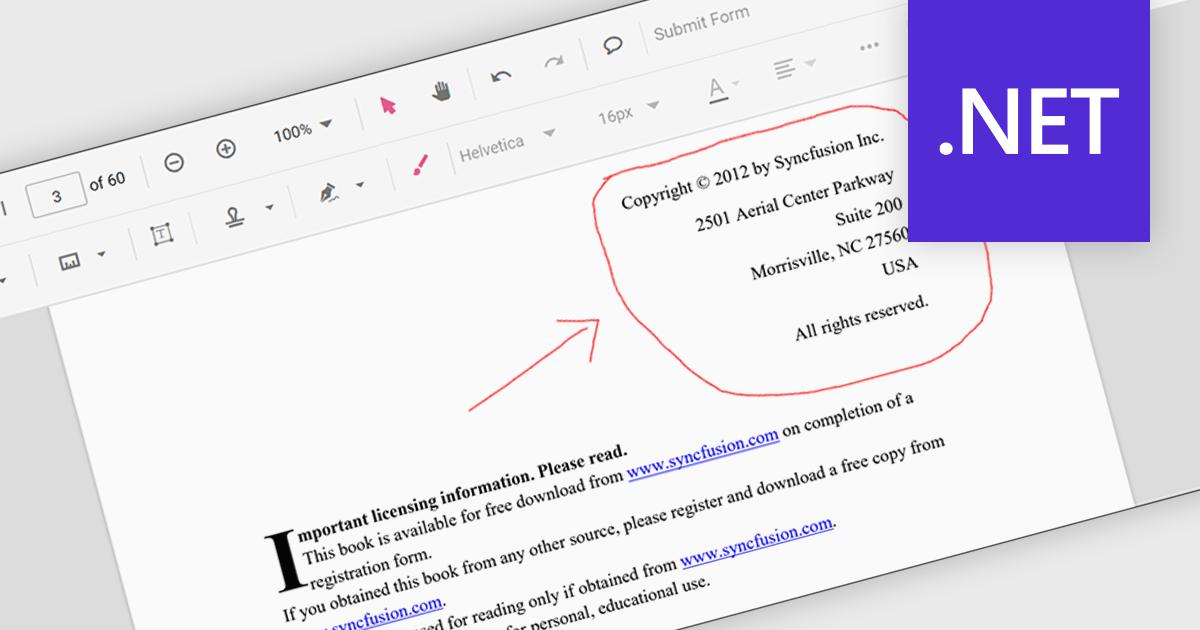
Freehand ink annotation support in a PDF component enables applications to capture and render freehand drawings directly on a PDF document, typically using input from a mouse, stylus, or touch device. It allows users to write, sketch, highlight, or mark up content in a natural way, with the annotations stored as standard PDF ink annotations that remain part of the document. For software developers, this capability adds interactive review and collaboration features to applications such as document viewers and form-processing systems, allowing users to provide visual feedback, sign documents, or annotate content without altering the original PDF structure.
Several .NET PDF components feature support for freehand ink annotations including:
For an in-depth analysis of features and price, visit our comparison of .NET PDF components.
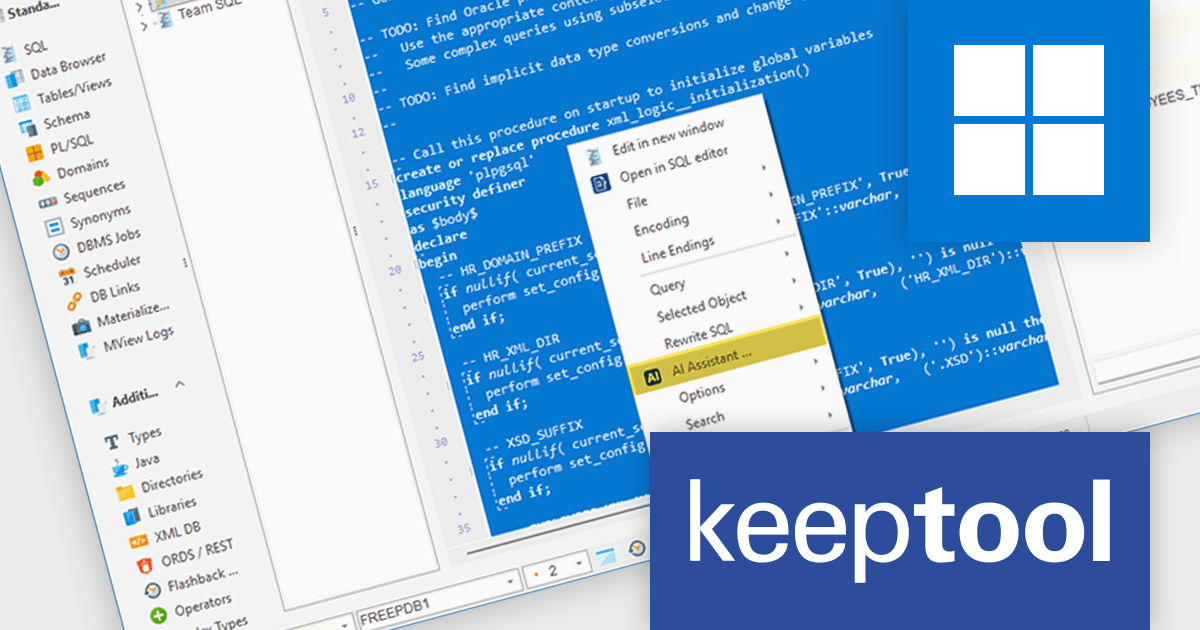
KeepTool is designed to enhance database management and development for Oracle databases. It offers a range of tools, including a database browser, SQL editor, PL/SQL debugger, ER diagrammer, and database comparison utility. These tools help database administrators, developers, and end-users to efficiently navigate, analyze, and modify database structures, write and execute SQL queries, debug PL/SQL code, and manage database changes. KeepTool's intuitive interface and features improve database tasks, improving productivity and reducing errors.
The KeepTool 17 release introduces an AI Assistant, bringing support for multiple artificial intelligence (AI) engines including OpenAI, Claude, Gemini, and Llama. This capability allows developers and database professionals to create, modify, and optimize SQL and PL/SQL code with contextual assistance. By integrating AI directly into the development environment, it provides a flexible and efficient way to handle routine coding tasks, explore alternative query structures, and enhance overall database development practices.
To see a full list of what's new in 17, see our release notes.
KeepTool is licensed on a perpetual basis and is available as a workstation or network license. A workstation license is bound to your computer and a network license is bound to a license server within your network. See our KeepTool licensing page for full details.
KeepTool is available in the following editions:
联系电话: (888) 850 9911
传真: +1 770 250 6199


