













官方供应商
我们作为官方授权经销商,直接提供超过200家开发厂家所发行超过1000个的产品授权给您。
查看我们的所有品牌。

The ability to combine multiple data sources when creating a report is a critical aspect of modern data analytics and business intelligence. It allows for the creation of a holistic view by bringing together information from various databases, spreadsheets, or applications. Developers who integrate this into their reporting application enable their users to design reports that can be used to derive more accurate insights, make informed decisions, and identify trends or patterns that might not be evident when examining isolated data sets.
Several ASP.NET MVC report components allow you to combine multiple data sources, including:
For an in-depth analysis of features and price, visit our comparison of ASP.NET MVC report components.
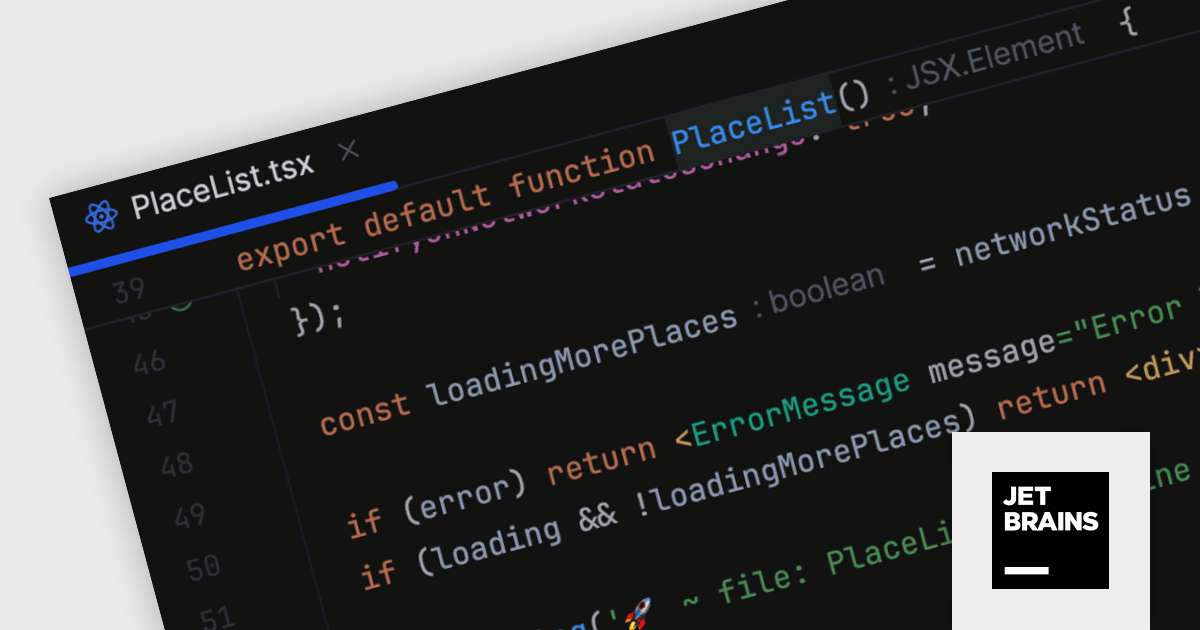
JetBrains WebStorm is a powerful and modern Integrated Development Environment (IDE) specifically designed for web development. It offers a feature-rich environment that supports popular web technologies like JavaScript, HTML, CSS, and Node.js. WebStorm helps you write cleaner, more efficient code with features like syntax highlighting, autocompletion, code refactoring, and built-in testing tools. It integrates seamlessly with various web frameworks and libraries, making it a versatile choice for both front-end and back-end development.
WebStorm 2024.1 introduces a new sticky lines feature to streamline navigation within large codebases. This functionality keeps essential structural elements, such as function and class declarations, constantly visible at the top of your editor viewport as you scroll. This ensures you always retain context and can effortlessly navigate through your code, improving overall development efficiency.
To see a full list of what's new in version 2024.1, see our release notes.
WebStorm is licensed per user, and is available as a commercial annual subscription license. We can supply new subscriptions, subscription renewals (including continuity discounts), lapsed renewals, and additional user licenses. See our WebStorm licensing page for full details.
For more information, visit our WebStorm product page.
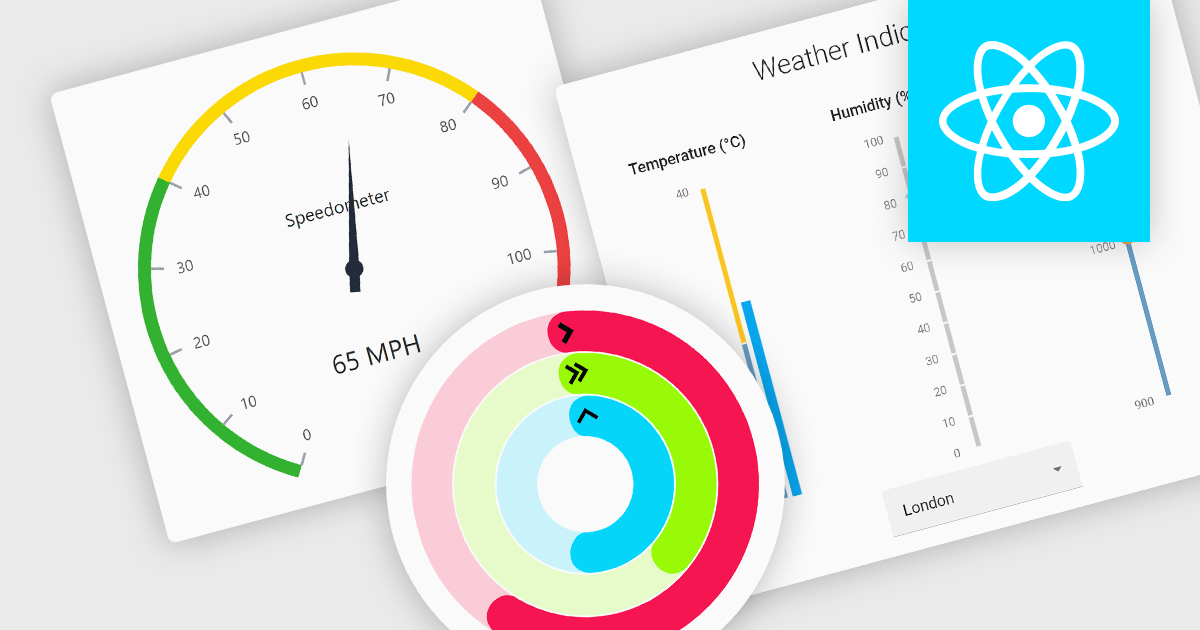
Gauge controls are visual tools used to display important metrics in an easily understood format, such as linear or radial layouts. These controls are ideal for dashboards and monitoring systems because they provide a clear snapshot of data in real-time, enhancing user decision-making and efficiency. Their simplicity and immediate data representation make them essential for applications where quick and accurate interpretations are crucial. Many gauges can be customized with various ranges, colors, and styles to effectively communicate data like speed, temperature, or progress, making them valuable tools for building informative user interfaces.
Several React UI suites feature a gauge component including:
For an in-depth analysis of features and price, visit our React UI Suites comparison.

Using a grid control with support for filters enables users to dynamically narrow the displayed data based on specific criteria. This functionality helps users focus on relevant subsets of information by filtering individual columns using operators, keywords, or pre-defined options. Filtering improves data exploration efficiency and reduces cognitive load by presenting only the data that aligns with the user's current analysis.
Several React grid controls offer filtering functionality including:
For an in-depth analysis of features and price, visit our React Grid controls comparison.
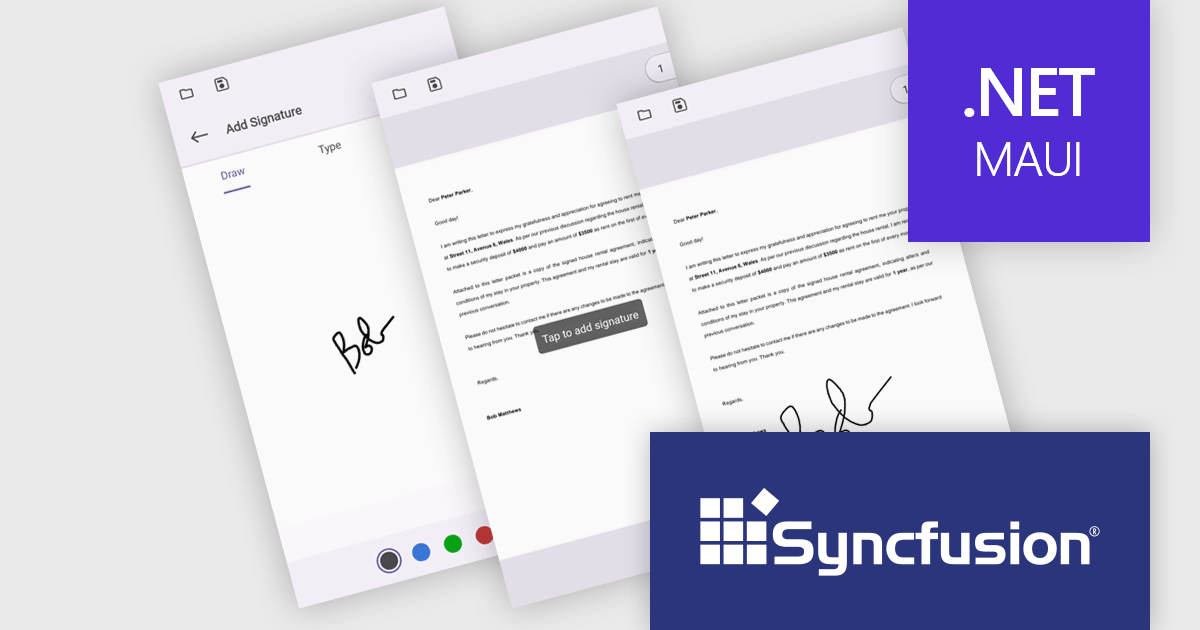
Syncfusion Essential Studio .NET MAUI, available as part of Syncfusion Essential Studio Enterprise, empowers developers with a comprehensive suite of native UI controls, data visualization tools, and performance optimizations for building modern, cross-platform mobile and desktop applications. This professional-grade toolkit leverages the power of C# and XAML, enabling rapid development of stunning and responsive experiences across diverse platforms.
The Syncfusion Essential Studio .NET MAUI 2024 Volume 1 (25.1.35) release introduces streamlined digital document signing capabilities. Users can now add, remove, and modify various signature types, including freehand drawings, text, and images, directly within PDF files. This eliminates the need for physical signatures, simplifying the process of signing contracts and agreements.
To see a full list of what's new in version 2024 Volume 1 (25.1.35), see our release notes.
Syncfusion Essential Studio .NET MAUI is available as part of Syncfusion Essential Studio Enterprise which is licensed per developer starting with a Team License of up to five developers. It is available as a 12 Month Timed Subscription License which includes support and maintenance. See our Syncfusion Essential Studio Enterprise licensing page for full details.
For more information, visit our Syncfusion Essential Studio .NET MAUI product page.
联系电话: (888) 850 9911
传真: +1 770 250 6199


