













官方供应商
我们作为官方授权经销商,直接提供超过200家开发厂家所发行超过1000个的产品授权给您。
查看我们的所有品牌。
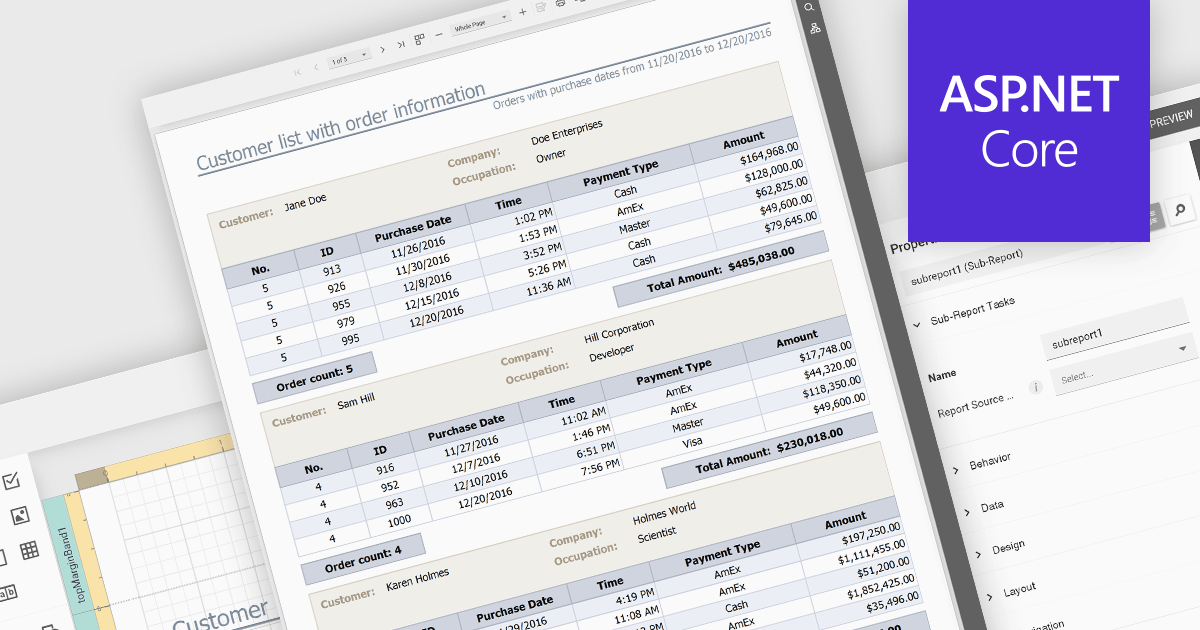
Subreports let you combine smaller reports into one, allowing you to present hierarchical or related data in a structured manner. They effectively function as modular components within a larger report, enhancing data organization and clarity. Subreports are useful for displaying detailed information associated with a main report's record, such as order items within an invoice or the sales history of a specific customer.
Several ASP.NET Core reporting controls offer support for subreports including:
For an in-depth analysis of features and price, visit our ASP.NET Core reporting controls comparison.
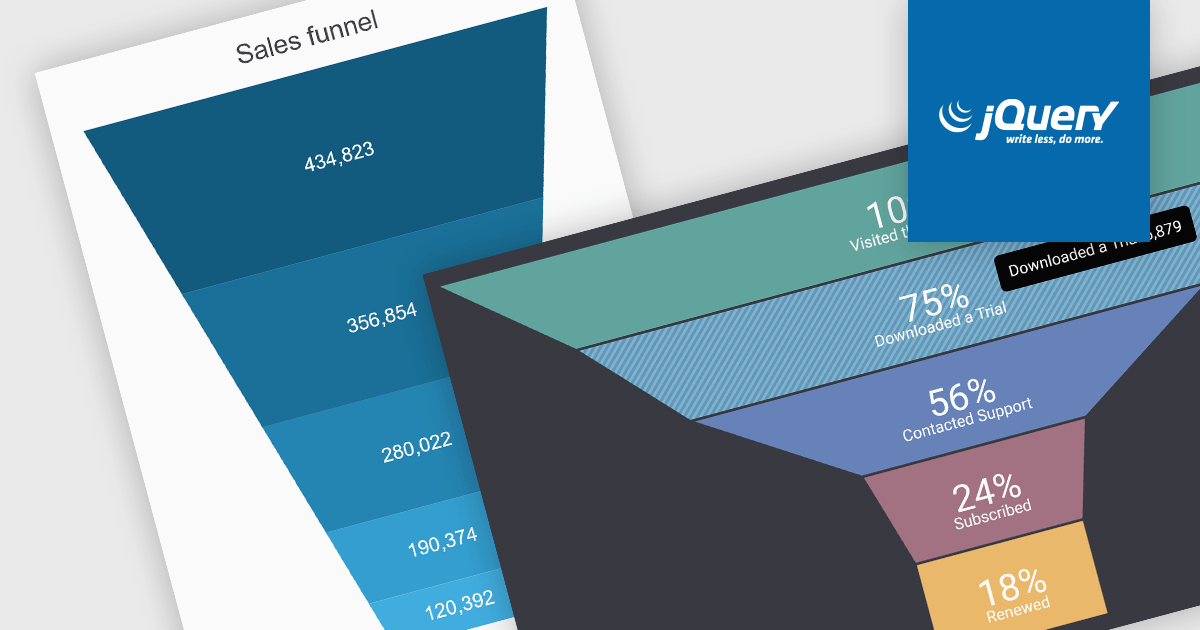
A funnel chart is a type of visualization that graphically depicts the stages of a process and the progressive flow of values through those stages. It gets its name from its shape, typically resembling a funnel with a wide top and narrow base. Funnel charts are particularly useful in sales and marketing contexts for tracking potential customers as they move through the sales pipeline, identifying bottlenecks, and pinpointing areas where performance might be improved.
Several jQuery chart controls offer Funnel charts including:
For an in-depth analysis of features and price, visit our jQuery chart controls comparison.
GroupDocs.Merger for Java is a software library designed to streamline document merging processes within Java applications. It enables developers to combine multiple files of various formats (Word, Excel, PDF, etc.) into a single, unified document. Additionally, the library offers features for splitting documents, reordering pages, and inserting OLE objects, making it a flexible tool for comprehensive document manipulation.
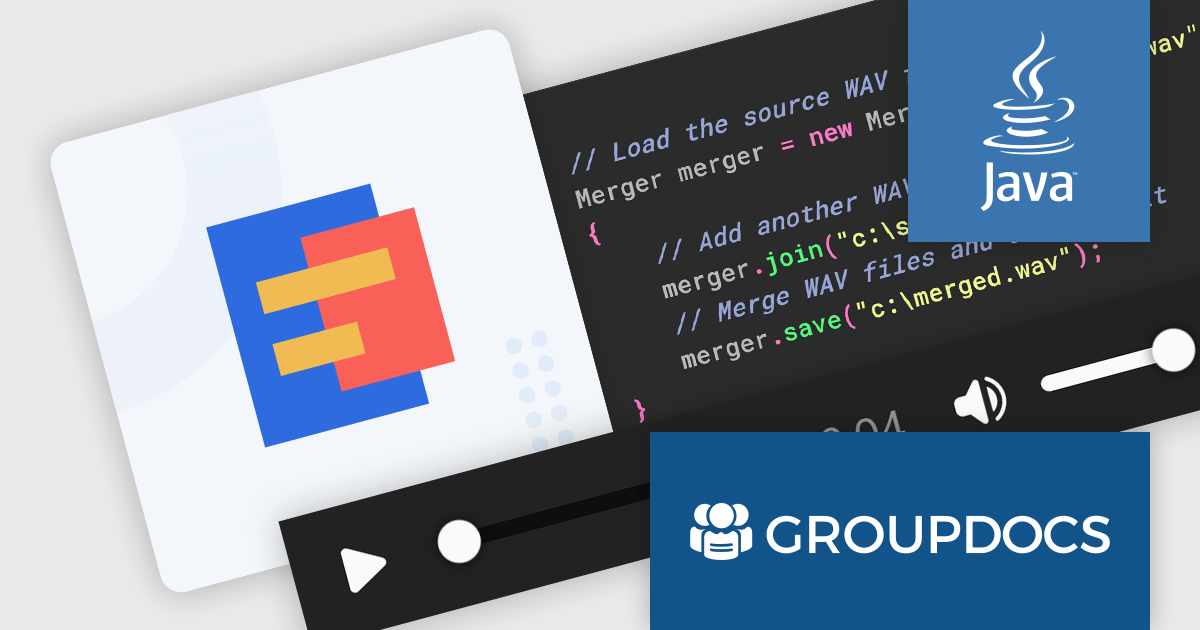
The GroupDocs.Merger for Java V24.2 release empowers developers to seamlessly merge WAV audio files directly within their Java applications. This eliminates the need to switch between external audio editing software, streamlining workflows and simplifying the creation of longer audio tracks, compositions, or consolidated recordings.
To see a full list of what's new in V24.2, see our release notes.
GroupDocs.Merger for Java is offered as Developer Small Business, Developer OEM, Site Small Business and Site OEM licenses catering to a range of business needs. Licenses are perpetual, and include 1 year of support and maintenance. Subscription renewals are also available. See our GroupDocs.Merger for Java licensing page for full details.
GroupDocs.Merger for Java is available in the following products:
The ComPDFKit Conversion SDK is used to convert PDF files to a variety of other formats such as Microsoft Word, Excel, PowerPoint, HTML, TXT, CSV, RTF, and JSON. Instead of having server-side dependencies, it uses its own built-in conversion engine with no dependency on external apps. This is more secure than traditional converters as it doesn't need to transmit sensitive data to external servers. It has advanced PDF parsing capabilities, can analyze a PDF's logical structure to accurately recreate the original document, and can handle complex and irregular tables.
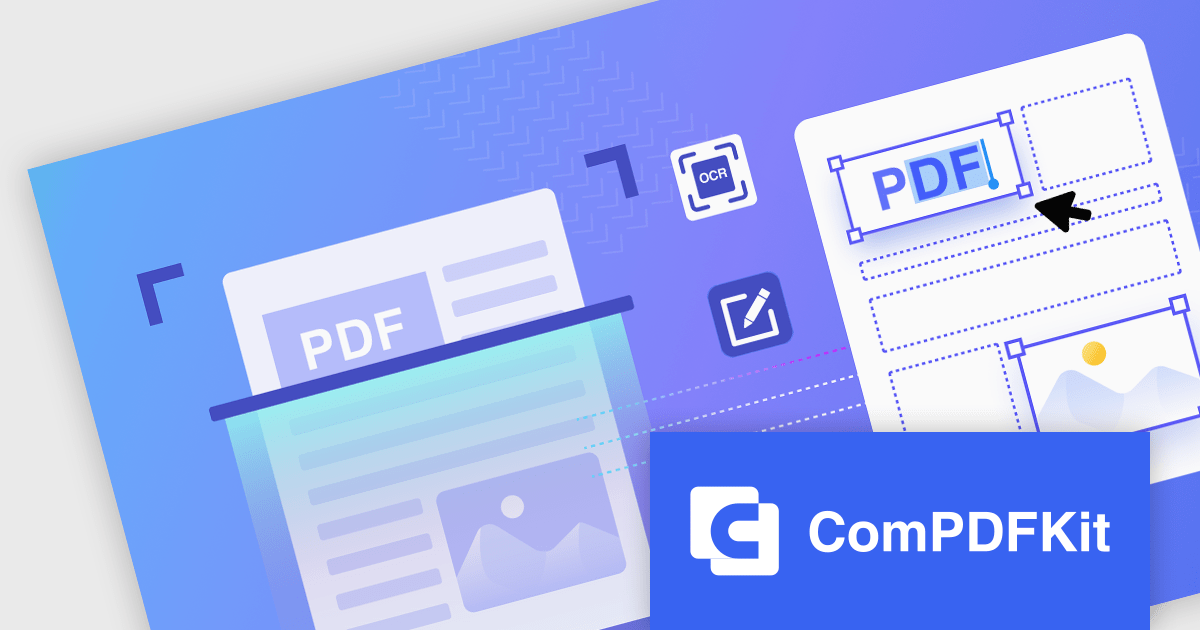
ComPDFKit Conversion SDK v1.10.0 (Windows and Mac editions) further enhances its OCR capabilities by adding the ability to convert scanned documents into PDFs that you can edit and search. This empowers users to modify existing content, conduct efficient text searches within the document, and streamline information retrieval, significantly enhancing document workflow and accessibility.
To see a full list of what's new in v1.10.0, see our release notes for Mac.
ComPDFKit Conversion SDK is licensed per application per platform and is available as an annual license. See our ComPDFKit Conversion SDK for Windows licensing page for full details.
ComPDFKit Conversion SDK for Windows/Mac is available to buy in the following products:
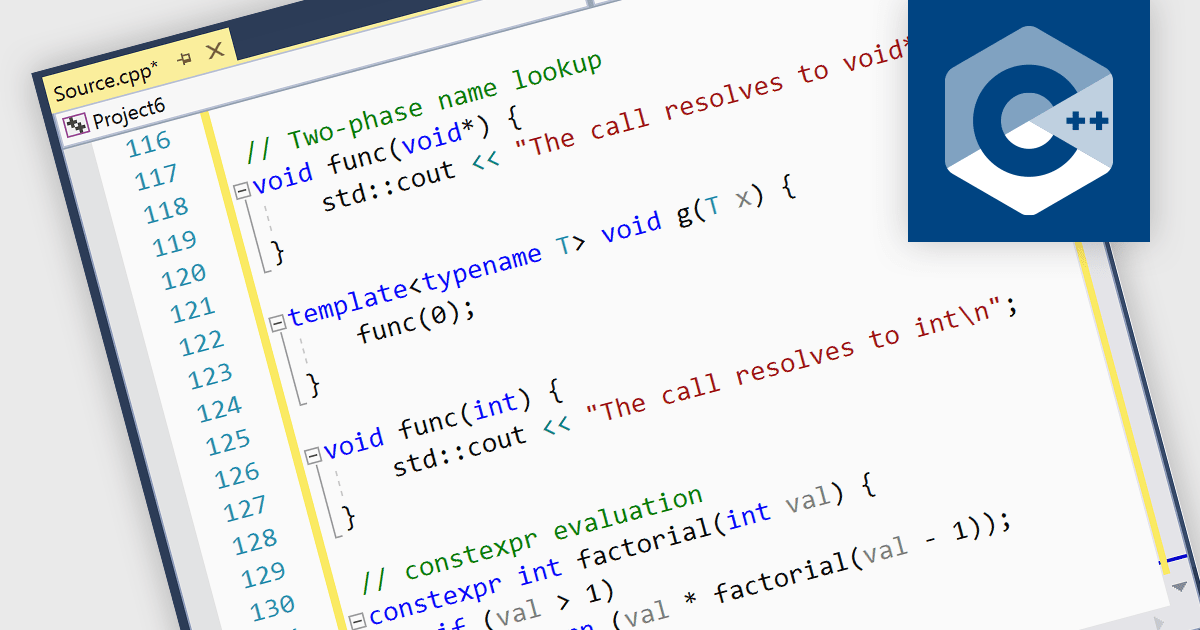
Integrated development environments (IDEs) that support C++ come equipped with functionalities designed to simplify and expedite C++ coding. This includes syntax highlighting for better code readability, intelligent code completion for faster and more accurate coding, integrated debugging to identify and fix errors, refactoring assistance to restructure code safely, and built-in compilation and build systems for seamless project management. These benefits result in increased developer productivity, enhanced code quality, and a smoother overall development experience.
Several IDEs provide C++ support including:
For an in-depth analysis of features and price, visit our IDEs comparison.
联系电话: (888) 850 9911
传真: +1 770 250 6199


