













官方供应商
我们作为官方授权经销商,直接提供超过200家开发厂家所发行超过1000个的产品授权给您。
查看我们的所有品牌。
SpreadJS is a complete enterprise JavaScript spreadsheet solution used to create financial reports and dashboards, budgeting and forecasting models, scientific, engineering, healthcare, education, science lab notebooks, and other similar JavaScript business applications. Spreadsheets are a primary medium for displaying and sharing vital company data and it is crucial that this data can be easily viewed and updated in your JavaScript applications.
In this blog post, MESCIUS Product Manager Kevin Ashley shows you how to leverage the power of SpreadJS to import and export Excel spreadsheets into your enterprise web applications. Steps include:
View the complete blog and start working directly with Excel files in your JavaScript applications.
For more information visit our SpreadJS product page.

Embarcadero has announced a Seasonal Sale with a discount of 15% on new perpetual licenses of its popular Delphi, C++Builder and RAD Studio products in December 2023.
Delphi is a RAD environment for creating cross-platform native applications for Windows, macOS, iOS, Android, and Linux. It is available in the following editions:
C++Builder is an advanced IDE for modern C++, with robust features empowering fast, responsive native applications for Windows.
RAD Studio is a powerful IDE for building multi-platform high-performance native applications in Delphi and modern C++ with powerful visual design tools and integrated toolchains.
The sale expires on December 29, 2023, so be sure to place your order before this date in order to benefit from the discount.
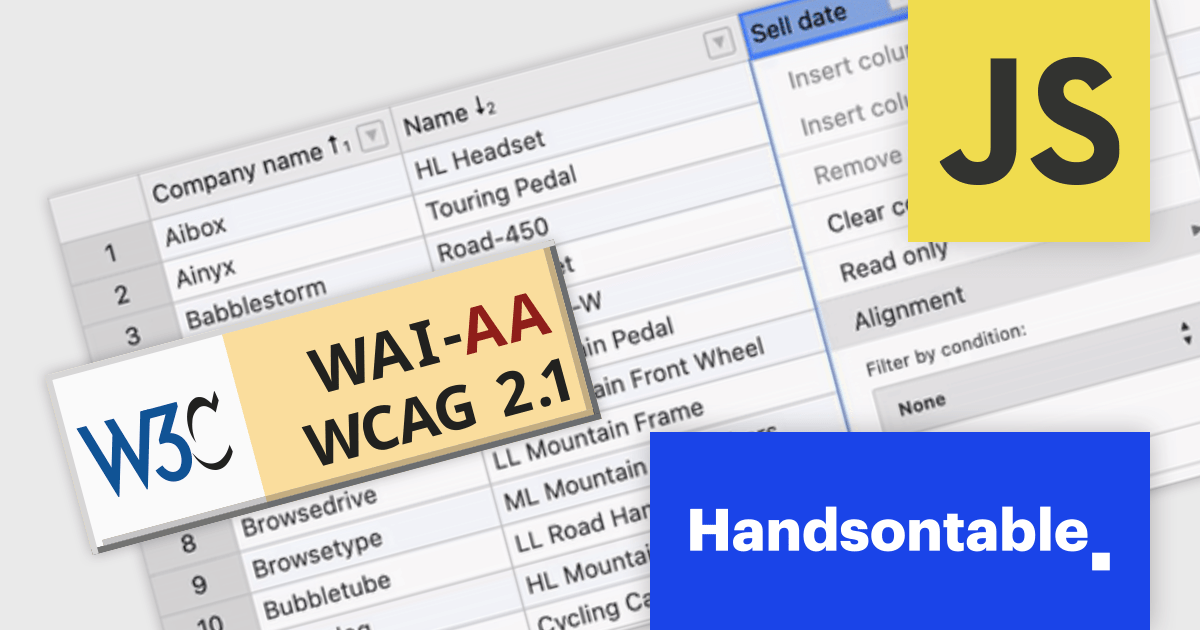
Handsontable is a JavaScript data grid component that provides a spreadsheet-like user experience for web applications. It allows developers to easily integrate data tables into their web pages, enabling users to manipulate data in a familiar and intuitive way.
Handsontable V14 now meets Web Content Accessibility Guidelines (WCAG) 2.1 AA standards, making it easier for people with disabilities to use the grid. This release also enhances screen reader compatibility by incorporating ARIA attributes into the HTML markup, ensuring seamless navigation for users of NVDA and JAWS on Windows, and VoiceOver on macOS.
To see a full list of what's new in version 14.0.0, see our release notes.
For more information, visit our Handsontable product page.

Telerik is a leading software company that offers development tools for web, mobile, and desktop applications. It also provides tools and subscription services for cross-platform application development. Telerik products are used by developers all over the world to create high-quality, user-friendly applications.
Previously, the company's ASP.NET Core and ASP.NET MVC products were only available as part of a bundled package that also included the Kendo UI JavaScript library. However, Telerik is now offering these products individually, giving developers greater flexibility and control over their choice of development tools.
Both products offer 110+ UI components to help developers create high-quality, user-friendly applications, including a wide range of components, such as grids, charts, trees, and editors.
Developers who need access to additional platforms such as Blazor, MAUI, WinForms, WPF, and JavaScript in addition to ASP.NET Core and MVC may be interested in the multi-platform Telerik DevCraft product range:

A color picker is a graphical tool that allows users to select colors from a palette or by adjusting different color parameters. Color pickers are commonly found in graphics software, web development tools, and design applications. They are used to ensure accurate and visually appealing color choices in various creative and technical projects. Color pickers provide an intuitive way to select precise colors, commonly by using sliders for RGB values or hex codes.
Several Vue.js data editor collections provide color pickers including:
For an in-depth analysis of features and price, visit our Vue Data Editors comparison.
联系电话: (888) 850 9911
传真: +1 770 250 6199


