













官方供应商
我们作为官方授权经销商,直接提供超过200家开发厂家所发行超过1000个的产品授权给您。
查看我们的所有品牌。
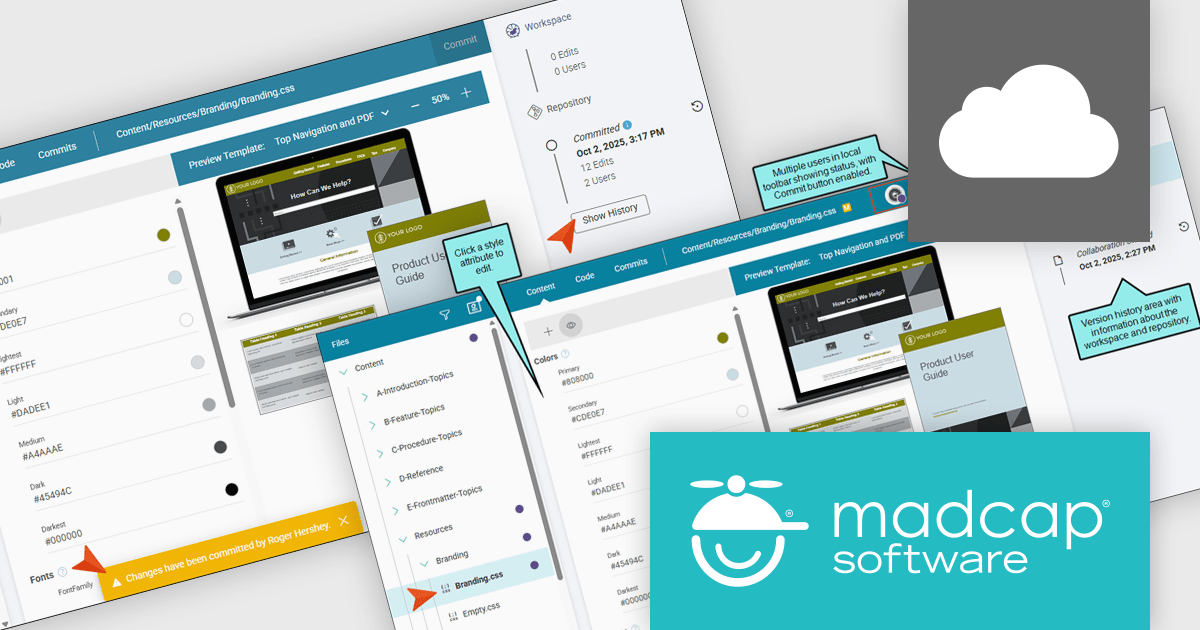
MadCap Flare Online is a cloud-based authoring platform that streamlines the creation, delivery, and management of technical content. Organizations can publish and host documentation, knowledge bases, and user guides directly to the web without managing complex infrastructure. Designed for collaboration and scalability, Flare Online enables teams to maintain a consistent brand experience across all outputs while providing end users with an intuitive, self-service interface.
The MadCap Flare Online update introduces collaborative editing for the Branding Editor, enabling multiple developers and authors to work concurrently on shared branding assets such as logos, colors, and styles within a controlled workspace. By using a working copy of the branding CSS and committing changes back to the repository, teams reduce merge conflicts and accidental overwrites while maintaining a clear version history for auditing and rollback. This optimizes the process of updating UI styling across projects, improves coordination through status awareness and commit notifications, and helps ensure consistent, up-to-date branding without adding complexity to existing source control practices.
To see a full list of what's new, see our release notes.
MadCap Flare Online is licensed per user (Author) on a 12 month basis. A Platform license is required in addition to any user (Author) licenses. See our MadCap Flare Online licensing page for full details.
For more information, see our MadCap Flare Online product page.
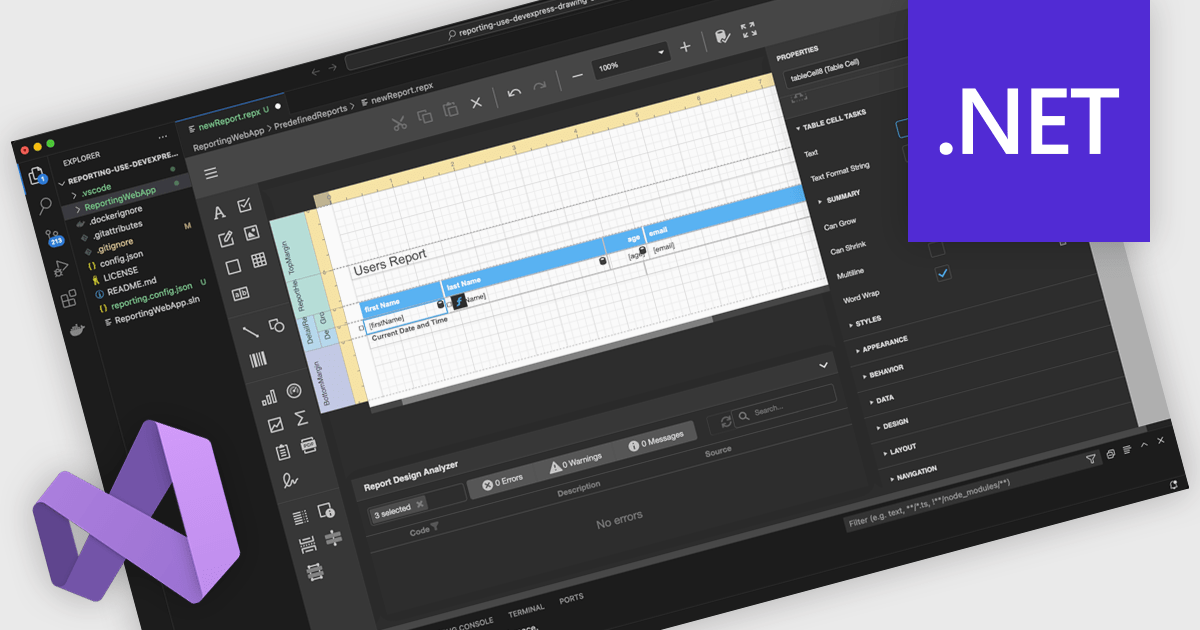
A Visual Studio integrated report designer lets developers create and edit report layouts directly inside the Visual Studio IDE, instead of using a separate reporting tool. Report definitions live alongside application code, data models, and resources, improving integration, maintenance, and use of source control and CI/CD. Developers work in a familiar environment with drag-and-drop layout design, property grids, and IntelliSense-backed expressions, plus the option to add custom logic in C# or VB. Typical use cases include interactive sales dashboards, operational reports, and audits where teams must quickly iterate, bind live data, and preview results.
Several .NET reporting controls offer Visual Studio integrated designers, including:
For an in-depth analysis of features and price, visit our .NET reporting controls comparison.
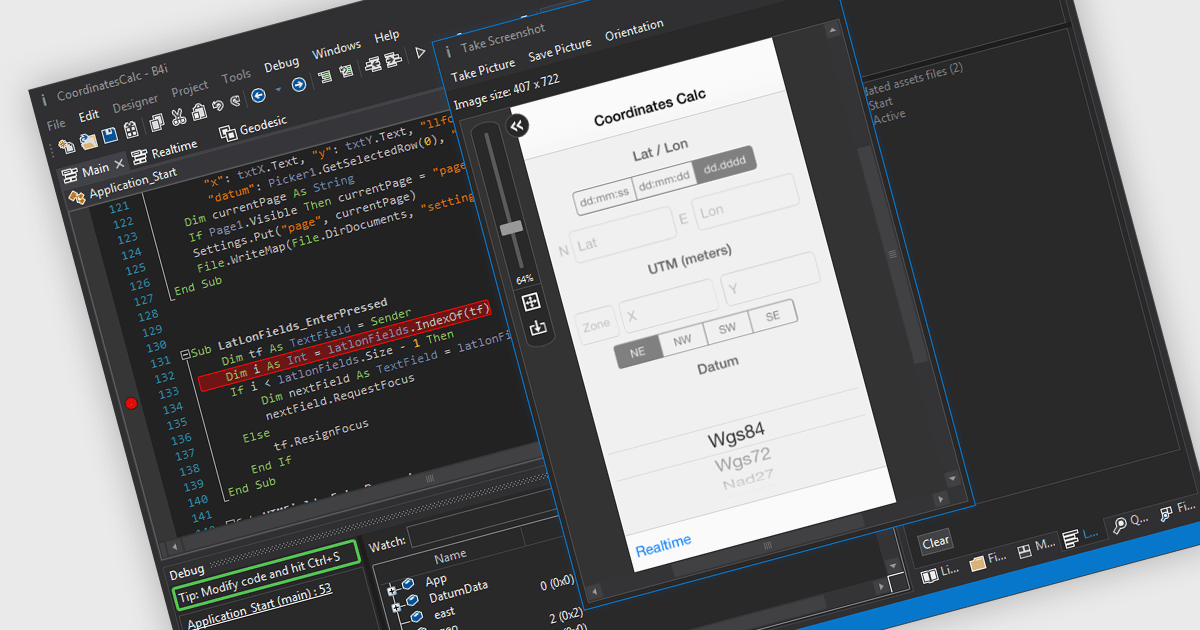
iOS Framework support in IDE (Integrated Development Environment) development tools refers to the capability of the IDE to recognize, integrate, and assist in building applications using Apple's iOS-specific libraries and APIs (Application Programming Interfaces). This support typically includes features such as code completion, syntax highlighting, debugging, and interface design tailored to frameworks like UIKit, SwiftUI, CoreData, and others. It enables developers to efficiently write, test, and deploy applications for iPhone and iPad by providing tools that understand the structure and behavior of iOS applications, manage device simulators, and integrate with Apple's development ecosystem, including Xcode project structures and provisioning profiles.
Several IDEs offer iOS Framework support including:
For an in-depth analysis of features and price, visit our comparison of IDEs.
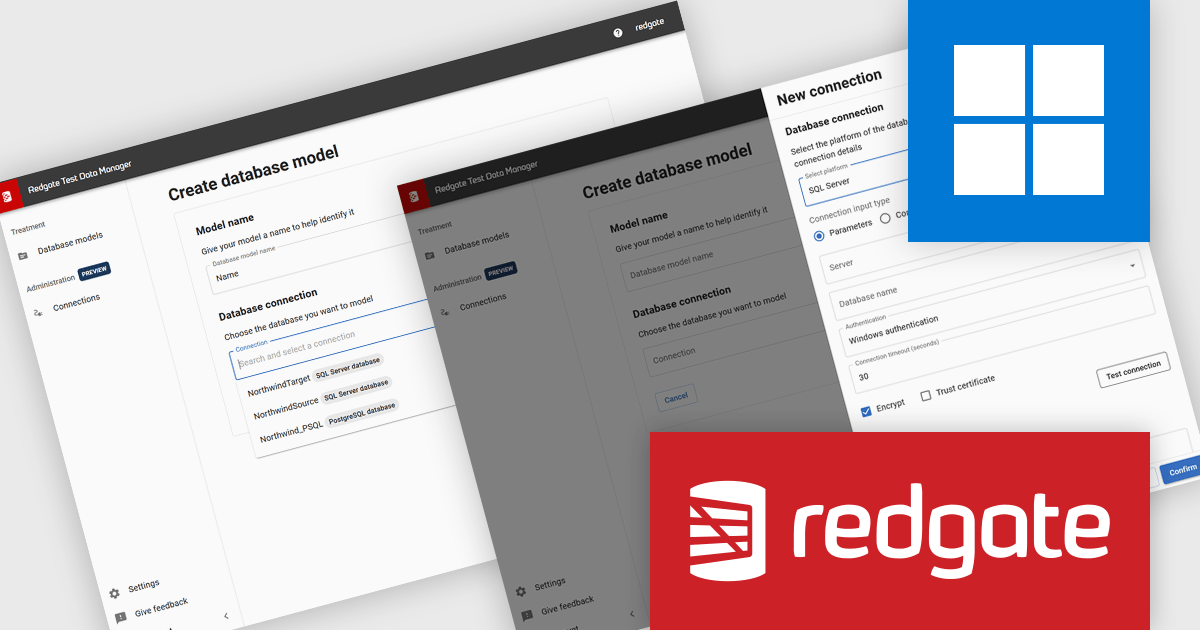
Redgate Test Data Manager is a comprehensive software solution designed to automate test data management within database environments. It enables teams to provision realistic, production-like data while masking sensitive information to maintain compliance with data privacy regulations such as GDPR and CCPA. With data masking, synthetic data generation, and efficient provisioning, it creates reliable test environments that mirror real-world scenarios.
Redgate Test Data Manager introduces a new feature that simplifies how you configure and reuse database connections across masking and subsetting jobs. By allowing you to define connection details once, assign them a recognizable name, and then select them from a dropdown, it reduces repetitive setup, minimizes configuration errors, and ensures consistent connection settings across environments. This enables development and QA teams to move more quickly from setup to executing test data workflows, keeping the focus on defining effective masking and subsetting rules rather than re-entering connection information.
Redgate Test Data Manager is licensed on a capacity model based on the total volume of data in all production databases (priced per TB). You will need to purchase enough licenses to cover the total TB across all your databases and technologies (SQL Server, Oracle, Postgres SQL and MySQL). See our Redgate Test Data Manager licensing page for full details.
For more information, visit our Redgate Test Data Manager product page.
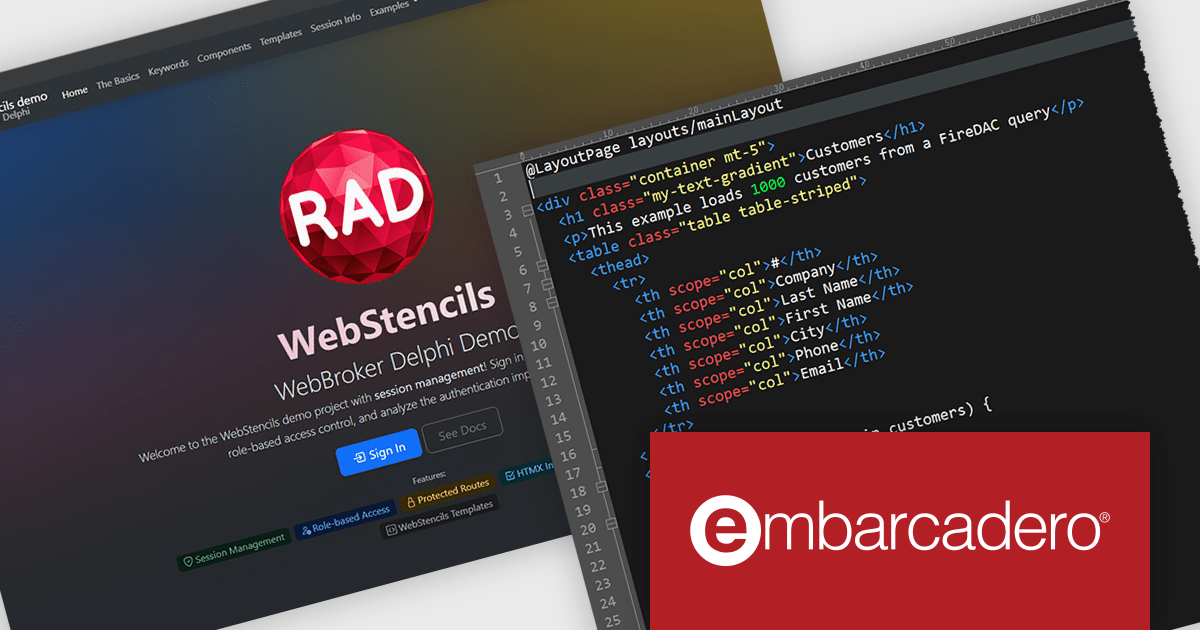
RAD Studio by Embarcadero is a integrated development environment (IDE) used to build applications for various platforms. It allows programmers to create native apps for Windows, macOS, mobile devices (Android and iOS), and more using C++ or Delphi. RAD Studio is known for its rapid application development features and is targeted towards professional developers building data-rich and visually appealing applications.
RAD Studio WebStencils introduces a rapid way to develop dynamic, database-driven web applications using minimal syntax and no dependency on heavy JavaScript frameworks. By integrating with HTMX (A lightweight open-source library that extends HTML to enable interactivity without complex JavaScript), WebStencils enables responsive, interactive pages through simple HTML attributes, removing the complexity of traditional frontend frameworks. Developers can build sophisticated applications using standard HTML and CSS, while backend developers leverage FireDAC datasets for data operations.
A key strength lies in its automatic form generation from database schemas. Developers can change a field or data type in the database and immediately see the reflected change in the browser - no manual adjustments needed. This drastically reduces the effort in maintaining CRUD (Create, Read, Update, Delete) interfaces.
RAD Studio is licensed per Named, Network Named or Concurrent user and is available as a Perpetual License with an Update Subscription that includes support and free upgrades for 1 Year. See our RAD Studio licensing page for full details.
RAD Studio is available to buy in the following products:
联系电话: (888) 850 9911
传真: +1 770 250 6199


