













官方供应商
我们作为官方授权经销商,直接提供超过200家开发厂家所发行超过1000个的产品授权给您。
查看我们的所有品牌。
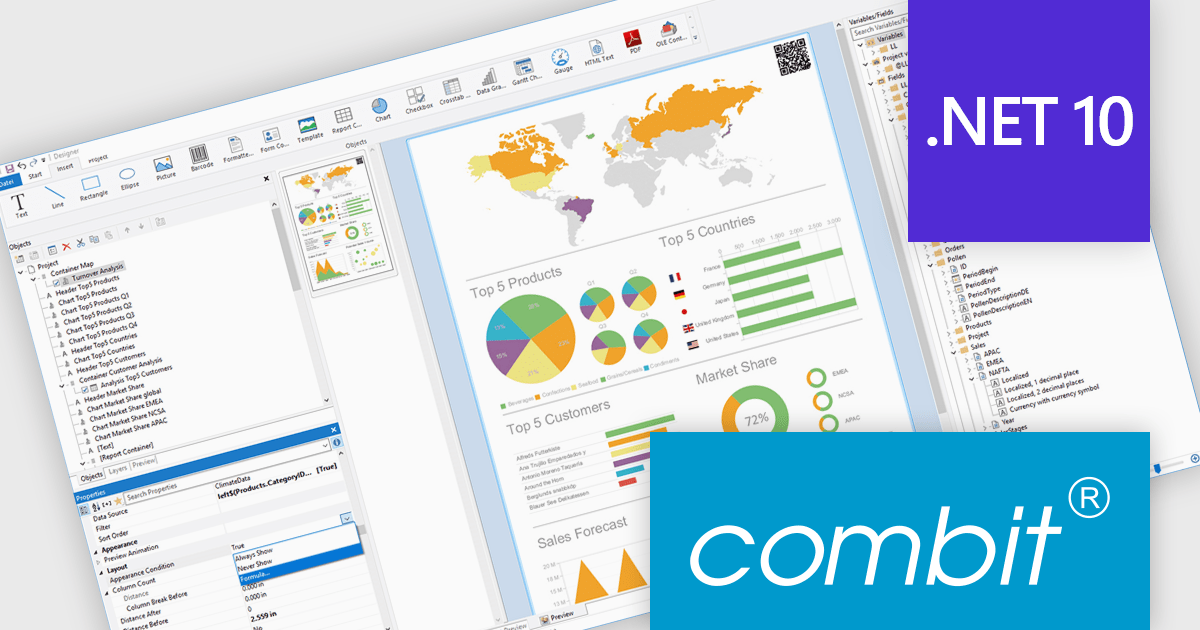
List & Label by combit is a software development toolkit that helps developers to integrate comprehensive reporting functionalities into their desktop, web, and cloud applications. It offers features such as data binding, complex data visualization, and a user-friendly report designer, along with printing, exporting, and previewing capabilities. List & Label operates independently of programming languages and data sources, providing developers with the flexibility to design and deliver informative reports within their development environment.
combit adds .NET 10 support to ensure developers can adopt the newest framework without compatibility concerns, allowing existing reporting logic, data integrations, and application code to run reliably on a modern, secure, and high-performance platform. This update helps teams optimize their upgrade path, maintain a consistent technology stack, and build applications that remain maintainable and future-ready as the .NET ecosystem evolves.
List & Label is licensed per developer and is available as a Perpetual License with a 12 month support and maintenance subscription. See our List & Label licensing page for full details.
List & Label is available in the following products:
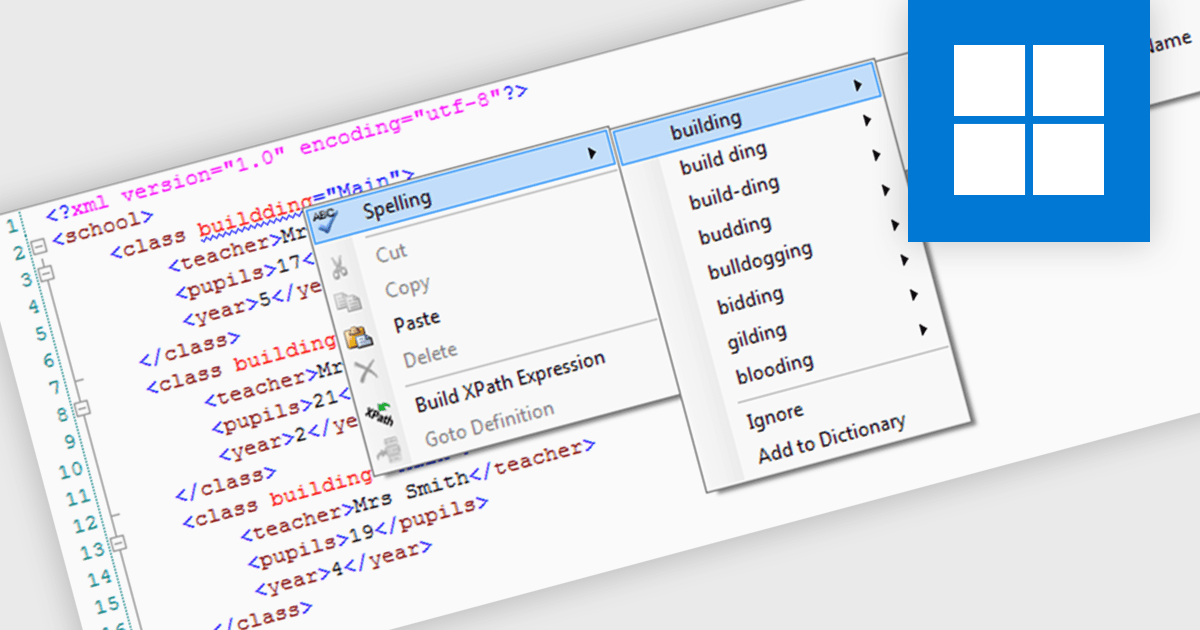
XML-aware spell checking in an XML tool is a feature that intelligently distinguishes between content and markup within XML documents, ensuring that only the relevant text, such as element values and attributes meant for human reading, is checked for spelling errors. This avoids flagging valid XML tags, attribute names, or structured data as incorrect, which would typically occur with standard spell checkers. For software developers, this capability reduces noise during editing, improves accuracy in detecting real issues, and helps maintain clean, professional content in documentation, configuration files, and data feeds.
Several structured document tools offer XML-aware spell checking including:
For an in-depth analysis of features and price, visit our structured document tools comparison.
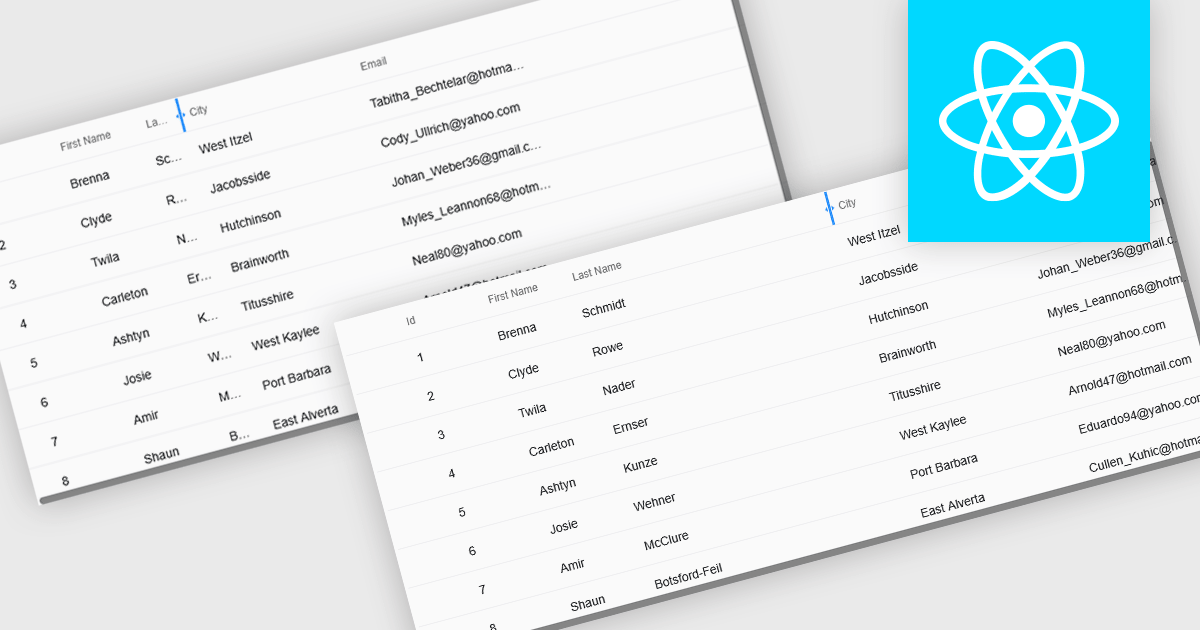
Resizable grid columns let users adjust the width of each column in a data table, giving them direct control over how information is displayed. This improves readability by preventing text from being cut off, reduces clutter by narrowing less important fields, and creates a cleaner, more efficient workspace. It is especially useful with large datasets, long product names, detailed descriptions, or mixed data types, such as expanding a “Description” column to read full text or narrowing numeric columns to compare figures quickly. Whether used in dashboards, admin panels, reporting tools, or data entry systems, column resizing enhances usability, speeds up analysis, and supports a more personalized viewing experience.
Several React grid controls offer support for expanding and resizing columns including:
For an in-depth analysis of features and price, visit our React grid controls comparison.
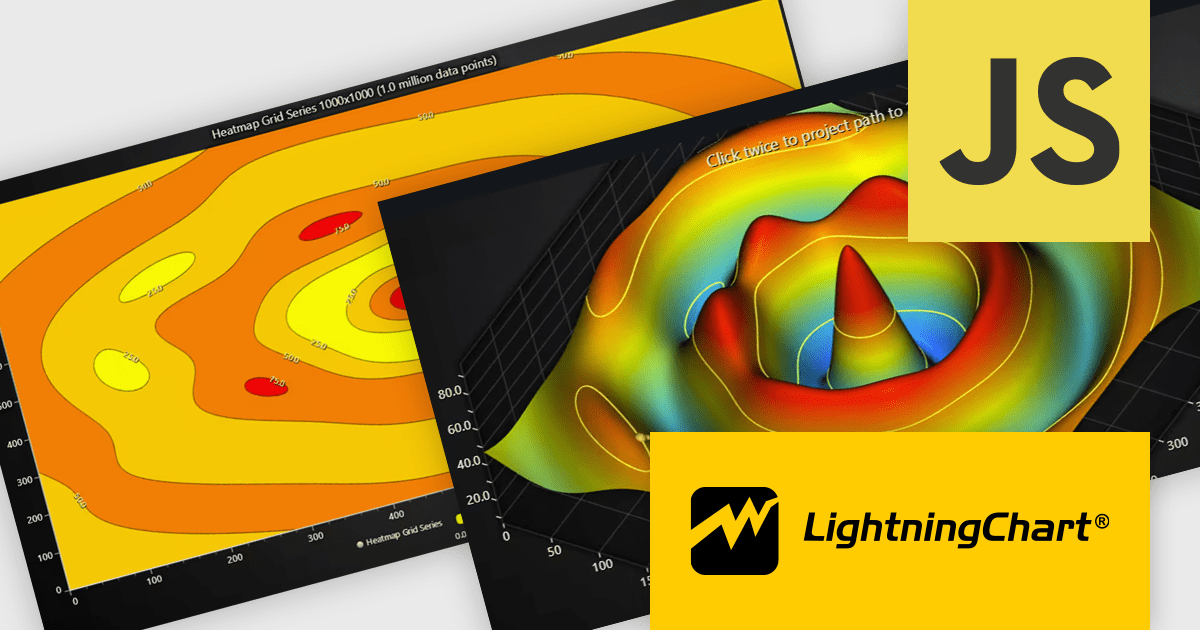
LightningChart JS is a high-performance JavaScript charting library that utilizes WebGL rendering and GPU acceleration to deliver exceptional performance for a wide range of data visualization needs. It is designed to handle large datasets and complex visualizations with ease, enabling developers to create interactive and visually appealing 2D and 3D charts. Ideal for applications demanding smooth real-time data updates, such as financial platforms, engineering tools, scientific research dashboards, and industrial monitoring systems, LightningChart JS provides a comprehensive API for customization and integration into web-based projects.
The LightningChart JS v8.1 update introduces built-in contour rendering for heatmap and surface charts, giving developers a straightforward way to highlight value transitions and gradients within complex datasets. The new contour capabilities automatically generate level lines and labels, while offering control over stroke and text styling for each contour level. This improves the clarity and interpretability of dense numerical data, reduces the need for custom rendering logic, and maintains high performance even when working with detailed datasets.
To see a full list of what's new in v8.1, see our release notes.
LightningChart JS is licensed per developer and is available as an annual license with 1 year support. See our LightningChart JS licensing page for full details.
For more information, see our LightningChart JS product page.
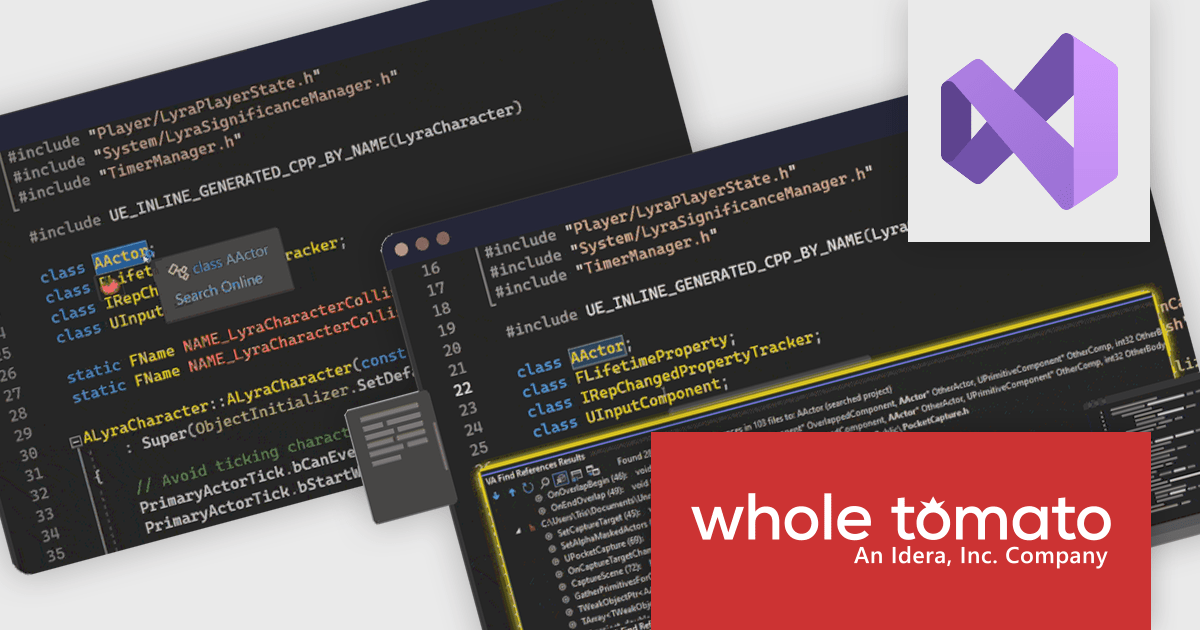
Visual Assist by Whole Tomato Software is a productivity plugin for Microsoft Visual Studio that enhances your C/C++ and C# development. It improves upon IntelliSense and syntax highlighting, improving code navigation and refactoring, and offers intelligent code completion and generation. Additionally, Visual Assist provides static code analysis to identify potential bugs and performance issues, all designed to save you time and effort while writing, reading, and maintaining your code.
The Visual Assist 2025.5 update adds full compatibility with Visual Studio 2026, allowing software developers to upgrade to the latest IDE without disrupting their processes or losing access to key productivity enhancements. This ensures that essential capabilities such as improved code navigation, refactoring support, enhanced IntelliSense, and reliable C++ tooling continue to function smoothly within the updated environment, providing a stable and consistent development experience as teams transition to new platform features and performance improvements.
To see a full list of what's new in 2025.5, see our release notes.
Visual Assist is licensed on a per-developer basis and offers three licensing options: Standard, Network Named User, and Concurrent. All new licenses include a 1 Year Maintenance Subscription, and Subscription Renewals are also available. See our Visual Assist licensing page for full details.
Learn more on our Visual Assist product page.
联系电话: (888) 850 9911
传真: +1 770 250 6199


