













공식 공급 업체
200 이상의 소프트웨어 개발처와 판매 계약을 맺은 공인 디스트리뷰터로서 합법적인 라이선스를 제공합니다.
모든 브랜드 보기.
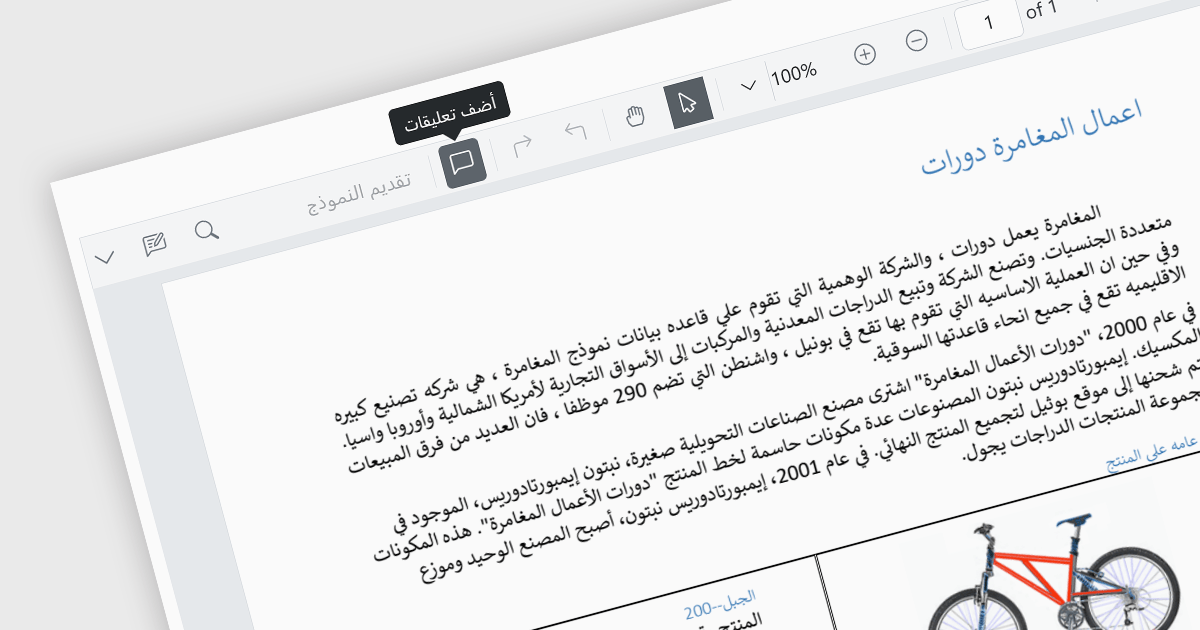
Localization capabilities in PDF viewer components allow for a user-friendly experience across various languages. By providing translated text and right-to-left support for interface elements like menus, buttons, and error messages, viewers can navigate and interact with PDFs in their native language. This improves international accessibility and fosters a wider user base for applications that utilize PDF documents.
Several React PDF Viewer controls offer localization including:
For an in-depth analysis of features and price, visit our React PDF Viewer controls comparison.
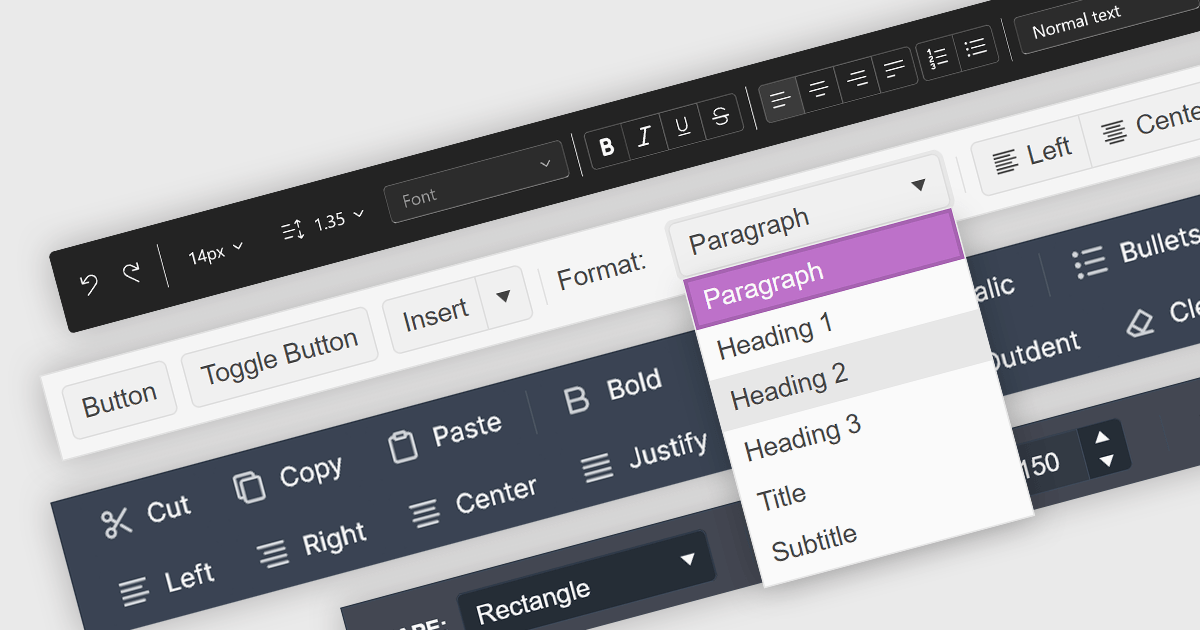
Toolbar controls for jQuery extend the functionality of your web applications by providing customizable toolbars with UI elements like buttons, dropdowns, and menus. These libraries offer features like drag-and-drop customization, theming options, and accessibility compliance, streamlining user interaction for common actions like editing, formatting, and navigation.
Several jQuery UI suites feature a toolbar control including:
For an in-depth analysis of features and price, visit our jQuery UI Suites comparison.
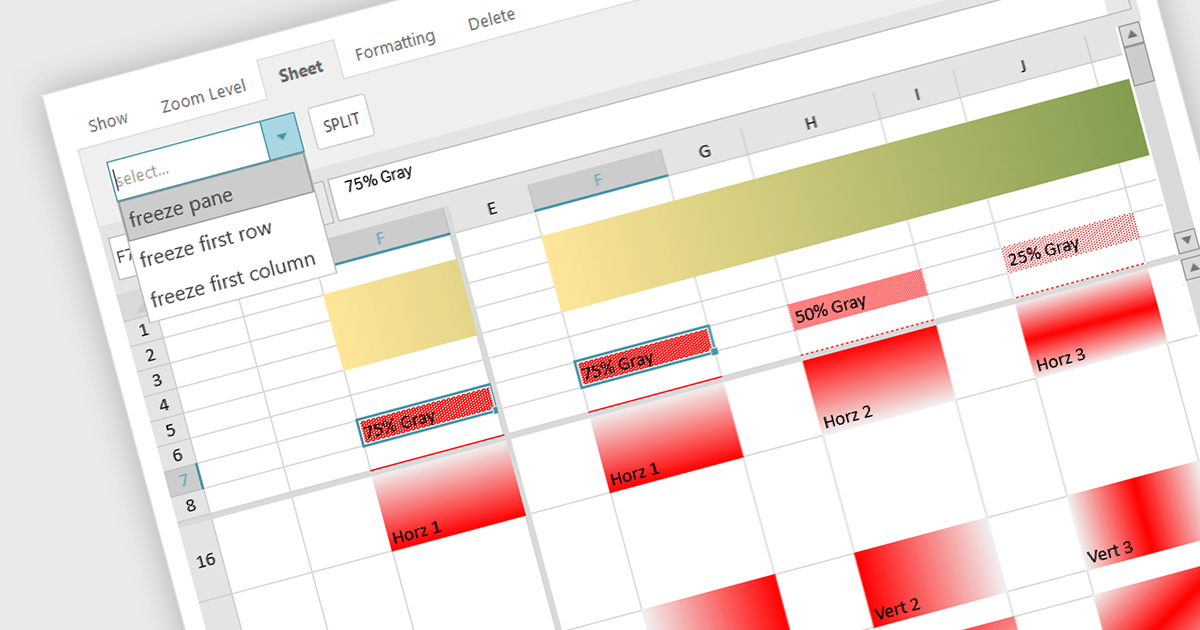
Spreadsheet controls with freeze pane support enable developers to lock specific rows or columns in place while allowing the rest of the data to scroll freely. This feature enhances the user experience by keeping headers or key reference data visible at all times, thus improving navigation and readability in large datasets. It is particularly beneficial for applications where users need to compare data across extensive spreadsheets, ensuring that critical information remains accessible without disrupting the workflow. This functionality contributes to a more efficient and user-friendly interface, reducing the cognitive load on users and facilitating better data analysis.
Several JavaScript spreadsheet controls offer freeze pane support including:
For an in-depth analysis of features and price, visit our comparison of Compare JavaScript Spreadsheet Controls.
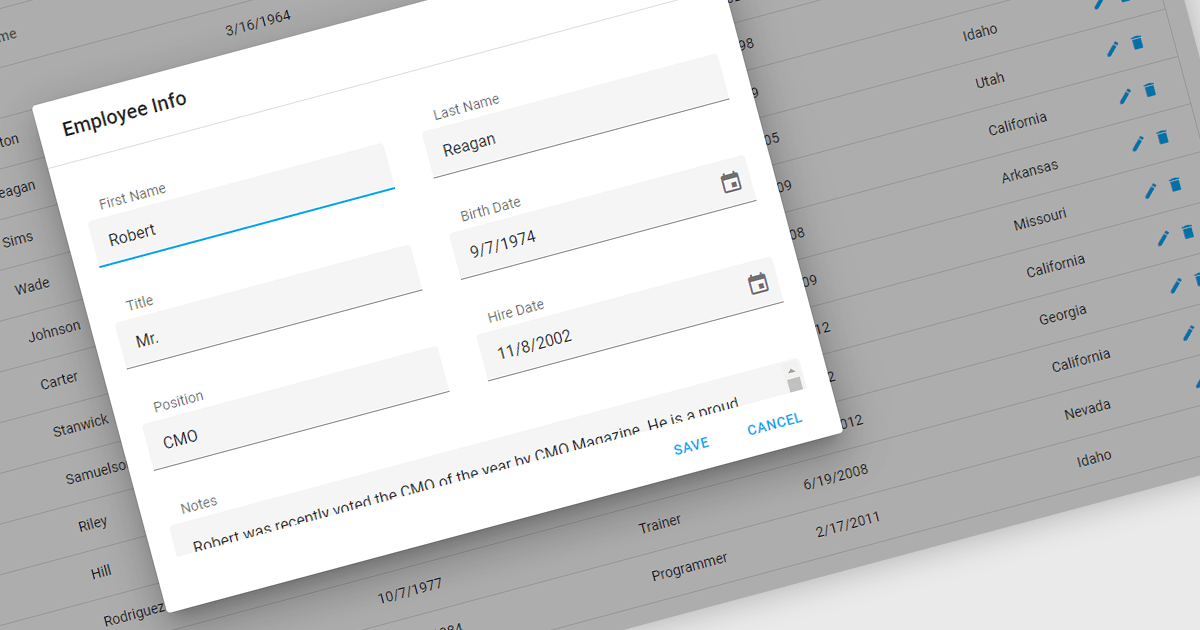
Popup Editors are a common user interface paradigm for editing data within JavaScript grid components. They provide a modal window that appears on top of the grid, containing dedicated input fields for modifying a specific cell or row. This approach enhances data manipulation by offering a focused editing environment with ample space for complex editors or detailed information, improving usability and reducing the risk of errors during data entry.
Many JavaScript grid controls offer popup editors including:
For an in-depth analysis of features and price, visit our comparison of JavaScript Grid Controls.
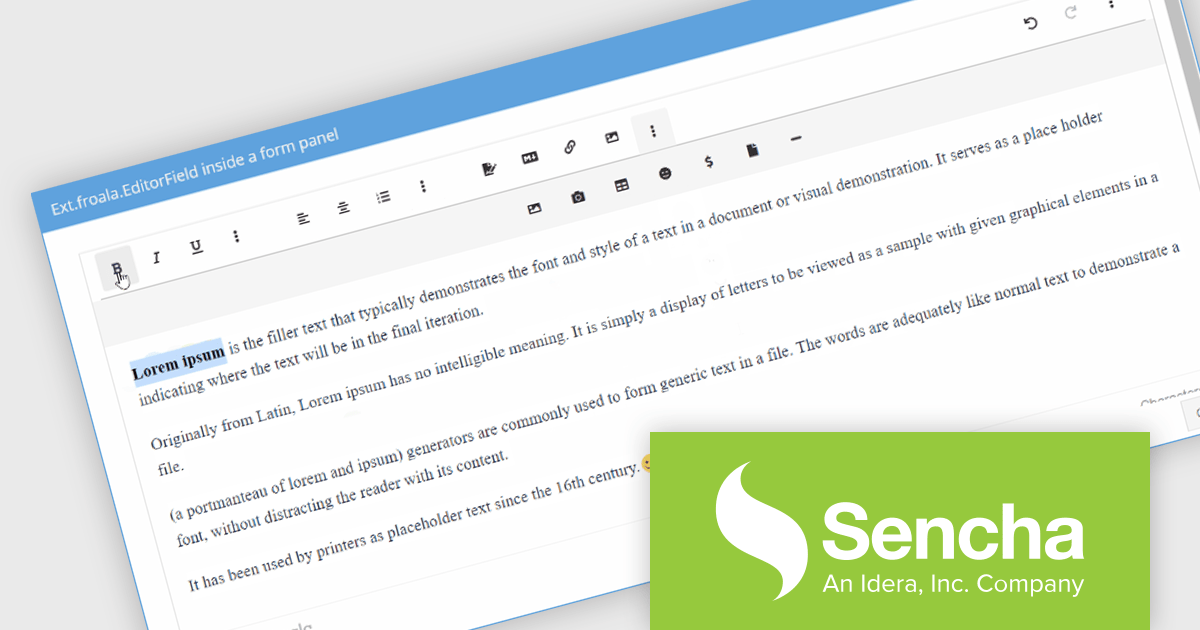
Sencha Ext JS is a comprehensive JavaScript framework designed for building data-intensive, cross-platform web applications with rich user interfaces. It offers a robust set of components and tools for developing feature-rich applications, including a powerful grid system, advanced data handling capabilities, and an extensive library of UI components. With a focus on high performance and flexibility, Ext JS allows developers to create responsive applications that run seamlessly on various devices and browsers.
The Sencha Ext JS 7.8 update introduces the integration of the Froala Editor with the classic toolkit, enhancing the web development experience by providing a powerful and user-friendly rich text editor. This addition enables developers to easily incorporate advanced text editing features into their applications, offering end users a seamless and intuitive interface for content creation and formatting. The Froala Editor's modern capabilities, such as inline editing, real-time collaboration, and a variety of formatting options, streamline the process of managing and displaying content within applications, thereby improving overall productivity and user engagement. This integration exemplifies Sencha's commitment to providing robust, efficient tools for modern web development.
To see a full list of what's new in 7.8, see our release notes.
Sencha Ext JS is available in Pro, Enterprise and Ultimate editions, as Annual Subscription or Perpetual Licenses. See our Sencha Ext JS licensing page for full details.
For more information, see our Sencha Ext JS product page.
전화 : 00798 14 800 6332
팩스 : +1 770 250 6199


