













공식 공급 업체
200 이상의 소프트웨어 개발처와 판매 계약을 맺은 공인 디스트리뷰터로서 합법적인 라이선스를 제공합니다.
모든 브랜드 보기.
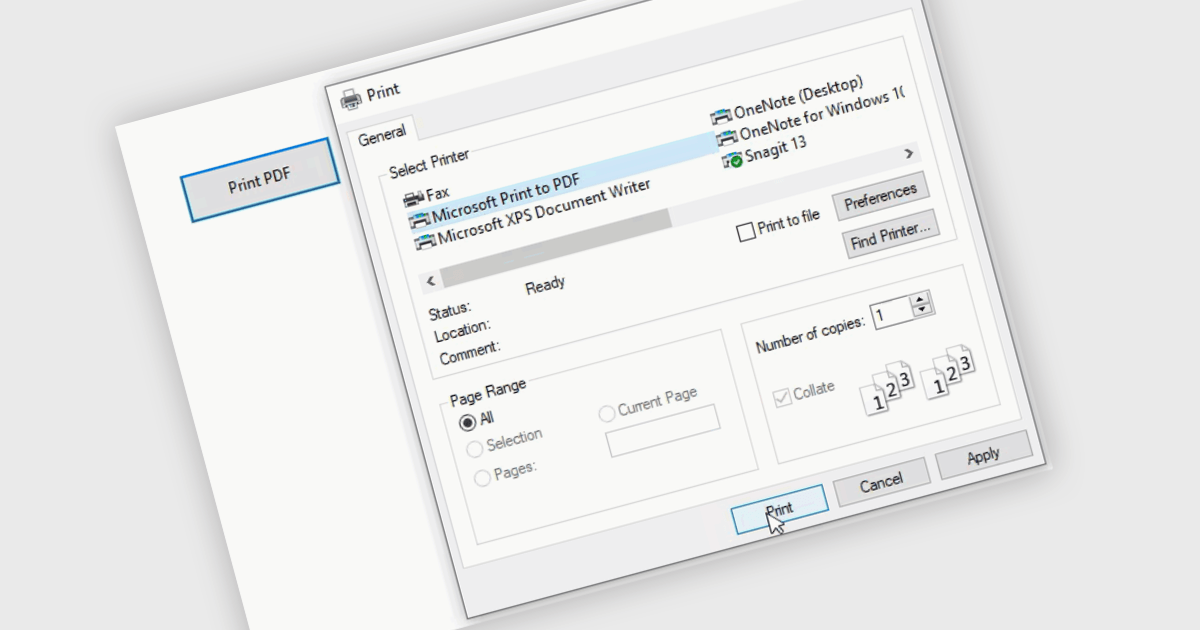
Printing to PDF allows users to save an existing document, webpage, or file as a PDF by using a virtual printer. It captures the document exactly as it would appear if printed, preserving the formatting, layout, and styling. The resulting document is typically static and cannot be edited, ideal for archiving or sharing finalized versions of a document. This feature is particularly useful for standardizing outputs across different software, ensuring consistent presentation, and providing an easy way to generate PDFs from files that do not natively support the format.
Several WinForms PDF controls offer the ability to print/save to PDF including:
For an in-depth analysis of features and price, visit our WinForms PDF controls comparison.
Telerik Reporting and Telerik Report Server deliver a complete solution for creating, managing, and distributing reports across .NET applications. Telerik Reporting is a lightweight, embedded reporting tool for .NET web and desktop apps. It lets developers and users easily design, customize, and export interactive, reusable reports. It supports multiple platforms, including ASP.NET Core, Blazor, MVC, AJAX, HTML5/JS, Angular, WPF, WinForms, and WinUI. Telerik Report Server is a web-based, server-side solution for centralized report management. Built on Telerik Reporting, it offers scheduling, delivery, user management, and web-based access. It can be used standalone or integrated into apps built with Blazor, Angular, or Windows Forms.
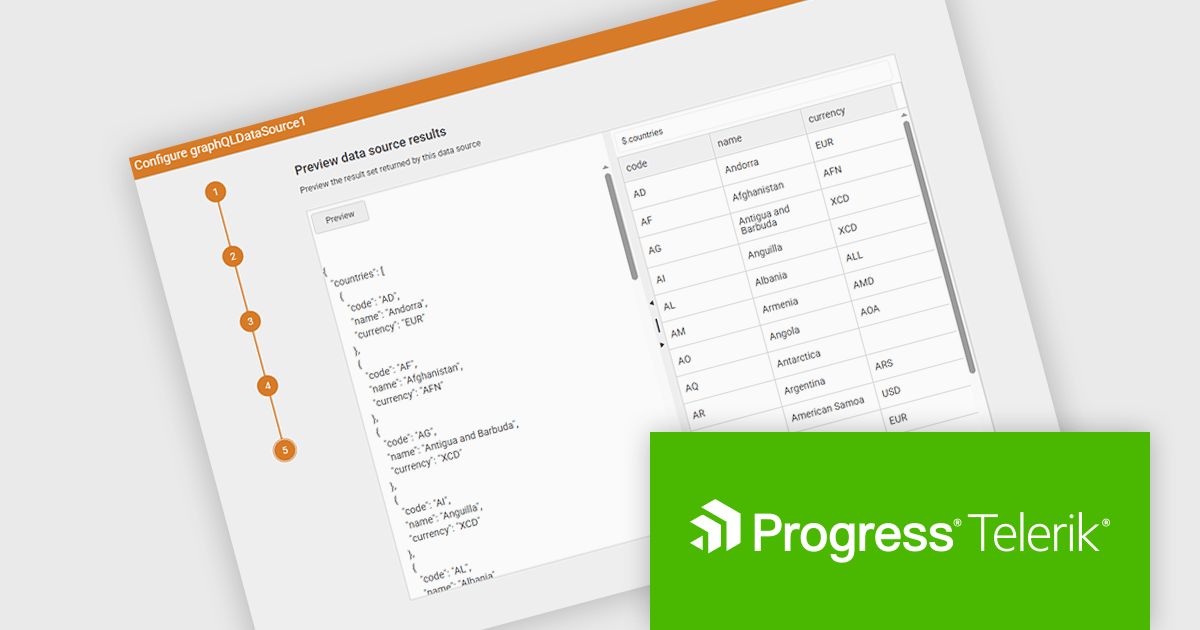
The Telerik Reporting and Telerik Report Server 2025 Q2 update introduces a new GraphQL DataSource Wizard in the Web Report Designer that simplifies the process of connecting to GraphQL APIs. This enhancement improves data integration by guiding developers through a clear, step-by-step configuration process, eliminating the need for manual setup or in-depth knowledge of GraphQL syntax. It enables faster data connectivity and report creation directly within the browser-based design environment, improving overall efficiency and reducing development time when working with GraphQL data sources.
To see a full list of what's new, see our release notes for Telerik Reporting and Telerik Report Server 2025 Q2.
Telerik Reporting is licensed per developer and has two licensing models: an annual Subscription License and a Perpetual License. The Subscription license must be renewed to continue using the software. The Perpetual license is a one-time purchase granting access to the current released version and includes a one-year subscription for product updates and technical support. Telerik Report Server is available as a perpetual license and is licensed per domain. Each domain license contains 15 Client Access Licenses and 1 year support and maintenance. See our licensing pages for Telerik Reporting and Telerik Report Server for full details.
Telerik Reporting and Telerik Report Server are available individually or as part of Telerik DevCraft Ultimate.
AlterNET Studio is a development toolkit designed specifically for .NET developers building Windows Forms or WPF applications. It provides a suite of components that integrate seamlessly into your applications, offering functionalities like advanced code editing with features akin to Microsoft Visual Studio, scripting capabilities in various languages for extending application logic, and a visual form designer for crafting user interfaces.
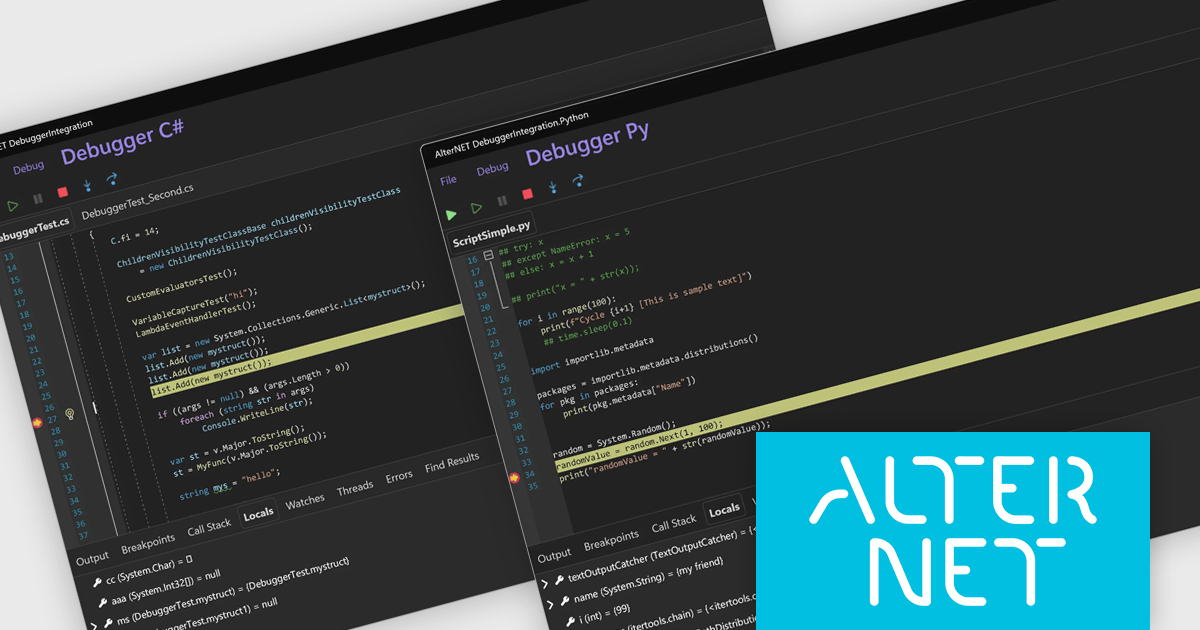
The AlterNET Studio v10 update introduces compatibility for C#, Visual Basic, and Python scripters and debuggers with macOS and Linux, allowing developers to build and debug cross-platform applications without being restricted to a Windows environment. By targeting .NET Standard 2.0, the non-visual components such as scripting engines and parsers are now usable across a broader range of platforms. Additionally, the inclusion of a debugger UI built with AlterNET UI and MAUI enables integration of modern, customizable debugging interfaces into cross-platform applications, improving development and enhancing productivity in multi-OS environments.
To see a full list of what's new in v10, see our release notes.
AlterNET Studio is licensed per developer. A license is only required when developing and compiling applications that use AlterNET Studio; end-users or testers of compiled applications do not require a license. The perpetual license includes a one-year subscription which entitles you to free updates to all new versions during the subscription period. See our AlterNET Studio licensing page for full details.
Learn more on our AlterNET Studio product page.
ComponentOne Studio WinForms by MESCIUS is a comprehensive toolkit offering over 120 advanced UI components to streamline Windows Forms application development. It empowers you to build visually appealing and feature-rich applications with functionalities like data visualization through charts and reports, intuitive data editing with performant grids, and modern UI elements including ribbons and docking for a user-friendly experience.
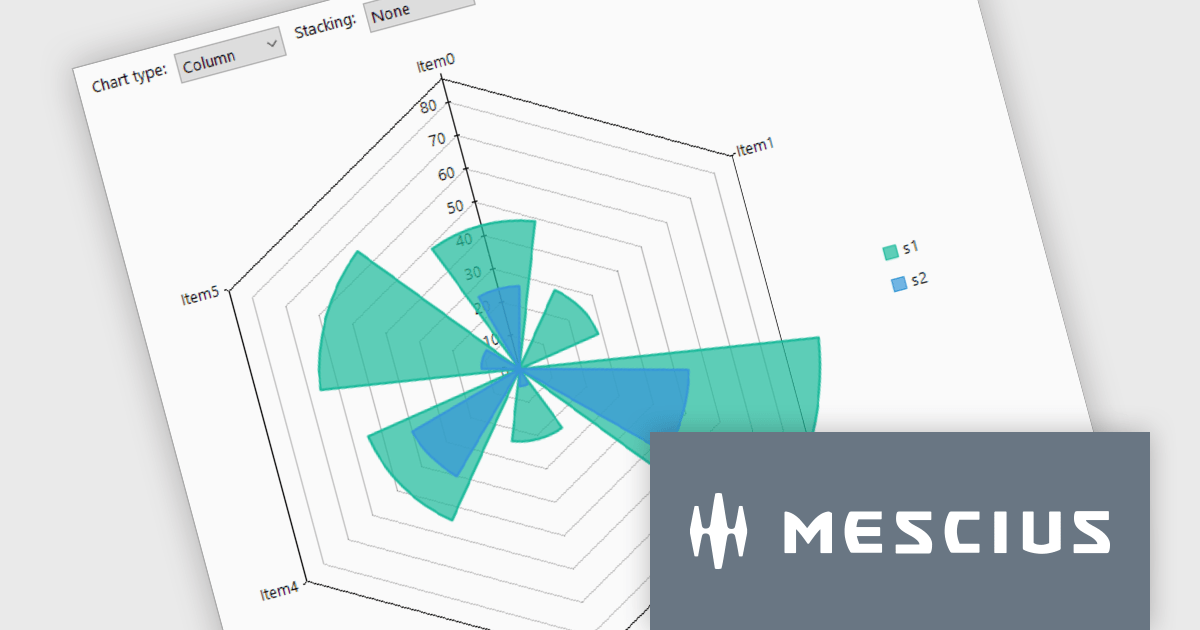
The ComponentOne Studio WinForms v2025 v1 update enhances its FlexChart control by introducing a new Column Radar chart type. FlexRadar now supports Column chart types with stacking options. This addition allows developers to visualize multivariate data in a more structured and intuitive format, particularly for applications requiring radial data representation such as wind rose charts. By aligning columns radially and enabling stacking, the chart makes it easier to compare the magnitude and distribution of values across categories, helping users identify patterns and trends more effectively. This new chart type expands the flexibility of radar-based visualizations, making it a valuable tool for scientific, engineering, and environmental data analysis.
To see a full list of what's new in 2025 v1, see our release notes.
ComponentOne Studio WinForms is licensed per developer on a perpetual basis and includes a 12 month subscription. Priority Support is also available. See our ComponentOne Studio WinForms licensing page for full details.
Learn more on our ComponentOne Studio WinForms product page.
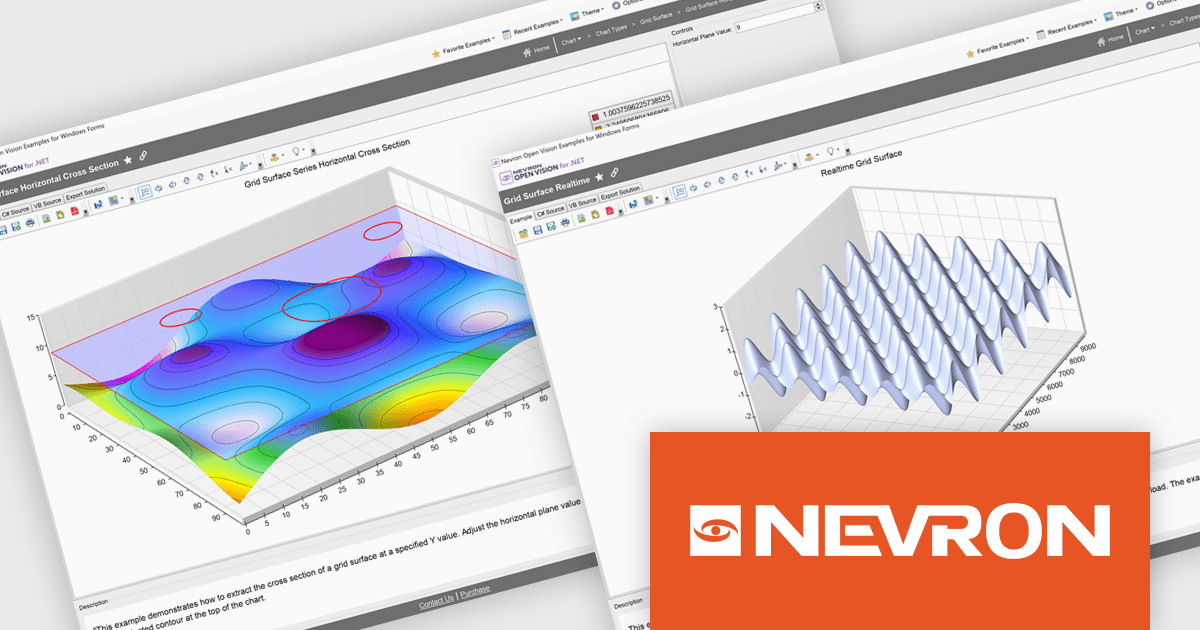
Nevron Open Vision for .NET is a comprehensive cross-platform framework that enables developers to build rich presentation layers from a single codebase supporting Windows, macOS, Android and iOS. It offers an extensive collection of widgets and components including data grids, charting and diagramming so development teams can create modern interfaces without HTML constraints. With built-in virtualization and integration into existing .NET projects, NOV improves development and deployment through single-file executables and reduced boilerplate, making it suitable for enterprise desktop applications, mobile apps and embedded solutions requiring premium-quality UI components.
The Nevron Open Vision for .NET 2025.1 update brings native .NET 9.0 support, enabling developers to leverage the latest runtime improvements for faster startup, reduced memory usage and more efficient garbage collection. By targeting .NET 9.0, NOV components can directly use updated language APIs and benefit from JIT/AOT optimizations without relying on compatibility layers, while still remaining functional on .NET 8.0 and .NET Framework 4.7.2+. This ensures seamless integration with modern tooling in Visual Studio and the .NET CLI, delivers up-to-date security and ultimately allows teams to build and deploy cross-platform applications with greater performance and reliability.
To see a full list of what's new in 2025.1, see our release notes.
Nevron Open Vision for .NET is licensed per developer on a perpetual basis with an optional 12-month subscription for updates and maintenance, and is royalty-free at runtime. See our Nevron Open Vision for .NET licensing page for full details.
For more information, see our Nevron Open Vision for .NET product page.
전화 : 00798 14 800 6332
팩스 : +1 770 250 6199


