













공식 공급 업체
200 이상의 소프트웨어 개발처와 판매 계약을 맺은 공인 디스트리뷰터로서 합법적인 라이선스를 제공합니다.
모든 브랜드 보기.
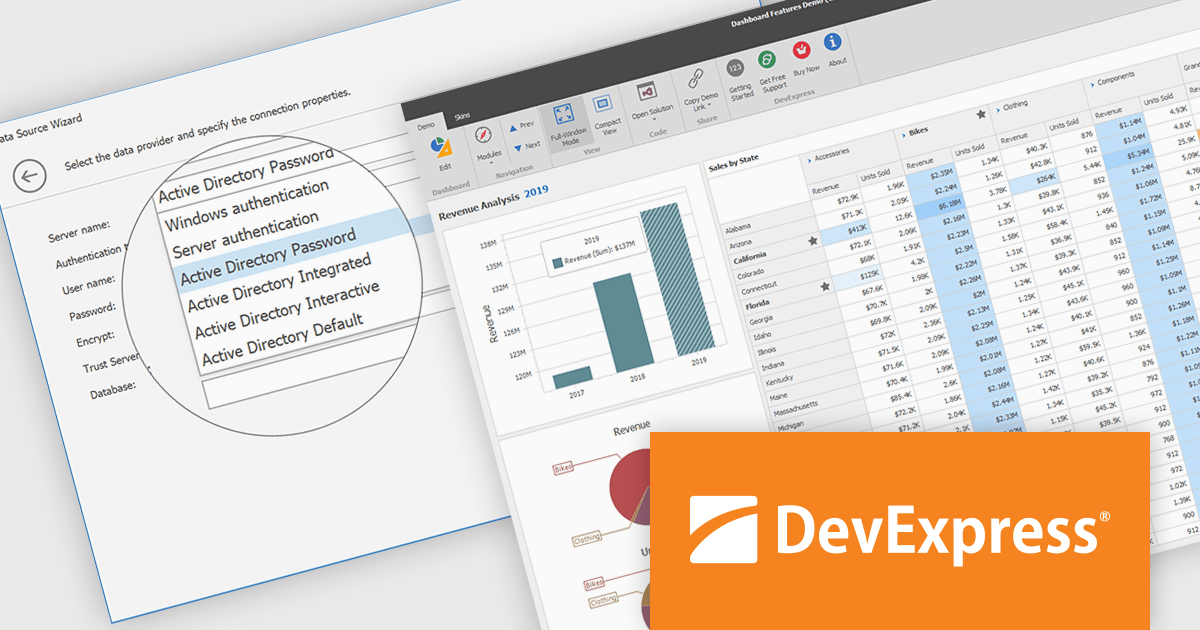
DevExpress BI Dashboard (part of DevExpress Universal) empowers you to craft interactive dashboards for desktop, web and mobile applications. It provides a visual designer for building dashboards without writing code, allowing you to drag-and-drop various data visualization widgets onto the canvas. These widgets connect to your data sources and update dynamically, offering real-time insights to end users. The tool also supports customization through properties and events, enabling you to tailor the look and feel of the dashboards to perfectly integrate with your application's design.
The DevExpress BI Dashboard 24.2 update enhances data security and simplifies connectivity by integrating Microsoft Entra authentication for Azure SQL databases. This update allows developers to use modern Active Directory-based authentication methods, such as ActiveDirectoryPassword, ActiveDirectoryIntegrated, ActiveDirectoryInteractive, and ActiveDirectoryDefault, ensuring that access to critical data is both secure and compliant with current enterprise standards.
To see a full list of what's new in version 24.2, see our release notes.
DevExpress BI Dashboard is included as part of DevExpress Universal which is licensed per developer and is available as a Perpetual License with a 12 month support and maintenance subscription. See our DevExpress Universal licensing page for full details.
DevExpress BI Dashboard is available in the following products:
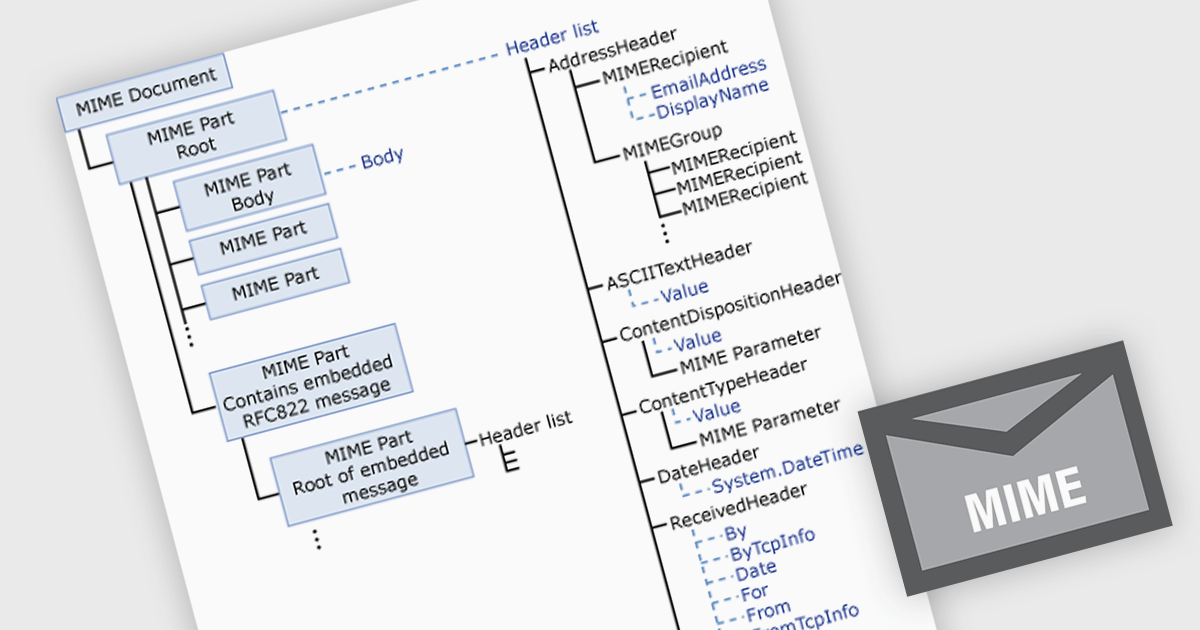
MIME (Multipurpose Internet Mail Extensions) in .NET communications and messaging components enables the structured creation and parsing of email messages with non-ASCII text and attachments such as images or files. It enhances interoperability, supports internationalization, and allows for rich content features like inline media and multipart formatting. Common use cases include sending automated reports with attachments or handling complex inbound messages in customer support systems.
Several .NET Comms & Messaging components offer MIME support including:
For an in-depth analysis of features and price, visit our comparison of .NET Comms & Messaging.
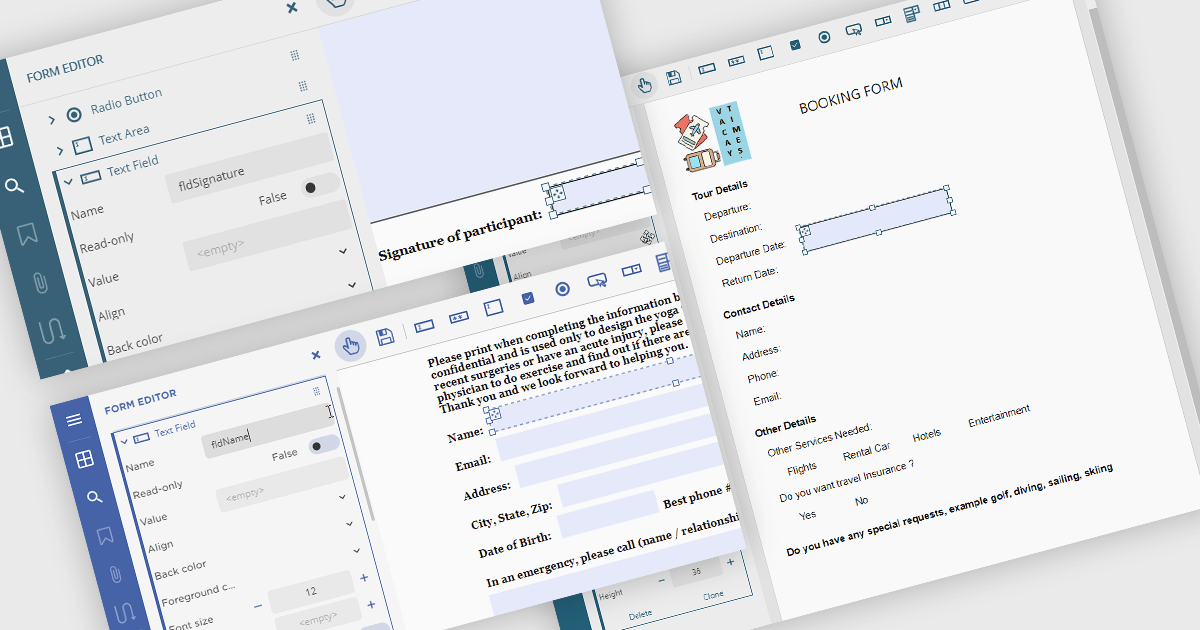
Creating PDF forms involves designing interactive documents that allow users to input data directly within the file, improving data collection and processing. This process typically entails embedding text fields, checkboxes, radio buttons, and dropdown menus into a digital document, making it easy for individuals to complete applications, surveys, or feedback forms electronically. Common use cases include online job applications, tax forms, registration documents for events or courses, and customer feedback surveys, all of which benefit from the secure and widely compatible nature of the PDF format.
Several .NET Winforms PDF components offer support for PDF form creation:
For an in-depth analysis of features and price, visit our .NET Winforms PDF components comparison.
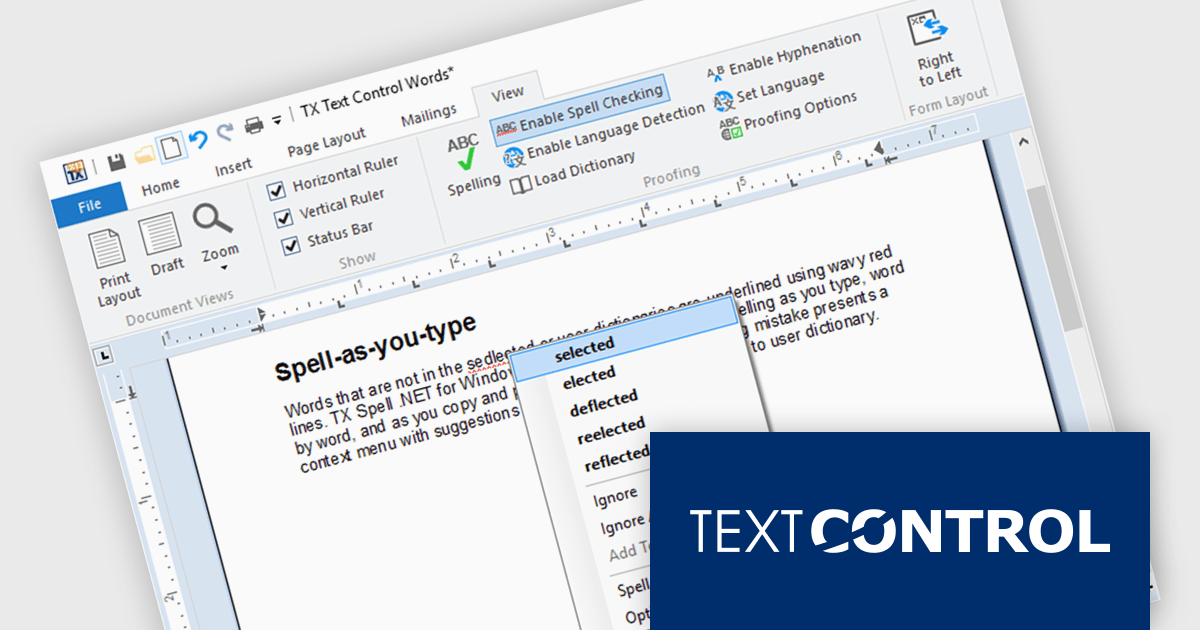
TX Spell .NET is a component that offers developers an easy way to integrate advanced spelling correction into their software. It supports multiple dictionaries, including custom word lists, and provides real-time spell checking for rich text editors, word processors, and other text-based applications. Whether for desktop, web, or cloud-based applications, it enhances text input quality with minimal development effort.
The TX Spell .NET 11.0 release fully supports .NET 9, integrating with the latest framework. This update includes adjustments to licensing, improved NuGet package compatibility, and other refinements to align with .NET 9’s evolving ecosystem. Developers can confidently use TX Spell .NET in modern applications, ensuring stability and compatibility with the latest runtime advancements.
TX Spell .NET for WinForms and ASP.NET and TX Spell .NET for WPF are licensed per developer and are available as a Perpetual License with a 12 month support and maintenance subscription. See our TX Spell .NET for WinForms and ASP.NET licensing page or TX Spell .NET for WPF licensing page for full details.
TX Spell .NET is available to buy in the following products:
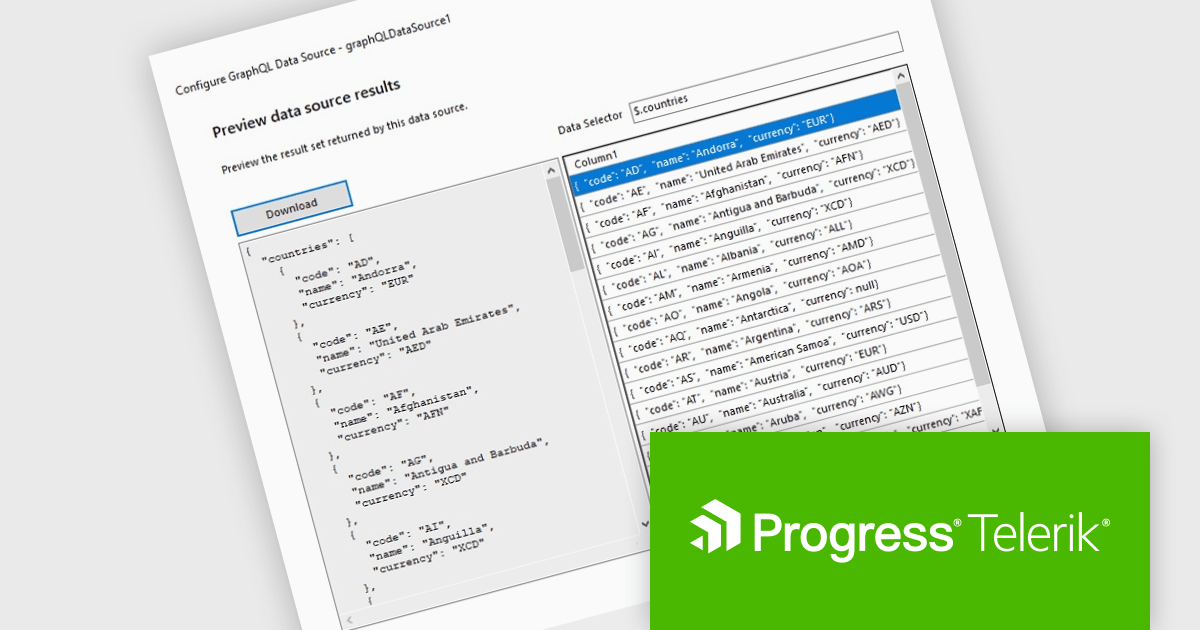
Telerik Reporting is a comprehensive and lightweight embedded reporting tool for .NET web and desktop applications. It enables developers and reporting users to create, design, and export visually appealing, interactive, and reusable reports to effectively present analytical and business data. It supports various technologies, including ASP.NET Core, Blazor, ASP.NET MVC, ASP.NET AJAX, HTML5/JS, Angular, WPF, WinForms, and WinUI.
The Telerik Reporting 2025 Q1 update introduces GraphQL native support with a dedicated GraphQLDataSource component, allowing developers to seamlessly connect reports to GraphQL APIs. This enhancement streamlines data retrieval by enabling precise queries that fetch only the necessary information, optimizing performance and reducing overhead. The Standalone Report Designer now includes an intuitive wizard that simplifies the setup process, guiding users through creating and configuring GraphQL data sources with minimal effort. By integrating GraphQL natively, Telerik Reporting enhances flexibility and efficiency, empowering developers to build dynamic, data-driven reports with greater ease and precision.
To see a full list of what's new in 2025 Q1 (19.0.25.211), see our release notes.
Telerik Reporting is licensed per developer and is available as a perpetual license with a one year support subscription, which is offered in three tiers: Lite, Priority or Ultimate. See our Telerik Reporting licensing page for full details.
Telerik Reporting is available to buy in the following products:
전화 : 00798 14 800 6332
팩스 : +1 770 250 6199


