













공식 공급 업체
200 이상의 소프트웨어 개발처와 판매 계약을 맺은 공인 디스트리뷰터로서 합법적인 라이선스를 제공합니다.
모든 브랜드 보기.
ComponentOne Studio Enterprise is a comprehensive suite of .NET UI controls developed by MESCIUS (formerly GrapeCity) designed for building rich, interactive desktop, web, and mobile applications. It provides developers with a broad range of tools and components—including data grids, charts, reports, input controls, and advanced data visualization features—for platforms such as WinForms, WPF, ASP.NET Core, Blazor, WinUI, and .NET MAUI. The suite emphasizes performance, flexibility, and ease of integration, helping teams create consistent, feature-rich user experiences across multiple application types while maintaining a unified development approach.
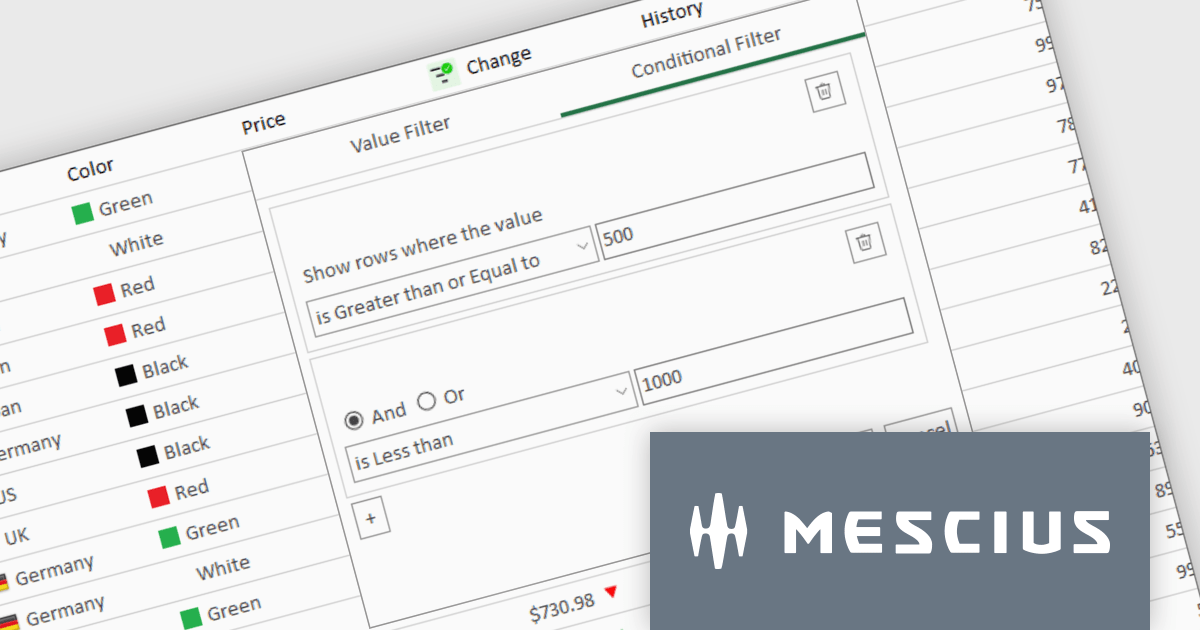
The ComponentOne Studio Enterprise 2025 v1 update introduces a redesigned column filter UI for FlexGrid in WinForms that enhances filtering precision and developer control. It supports a wider range of filter conditions, such as numeric and date ranges, duplicates, and null values, allowing for more refined data manipulation. The new interface aligns visually with modern application themes and remains backward compatible, ensuring that existing codebases can adopt the update without disruption. This improvement enables developers to implement more robust and flexible data grids in their WinForms applications.
To see a full list of what's new in 2025 v1, see our release notes.
ComponentOne Studio Enterprise is licensed per developer on a perpetual basis and includes a 12 month subscription. Priority Support is also available. See our ComponentOne Studio Enterprise licensing page for full details.
Learn more on our ComponentOne Studio Enterprise product page.
NOV Chart for .NET by Nevron is a comprehensive .NET charting component suite designed for cross-platform application development. It offers an array of 2D and 3D chart types, along with smart data labeling, an advanced chart axes model, numerous interactivity features and GPU-accelerated real-time rendering based on OpenGL. This library allows developers to seamlessly integrate rich, dynamic and interactive business, scientific, financial and presentation data visualizations into their .NET applications for more effective communication.
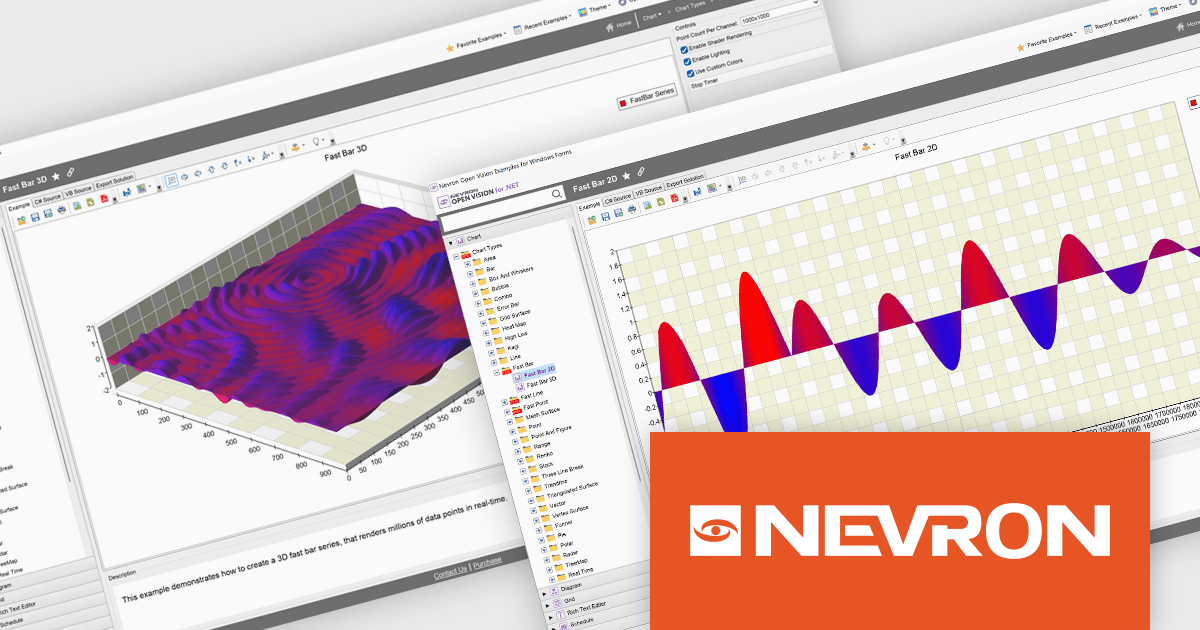
The NOV Chart for .NET 2025.1 update introduces Fast Bar, Fast Line, and Fast Point series that leverage GPU acceleration to deliver real-time visualization of extremely large datasets, enabling developers to render millions of data points with minimal latency in both 2D and 3D contexts and apply per-point color information for detailed analysis. By offloading heavy rendering tasks to the GPU, these new series reduce CPU overhead and free resources for other application logic, making them particularly valuable in scientific, engineering, and medical scenarios where high-throughput data streams must be displayed without delay.
To see a full list of what's new in 2025.1, see our release notes.
NOV Chart for .NET is licensed per developer and is available as a perpetual license with 1 year support and maintenance. See our NOV Chart for .NET licensing page for full details.
NOV Chart for .NET is available in the following products:
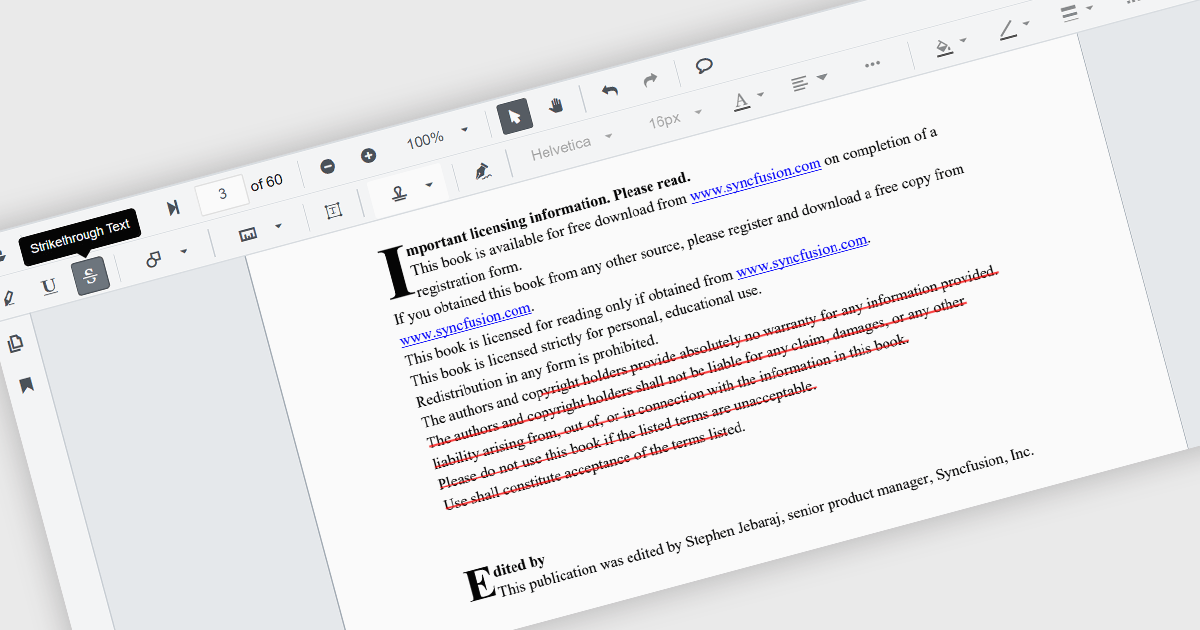
Strikethrough annotations in a PDF viewer let users mark text for deletion while keeping the original content visible, helping teams review proposed edits in context. This supports clear collaboration without altering the source file and creates an audit trail for legal or editorial review. It enables fully digital, searchable workflows ideal for updating technical documents, refining contracts, or revising marketing content with accuracy and transparency.
Several .NET Winforms components offer strikethrough annotations including:
For an in-depth analysis of features and price, visit our comparison of .NET Winforms PDF Viewer components.
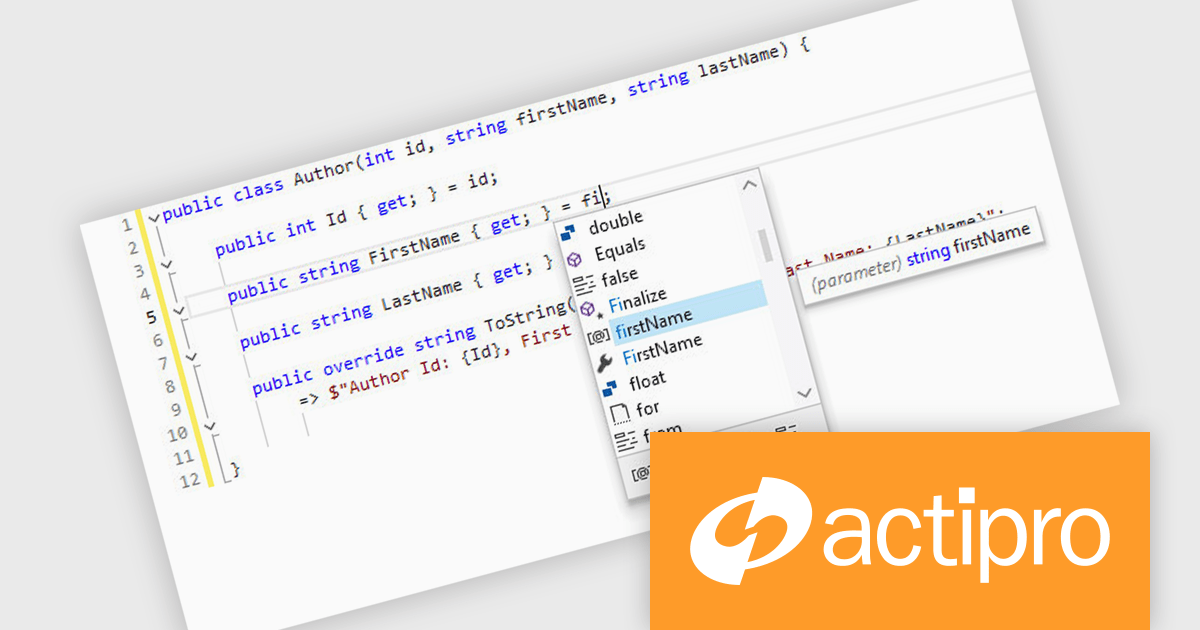
Actipro SyntaxEditor is a sophisticated WPF code editor control designed to provide developers with a seamless way to integrate advanced code editing capabilities into their .NET applications. It offers syntax highlighting for numerous programming languages, code outlining, automated IntelliPrompt (code completion and information tooltips), background parsing, error reporting, and more. This delivers a familiar user experience for developers used to the powerful code editors found in popular IDEs.
The Actipro SyntaxEditor v25.1 update improves the .NET Languages Add-on with full support for C# 13, ensuring every new language construct is parsed correctly and presented accurately in the editor. By incorporating raw string literals, file-scoped namespaces, list patterns, required members and parameter null checking, it allows IntelliSense to provide precise code completions and signature help for the latest API surface. Real-time error detection flags invalid C# 13 syntax, reducing the feedback loop between editing and compilation. Refactoring operations such as renaming, extraction and code generation now understand modern construct semantics to preserve code integrity without manual intervention. This makes it simpler to adopt the most recent C# advancements within any WPF-based IDE or editor.
To see a full list of what's new, see our Actipro SyntaxEditor for WPF release notes.
Actipro SyntaxEditor is licensed per developer and is available as a Perpetual license with 1 year support and maintenance. See our Actipro SyntaxEditor for WPF licensing page for full details.
Actipro SyntaxEditor for WPF is available individually, or as part of Actipro WPF Studio.
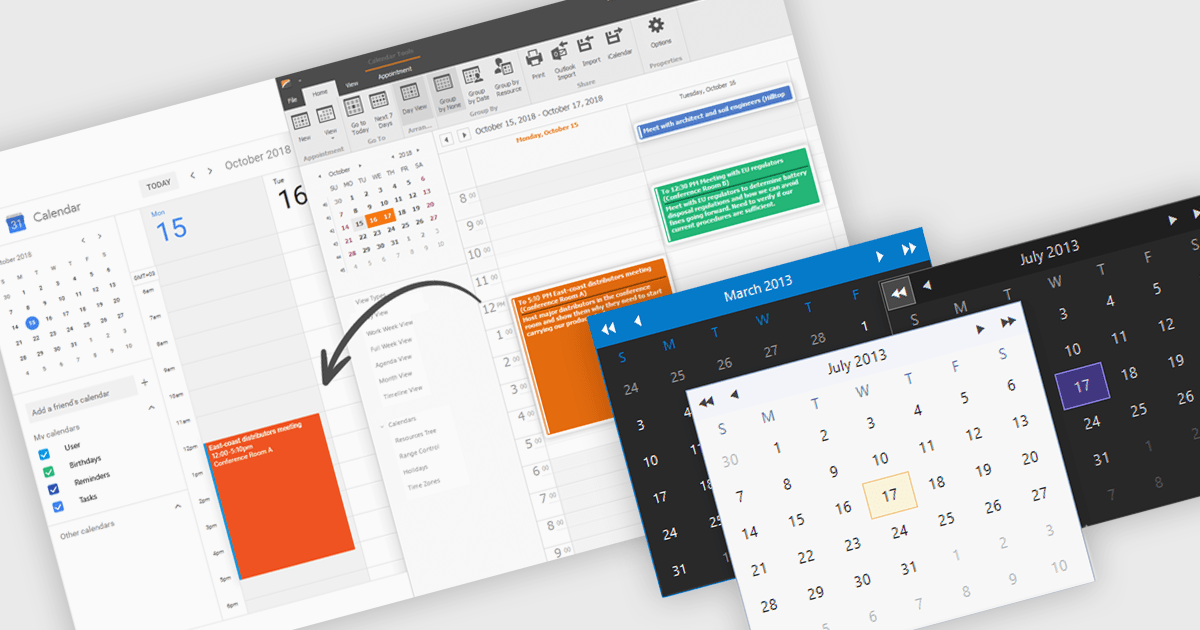
Calendars are specialized components that allow developers to present and manage dates and events directly within their applications. They provide ready-made interfaces for selecting dates and displaying scheduled items while synchronizing with external services such as Microsoft 365 and Google Calendar. Common use cases include online booking systems for reserving resources, shift planning tools for staff schedules, and customer-facing appointment portals in industries like healthcare or personal services. By leveraging these calendar components, teams deliver polished, reliable scheduling experiences with minimal effort.
Several .NET Winforms UI suites offer a calendar component including:
For an in-depth analysis of features and price, visit our .NET Winforms UI suites comparison.
전화 : 00798 14 800 6332
팩스 : +1 770 250 6199


