













공식 공급 업체
200 이상의 소프트웨어 개발처와 판매 계약을 맺은 공인 디스트리뷰터로서 합법적인 라이선스를 제공합니다.
모든 브랜드 보기.
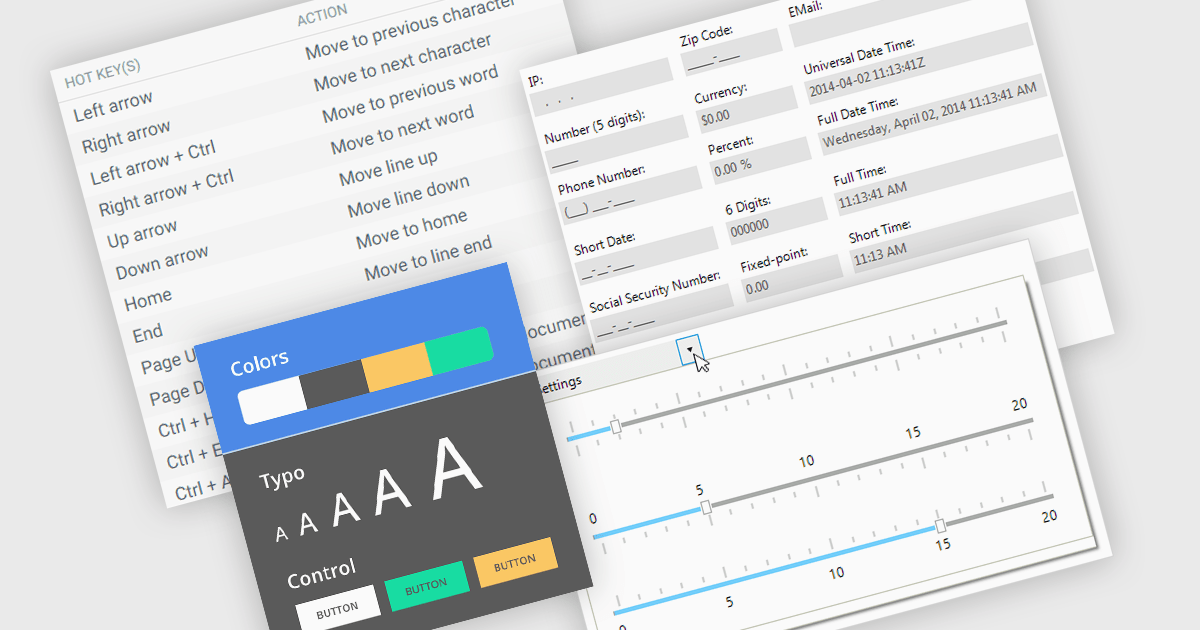
Data input controls with accessibility support are user interface components designed to capture user input, such as text fields, checkboxes, dropdowns, date pickers, and numeric fields, that can be used by anyone, regardless of physical or cognitive limitations. With assistive technologies like screen readers, voice input systems, and keyboard navigation, they ensure that individuals with disabilities or impairments can enter and manipulate data without obstruction. By adhering to accessibility standards like the Web Content Accessibility Guidelines (WCAG) and supporting technologies, these controls help developers deliver user-friendly interfaces that improve user experience for all, and help organizations meet legal and ethical accessibility obligations.
Several WinForms data editor collections include accessibility support, such as:
For an in-depth analysis of features and price, visit our comparison of .NET WinForms data editor collections.
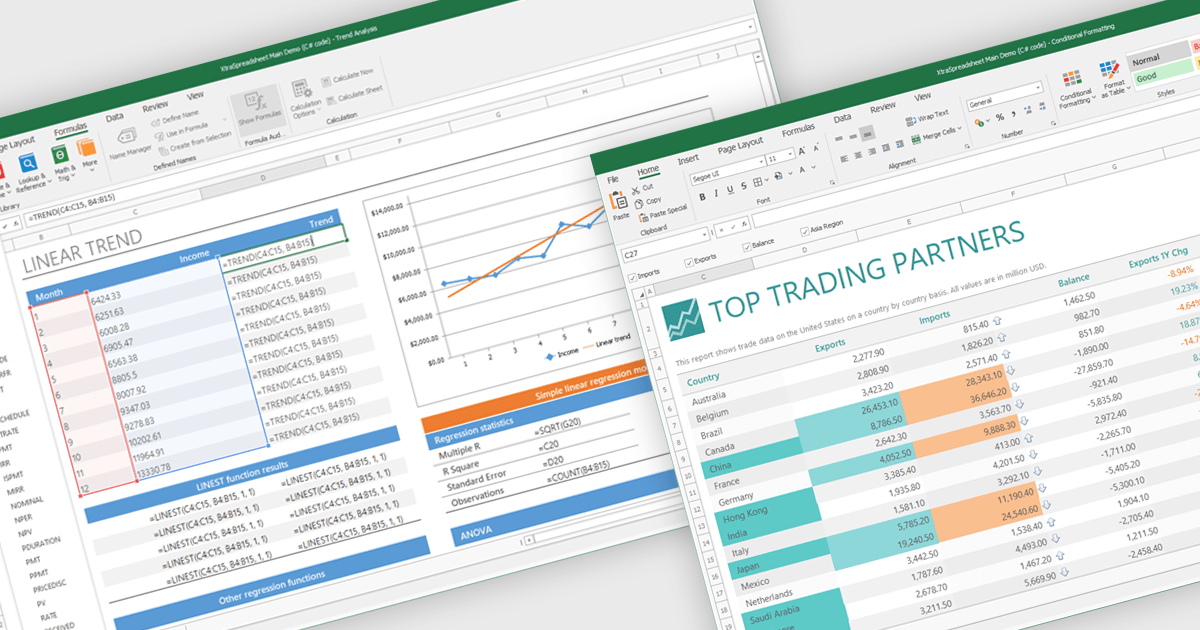
Chart support in a spreadsheet component refers to the ability to create, render, and manipulate various types of charts - such as line, bar, pie, and area charts - all within the spreadsheet environment. This functionality allows spreadsheet developers to present data visually and dynamically, without needing to rely on external charting libraries. The integration of charting capabilities enhances the end-user experience by making complex data more understandable. For developers, this reduces the need for separate visualization components, improves performance through tighter integration, and simplifies the deployment of data-centric applications.
Several .NET Winforms spreadsheet controls offer chart support, including:
For an in-depth analysis of features and price, visit our .NET Winforms spreadsheet controls comparison.
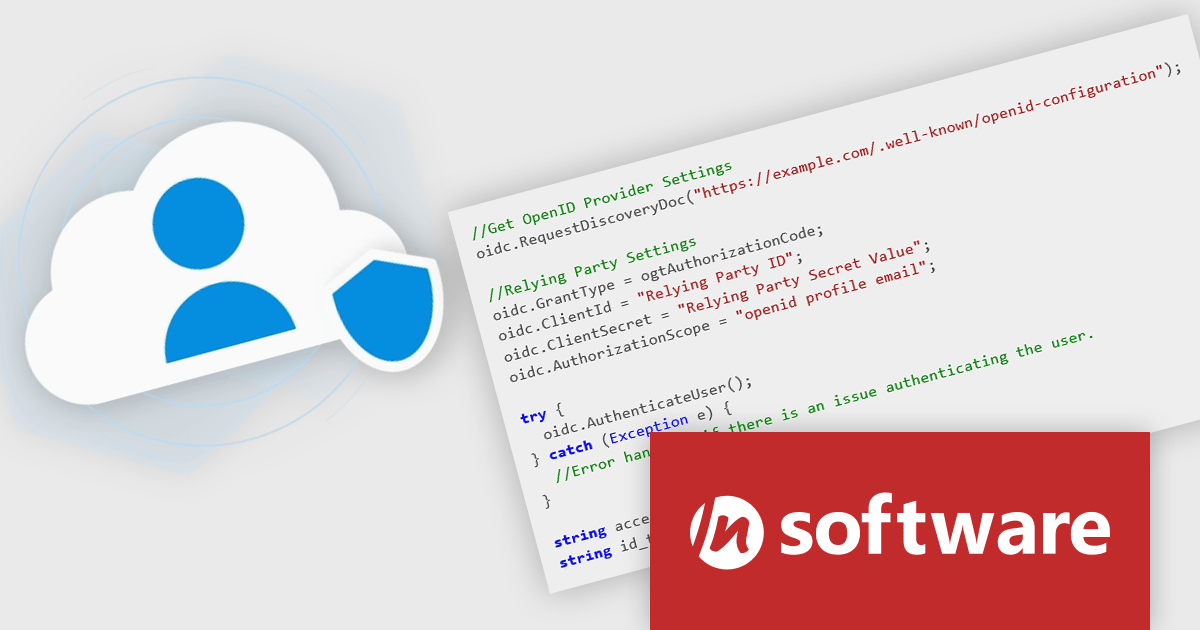
Cloud SSO, a new product in the Red Carpet Subscription Vol. 2 2025 update, dramatically simplifies the implementation of Single Sign-On (SSO) in modern applications. By supporting widely adopted standards like SAML (Security Assertion Markup Language) and OpenID Connect, this toolkit ensures seamless integration with virtually any major identity provider - including Microsoft, Google, Apple, GitHub, GitLab, Okta, and others. Developers can now enable centralized authentication without writing custom code for each provider, making it easier to build secure, scalable, and user-friendly login flows across cloud, mobile, and desktop applications.
To see a full list of what's new in Red Carpet Subscription Vol. 2 2025, see our release notes.
Red Carpet Subscription is licensed per developer and is available as a Perpetual License with a 12 month support and maintenance subscription. See our Red Carpet Subscription licensing page for full details.
For more information, visit our /n software Red Carpet Subscription product page.
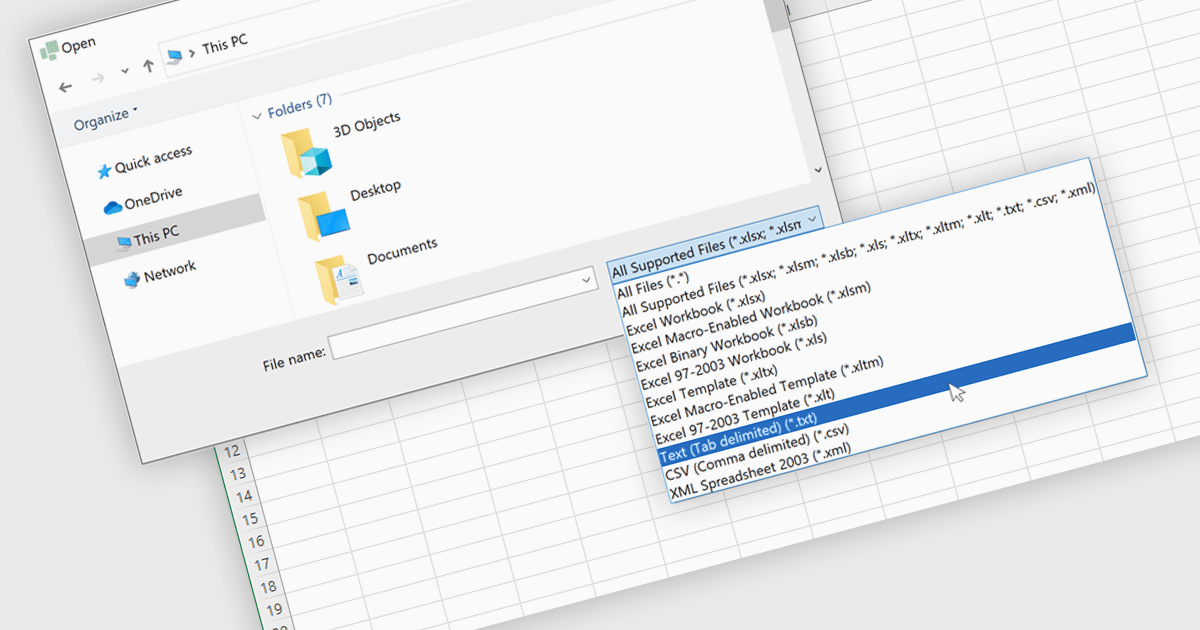
Importing TXT files into spreadsheet applications allows developers and users to load in plain text data, typically delimited by characters such as commas or tabs, and transform it into structured, editable tables within a spreadsheet-like environment. This process enables users to work with externally sourced or manually created text data using the familiar tools and features of a spreadsheet, such as sorting, filtering, and formula calculations. Loading a text file into an Excel-like format removes the need for manual data entry and simplifies data processing. Support for TXT file imports makes spreadsheet applications more versatile by improving the integration of external data and helping users process information more efficiently. It reduces the workload associated with data processing and ensures that data is quickly available in a usable format for analysis or reporting.
Several WinForms spreadsheet controls allow you to import files in TXT format:
For an in-depth analysis of features and price, visit our comparison of WinForms spreadsheet controls.
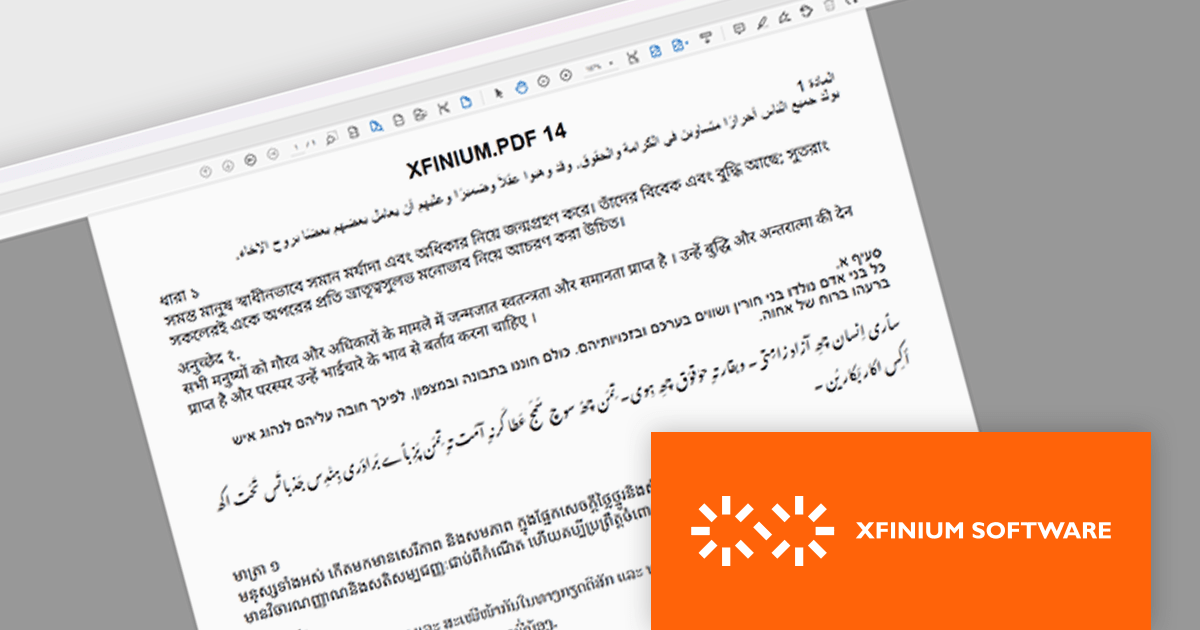
XFINIUM.PDF is a comprehensive software library designed to empower developers with robust tools for integrating PDF functionalities into their applications across a wide range of platforms. This library enables the creation, editing, and manipulation of PDF documents with a single codebase. This cross-platform approach eliminates the need for platform-specific development, significantly reducing development time and effort while ensuring consistency in functionality and user experience across devices. Ideal for applications that require advanced document workflows, digital signatures, form handling, or PDF generation, XFINIUM.PDF offers a solution for businesses and developers seeking to deliver PDF capabilities across diverse environments.
The latest version of XFINIUM.PDF significantly expands its text rendering capabilities by introducing support for complex scripts. This enhancement enables accurate representation of right-to-left and context-sensitive scripts such as Arabic, Hebrew, and more intricate Indic scripts including Bengali, Devanagari, Tamil, Thai, and Khmer. By incorporating these languages, XFINIUM.PDF now offers developers a more versatile and globally inclusive PDF generation toolkit, making it an excellent choice for applications requiring multilingual support and precise typographic control in diverse linguistic contexts.
XFINIUM.PDF is licensed per developer and is run-time royalty free. All licenses include a 12 month subscription which provides all major and minor product updates and technical support. See our XFINIUM.PDF licensing page for full details.
XFINIUM.PDF is available to buy in the following products:
전화 : 00798 14 800 6332
팩스 : +1 770 250 6199


