













공식 공급 업체
200 이상의 소프트웨어 개발처와 판매 계약을 맺은 공인 디스트리뷰터로서 합법적인 라이선스를 제공합니다.
모든 브랜드 보기.
Devart SSIS Data Flow Components for Shopify, SurveyMonkey, and Zendesk are powerful tools designed to facilitate seamless integration between these popular cloud-based platforms and Microsoft SQL Server Integration Services (SSIS). These components provide developers and data analysts with a user-friendly interface to extract, transform, and load data between SSIS packages and the specified cloud applications.
By leveraging these components, users can automate data transfer processes, synchronize information across systems, and streamline data analysis workflows. This enables businesses to make data-driven decisions, improve operational efficiency, and gain valuable insights from their cloud-based data. Common use cases include migrating data between systems, consolidating data from multiple sources, and building custom data pipelines for analytics.
The Devart SSIS Data Flow Components are licensed per developer or per server and are available as an Annual or Perpetual License with a 12 month support and maintenance subscription. See our SSIS Data Flow Components licensing pages for Shopify, SurveyMonkey, and Zendesk.
For more information about the SSIS Data Flow Components visit our product pages:
Syncfusion Essential Studio ASP.NET Core, available as part of Syncfusion Essential Studio Enterprise, empowers developers with a comprehensive suite of over 80 enterprise-grade UI components specifically designed for building modern and highly functional web applications. Leveraging the latest advancements in ASP.NET Core, it offers exceptional performance and scalability, streamlining development by eliminating the need for extensive custom coding. From data visualization tools like interactive charts and grids to sophisticated navigation elements and responsive layouts, Essential Studio equips developers with the building blocks to create rich user experiences, improve application efficiency, and accelerate time-to-market.
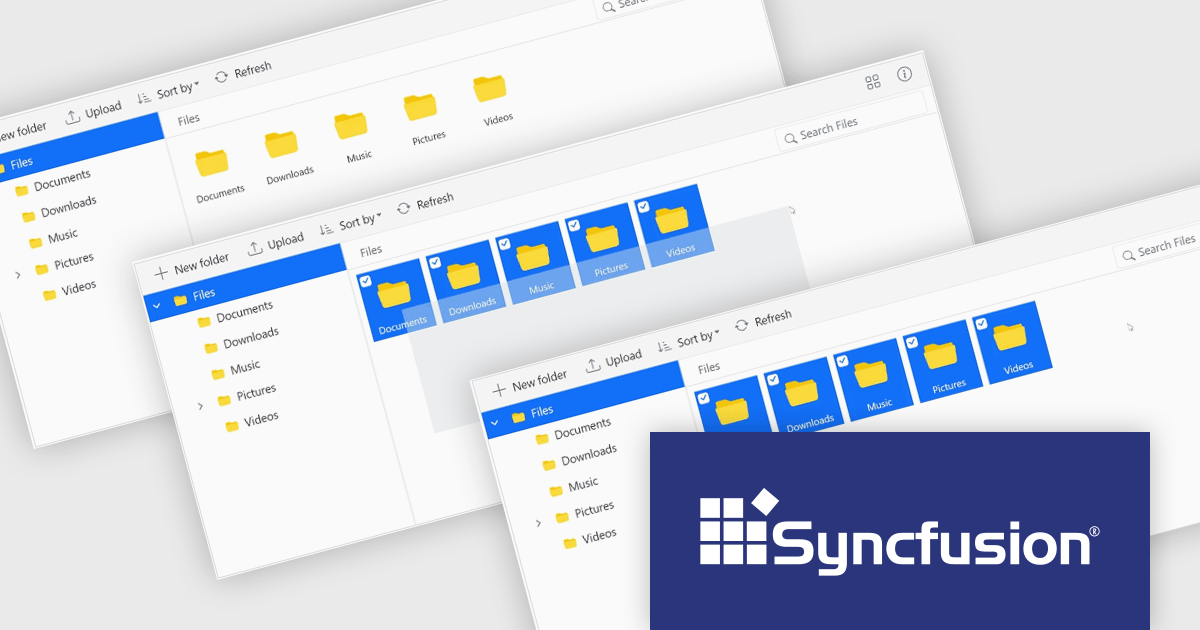
The Syncfusion Essential Studio ASP.NET Core 2024 Volume 3 release introduces the File Manager range selection component which enables users to select multiple files or folders by simply dragging the mouse pointer over them, similar to the functionality in Windows File Explorer. This feature enhances productivity by providing an intuitive, familiar drag-to-select method that offers precise control over bulk file operations, speeding up workflows and improving file management efficiency.
To see a full list of what's new in 2024 Volume 3, see our release notes.
Syncfusion Essential Studio ASP.NET Core is available as part of Syncfusion Essential Studio Enterprise which is licensed per developer starting with a Team License of up to five developers. It is available as a 12 Month Timed Subscription License which includes support and maintenance. See our Syncfusion Essential Studio Enterprise licensing page for full details.
Learn more on our Syncfusion Essential Studio ASP.NET Core product page.
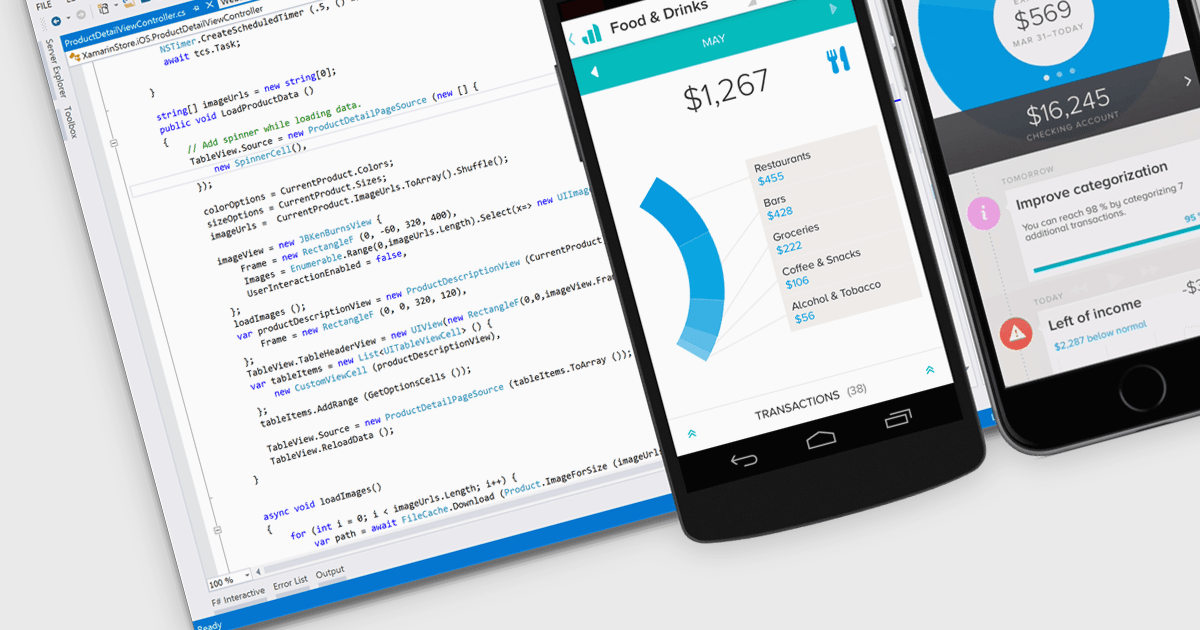
Android deployment is the process of building, packaging, and installing an Android application directly onto a device or emulator from the development environment. This involves compiling the code, generating the necessary APK or AAB files, and automatically transferring the app to the target for testing or release. Using an IDE simplifies and accelerates this process by integrating development, testing, and debugging tools in one environment. The key benefits for software developers include streamlined workflows, reduced deployment times, and efficient iteration, which lead to faster testing and validation of features during the development cycle.
Several Integrated Development Environments (IDEs) offer Android deployment including:
For an in-depth analysis of features and price, visit our comparison of IDEs.
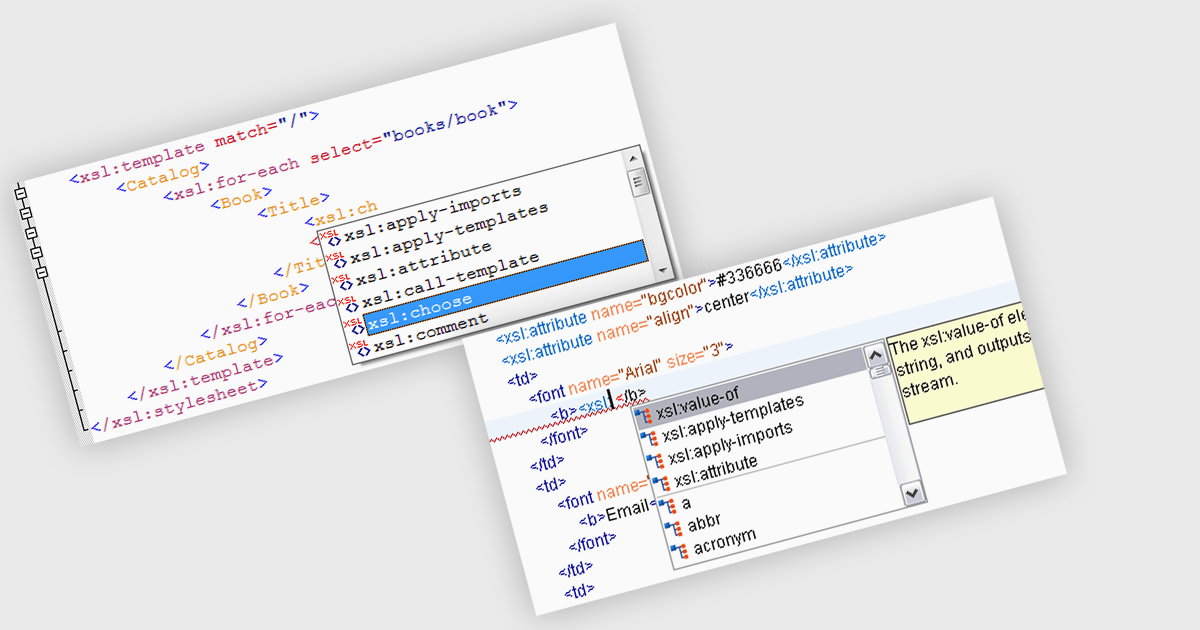
Autocompletion significantly enhances productivity in structured document tools by automatically suggesting tags, attributes, and values based on the context of the document being edited. It not only reduces the likelihood of syntax errors but also improves code readability and consistency. Use cases include rapid development of XML documents, schema-driven editing, and integration with other tools within the development workflow. Autocompletion can be particularly beneficial when working with complex XML structures or when adhering to strict schema definitions.
Several structured document tools provide auto-complete functionality including:
For an in-depth analysis of features and price, visit our structured document tools comparison.
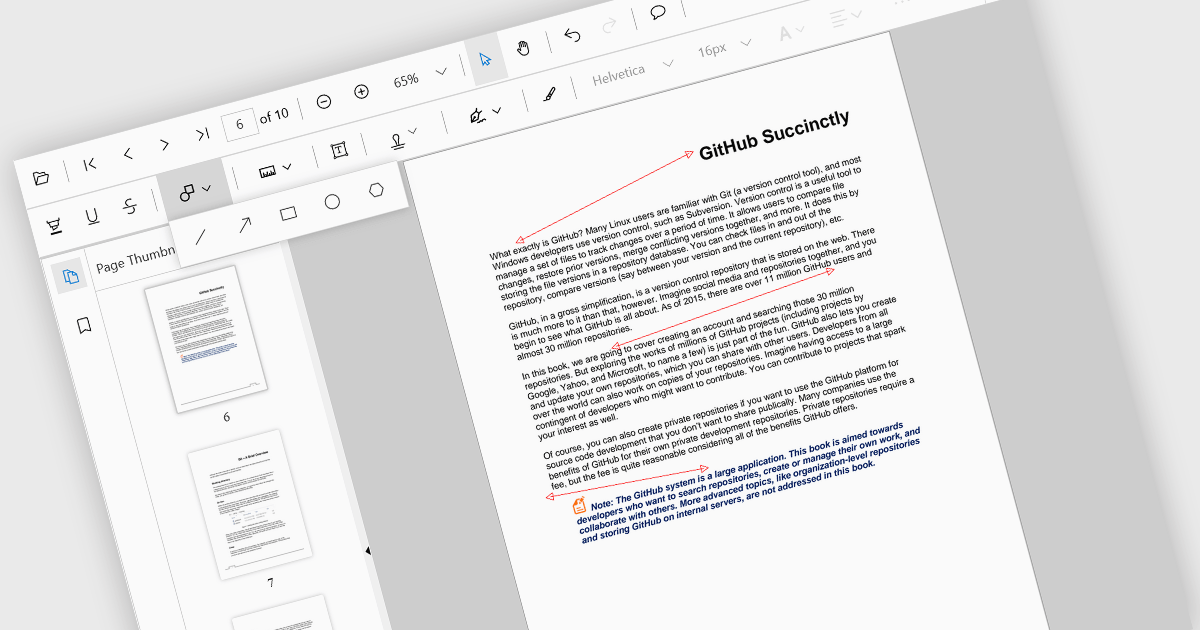
Arrow annotations are digital markings that allow users to visually indicate connections, relationships, or directions within a PDF document. They can be used to highlight specific sections, point out important details, or illustrate sequences of events. This feature is particularly valuable for collaborative work, as it enables multiple individuals to annotate the same document and share their insights effectively.
Several React PDF viewer controls offer support for arrow annotations including:
For an in-depth analysis of features and price, visit our React PDF viewer controls comparison.
전화 : 00798 14 800 6332
팩스 : +1 770 250 6199


