













공식 공급 업체
200 이상의 소프트웨어 개발처와 판매 계약을 맺은 공인 디스트리뷰터로서 합법적인 라이선스를 제공합니다.
모든 브랜드 보기.
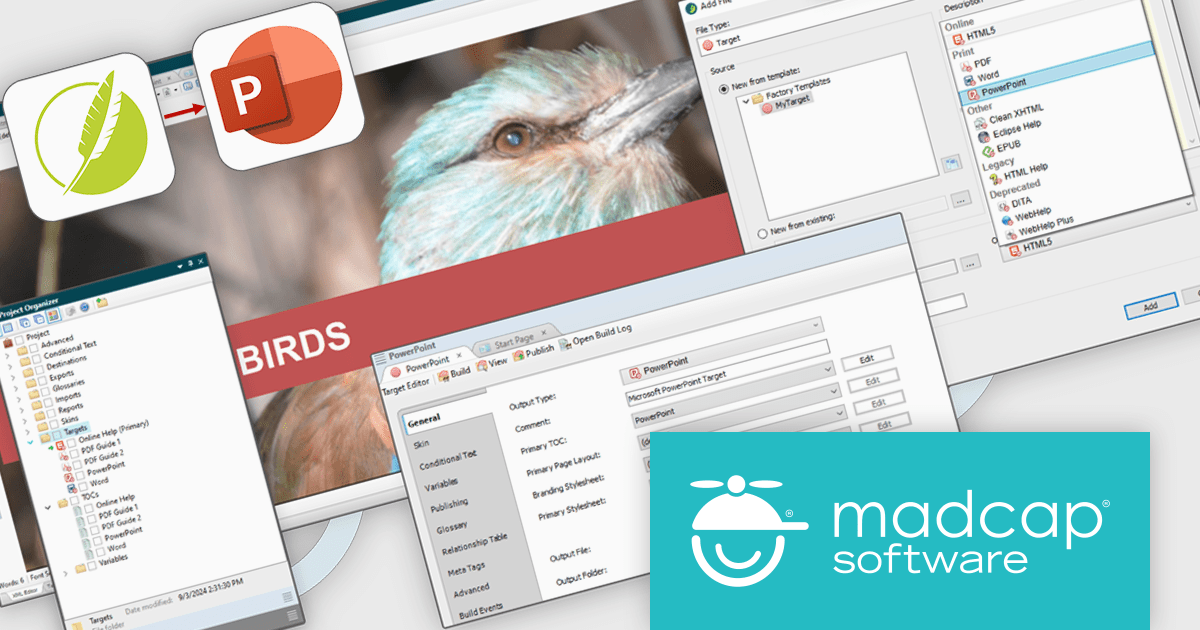
MadCap Flare is a technical authoring tool designed to streamline the creation and delivery of software documentation. It utilizes a single-source, topic-based approach, allowing developers to create reusable content that can be published in various formats, including online help systems, PDFs, and mobile apps. This facilitates efficient documentation management and ensures consistency across different outputs.
The MadCap Flare 2024 r2 release introduces a new feature that lets users generate Microsoft PowerPoint slides (PPTX) directly from Flare projects, simplifying presentation creation. By leveraging single-source reuse mechanisms like variables and snippets, users can update multiple slides simultaneously, ensuring consistency and reducing redundant work. This integration allows for easy customization, maintaining consistent branding across PowerPoint, PDFs, and online content while streamlining workflows. Teams can now collaborate more efficiently, updating content without rebranding, and boosting productivity.
To see a full list of what's new in the 2024 r2 release, see our release notes.
MadCap Flare is licensed per user as an annual subscription and includes Platinum Maintenance (upgrades and support). See our MadCap Flare licensing page for full details.
For more information, visit our MadCap Flare product page.
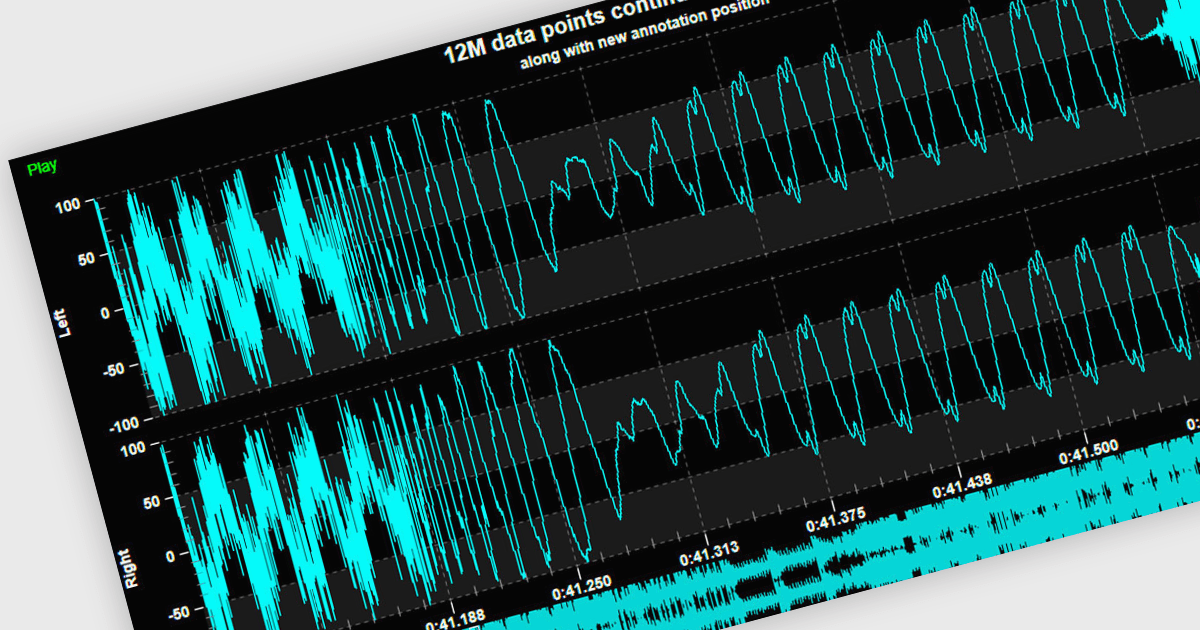
Live data support provides real-time updating of data points on a chart as new information becomes available, without the need for manual refresh or reloading. This feature allows developers to create responsive, interactive applications that can display dynamic data streams, such as financial market data, IoT sensor outputs, or real-time user metrics, directly within a chart interface. Live data enhances the user experience by providing immediate feedback and insight, improving decision-making and performance in applications that require constant data monitoring and analysis.
Several .NET 8 WPF chart controls support live data including:
For an in-depth analysis of features and price, visit our .NET 8 WPF chart controls comparison.
GitKraken is a suite of developer tools built around Git, a popular version control system. It offers a graphical user interface (GUI) that allows developers to interact with Git repositories visually instead of relying on command lines. This simplifies complex Git workflows like resolving merge conflicts and visualizing code history, making Git more accessible and efficient for developers of all experience levels.
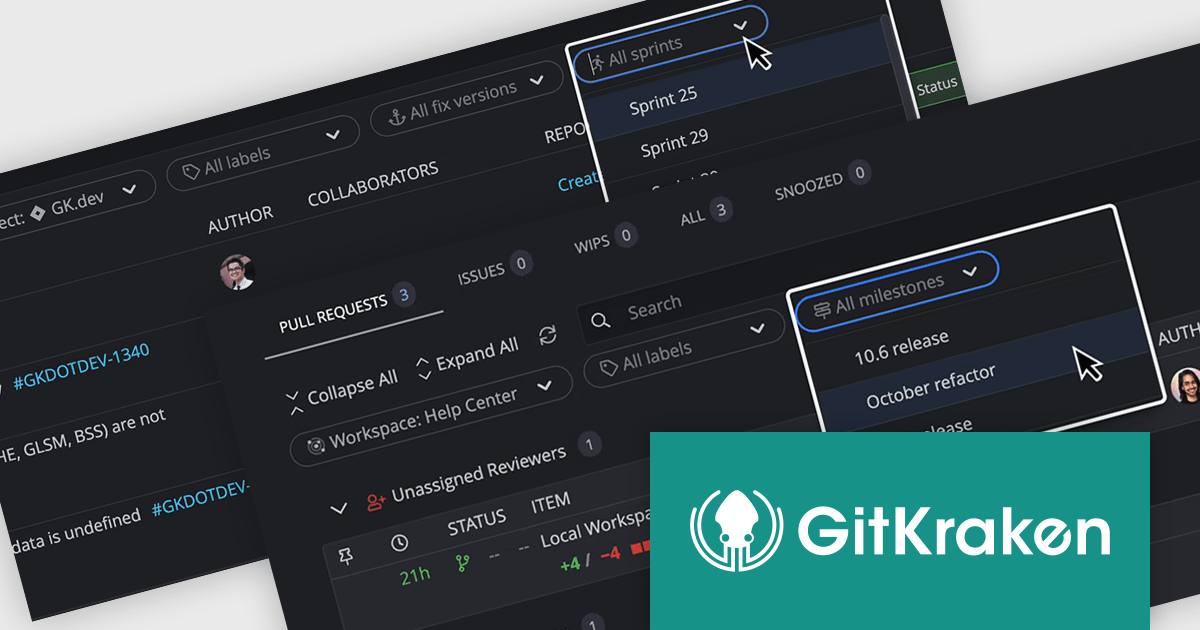
The GitKraken Desktop V10.4.0 release adds new filtering options to Launchpad that let you see specific tasks for your upcoming projects. You can filter by Jira versions and sprints, as well as GitHub and GitLab milestones. By filtering tasks, users can concentrate on the most relevant work for their current goals.
To see a full list of what's new in 10.4.0, see our release notes.
GitKraken Desktop is licensed per user as an Annual license with free updates and technical support. See our GitKraken licensing page for full details.
Learn more on our GitKraken product page.
dbForge Index Manager is a SQL Server Management Studio add-in that streamlines index management tasks. It offers intelligent methods for identifying and fixing index fragmentation issues, providing features such as index analysis, sorting fragmentation troubles by severity, rebuilding and reorganizing indexes, generating SQL scripts, and exporting index analysis results as reports. This tool helps database administrators maintain optimal database performance by ensuring efficient index management.
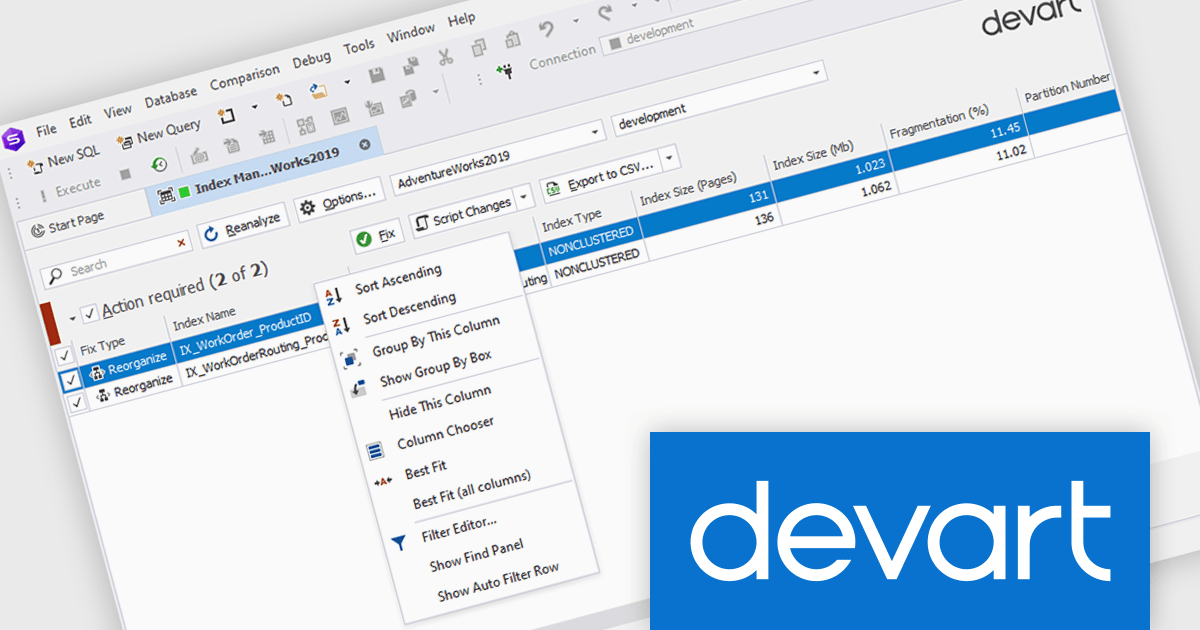
The dbForge Index Manager V7.0.158 release adds a new standard shortcut menu, providing you with a way to quickly arrange, sort, group, and filter entries in the grid. By providing quick access to commands for arranging, sorting, grouping, and filtering entries, database administrators can easily organize their data according to specific criteria, enhancing productivity and streamlining the process of identifying and addressing index-related performance issues.
To see a full list of what's new in V7.0.158, see our release notes.
dbForge Index Manager is licensed per developer and is available as an Annual or Perpetual License with a 12 month support and maintenance subscription. See our dbForge Index Manager licensing page for full details.
dbForge Index Manager is available in the following products:
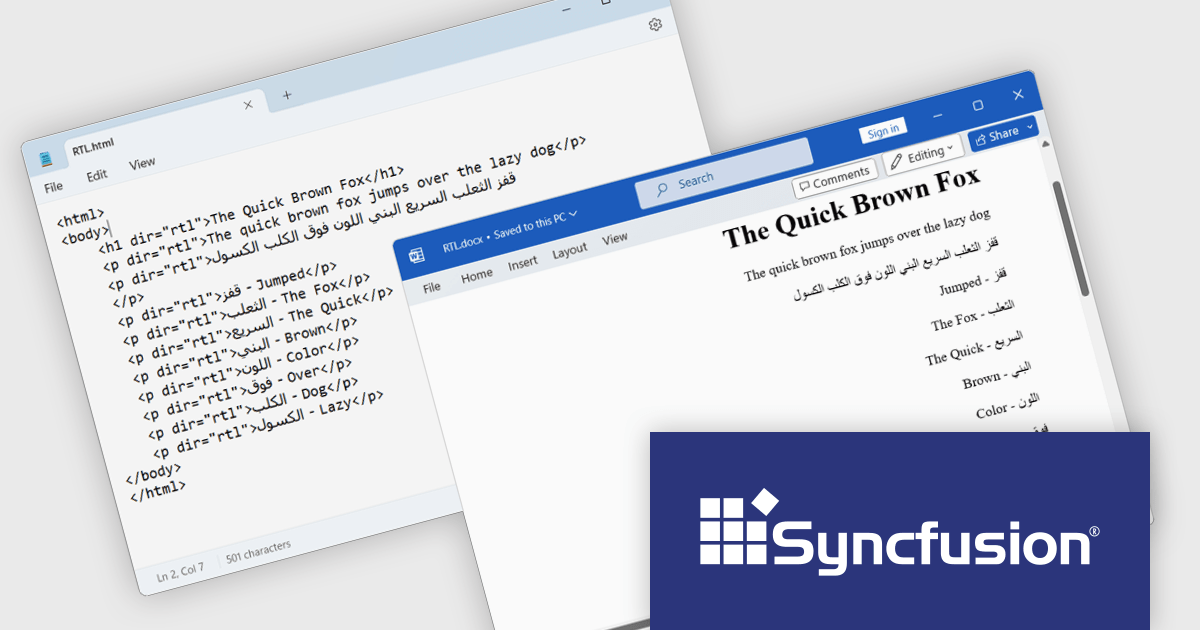
Syncfusion Essential Studio WinUI, available as part of Syncfusion Essential Studio Enterprise, is a comprehensive toolkit for building high performance native Windows desktop applications. It offers tools for crafting modern UI elements like charts, data grids, and ribbon interfaces, alongside powerful editing tools for Word, Excel, and PDF documents.
The Syncfusion Essential Studio WinUI 2024 Volume 3 release adds new RTL (right-to-left) text preservation feature which ensures that text direction is accurately maintained during HTML-to-Word and Word-to-HTML conversions. This allows users to convert documents containing RTL languages, such as Arabic or Hebrew, without losing proper formatting or alignment. The feature guarantees that the text direction remains consistent throughout the conversion process, eliminating the need for manual adjustments and ensuring a smooth and efficient workflow.
To see a full list of what's new in 2024 Volume 3, see our release notes.
Syncfusion Essential Studio WinUI is available as part of Syncfusion Essential Studio Enterprise which is licensed per developer starting with a Team License of up to five developers. It is available as a 12 Month Timed Subscription License which includes support and maintenance. See our Syncfusion Essential Studio Enterprise licensing page for full details.
Learn more on our Syncfusion Essential Studio WinUI product page.
전화 : 00798 14 800 6332
팩스 : +1 770 250 6199


