













공식 공급 업체
200 이상의 소프트웨어 개발처와 판매 계약을 맺은 공인 디스트리뷰터로서 합법적인 라이선스를 제공합니다.
모든 브랜드 보기.
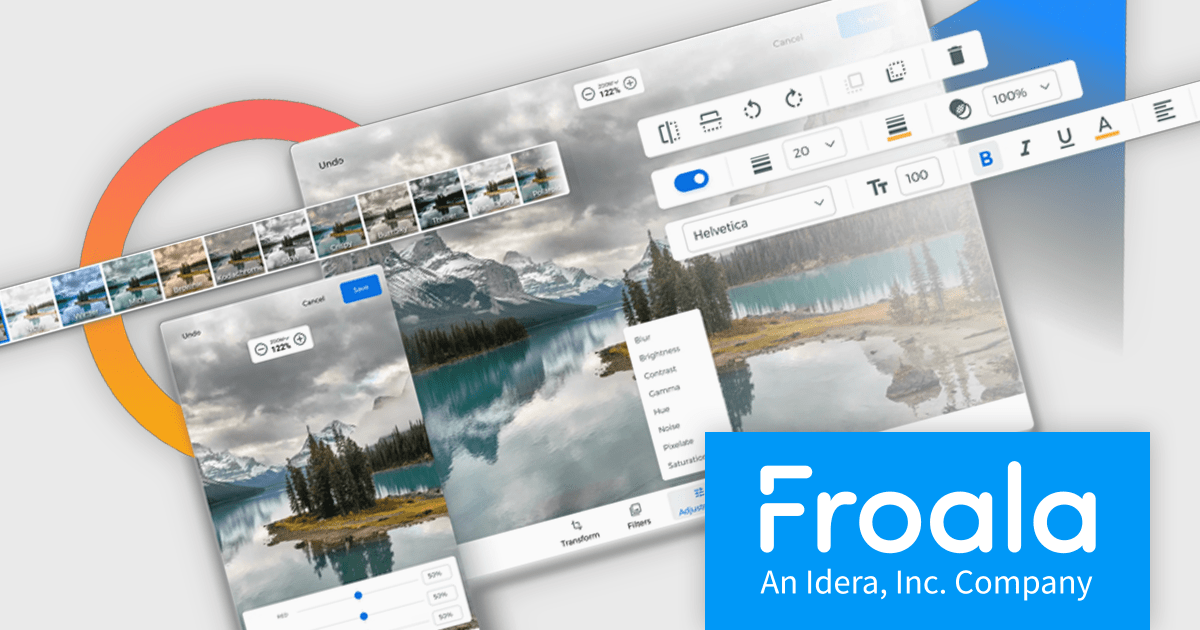
Froala Editor is a JavaScript-based WYSIWYG HTML editor that empowers developers to seamlessly integrate rich text editing functionalities into their applications.
The Froala Editor 4.3 release offers a new "Transform" button in the image editing popup, allowing users to enhance images directly within the editor. This feature allows users to apply filters, resize images, and make various other adjustments with ease. Once changes are made, the image is instantly replaced with the transformed version. This integration streamlines the editing process, offering users greater control and flexibility over their visual content without needing to leave the editor.
To see a full list of what's new in 4.3, see our release notes.
Froala Editor is licensed per product and domain. It is available as an annual or perpetual license with version upgrades and support. See our Froala Editor licensing page for full details.
For more information, visit our Froala Editor product page.
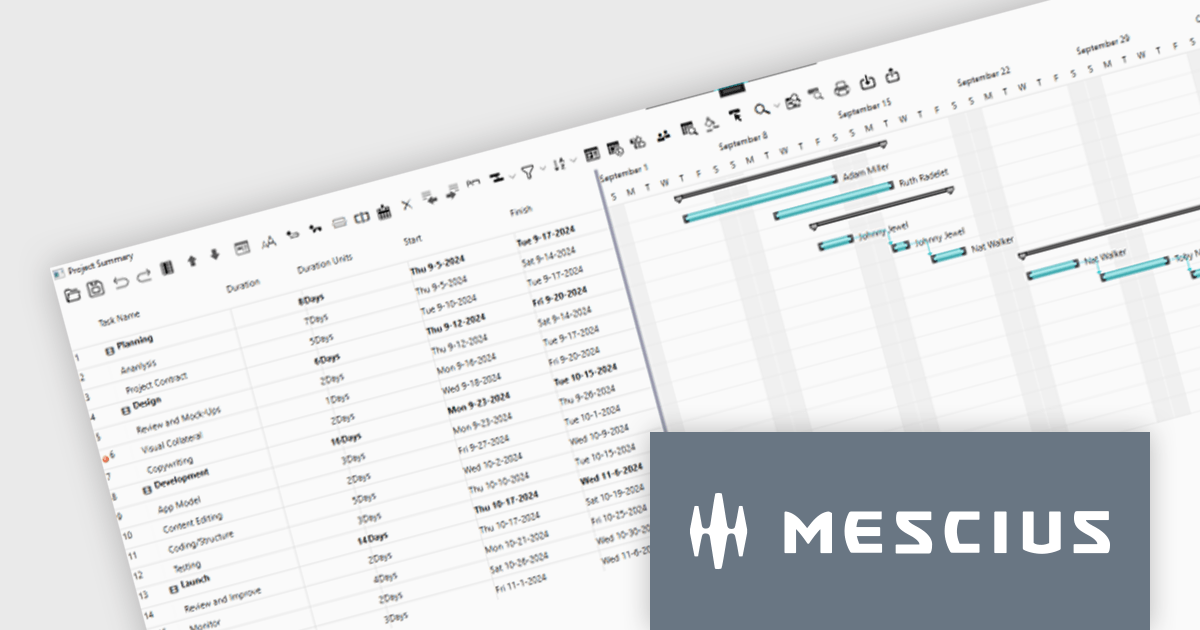
ComponentOne WPF Edition is a comprehensive suite of UI controls designed to accelerate the development of modern, visually appealing WPF applications. Offering a wide range of components, including grids, charts, input controls, and more, it empowers developers to create rich, interactive user interfaces with ease. By leveraging ComponentOne's advanced features and performance optimizations, businesses can deliver exceptional user experiences and gain a competitive edge.
In this blog, MESCIUS Associate Software Engineer Nitin Sharma demonstrates how to use theC1GanttView control included in ComponentOne Studio WPF to provide a clear view of project timelines, task durations, dependencies, and resources. You will learn the steps involved to utilize the WPF Gantt View Control in Visual Studio, including:
Sample source code is included for each step.
Read the complete blog to get started leveraging the power of Gantt Charts in your WPF apps.
ComponentOne Studio WPF is licensed per developer on a perpetual basis and includes a 12 month subscription. See our ComponentOne Studio WPF licensing page for full details.
Learn more on our ComponentOne Studio WPF product page.
Codejock Toolkit Pro is a comprehensive suite of UI components designed to enhance the development process and create visually appealing, feature-rich applications. The toolkit offers a wide range of controls, including calendars, charts, docking windows and more, each meticulously crafted to provide exceptional performance and customization options. With features like data binding, theming and localization, developers can easily integrate the toolkit into their projects and tailor the interface to meet specific requirements. The toolkit's versatility makes it suitable for various applications, from desktop software to web-based solutions, empowering developers to deliver professional-grade user experiences.
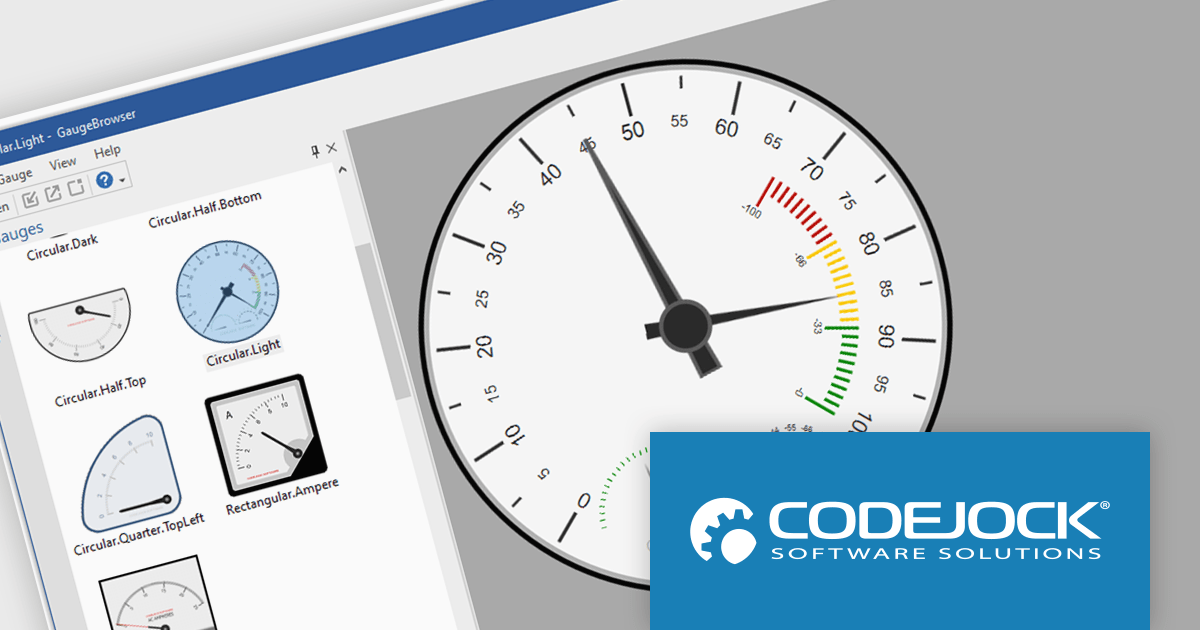
The Codejock Toolkit Pro 24.0.0 release introduces a powerful new Gauge control, designed to bring data visualization to life with modern and customizable options. The Gauge control offers a variety of styles, allowing developers to choose the best representation for their data. Each gauge can be easily customized with different scales, pointers, markers and labels, ensuring a visually appealing and informative presentation. The control also includes support for both light and dark themes, making it adaptable to various application designs. With its flexibility and intuitive interface, the new Gauge control empowers developers to create engaging and informative data visualizations that enhance the overall user experience.
To see a full list of what's new in the 24.0.0 release, see our release notes.
Codejock Toolkit Pro is licensed per developer and is available as a perpetual license with 30 days or 1 year subscription (product updates and phone/email technical support). See our Codejock Toolkit Pro licensing page for full details.
For more information, visit our Codejock Toolkit Pro product page.
Remote Desktop Manager (RDM) by Devolutions (available in Windows, macOS or Linux editions) is a centralized platform designed for managing and securing remote connections and credentials for authorized users across various environments. It supports an extensive list of technologies, including remote desktops, virtual private networks (VPNs), and secure shell (SSH) tunnels, and features centralized password vaults, user-specific vaults, and administrative password sharing. This cross-platform management tool also allows you to perform audits and create reports, as well as offering mobile and offline access, and integrated virtualization consoles. RDM provides a comprehensive solution for IT professionals and developers who need to streamline access to servers, virtual machines, and network devices.
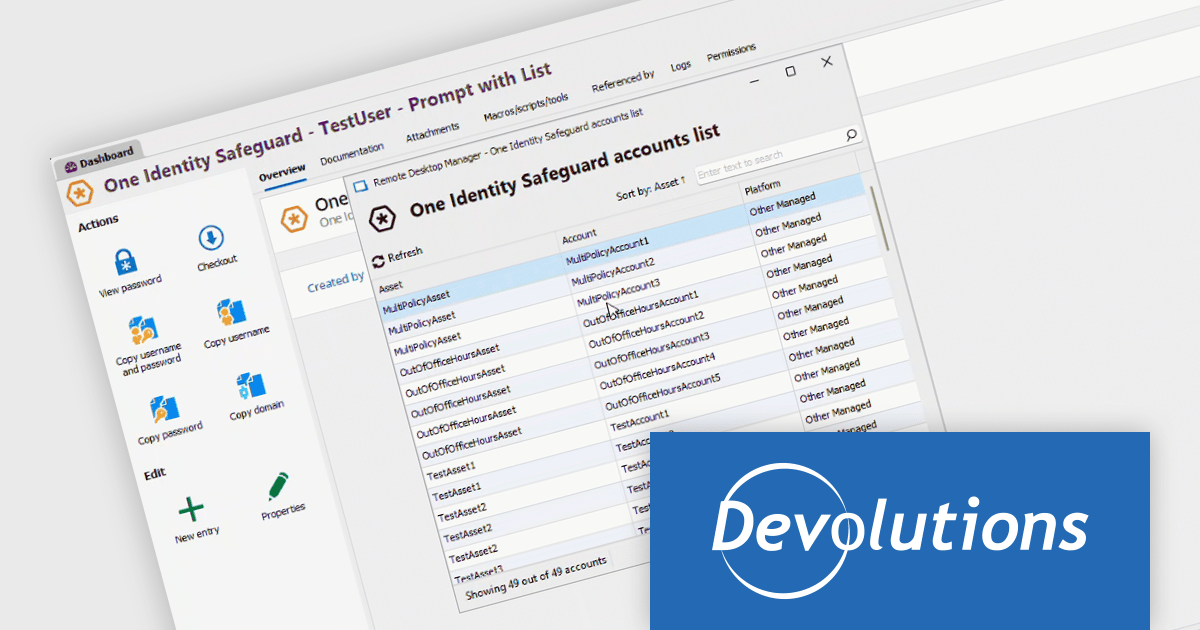
The Remote Desktop Manager 2024.3.10.0 update (Windows Edition) expands its Privileged Access Manager (PAM) vendor support with the integration of One Identity Safeguard for Privileged Passwords. This enhancement allows users to retrieve One Identity credentials and inject them into RDM sessions, and creates a more intuitive user experience when it comes to endpoint connections. By leveraging Safeguard's vaulting and access control features, teams can better protect sensitive credentials, reduce the risk of unauthorized access, and ensure compliance with organizational security policies, all while maintaining seamless and efficient workflows for remote connections and system administration tasks.
To see a full list of what's new in 2024.3.10.0, see our release notes.
Remote Desktop Manager is licensed per user and is available as a 1 or 3 year subscription license, however perpetual licenses are available upon request. Subscriptions include maintenance and perpetual licenses can have maintenance added, this provides new versions and technical support for the duration of the subscription/maintenance period. See our Remote Desktop Manager licensing page for full details.
For more information, visit our Remote Desktop Manager product page.
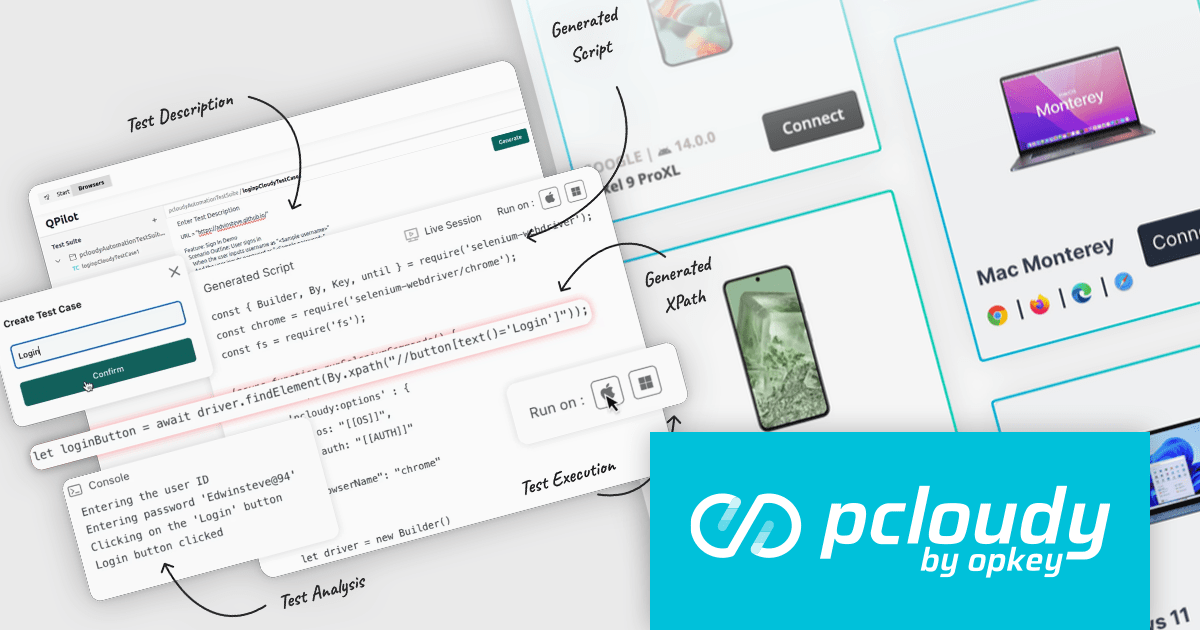
Pcloudy is a unified app testing platform that helps developers and testers ensure the quality and functionality of their applications across a wide range of devices and browsers. It provides a cloud-based infrastructure for manual and automated testing, offering access to thousands of real devices and browser combinations.
The Pcloudy 6.12 release supports advanced testing across both web and mobile applications, ensuring consistent functionality and quality across different platforms and devices. By intelligently analyzing testing scenarios and anticipating potential issues, QPilot.AI ensures comprehensive coverage across platforms, improving both speed and quality. Its scalability allows for large-scale testing, making it ideal for enterprises, while its ability to lower costs through automation further optimizes the testing process. This powerful solution boosts app quality assurance, driving efficiency and reliability in software development.
To see a full list of what's new in 6.12, see our release notes.
Pcloudy is offered as a 1 Year Subscription, licensed per user, per parallel session. Licenses are available for Manual or Automated Testing, for Web or Mobile. See our Pcloudy licensing page for full details.
For more information, visit our Pcloudy product page.
전화 : 00798 14 800 6332
팩스 : +1 770 250 6199


