













공식 공급 업체
200 이상의 소프트웨어 개발처와 판매 계약을 맺은 공인 디스트리뷰터로서 합법적인 라이선스를 제공합니다.
모든 브랜드 보기.

everviz is a cloud-based data visualization platform that helps users create visually appealing, interactive and customizable charts, maps, and other visuals. It provides a user-friendly interface that doesn't require any code or design skills, allowing users to quickly generate responsive visualizations with built-in support for accessibility. The platform provides the flexibility to embed these visualizations into web applications, or share them directly, and enables users to effectively engage with viewers across devices.
everviz has introduced file imports for animated maps, allowing developers to import GeoJSON, TopoJSON, KML, KMZ, and GPX files directly into their projects. This enhancement simplifies the integration of real-world geographic data into visualizations, enabling developers to create interactive and animated maps that represent routes, regions, and spatial patterns with greater accuracy. By removing the need for third-party GIS tools or manual data conversion, the feature increases efficiency and makes it easier to incorporate dynamic, data-driven maps into applications and reports.
everviz is available in two editions: Pro and Enterprise, both of which are annual subscription licenses that include support. See our everviz licensing page for full details.
For more information, see our everviz product page.
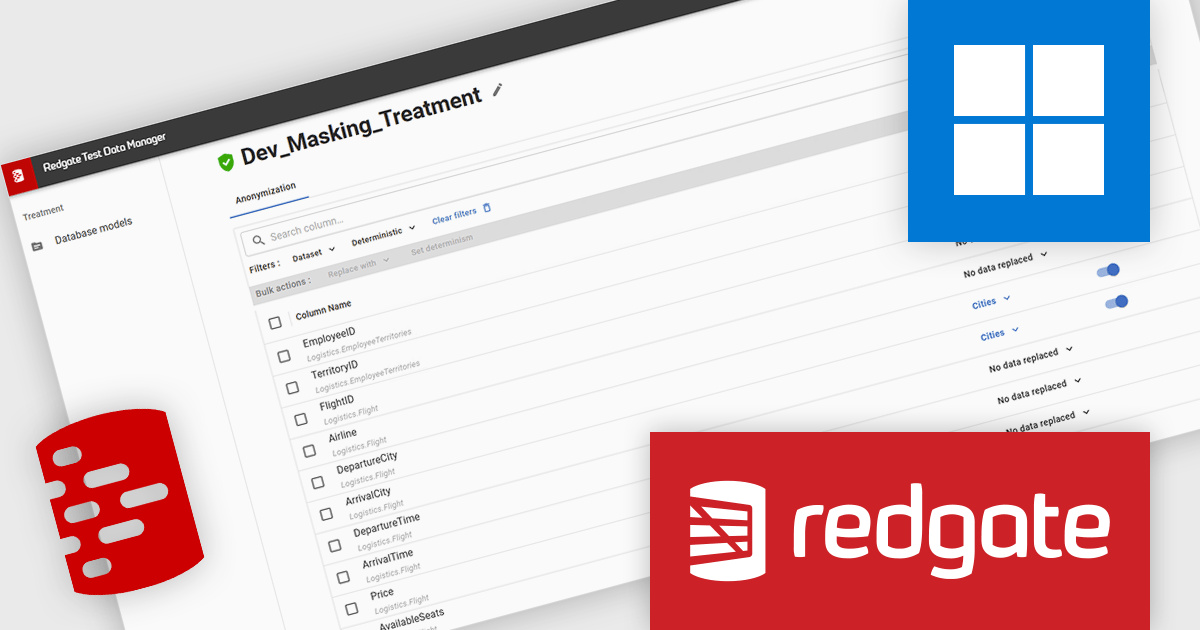
Redgate Test Data Manager is a comprehensive software solution designed to automate test data management within database environments. It enables teams to provision realistic, production-like data while masking sensitive information to maintain compliance with data privacy regulations such as GDPR and CCPA. With data masking, synthetic data generation, and efficient provisioning, it creates reliable test environments that mirror real-world scenarios.
Redgate Test Data Manager protects sensitive data and enables teams to scale confidently by automating data discovery, classification, and masking across development and test environments. It ensures that personally identifiable information remains secure while maintaining realistic, production-like datasets for testing and development. By streamlining compliance with data privacy regulations and simplifying secure data provisioning, Redgate Test Data Manager allows development teams to work efficiently with accurate data, reduce risk, and maintain consistent data governance as projects and environments grow.
Redgate Test Data Manager is licensed on a capacity model based on the total volume of data in all production databases (priced per TB). You will need to purchase enough licenses to cover the total TB across all your databases and technologies (SQL Server, Oracle, Postgres SQL and MySQL). See our Redgate Test Data Manager licensing page for full details.
For more information, visit our Redgate Test Data Manager product page.
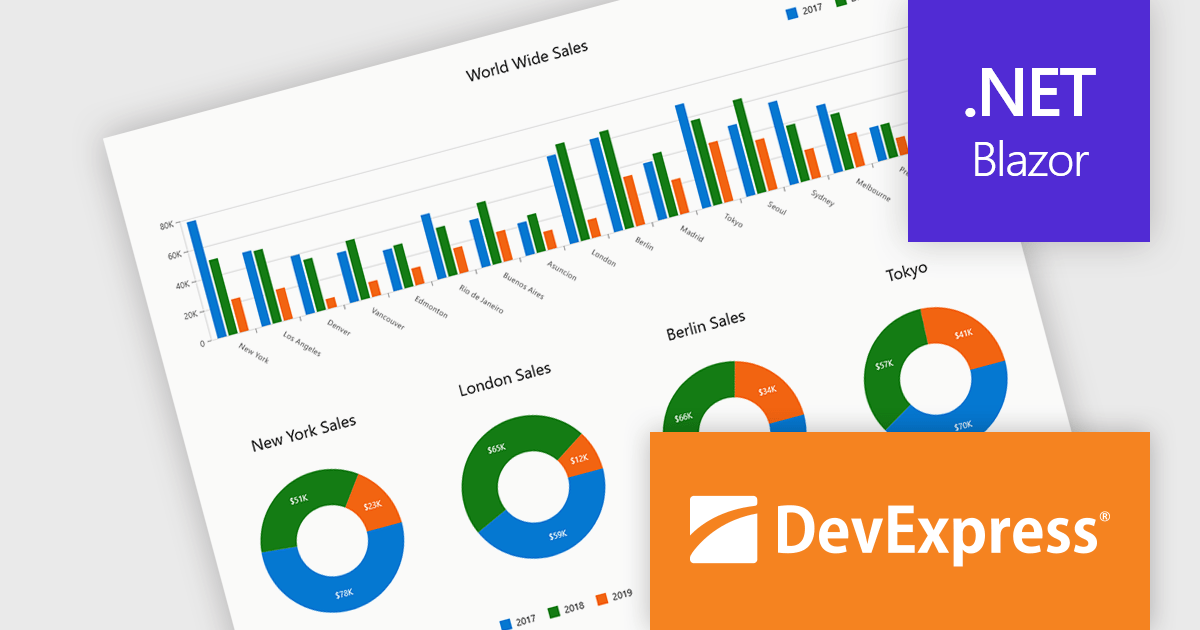
DevExpress Blazor (part of DevExpress ASP.NET and Blazor) helps you create high-impact user experiences for both Blazor Server and Blazor WebAssembly using C#. The Blazor UI Component Library ships with a comprehensive set of native components (including a DataGrid, Pivot Grid, Scheduler, Chart, Data Editors and Reporting).
DevExpress Blazor provide comprehensive chart types that allow developers to present data in the most effective and readable format for any scenario. With support for a wide range of 2D chart options, including standard, stacked, and financial views, developers can accurately visualize trends, comparisons, and relationships within their applications. These charts integrate seamlessly into interactive dashboards, enabling real-time data analysis and clear visual storytelling. The flexibility of the chart types ensures precise data representation, while built-in export capabilities simplify sharing insights across platforms and reports, supporting the creation of professional, data-driven interfaces with minimal effort.
DevExpress ASP.NET and Blazor is licensed per developer and is available as a Perpetual License with a 12 month support and maintenance subscription. See our DevExpress ASP.NET and Blazor licensing page for full details.
DevExpress Blazor is available in the following products:
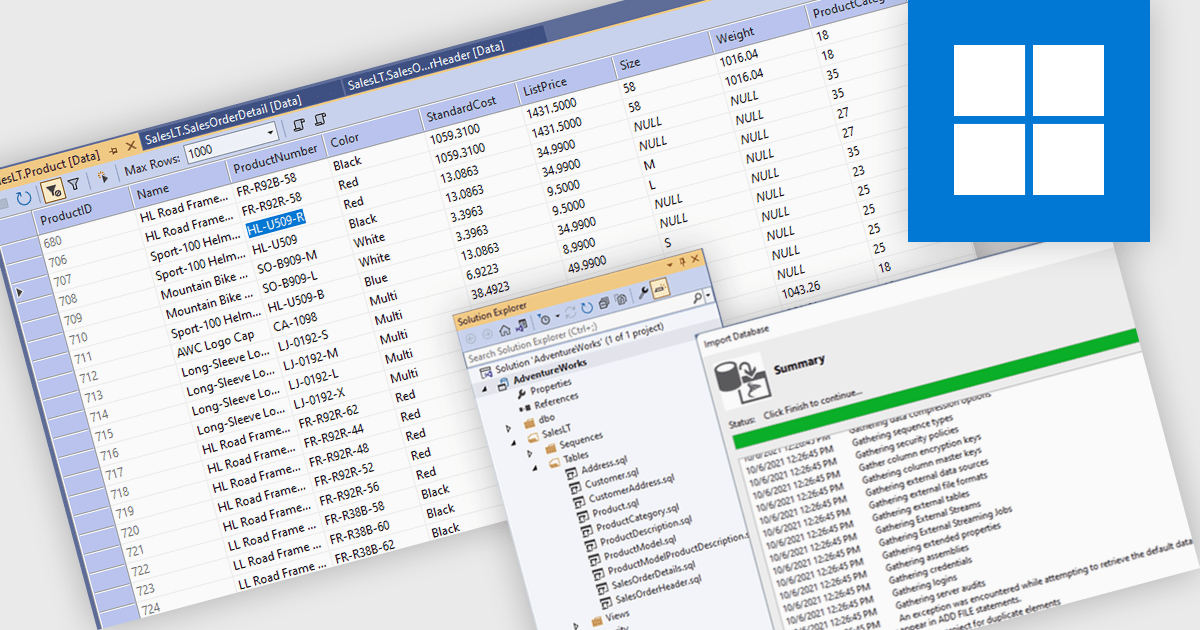
Database management in an Integrated Development Environment (IDE) refers to a set of tools and features that enable developers to interact with databases directly within the coding environment. This integration typically supports connecting to various database types, running SQL queries, browsing and editing data, managing schemas, and handling version control for database scripts. It simplifies processes by centralizing database interactions alongside application development, reducing context switching and improving efficiency. For developers, this leads to faster development cycles, greater visibility into data structures, and more consistent alignment between applications and databases.
Several IDEs offer database management features including:
For an in-depth analysis of features and price, visit our comparison of Integrated Development Environments (IDEs).
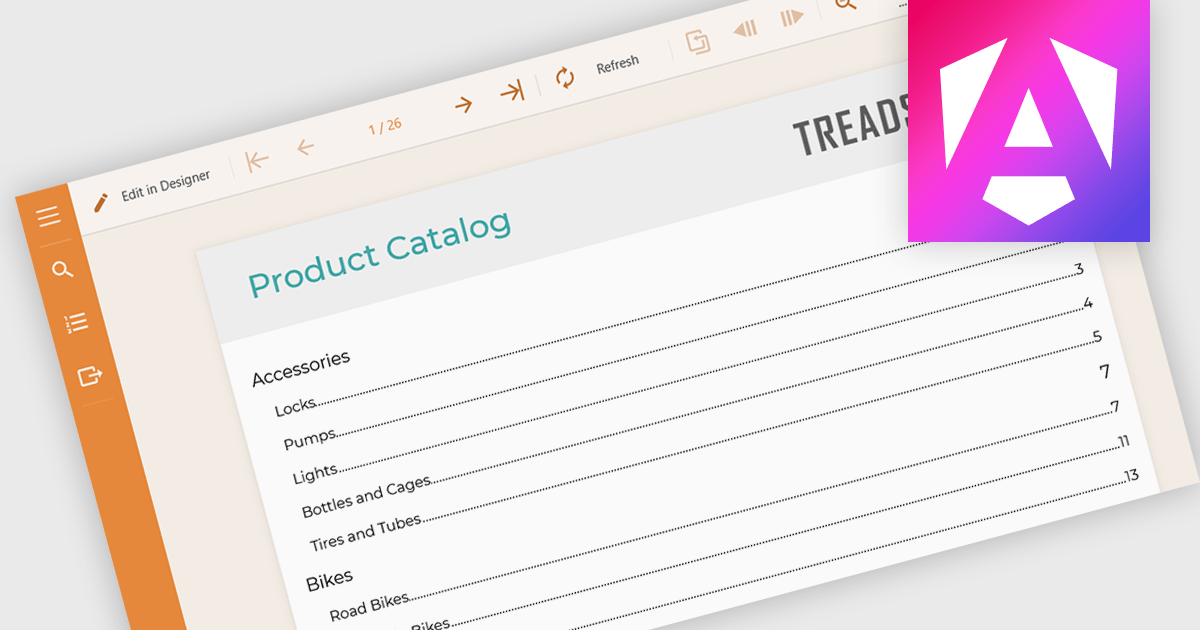
Table of Contents (TOC) support in a reporting component allows developers to automatically generate a structured overview of a report’s sections, typically displayed at the beginning of the document. This feature helps users navigate long or complex reports by providing direct links or page references to key sections, mirroring the layout and hierarchy of the report's content. For developers, it reduces the need to manually maintain navigation aids, improves the report’s usability, and enhances the professional appearance of exported formats like PDF or Word. TOC support is especially beneficial in compliance-heavy or audit-focused applications where clear documentation structure is essential.
Several Angular reporting controls offer Table of Contents (TOC) support including:
For an in-depth analysis of features and price, visit our comparison of Angular reporting controls.
전화 : 00798 14 800 6332
팩스 : +1 770 250 6199


