













공식 공급 업체
200 이상의 소프트웨어 개발처와 판매 계약을 맺은 공인 디스트리뷰터로서 합법적인 라이선스를 제공합니다.
모든 브랜드 보기.
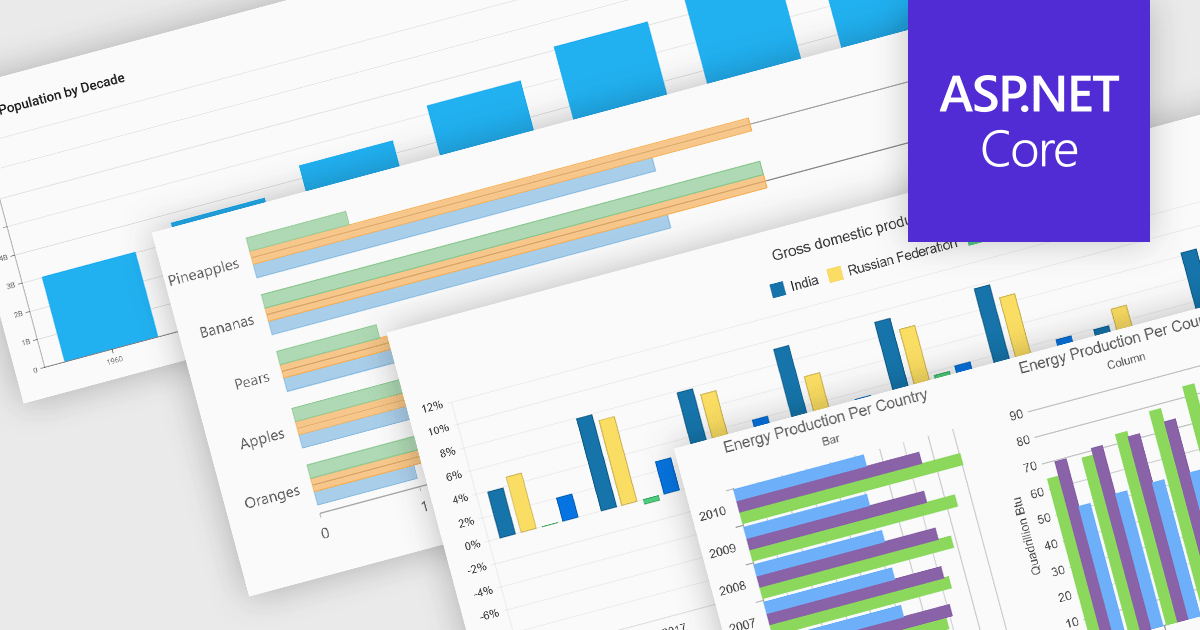
Column and bar charts form fundamental visualization tools in many charting suites. These chart types use vertical (column) or horizontal (bar) bars to represent quantitative data across categories, making them ideal for straightforward comparisons. Typically, you can display single or multiple series, stack values to show cumulative totals, or group categories to highlight differences. Their simplicity and clarity make column and bar charts a staple in dashboards, business reports, and analytics applications where rapid insight is required.
Several ASP.NET Core chart controls offer support for column & bar charts including:
For an in-depth analysis of features and price, visit our ASP.NET Core chart controls comparison.
Remote Desktop Manager (RDM) by Devolutions (available in Windows, macOS or Linux editions) is a centralized platform designed for managing and securing remote connections and credentials for authorized users across various environments. It supports an extensive list of technologies, including remote desktops, virtual private networks (VPNs), and secure shell (SSH) tunnels, and features centralized password vaults, user-specific vaults, and administrative password sharing. This cross-platform management tool also allows you to perform audits and create reports, as well as offering mobile and offline access, and integrated virtualization consoles. RDM provides a comprehensive solution for IT professionals and developers who need to streamline access to servers, virtual machines, and network devices.
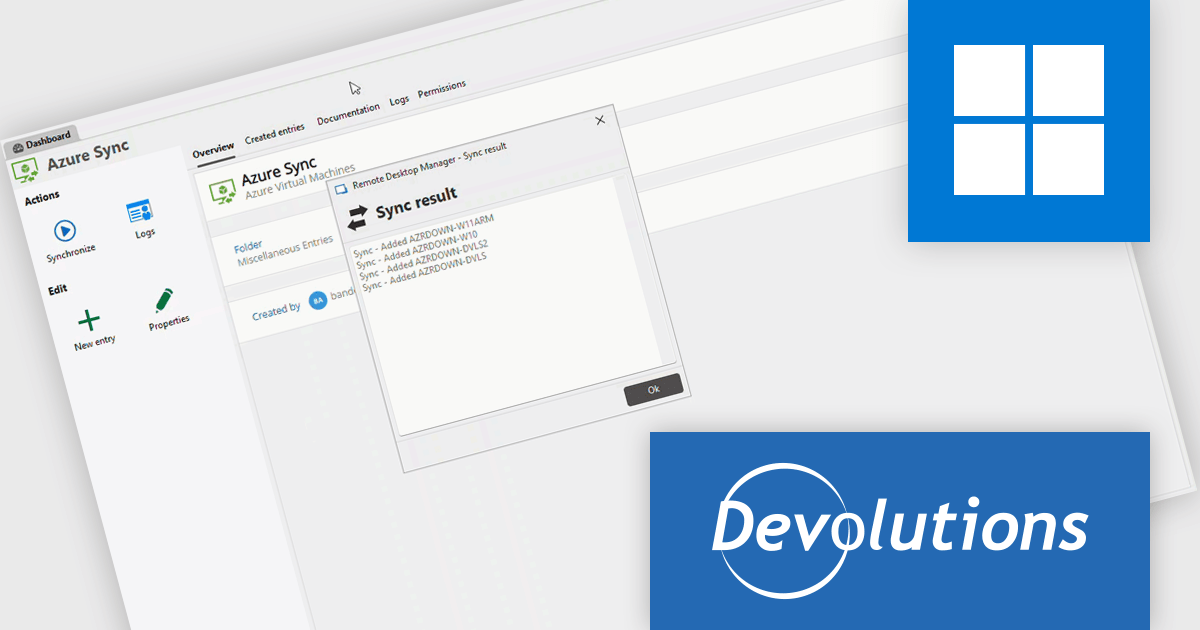
The Remote Desktop Manager 2025.3 update introduces new synchronizers for Azure VMs, JAMF, and NetBox. These integrations allow developers to automatically keep their virtual machines, devices, and network assets synchronized within RDM, ensuring that all environments reflect the latest configurations and resource details. By centralizing data from multiple sources, the update reduces manual management overhead, minimizes configuration discrepancies, and helps maintain an accurate, up-to-date inventory across complex infrastructure setups.
To see a full list of what's new in 2025.3 , see our release notes.
Remote Desktop Manager is available as part of the Devolutions Starter Pack, which is licensed per user and offered as an annual subscription. See our Remote Desktop Manager licensing page for full details.
For more information, visit our Remote Desktop Manager product page.
All-About-PDF is a comprehensive PDF management solution that gives users complete control over their digital documents. It allows individuals and organizations to create, protect, convert, merge, split, and compare PDFs with ease while maintaining the highest level of security. Using advanced Digital Rights Management technology, users can specify when, how, and where their shared files are accessed. Features such as password protection, expiry dates, print restrictions, and location-based locking help safeguard sensitive information. With its precision comparison tools and strong access controls, All-About-PDF is ideal for professionals who need to share documents confidently and maintain full ownership of their intellectual property.
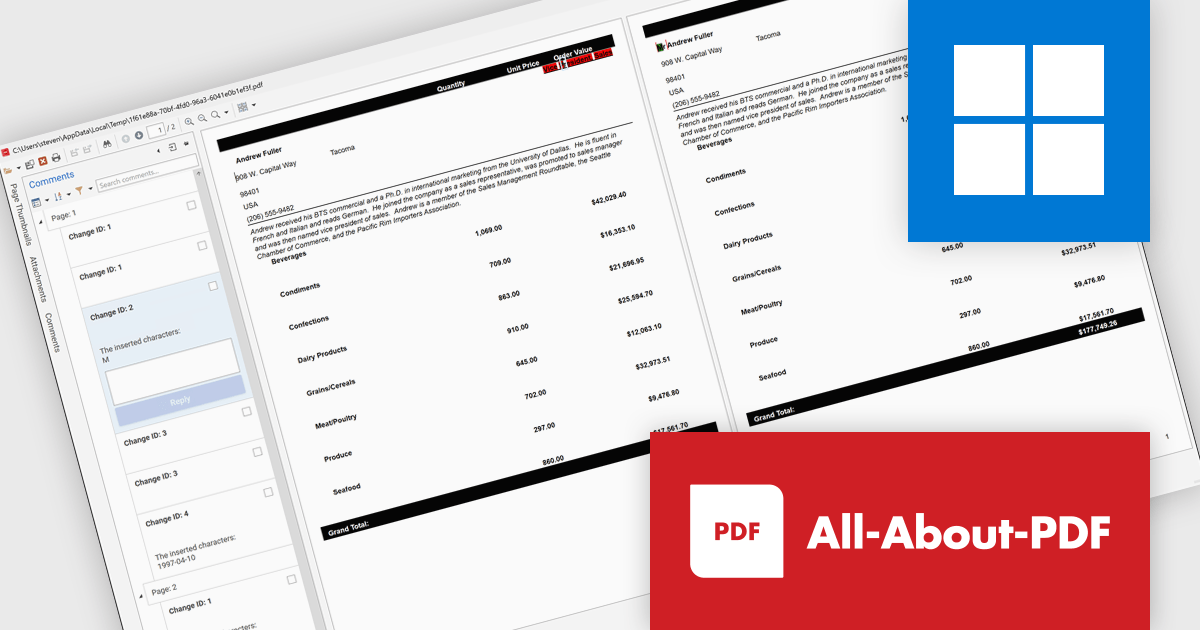
The All-About-PDF Build 2035 update introduces a precise PDF comparison feature that enables developers to quickly identify differences between document versions with high accuracy. This enhancement improves version control and quality assurance by automatically detecting and highlighting text, formatting, and structural changes. It eliminates the need for manual reviews, reduces the risk of overlooking small edits, and helps maintain consistency across project documentation, reports, and deliverables. For development teams handling frequent revisions or compliance-sensitive content, this feature provides an efficient way to validate updates and ensure the integrity of shared files throughout the development lifecycle.
To see a full list of what's new in Build number 2035 , see our release notes.
All-About-PDF is licensed per machine, and is available as a perpetual license. We can supply Internal, External and OEM licenses. See our All-About-PDF licensing page for full details.
For more information, visit our All-About-PDF product page.
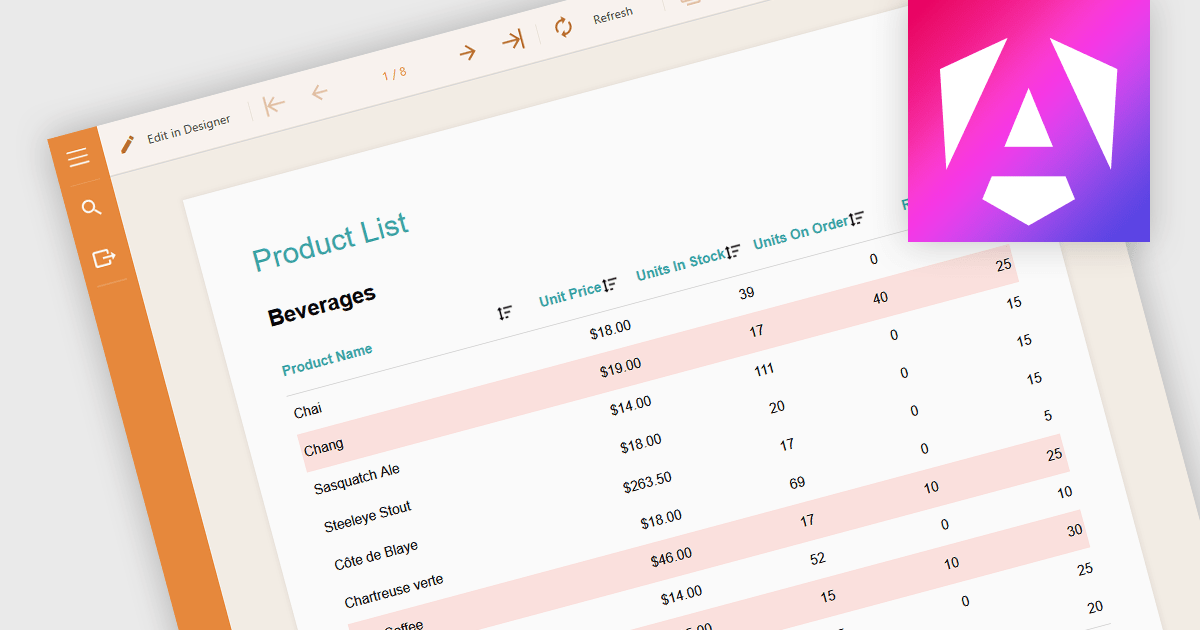
Conditional formatting in a report is a feature that automatically applies visual styles, such as font or background color, to the content within the report based on logical conditions or the data values themselves. This technique allows users to highlight trends, anomalies, or key thresholds by dynamically adjusting the appearance of report elements according to predefined rules, which is especially useful in performance monitoring or exception tracking scenarios. It improves the readability of data-heavy reports by making important information stand out, helping users quickly identify patterns, exceptions, or performance issues. For developers and analysts, it provides a practical way to make complex datasets easier to interpret without manual intervention.
Several Angular reporting components allow you to apply conditional formatting, including:
For an in-depth analysis of features and price, visit our comparison of Angular reporting components.
Highcharts is a JavaScript charting framework that allows web developers and data analysts to generate dynamic, visually appealing charts and graphs for websites and web applications. It can display a variety of chart types, including line, spline, area, column, bar, pie, scatter, and many more. Highcharts is well-known for its ease of use, rich documentation, and ability to handle huge datasets efficiently. Features include responsive design, accessibility support, and cross-browser compatibility. Its customization capabilities allow users to create bespoke data visualizations that increase engagement and provide insightful data presentations.
Highcharts has introduced a major update for React developers, focusing on a smoother and more natural experience when working with charts in React applications. The newly refined API now mirrors common React patterns, allowing developers to write less boilerplate and avoid workarounds. Integration is more seamless too - custom React components can be passed directly into chart configurations, enabling dynamic, reusable elements like tooltips and data-fetching containers without resorting to hacks. The update also brings full support for ECMAScript Modules (ESM), aligning with modern JavaScript standards and enabling better build optimization. With this release, Highcharts continues to provide a comprehensive set of chart types, from basic line graphs to advanced stock visualizations, all within a React-friendly environment.
Highcharts Core is licensed on an annual or perpetual basis, OEM licenses, and Advantage Renewals. It is licensed per Developer and has several license options including Internal, SaaS, SaaS+, and Self Hosted. See our Highcharts Core licensing page for full details.
Learn more on our Highcharts Core product page.
전화 : 00798 14 800 6332
팩스 : +1 770 250 6199


