













공식 공급 업체
200 이상의 소프트웨어 개발처와 판매 계약을 맺은 공인 디스트리뷰터로서 합법적인 라이선스를 제공합니다.
모든 브랜드 보기.
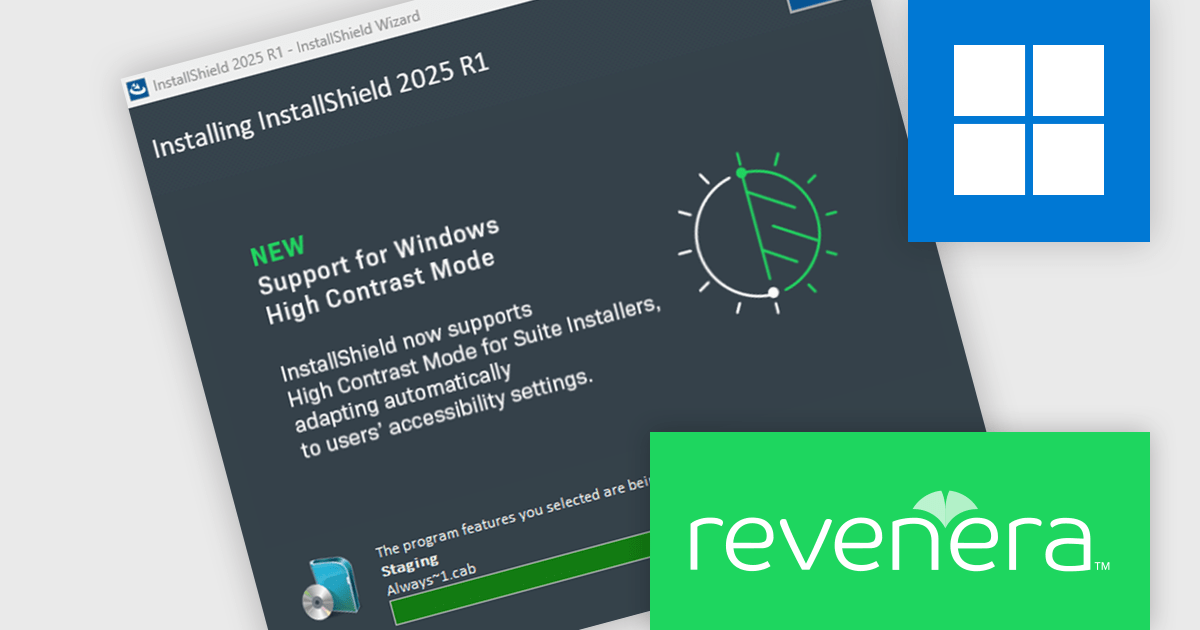
InstallShield by Revenera is a leading Windows installation development solution that specializes in building installers and managing software packages. InstallShield offers a streamlined interface and comprehensive features, enabling developers to efficiently create professional installers, configure prerequisites, manage updates, and customize the installation experience for diverse user needs.
The InstallShield 2025 R1 release improves accessibility by enhancing support for high contrast mode in Advanced UI and Suite/Advanced UI installations. In previous versions, essential elements like body and header text, as well as navigation buttons, could become unreadable when high contrast mode was active, creating barriers for visually impaired users. The updated installer ensures that all text and button labels remain clearly legible, aligning with modern accessibility standards and offering a more inclusive experience during software installation.
To see a full list of what's new in version 2025 R1, see our release notes.
InstallShield is licensed per user and is available as a 3 Year Timed Subscription. See our InstallShield Professional licensing page or InstallShield Premier licensing page for full details.
For more information, visit our InstallShield Professional or InstallShield Premier product pages.
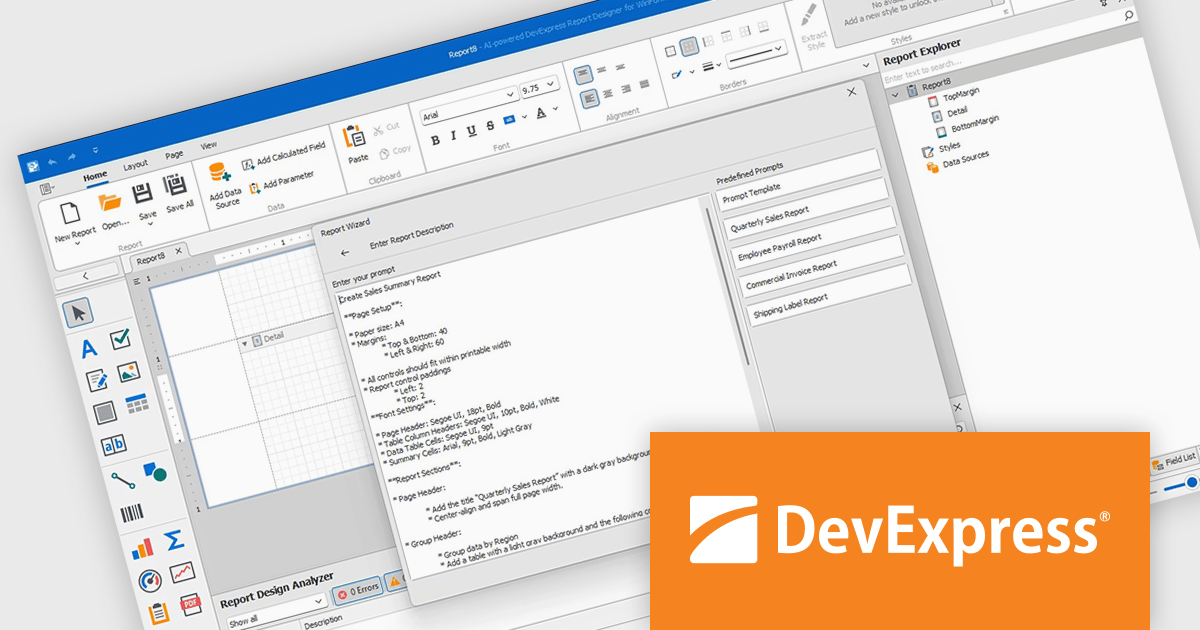
DevExpress Reporting is a comprehensive suite of reporting tools that empowers developers to create visually stunning and highly customizable reports for various applications. With its rich feature set, including data binding, layout design, printing, and exporting capabilities, DevExpress Reporting enables the efficient creation of reports that meet the most demanding business requirements.
The DevExpress Reporting v25.1 update introduces a new AI-powered Report Wizard (currently in Community Technology Preview), bringing natural language capabilities directly into the report design workflow. By allowing users to describe the report they need in plain text, the wizard interprets this input and automatically generates a matching report layout. This greatly reduces the time and expertise required to design reports, particularly for users who may not be familiar with the underlying report schema or expression syntax. It’s especially useful for quickly prototyping reports or enabling non-technical users to contribute to report design without writing code or manually configuring elements.
To see a full list of what's new in version 25.1, see our release notes.
DevExpress Reporting is licensed per developer and is available as a Perpetual License with a 12 month support and maintenance subscription. See our DevExpress Reporting licensing page for full details.
DevExpress Reporting is available to buy in the following products:
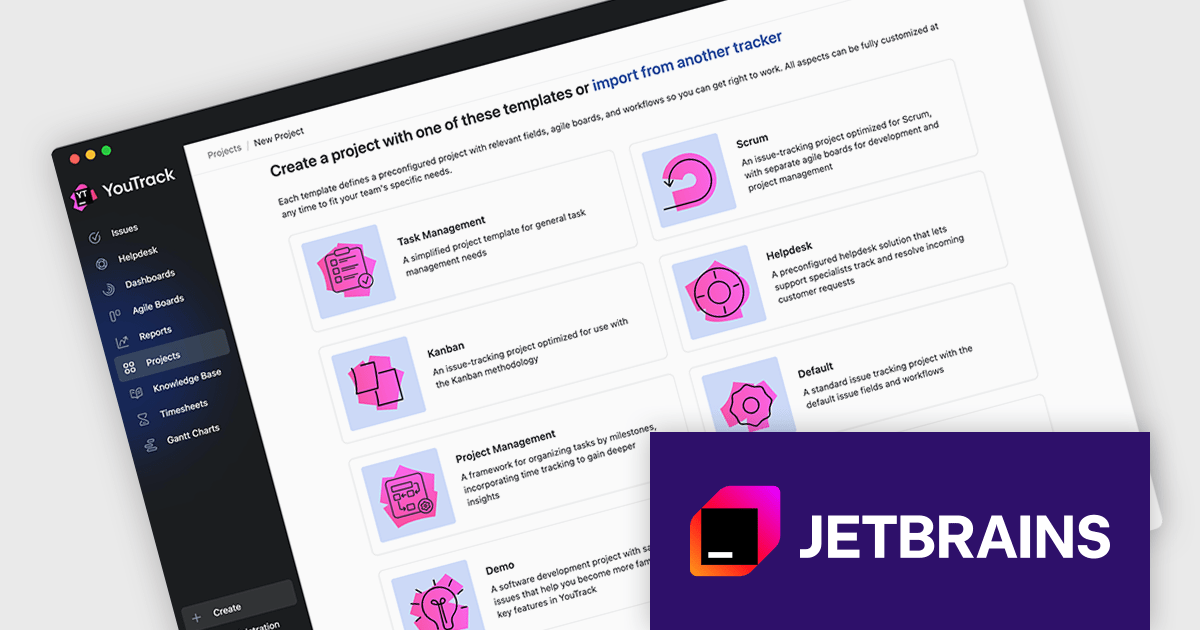
JetBrains YouTrack is a versatile project management and collaboration tool designed for both software development and non-technical teams. Powered by a robust and flexible issue tracking core, YouTrack provides comprehensive features for managing tasks, projects, and workflows of any size. Its intuitive interface fosters efficient collaboration and communication, while agile boards and reporting tools offer real-time visibility and control. Available in both cloud and on-premises options, YouTrack scales effortlessly to accommodate small startups and large enterprises alike, making it a powerful solution for teams seeking to streamline their work and boost productivity.
The YouTrack 2025.2 release introduces an updated project creation wizard, now featuring a curated set of project templates tailored to different team needs. For lightweight task tracking, the new Task Management template offers a simplified setup. Teams with more complex workflows can opt for the Project Management template, which supports tracking different types of work and recording time spent. Meanwhile, the Marketing template introduces structured fields for organizing tasks by activity type, campaign, and channel. These new templates provide a faster, more context-aware way to launch projects that align with how your team works.
To see a full list of what's new in version 2025.2, see our release notes.
YouTrack Server (installed on your server) is licensed per server and per user, as a Perpetual license with 1 year of free updates and technical support. YouTrack Cloud (hosted in the cloud by JetBrains) is licensed per user as an Annual license which includes updates and technical support. See our YouTrack licensing page for full details.
For more information, visit our YouTrack product page.
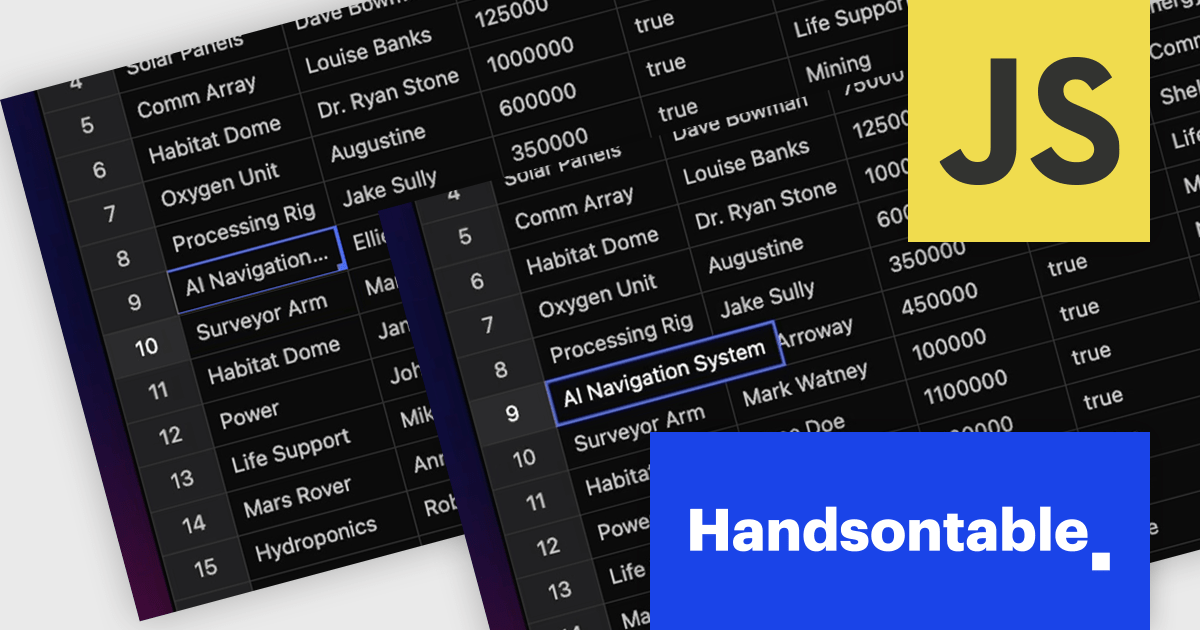
Handsontable is a JavaScript library designed to help developers build interactive data grids into their web applications. Offering a familiar spreadsheet-like interface, it allows users to edit, sort, and filter data with ease. Highly customizable and compatible with popular frameworks like React and Angular, Handsontable empowers developers to build robust data manipulation features into their web applications.
The Handsontable 16.0.0 update adds a new feature called 'textEllipsis' which improves the readability and layout of tables. When activated, this feature automatically replaces any overflowing text in a cell with an ellipsis (…), ensuring that excessive content does not spill over and disrupt the alignment of the table. This approach keeps tables visually clean while clearly signaling that additional content exists, making it easier for users to scan data-heavy views without distraction.
To see a full list of what's new in version 16.0.0, see our release notes.
Handsontable is licensed per developer and is available as an Annual or Perpetual license with 1 year support and maintenance. See our Handsontable licensing page for full details.
For more information, visit our Handsontable product page.
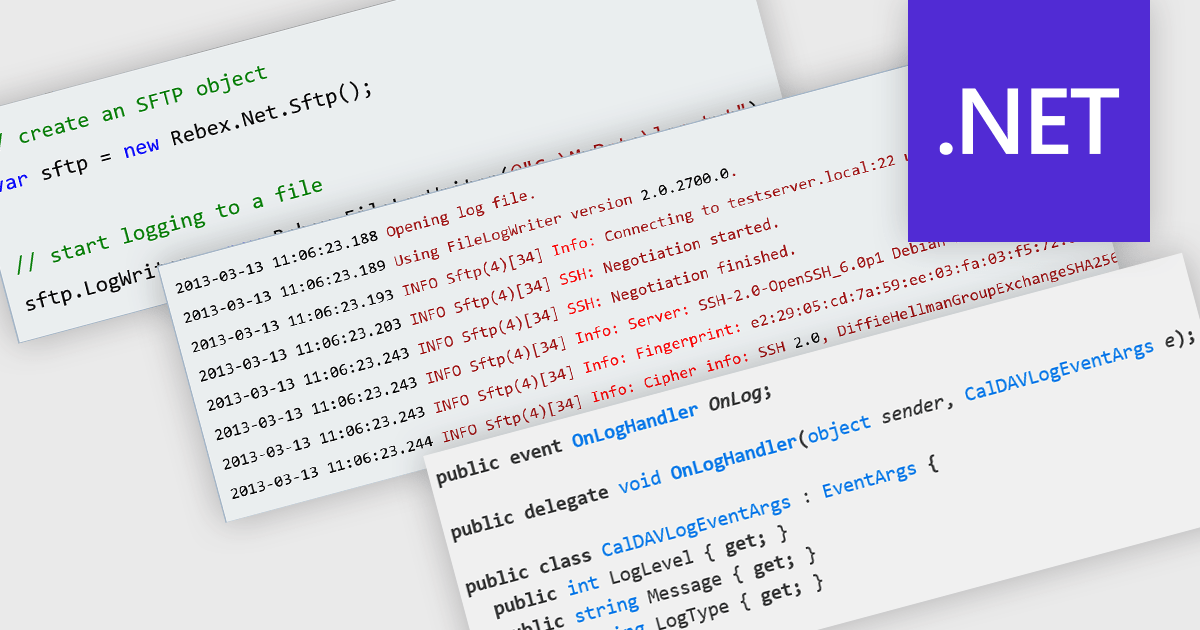
Logging in communication and messaging components is essential for monitoring, diagnosing, and auditing data exchange processes across applications. Whether handling email, file transfers, or secure messaging, robust logging capabilities help developers track the flow of information, capture errors, and ensure compliance with operational and security standards. By recording detailed transaction histories, logs also provide valuable insights for performance optimization and issue resolution.
Several .NET communications and messaging components offer logging functionality including:
For an in-depth analysis of features and price, visit our .NET comms and messaging comparison.
전화 : 00798 14 800 6332
팩스 : +1 770 250 6199


