













공식 공급 업체
200 이상의 소프트웨어 개발처와 판매 계약을 맺은 공인 디스트리뷰터로서 합법적인 라이선스를 제공합니다.
모든 브랜드 보기.
Stimulsoft Dashboards.PHP is a powerful dashboard and reporting tool designed for PHP web applications. It enables developers to create interactive and visually appealing dashboards that provide real-time insights into data. With its intuitive interface and extensive features, Stimulsoft Dashboards.PHP helps users to analyze complex data sets, visualize trends, and make data-driven decisions effectively.
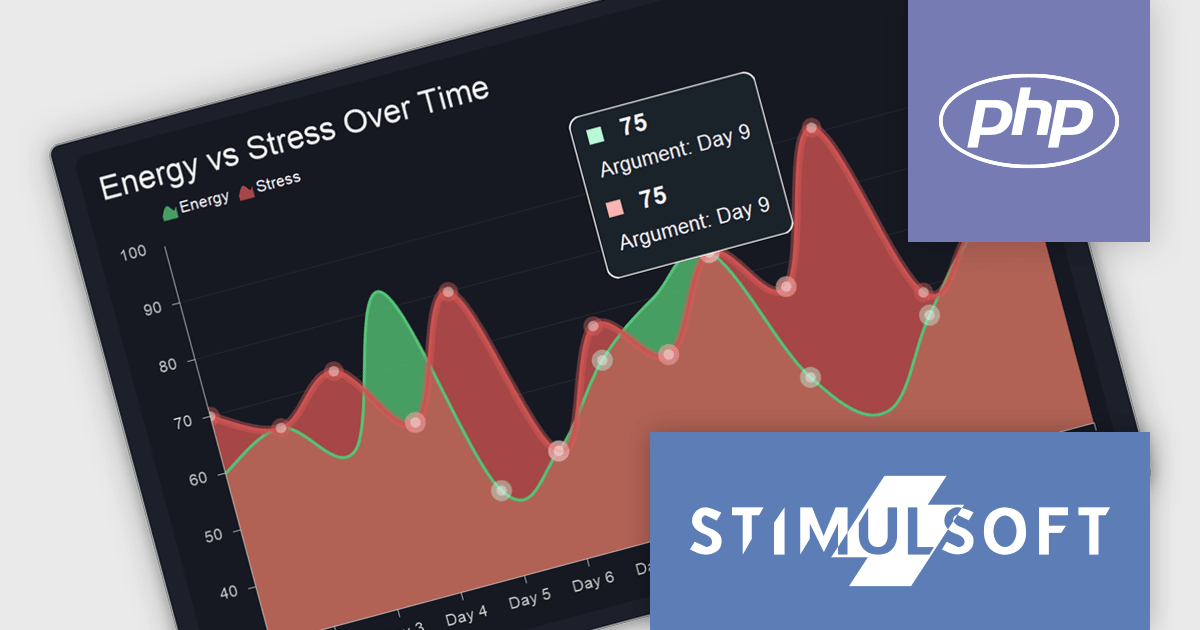
The Stimulsoft Dashboards.PHP 2025.3.1 update improves data clarity and accuracy by introducing a new multi tooltip feature. This enhancement ensures that when hovering over a data point, all matching values are displayed in the tooltip, rather than just the last one as in previous versions. For developers building dashboards with overlapping or identical values across series or categories, this provides a more complete and immediate view of the underlying data, reducing ambiguity and improving the efficiency of data interpretation during analysis or debugging.
To see a full list of what's new in 2025.3.1, see our release notes.
Stimulsoft Dashboards.PHP is licensed per developer and is available as a perpetual license with 1 year support and maintenance. See our Stimulsoft Dashboards.PHP licensing page for full details.
Stimulsoft Dashboards.PHP is available individually or as part of Stimulsoft Ultimate.
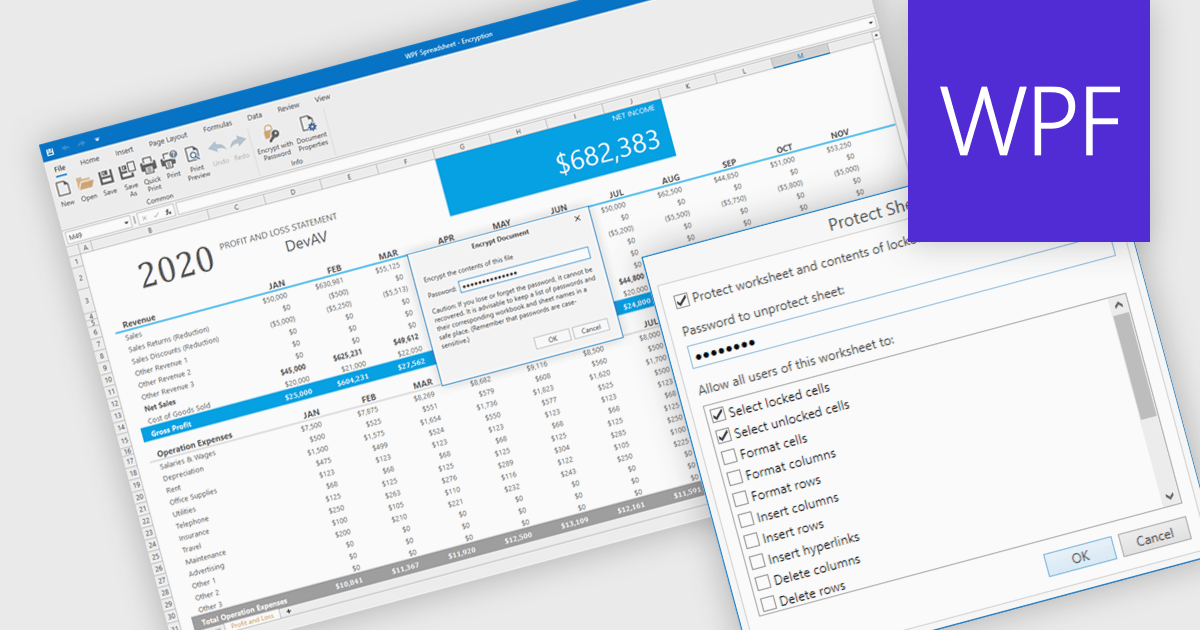
Spreadsheet security features are essential tools designed to protect sensitive data, ensure data integrity, and control user access within spreadsheet applications. These capabilities typically include such measures as password protection or cell locking, and are used to prevent the unauthorized viewing or modification of content in the spreadsheet. Implementing security measures in their spreadsheets allows organizations to maintain compliance with data security standards or data governance policies, and avoid accidental or malicious data loss or alteration. This level of control is particularly important in environments where multiple users collaborate on financial models, project plans, or other critical datasets.
Several WPF spreadsheet components offer security features, including:
For an in-depth analysis of features and price, visit our comparison of WPF spreadsheet components.
GitKraken is a suite of developer tools built around Git, a popular version control system. It offers a graphical user interface (GUI) that allows developers to interact with Git repositories visually instead of relying on the command line. This simplifies complex Git workflows like resolving merge conflicts and visualizing code history, making Git more accessible and efficient for developers of all experience levels.
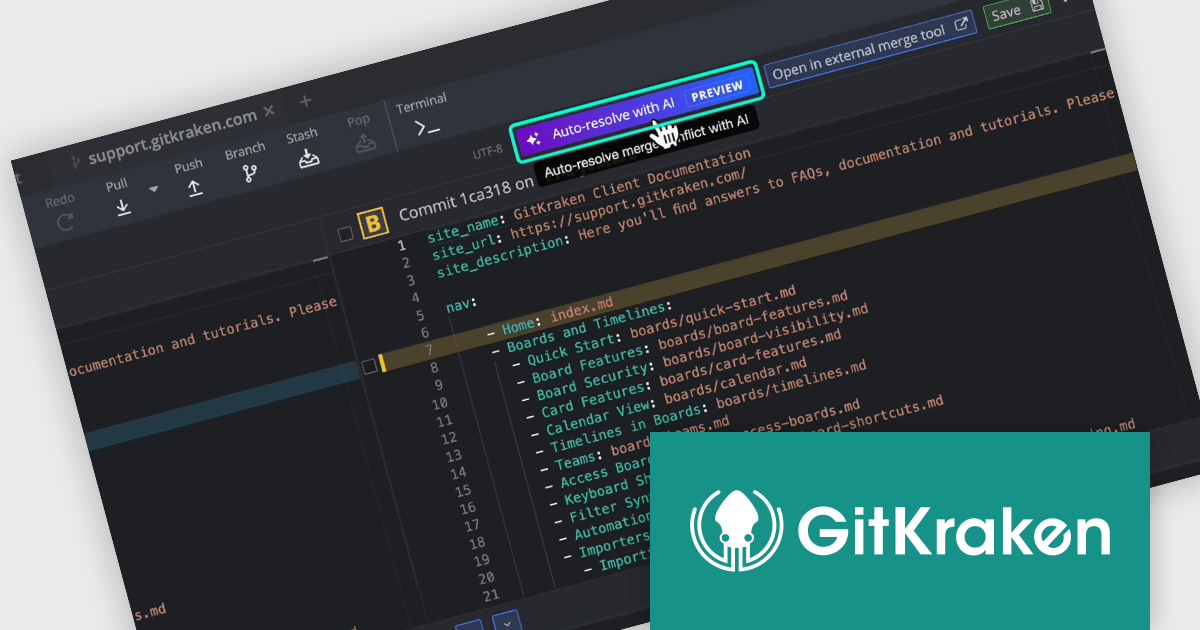
The GitKraken Desktop V11.2.0 release adds support for AI-powered merge conflict resolution (Preview), enabling you to quickly handle conflicts by having AI suggest a resolution. When viewing a conflicted file, click Auto-resolve with AI to generate a suggested resolution in the Output panel. An explanation is provided for each conflict in the file with a confidence level so you can review with ease. By accelerating conflict resolution, it minimizes interruptions in development workflows and helps maintain code quality, particularly in large-scale or fast-paced projects where merge conflicts are a frequent bottleneck.
To see a full list of what's new in V11.2.0, see our release notes.
GitKraken Desktop is licensed per user as an Annual license with free updates and technical support. See our GitKraken licensing page for full details.
Learn more on our GitKraken product page.
Skyvia Connect is a cloud-based integration platform that enables developers to connect and synchronize data between various applications and databases. It offers a flexible and scalable solution for building data pipelines and automating data workflows, supporting a wide range of data sources and formats. By providing a user-friendly interface and pre-built connectors, Skyvia Connect simplifies the process of integrating data systems, allowing developers to focus on core application development and data management tasks.
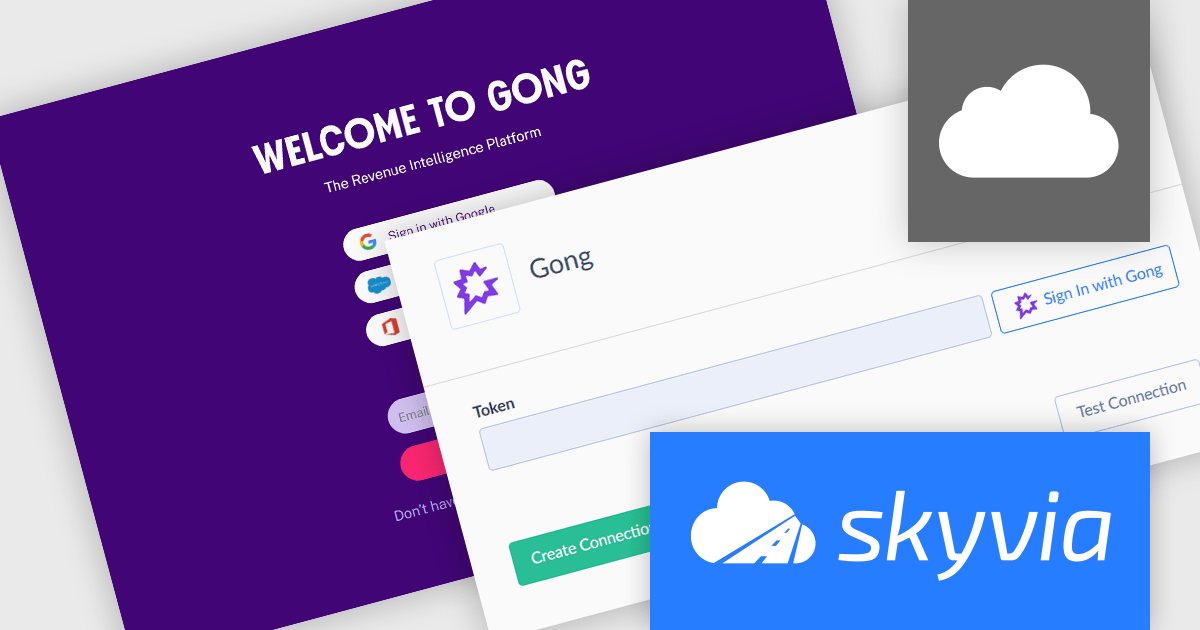
The latest release of Skyvia Connect adds a new connector for Gong, a revenue intelligence platform for B2B sales teams that records, transcribes, and analyzes every sales call for users to scale the effectiveness of sales conversations. This allows organizations to expose conversation intelligence data for integration into analytics platforms, CRM systems, or internal dashboards. Gong captures and analyzes sales calls and meetings, producing insights that are critical for sales performance and coaching. With this connector, businesses can now leverage Skyvia Connect to access Gong data in real time, enabling more comprehensive reporting and more immediate decision-making based on customer interactions.
To see a full list of what's new, see our release notes.
Skyvia Connect is licensed based on volume of traffic per month and is available as an Annual License. See our Skyvia Connect licensing page for full details.
Learn more on our Skyvia Connect product page.
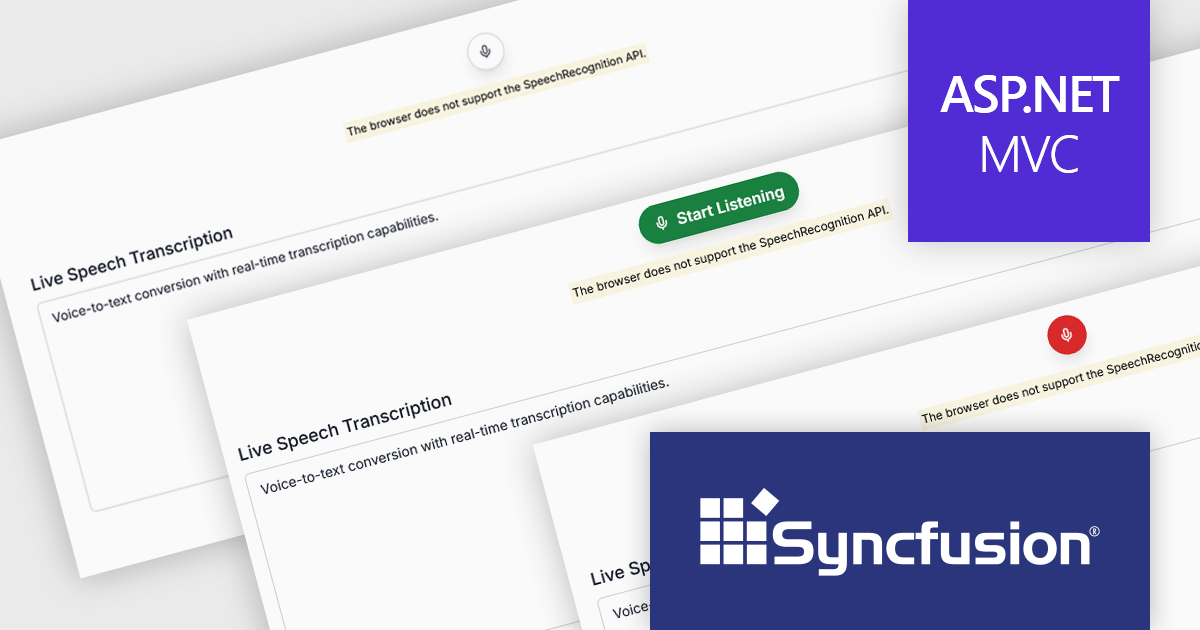
Syncfusion Essential Studio ASP.NET MVC (available as part of Syncfusion Essential Studio Enterprise) is a comprehensive suite of web UI controls that empowers developers to craft rich, interactive ASP.NET MVC applications. Backed by the lightweight and modular Essential JS 2 library, it offers over 80 components ranging from data grids and charts to schedulers and pivot grids, while ensuring a seamless integration with the MVC framework for an efficient development experience.
The Syncfusion Essential Studio ASP.NET MVC 2025 Volume 2 update introduces the new SpeechToText control, enabling developers to integrate real-time voice-to-text transcription into their web applications using the JavaScript SpeechRecognition API. This feature allows users to dictate text directly via their device's microphone, with options for live or finalized transcription output. Developers can tailor the control's behavior and appearance through customizable properties such as language selection, interim results, and tooltip visibility. Enhanced styling support also lets you personalize the microphone button using predefined CSS classes and configure it to display both icons and text, ensuring a flexible and accessible user experience.
To see a full list of what's new in 2025 Volume 2, see our release notes.
Syncfusion Essential Studio ASP.NET MVC is available as part of Syncfusion Essential Studio Enterprise which is licensed per developer starting with a Team License of up to five developers. It is available as a 12 Month Timed Subscription License which includes support and maintenance. See our Syncfusion Essential Studio Enterprise licensing page for full details.
Learn more on our Syncfusion Essential Studio ASP.NET MVC product page.
전화 : 00798 14 800 6332
팩스 : +1 770 250 6199


