













官方供应商
我们作为官方授权经销商,直接提供超过200家开发厂家所发行超过1000个的产品授权给您。
查看我们的所有品牌。
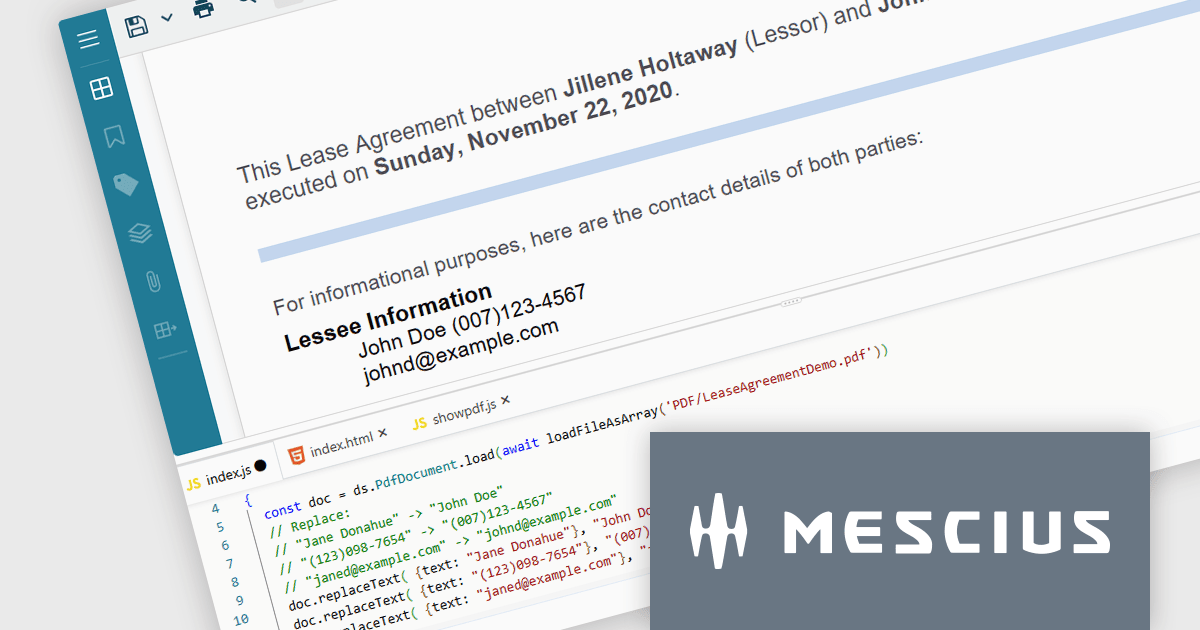
Document Solutions for PDF JS by MESCIUS is a JavaScript PDF API that enables software teams to add PDF functionality to web applications. It supports use cases such as generating documents, modifying existing files, rendering pages, handling forms, converting content, and automating PDF-related processes across browser-based and server-side JavaScript environments.
Beyond core document processing, the product provides tools for creating richer document workflows within custom applications. Its WebAssembly-based engine is designed for efficient performance, while the optional viewer component supports interactive scenarios such as annotation, review, and form filling. This gives teams more control over how PDFs are handled and helps reduce reliance on separate PDF software in reporting, compliance, data collection, and collaboration scenarios.
Document Solutions for PDF JS is licensed per developer and is available in several license options for differing distribution needs. Team licenses are also available for multiple developers within the same organization. See our Document Solutions for PDF JS licensing page for full details.
Learn more on our Document Solutions for PDF JS product page.
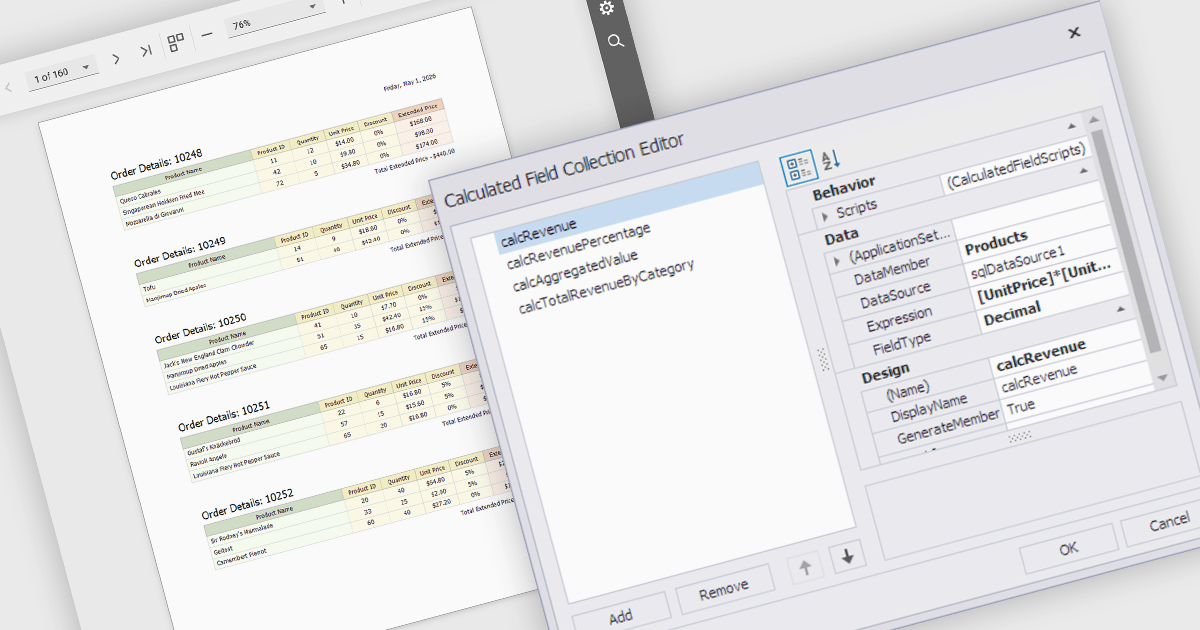
Calculated fields are dynamic values derived from existing data within reporting components. They enable complex data manipulations, calculations, and transformations, providing enhanced data analysis capabilities. By creating new fields based on existing data, calculated fields offer flexibility and efficiency, allowing users to perform calculations, aggregations, and logical comparisons directly within the report. This empowers users to generate insights, visualize trends, and make data-driven decisions without requiring modifications to the underlying data source, ultimately improving report accuracy and usability.
Several React reporting controls offer support for calculated fields:
For an in-depth analysis of features and price, visit our React reporting controls comparison.
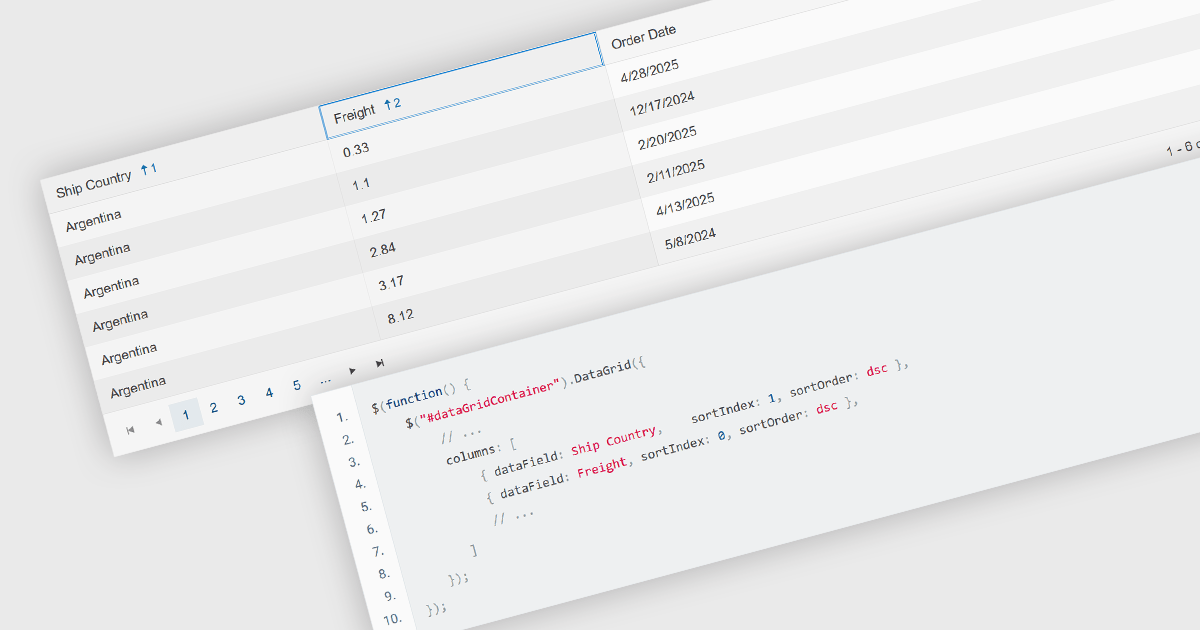
Multi-column sorting in a grid allows users to order data based on more than one column at the same time, applying a hierarchy of sort conditions. This means that when values in a primary column are identical, secondary or tertiary columns are used to further refine the order. The approach improves data exploration by enabling more precise organization, reducing the need for manual filtering, and supporting clearer comparisons across related fields. It is particularly useful in datasets where single-column sorting does not provide enough context to surface meaningful patterns.
Several jQuery grid components allow you to sort multiple columns, including:
For an in-depth analysis of features and price, visit our comparison of jQuery grid components.
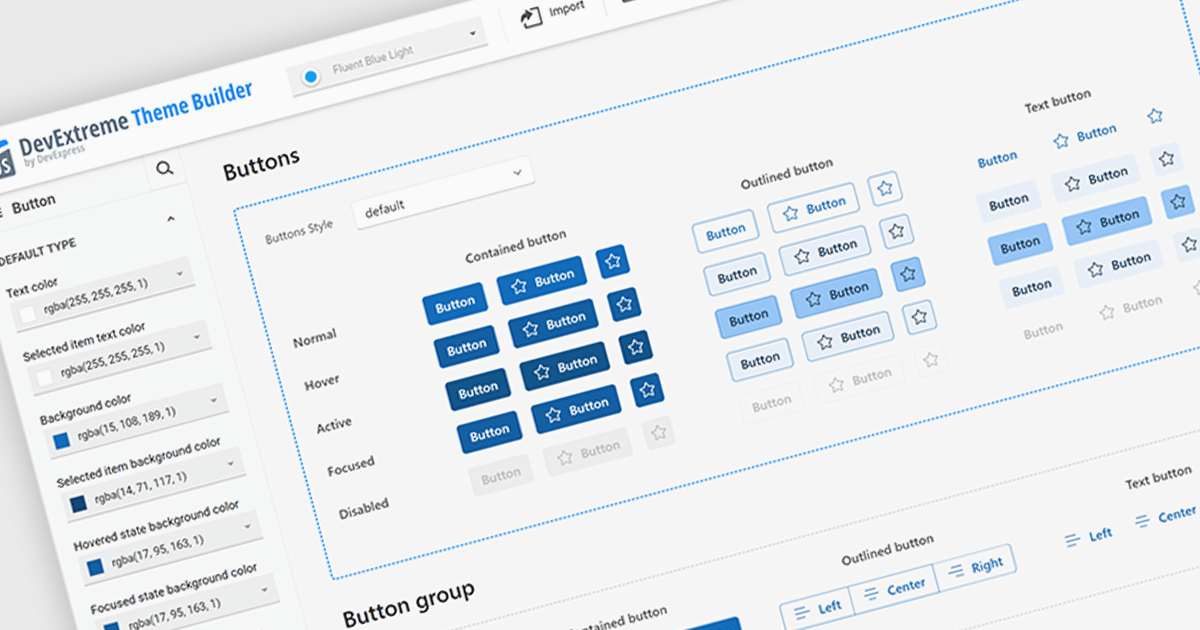
Theming support in UI component suites refers to the capability to define and apply consistent visual styles, such as colors, typography, spacing, and component appearances across an entire application. It typically allows developers to customize or switch themes dynamically, enabling alignment with branding requirements or user preferences without modifying core component logic. This separation of styling from functionality improves maintainability, reduces duplication, and accelerates development by promoting reuse, while also supporting scalability as design systems evolve and new themes are introduced.
Several Angular UI suites offer theming including:
For an in-depth analysis of features and price, visit our Angular UI suites comparison.
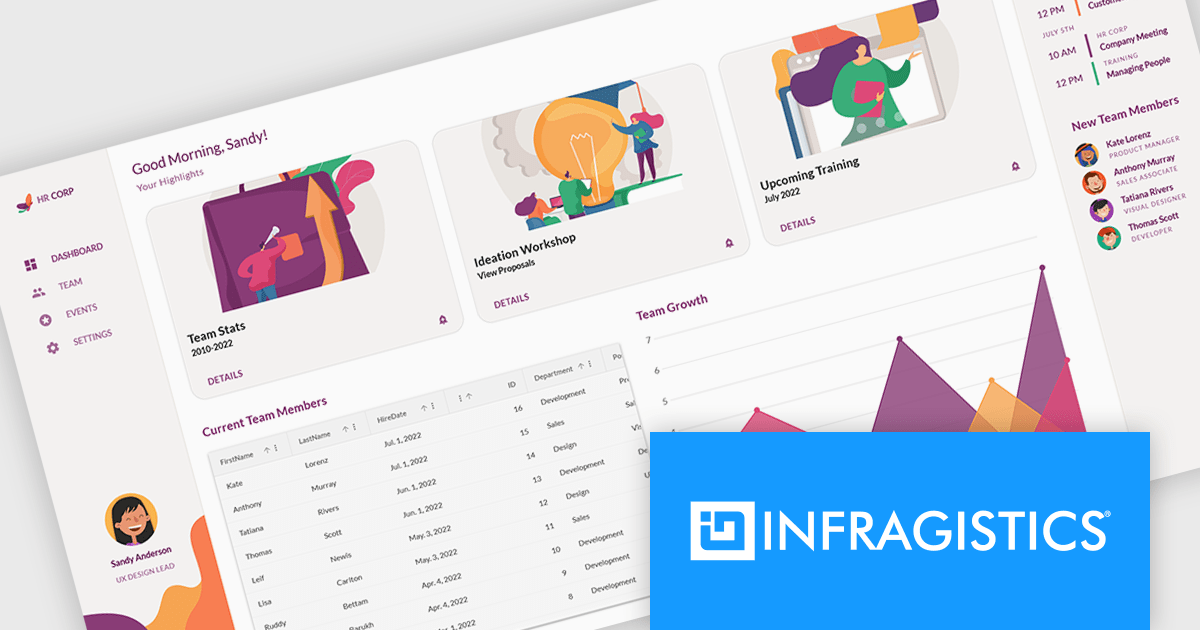
Infragistics Ignite UI is a collection of user interface components, frameworks, and development tools designed to help developers build modern web applications. It includes ready-to-use elements such as data grids, charts, and layout components for frameworks like Angular and React, along with tooling to simplify project setup and configuration. The focus is on handling complex data-heavy interfaces efficiently while maintaining performance, accessibility, and a consistent user experience across applications.
The Ignite UI CLI release includes a new Model Context Protocol (MCP) server that exposes documentation, API references, and scaffolding to tools like GitHub Copilot, Cursor and JetBrains AI Assistant. There is also support for generating code from images, making it easier to move from design to implementation. Angular templates have been refreshed, React templates expanded, and older project types removed to keep the setup process more focused.
Infragistics Ignite UI is licensed per developer and is available as a Perpetual License with a 1, 2 or 3 year support and maintenance subscription. See our Infragistics Ignite UI licensing page for full details.
Infragistics Ignite UI is available in the following products:
联系电话: (888) 850 9911
传真: +1 770 250 6199


