













官方供应商
我们作为官方授权经销商,直接提供超过200家开发厂家所发行超过1000个的产品授权给您。
查看我们的所有品牌。

jQWidgets is a comprehensive JavaScript UI framework offering a robust collection of over 60 widgets, themes, and utilities for building professional-grade, cross-platform web applications. Built on jQuery, HTML5, and CSS, it provides extensive functionality including data grids, charts, navigation, input validation, and more. jQWidgets simplifies web development, ensuring your applications work seamlessly across desktop browsers, tablets, and smartphones.
The jQWidgets 19.2 release adds the new jqxTimeline component. This allows for the visualization of events and activities in chronological order, aiding users in comprehending the flow and relationships between them. The timeline offers features such as chronological display, interactive elements for navigation and exploration, customizable styling for seamless application integration, support for rich content including text, images, and videos, and responsiveness for optimal viewing across various devices. These functionalities make the timeline component a valuable tool for applications in project management, historical references, education, and personal storytelling, by providing an engaging and clear way to present time-based information.
To see a full list of what's new in 19.2.0, see our release notes.
jQWidgets is licensed per developer and is available as a Perpetual license 1 year support and maintenance. See our jQWidgets licensing page for full details.
Learn more on our jQWidgets product page.
Aspose.Font for JavaScript via C++ is a new solution that empowers developers to seamlessly integrate advanced font manipulation capabilities into their web applications. This bridges the gap between C++, a powerful compiled language, and JavaScript, the language of web browsers. Aspose.Font for JavaScript via C++ empowers developers to create web applications that handle fonts directly, streamlining development by eliminating server dependencies.
This library unlocks a multitude of benefits for web development projects. Developers can leverage Aspose.Font for JavaScript via C++ to load and save a wide range of font formats, including TrueType, OpenType, and WOFF. They can also extract critical font metadata, convert fonts between formats, and even render text using specific glyphs. These functionalities empower the creation of dynamic and interactive web experiences that deliver exceptional user interfaces with precise font control.
Aspose.Font for JavaScript via C++ is offered as Developer Small Business, Developer OEM, Developer SDK, Site Small Business, Site OEM, and Site SDK licenses catering to a range of business needs. Licenses are perpetual, and include 1 year of support and maintenance. Subscription renewals are also available. See our Aspose.Font for JavaScript via C++ licensing page for full details.
Aspose.Font for JavaScript via C++ is available in the following products:
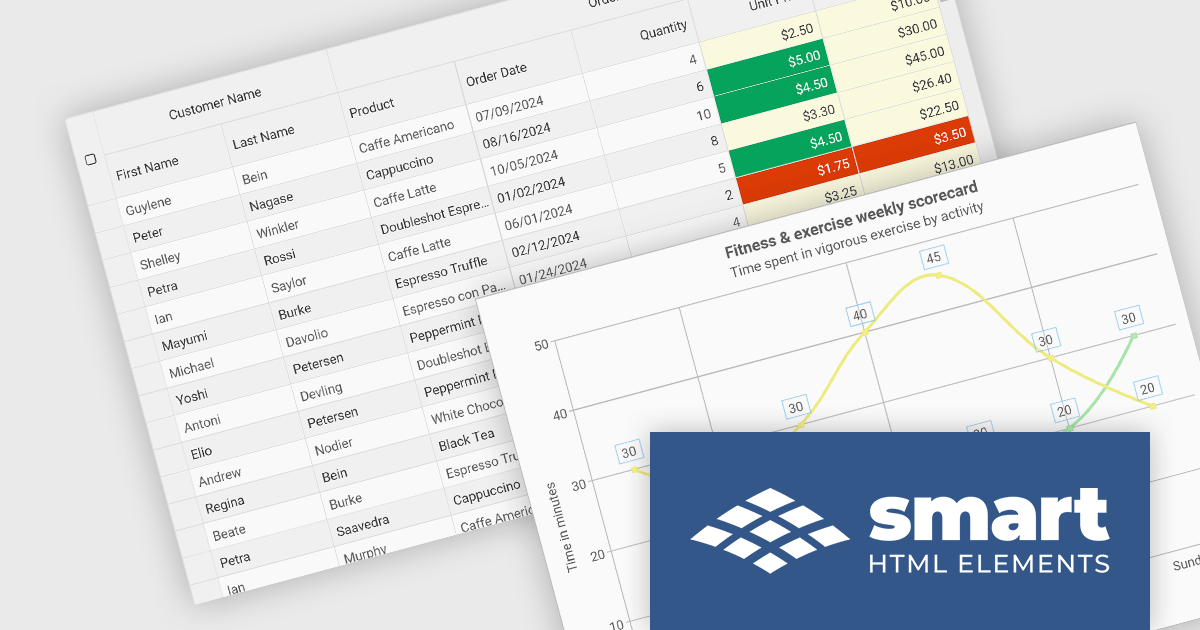
Smart HTML Elements is an enterprise-grade UI library offering pre-built web components for developers in Angular, React, Vue, Blazor, and JavaScript. It boasts over 60 ready-to-use components like grids, charts, schedulers, and editors, all featuring two-way data binding, responsiveness, accessibility, and theming capabilities. This library helps developers rapidly build dynamic and modern web applications with consistent look-and-feel and rich functionalities, accelerating development time and ensuring professional quality.
The Smart HTML Elements 19.1.0 release adds support for Angular 18, allowing developers to leverage the latest features and functionalities of Angular within their Smart HTML Elements components. Angular 18 introduces improvements in performance by tree-shaking unused code and better lazy loading, plus new features like standalone components and Angular templates in TypeScript.
To see a full list of what's new in 19.1.0, see our release notes.
Smart HTML Elements is licensed per developer and is available as a Perpetual license with 1 year support and maintenance. It includes distribution to Unlimited Web applications, SaaS projects, Intranets and Websites. See our Smart HTML Elements licensing page for full details.
Learn more on our Smart HTML Elements product page.
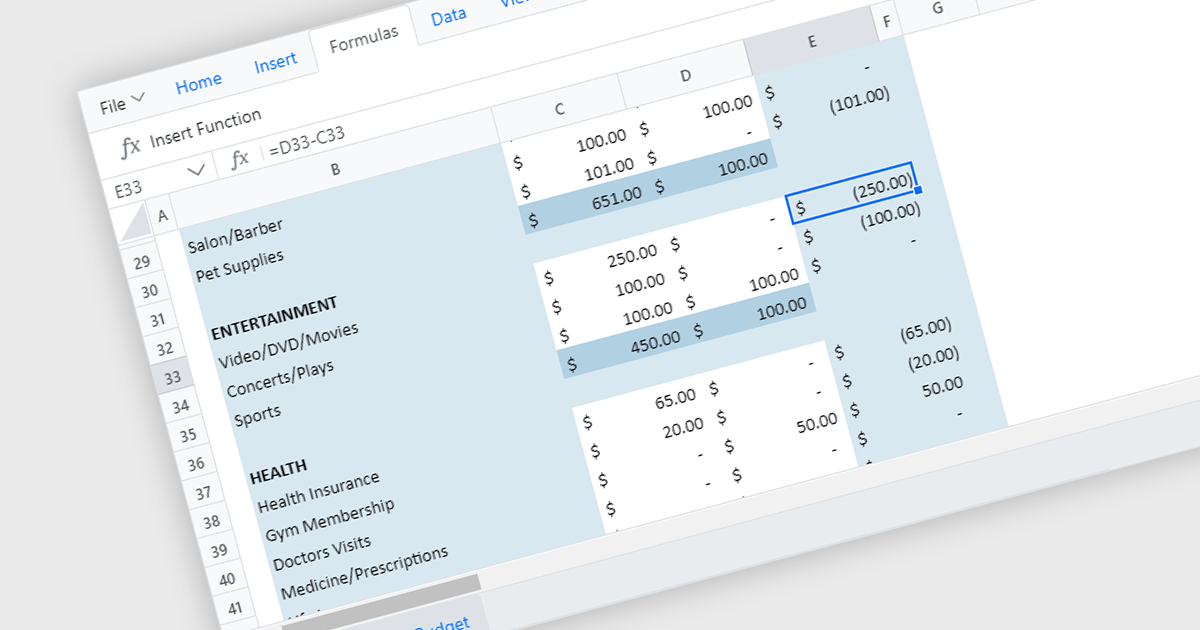
React spreadsheet controls with formula and function capabilities bring the power of spreadsheets to modern web applications. These components allow users to enter data, manipulate it using built-in formulas (like SUM or AVERAGE) or custom functions, and see the results dynamically update within the web interface. This empowers developers to create interactive data analysis tools, financial calculators, or even planning dashboards directly within their React applications.
Several React spreadsheet controls offer formula and function support including:
For an in-depth analysis of features and price, visit our React spreadsheet controls comparison.
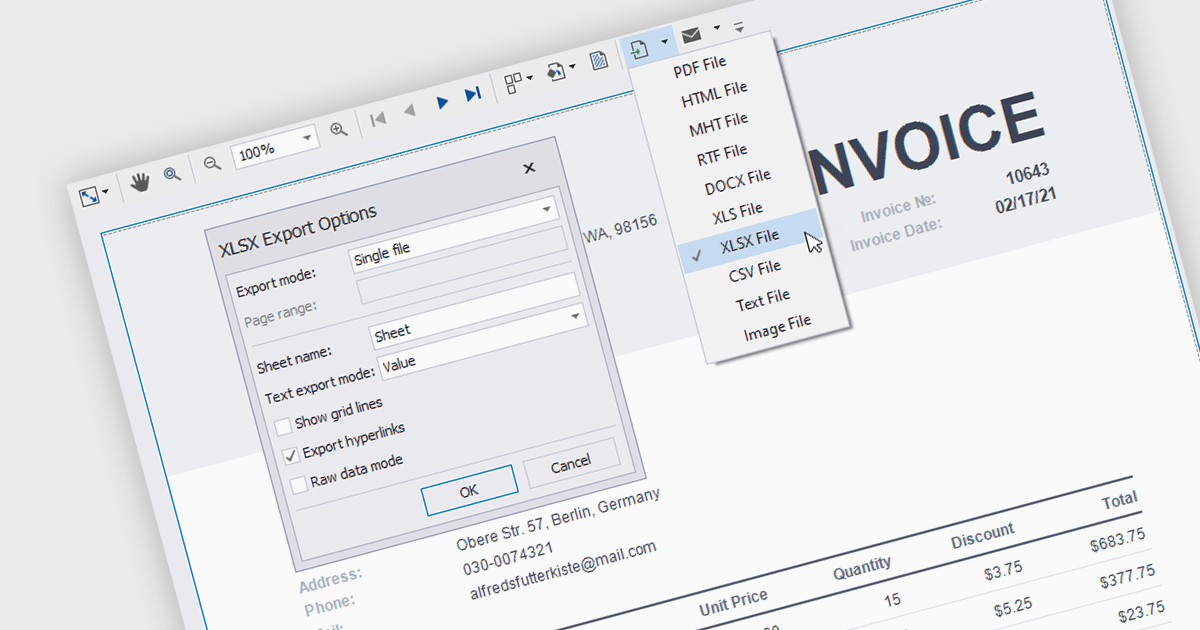
Reporting components with built-in XLS and XLSX export allow users to seamlessly generate Excel files directly from Angular web applications. This functionality empowers users to easily share and analyze report data in their preferred spreadsheet software, enhancing data accessibility and promoting informed decision-making. These components are particularly valuable for generating financial reports, sales data summaries, and other analytical exports.
Several Angular reporting components allow you to export reports to XLS or XLSX format:
For an in-depth analysis of features and price, visit our comparison of Angular reporting components.
联系电话: (888) 850 9911
传真: +1 770 250 6199


