













官方供应商
我们作为官方授权经销商,直接提供超过200家开发厂家所发行超过1000个的产品授权给您。
查看我们的所有品牌。
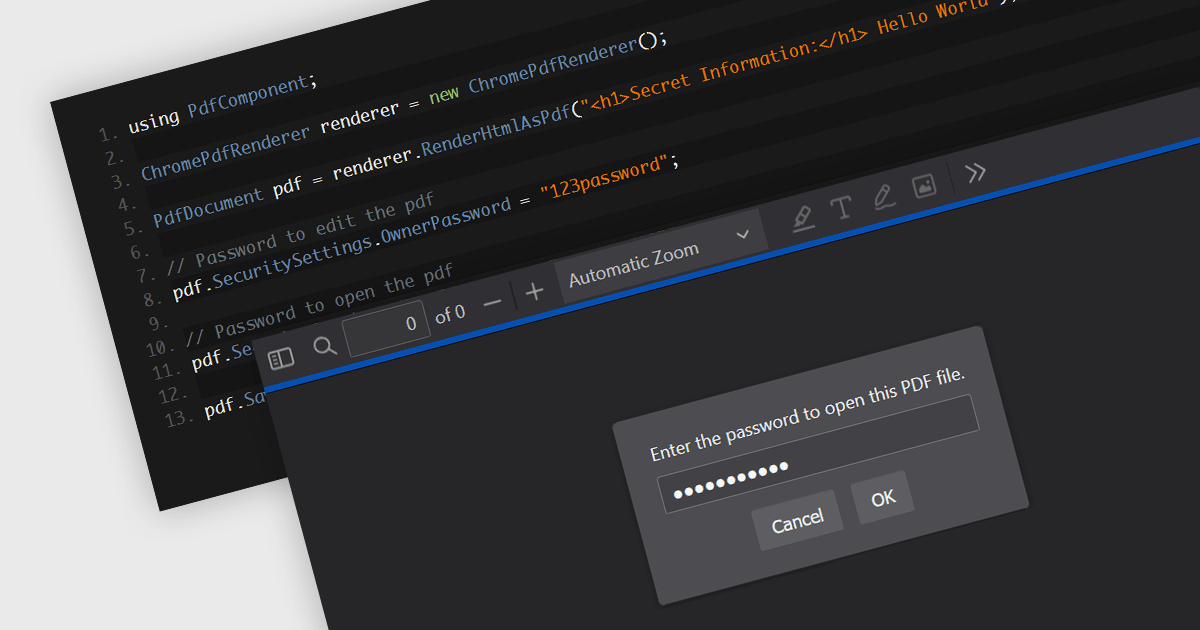
Password protection in a PDF component is a security feature enabling the encryption of PDF documents to restrict unauthorized access. Crucial for applications where sensitive data is handled, setting passwords ensures that only authorized individuals can view or make changes to the document, thereby protecting confidential information from unauthorized access and data breaches. This functionality safeguards sensitive information by controlling who can view, modify, print, or copy the document's content, providing an essential layer of protection for confidential data and increasing the trustworthiness of the application that holds it.
Several Windows Presentation Foundation (WPF) PDF components allow you to add password protection to PDF files, including:
For an in-depth analysis of features and price, visit our comparison of WPF PDF components.
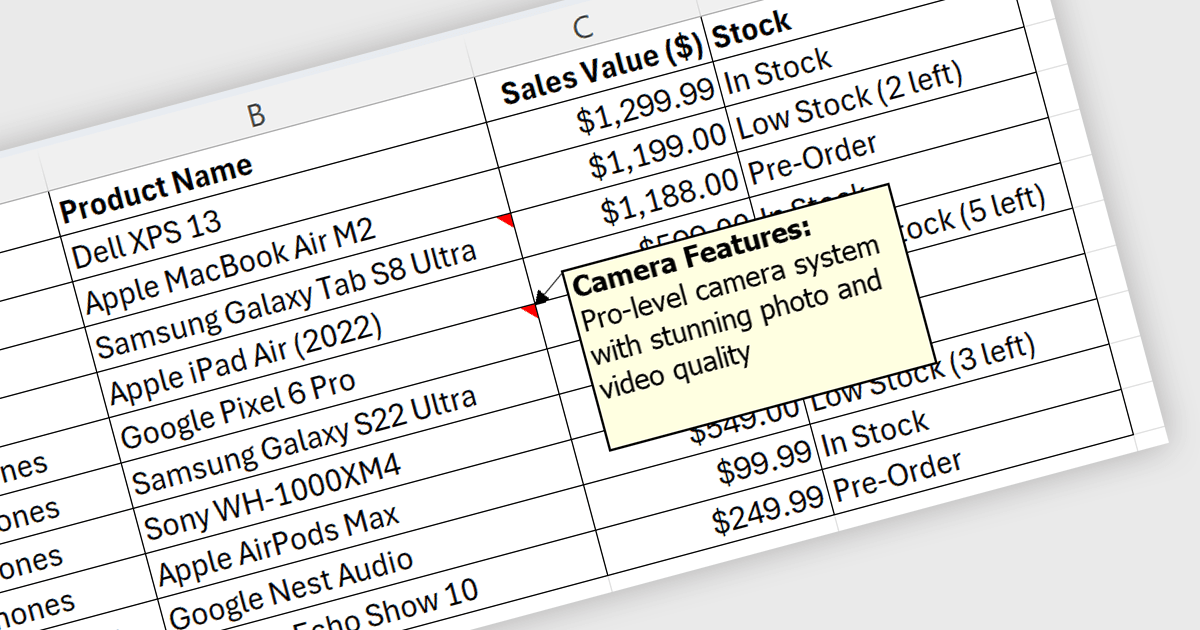
Spreadsheet cell comments/tooltips, provide a way to display additional information on hover over a specific cell. This enhances the user experience by offering context beyond the cell's main value. Common use cases include displaying formulas used for calculations, extended data not suitable for the main view, or data validation rules. They improve spreadsheet clarity and reduce the need for separate documentation or cluttered cell content.
Several .NET WPF Spreadsheet controls offer cell comments/tooltips including:
For an in-depth analysis of features and price, visit our WPF Spreadsheet controls comparison.
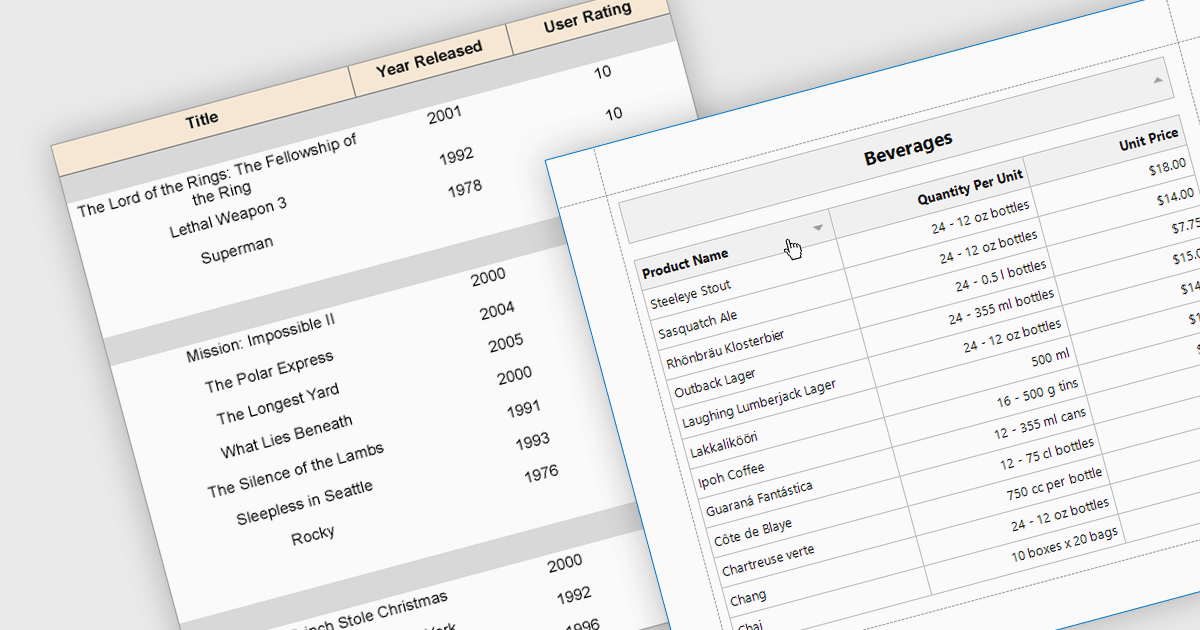
Effective reporting components benefit greatly from robust sorting functionality. This allows users to quickly organize data by any relevant column, facilitating identification of trends, outliers, and specific values. Sorting is particularly valuable for large datasets, enabling users to prioritize high-value information and tailor reports to their specific needs. This improves data exploration efficiency and user satisfaction within the reporting tool.
Several WPF reporting components support data sorting, including:
For an in-depth analysis of features and price, visit our WPF reporting components comparison.
Syncfusion Essential Studio WPF, available as part of Syncfusion Essential Studio Enterprise, is a powerful suite of over 95 UI controls, 50+ charts, and document processing libraries designed to boost the development of high-performance line-of-business applications for the Windows Presentation Foundation (WPF) framework. With built-in themes, touch-friendly interfaces, and seamless Visual Studio integration, it empowers developers to craft modern, feature-rich, and cross-platform experiences with ease.
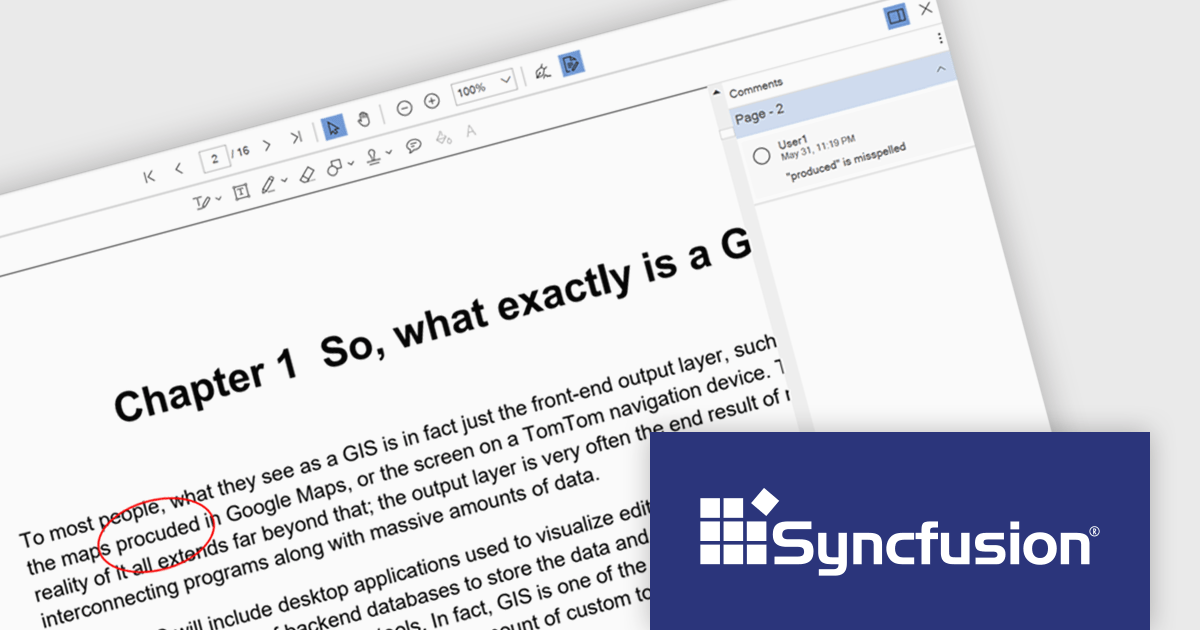
The Syncfusion Essential Studio WPF 2024 Volume 2 (26.1.35) release enhances the PDF Viewer by allowing users to add, edit, and delete comments on annotations within PDF documents. Users can reply to comments and set their status through the comment panel, facilitating dynamic and interactive document review. By enabling replies and status tracking, reviewers can have threaded discussions and ensure all feedback is addressed, improving the overall efficiency and clarity of the review process.
To see a full list of what's new in 2024 Volume 2 (26.1.35), see our release notes.
Syncfusion Essential Studio WPF is available as part of Syncfusion Essential Studio Enterprise which is licensed per developer starting with a Team License of up to five developers. It is available as a 12 Month Timed Subscription License which includes support and maintenance. See our Syncfusion Essential Studio Enterprise licensing page for full details.
Learn more on our Syncfusion Essential Studio WPF product page.
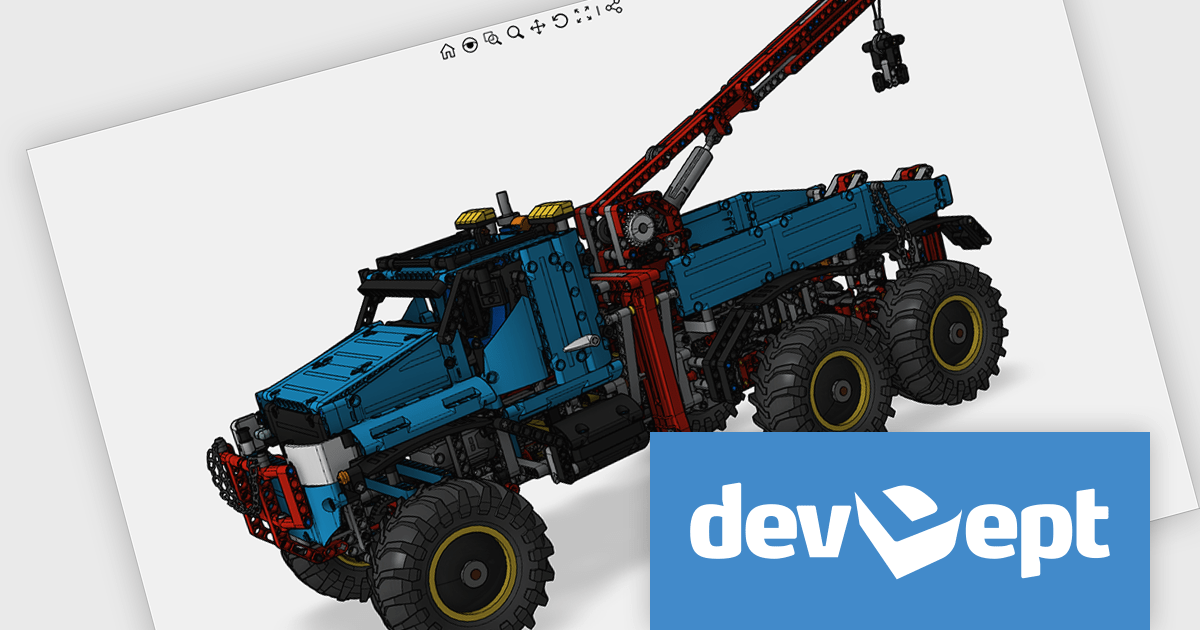
Eyeshot by devDept Software empowers you to integrate robust CAD functionalities into your .NET applications. Supporting both Windows Forms and WPF natively, it offers a comprehensive suite of tools accessible through the Visual Studio toolbox. These include Design for 2D/3D geometry creation and editing, Drawing for automatic 2D view generation, Simulation for geometry validation, and Manufacture for CNC toolpath generation and simulation.
The Eyeshot 2024.2 release introduces a valuable new feature: the ScaleBar UI element. This on-screen tool acts as a visual ruler within your modelling environment, providing a quick and easy way to estimate the size of your 3D geometry directly in the viewport. Especially useful in the early design stages, the ScaleBar eliminates guesswork and ensures your model aligns with real-world dimensions. This streamlines your workflow by allowing you to design with confidence, knowing the true size of your objects at a glance.
To see a full list of what's new in version 2024.2, see our release notes.
Eyeshot is licensed per developer and is available as an annual license, with either Lite or Priority support. See our licensing pages for Eyeshot Pro, Eyeshot Ultimate, and Eyeshot Fem for full details.
Eyeshot is available to buy in the following products:
联系电话: (888) 850 9911
传真: +1 770 250 6199


